


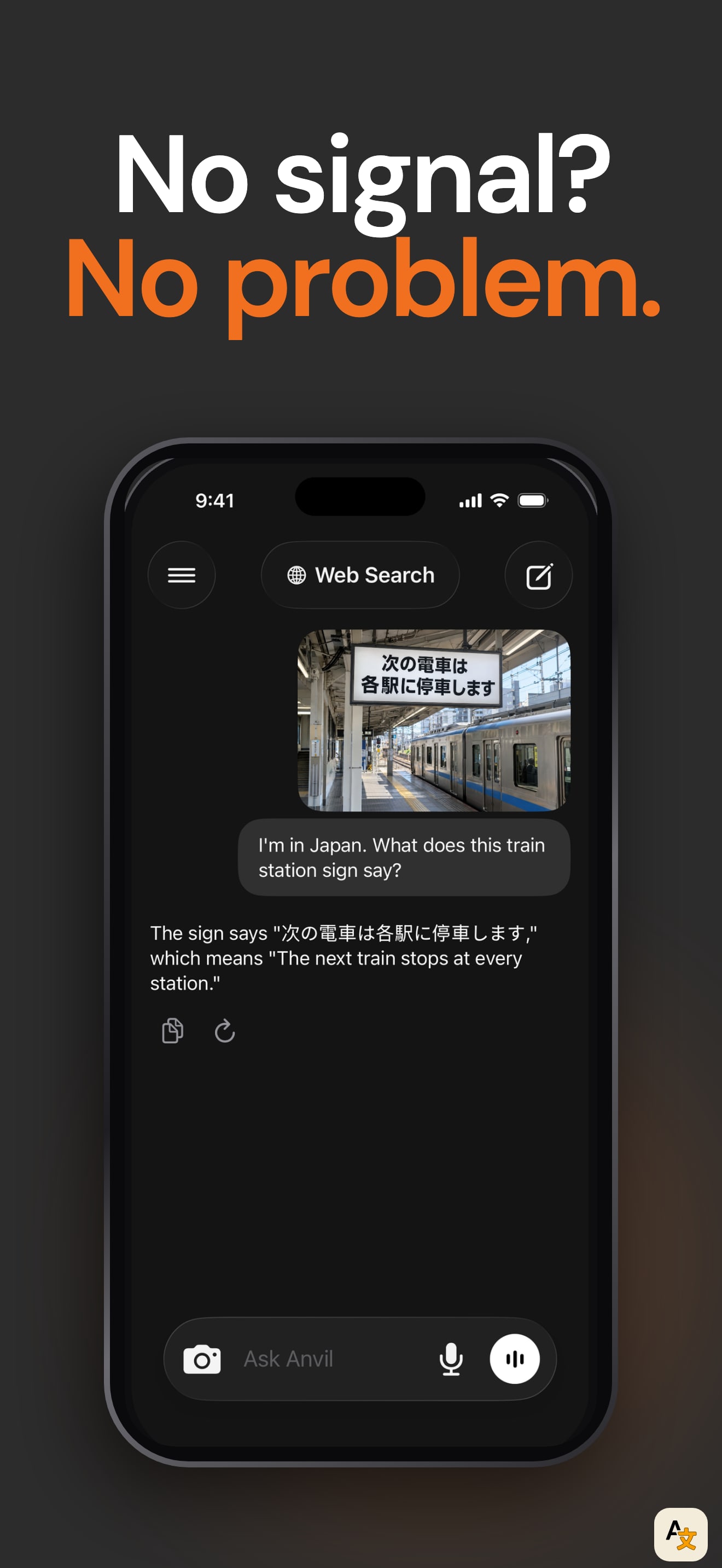
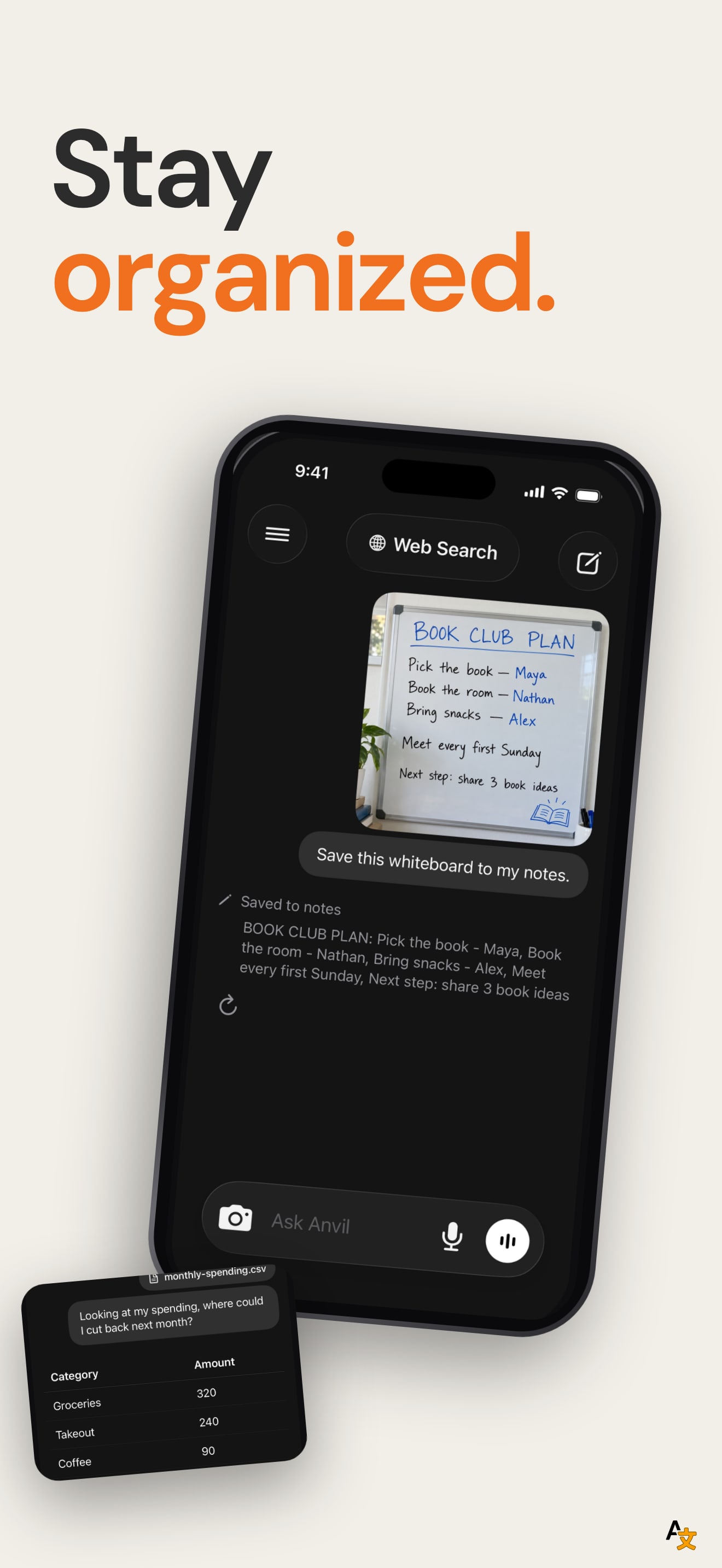
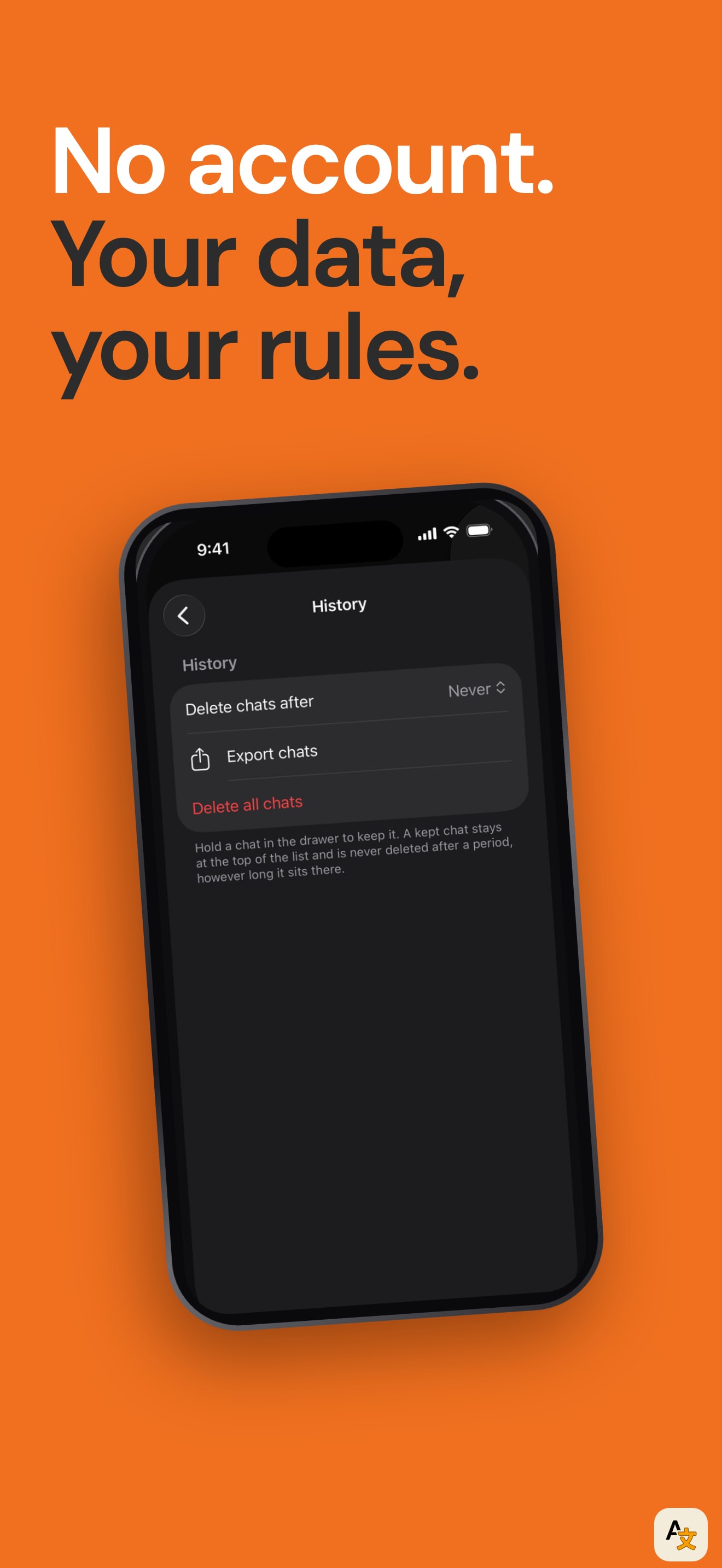
The set tells one story in seven frames: the assistant lives on the phone, so it works without signal, chats privately, creates images, saves to notes and keeps no account. The first headline runs on three lines, "Your personal AI that lives on your phone", and every later frame has a short headline over a phone on a dark charcoal ground, with small pills such as "Stays on Your iPhone" and "Zero Tracking" that name the proof.
The strongest frames show real use: a street sign photo translated from Japanese, a spending table with a savings answer and a whiteboard photo saved to notes. They match the listing's own description of translating a sign, pulling points from a PDF and saving notes. The weakest are frames two and five, which use the same chat layout with the same header, and frame six, where the History screen is nearly empty, so "No account. Your data, your rules." is a headline over a screen that shows little.
The last frame changes tone: a phone with two tilted copies behind it and a pile of icon tiles and seasonal Halloween stickers. It breaks the system of the other six and the stickers will look dated after the season.
On localization, we compared the first screenshot across the US, DE, JP, ES, FR, IT, PT, TR and SA storefronts. It is the same file in all nine, while the listing declares twelve languages including German, Japanese, Spanish and Korean. That is the largest open gap in the set.
The one fix that matters: localize the first frame for German, Japanese and Spanish, where the app already has a listing language.