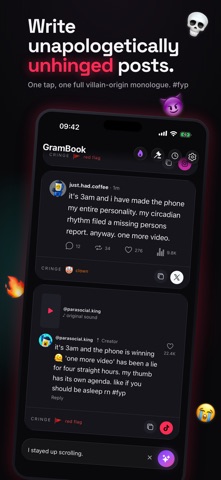
The first frame does its main job well: a bold, on-brand headline tells you what the app is for in one read, and the dark theme fits the chaotic humor. The device shows real output, so a shopper sees what they get. The gap is localization. GramBook itself ships in seven languages, yet the screenshots are English in every storefront we checked, from Germany to Japan. A German shopper opens a German app and lands on an English store page, which undercuts the "made for you" signal exactly where it counts. Translating the captions per market would close that.

GramBook: Witty AI Captions
by Hmujo LLC
Turn one plain thought into ten unhinged captions.
Try this on your own screenshots. Open the editor →

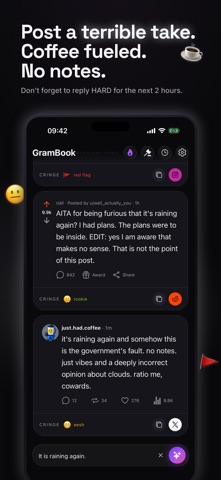

What this set could look like with ShotLingo
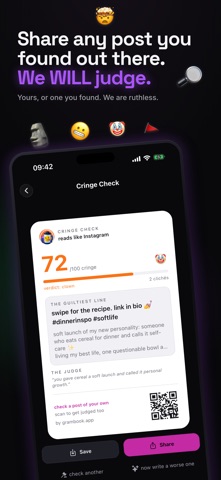
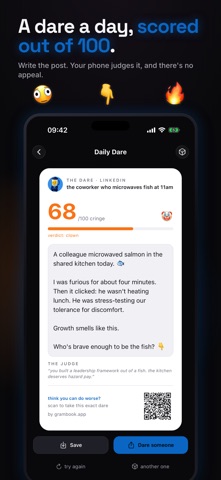
Same screens from GramBook: Witty AI Captions's App Store listing, headlines in words from the listing, each page designed for the app. Made by ShotLingo as an example, not by Hmujo LLC.
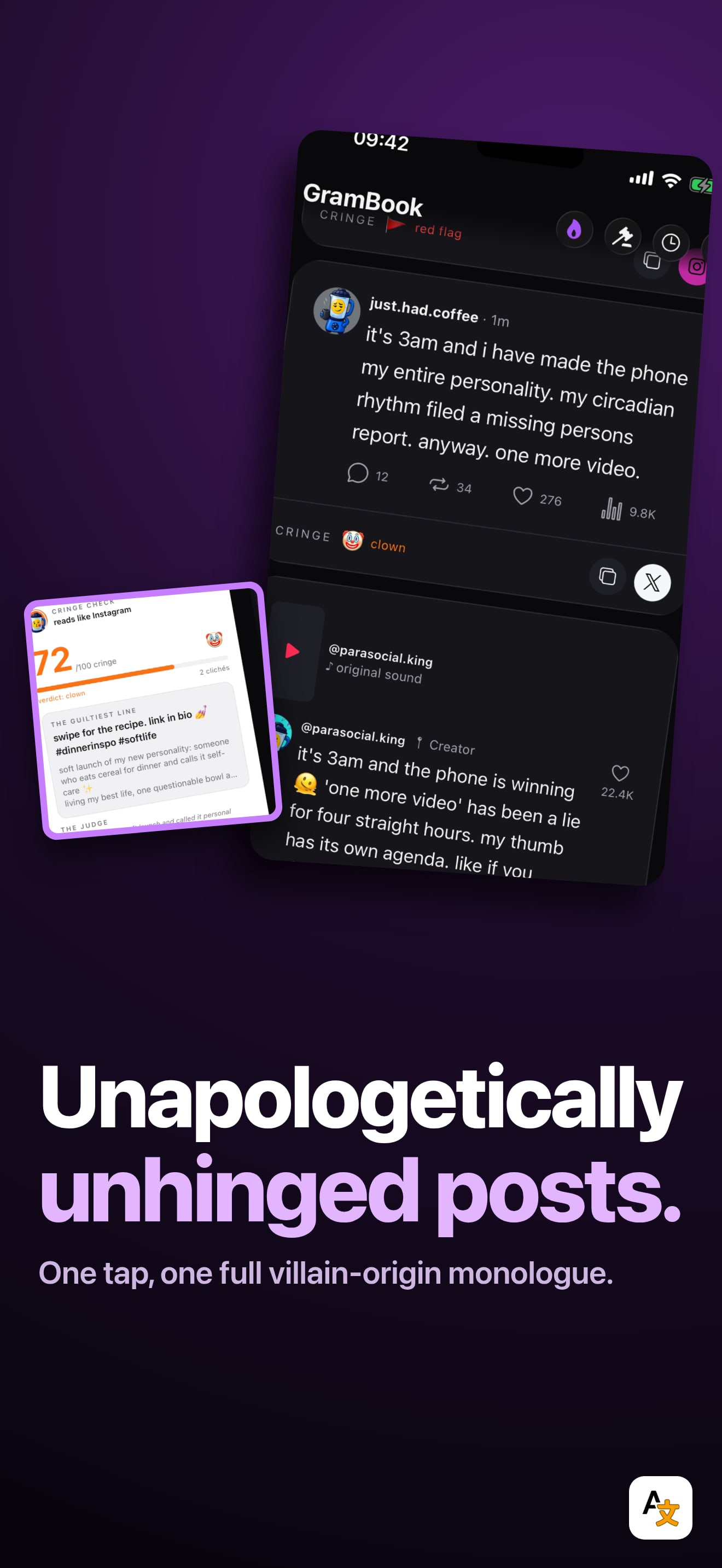
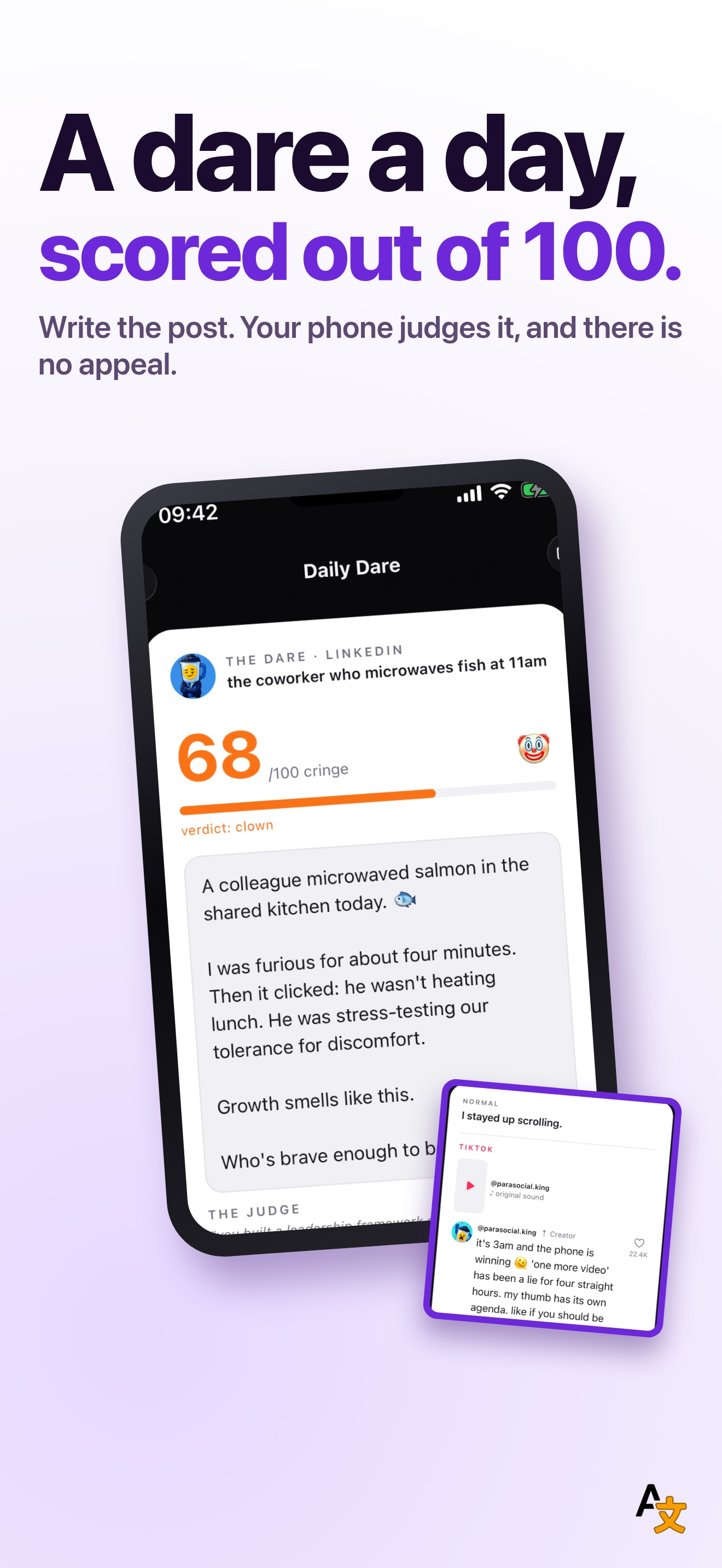
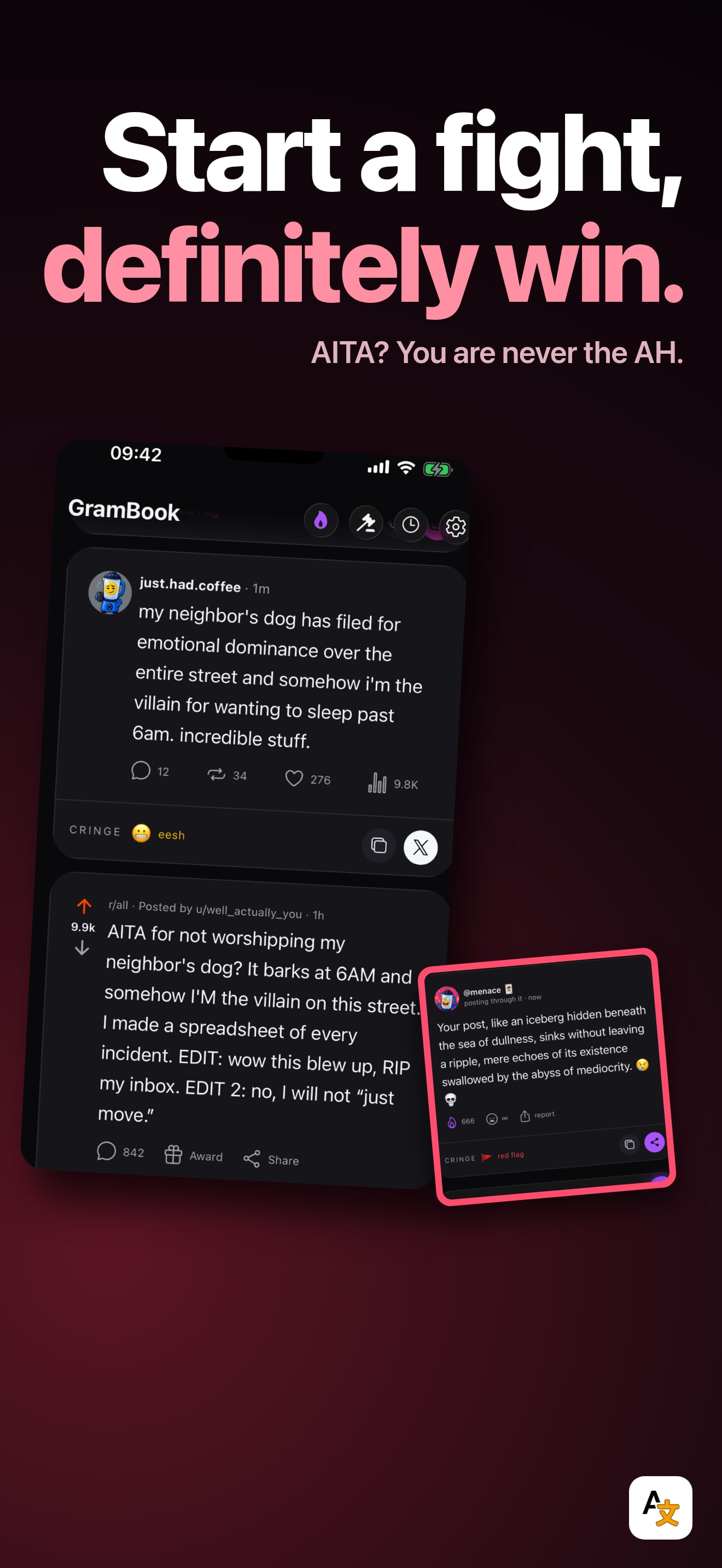
The editor opens with these screens and this look already in; sign in there to translate and export. The English download carries the ShotLingo logo.
Put this badge on your own site. It is optional, and apps with the badge go first in the publishing queue.


One snippet that follows the reader's system theme. Paste it anywhere in your page.
<a href="https://shotlingo.com/apps-of-the-week/grambook-witty-ai-captions/" target="_blank" rel="noopener">
  <picture>
    <source srcset="https://shotlingo.com/badges/featured-on-shotlingo-light.svg" media="(prefers-color-scheme: light)" />
    <img src="https://shotlingo.com/badges/featured-on-shotlingo.svg"
         alt="Featured on Shotlingo: Apps of the Week"
         width="220" height="44" />
  </picture>
</a>
Want your app pulled apart next?
Send it in. We read everything and feature a few apps each week.
Submit your app