Orano AI: Organize Your Saves app icon

Orano AI: Organize Your Saves

by INFOTIK LTD

An app that turns the reels, videos and articles you save into summaries and action plans.

App Store ↗ Google Play ↗ Website ↗

Try this on your own screenshots. Open the editor →

Orano AI: Organize Your Saves App Store screenshot 1
Frame 1
Orano AI: Organize Your Saves App Store screenshot 2
Frame 2
Orano AI: Organize Your Saves App Store screenshot 3
Frame 3
Orano AI: Organize Your Saves App Store screenshot 4
Frame 4
Orano AI: Organize Your Saves App Store screenshot 5
Frame 5

What this set could look like with ShotLingo

Same screens from Orano AI: Organize Your Saves's App Store listing, headlines in words from the listing, each page designed for the app. Made by ShotLingo as an example, not by INFOTIK LTD.

On the App Store now
Orano AI: Organize Your Saves live App Store screenshot 1Orano AI: Organize Your Saves live App Store screenshot 2Orano AI: Organize Your Saves live App Store screenshot 3
Redesigned with ShotLingo
Orano AI: Organize Your Saves screenshot 1 redesigned with ShotLingoOrano AI: Organize Your Saves screenshot 2 redesigned with ShotLingoOrano AI: Organize Your Saves screenshot 3 redesigned with ShotLingo

The editor opens with these screens and this look already in; sign in there to translate and export. The English download carries the ShotLingo logo.

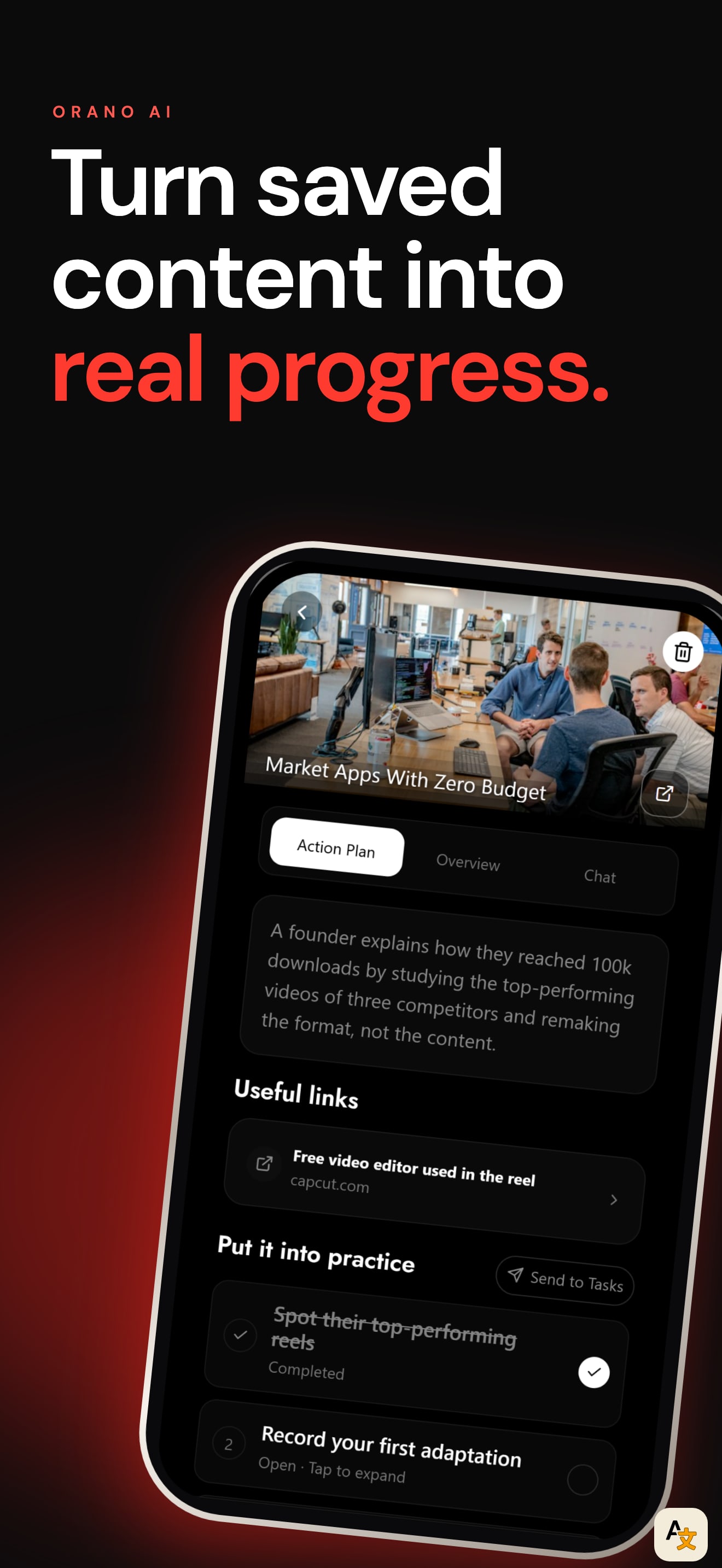
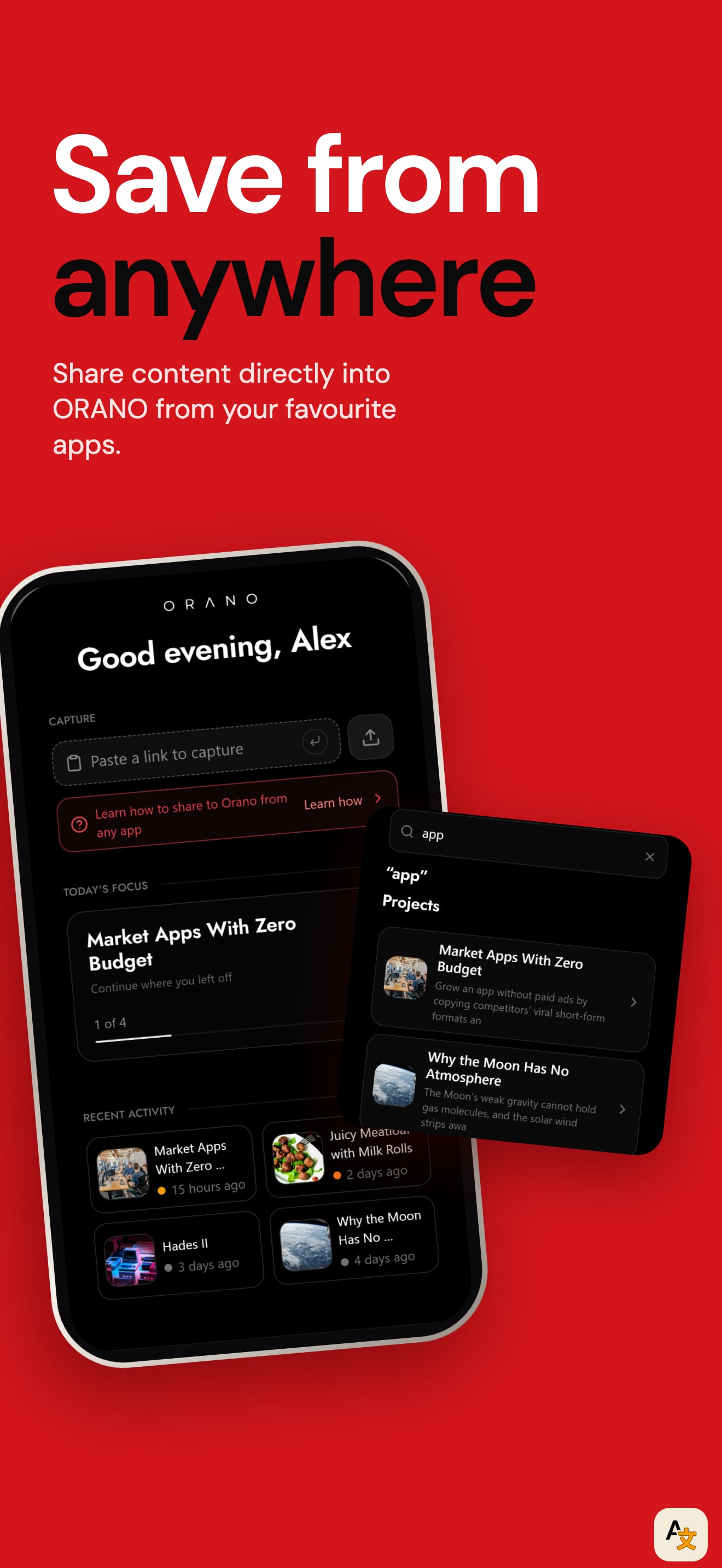
The first frame has the clearest promise of the three apps this week. "Finally do what you save" names the problem in five words: a near black ground, the first line in white and the second line in red. The next six frames keep to a one idea per frame rhythm ("Turn a video into a plan", "Get the point without rewatching", "Know what to do today", "Save from any app") and each headline sits in the same place above a phone.

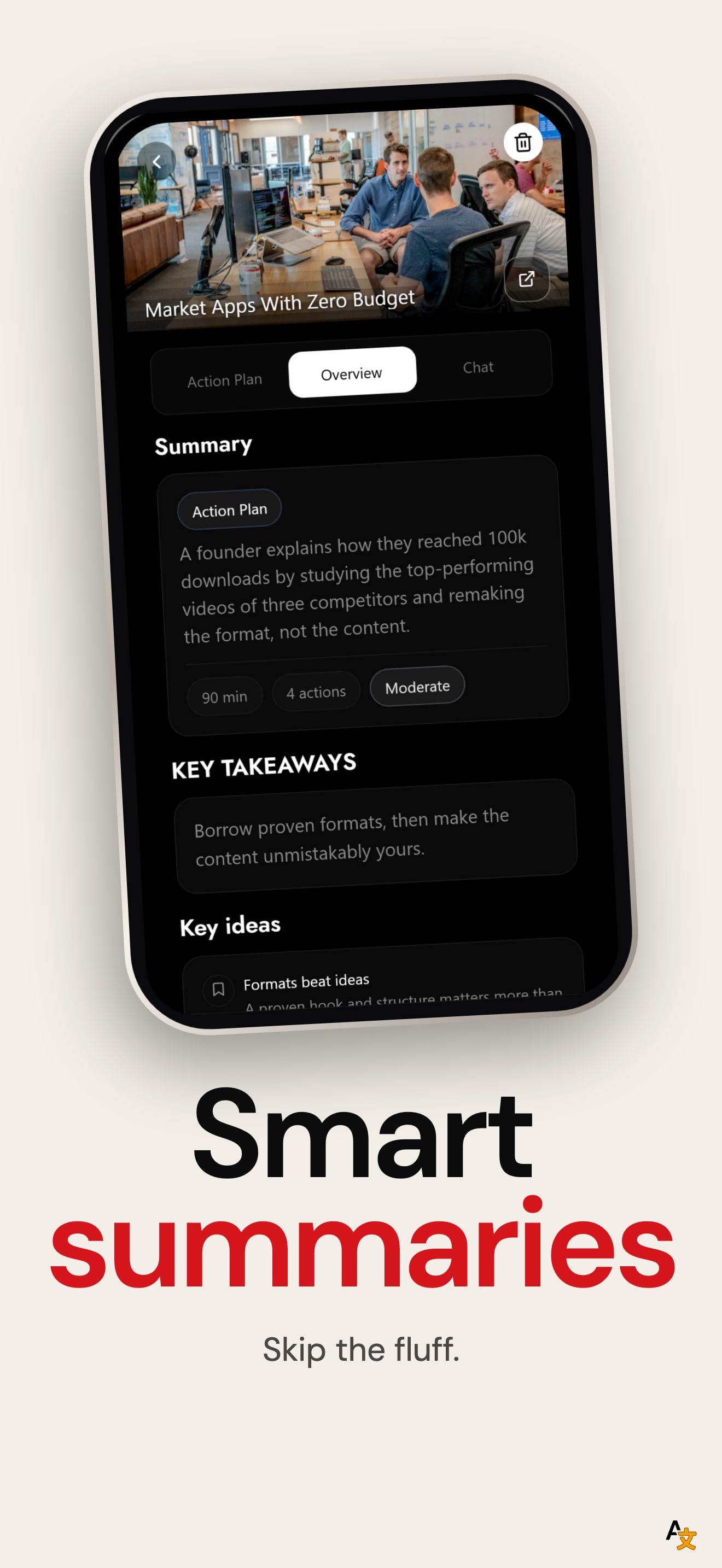
What holds it back is the screen content. The phones show dense, low contrast text, so at thumbnail size the screens read as texture. Frames two and three show almost the same Action Plan and Overview screen, and the first frame's phone sits lower and is cropped sooner than the rest, so the first frame shows the least of the product.

This is one of the better localized sets we checked. We compared the first screenshot across the US, DE, JP, ES, FR, IT, PT, TR and SA storefronts. German, Japanese, Spanish, French, Italian and Portuguese each get their own headline and a translated screen: the German frame reads "Setz endlich um, was du speicherst" with German text inside the phone. The Turkish and Saudi storefronts still show the English frame.

The one fix that matters: give the first frame the same phone size and position as frames two to seven, and swap the repeated frame three for the Save from any app flow, which is the app's main entry point.


Want your app pulled apart next?

Send it in. We read everything and feature a few apps each week.

Submit your app