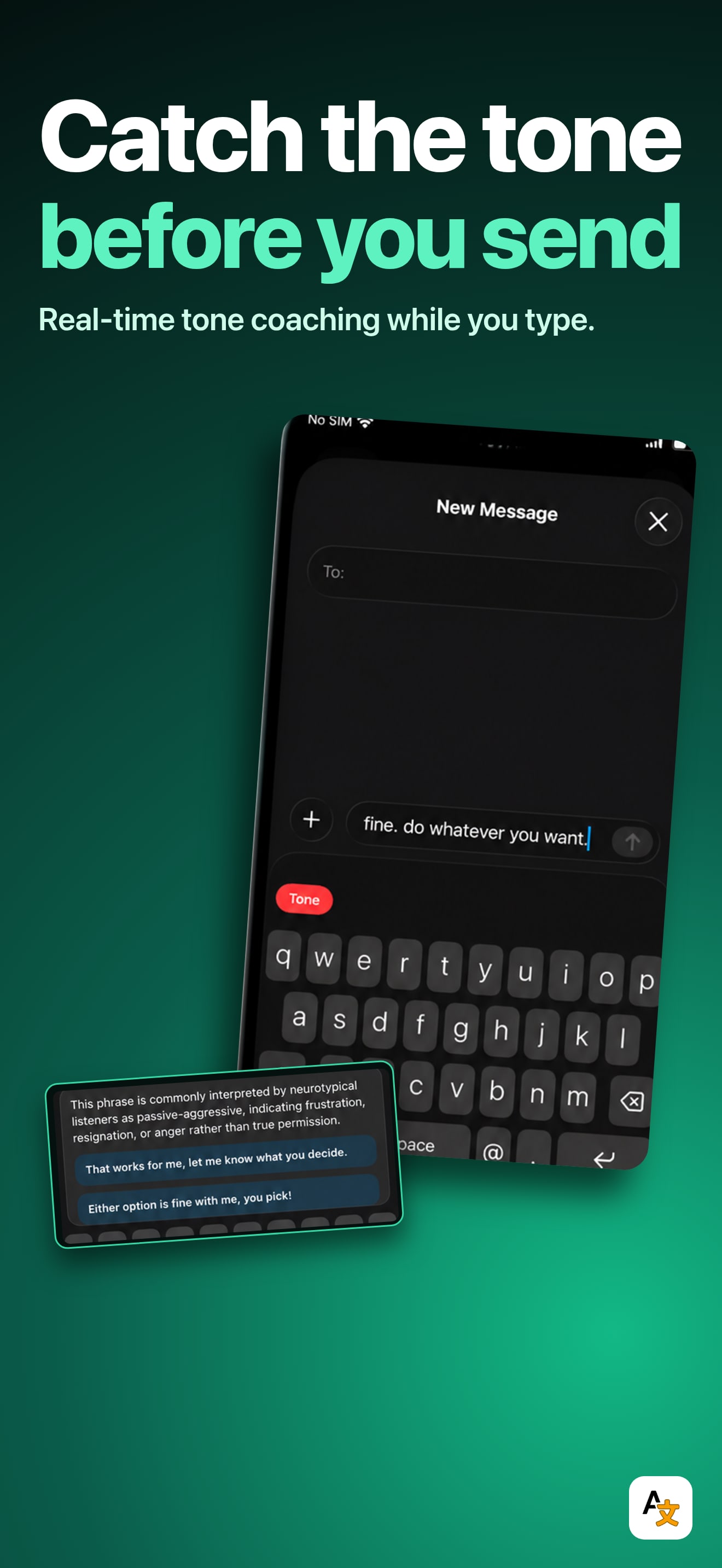
This is the strongest hook of the three. "Catch the tone before you hit send" states the benefit in the first read, and the example message, "fine. do whatever you want.", demonstrates the exact passive-aggressive moment the app is for. The neon treatment is high energy without hiding the UI. Two small notes. The status bar reads "No SIM", a simulator tell that a clean carrier and full signal would fix in seconds. And it is English-only, so the tone-coaching promise reaches only English shoppers today. Tone is exactly the kind of thing worth localizing, since what reads as blunt shifts by language.

Spectrum Sync Keyboard
by BROCK JAMES HALL
An AI keyboard that catches your tone before you hit send.
Try this on your own screenshots. Open the editor →


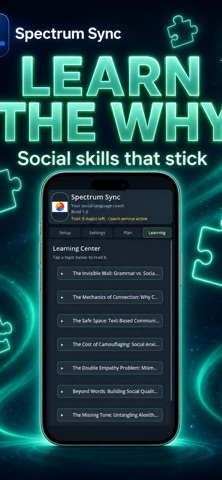

What this set could look like with ShotLingo
Same screens from Spectrum Sync Keyboard's App Store listing, headlines in words from the listing, each page designed for the app. Made by ShotLingo as an example, not by BROCK JAMES HALL.
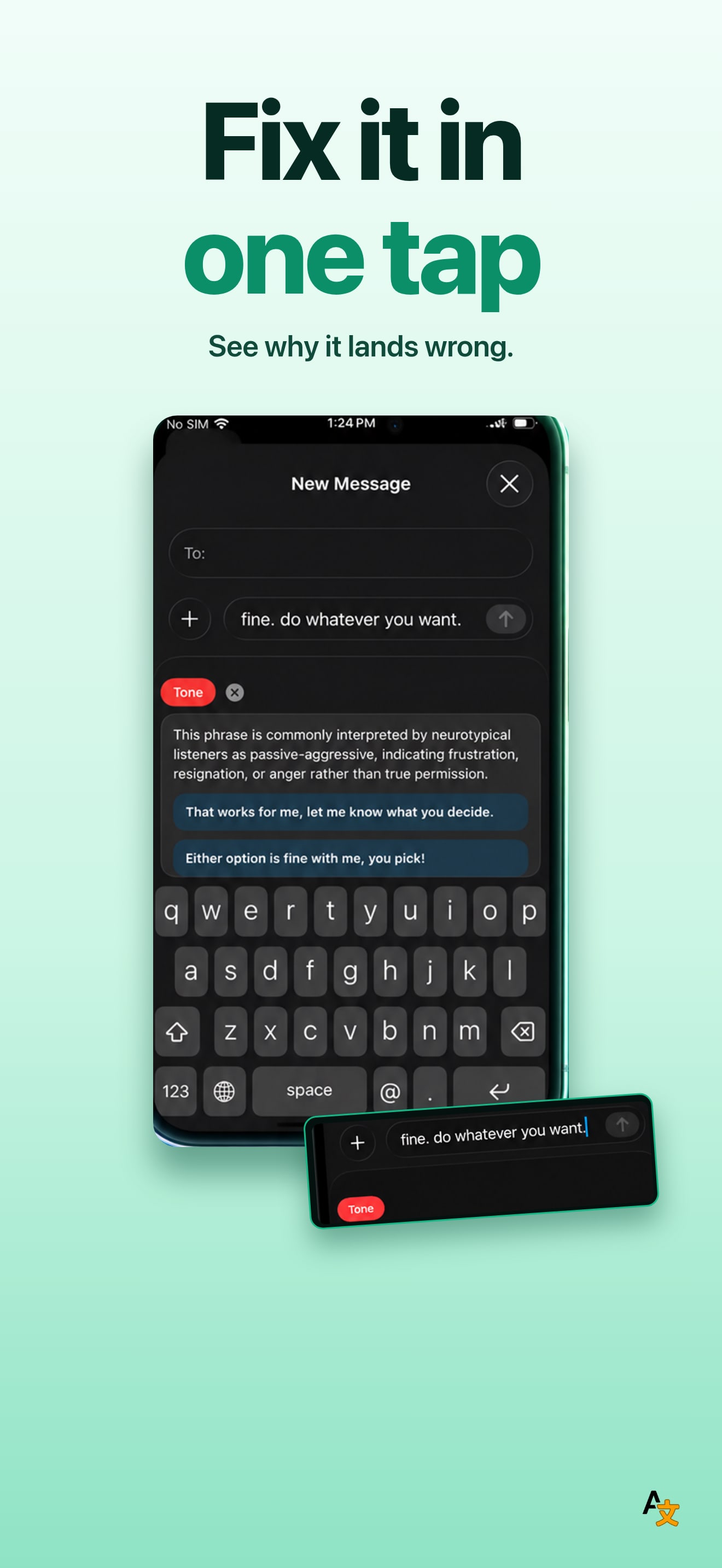
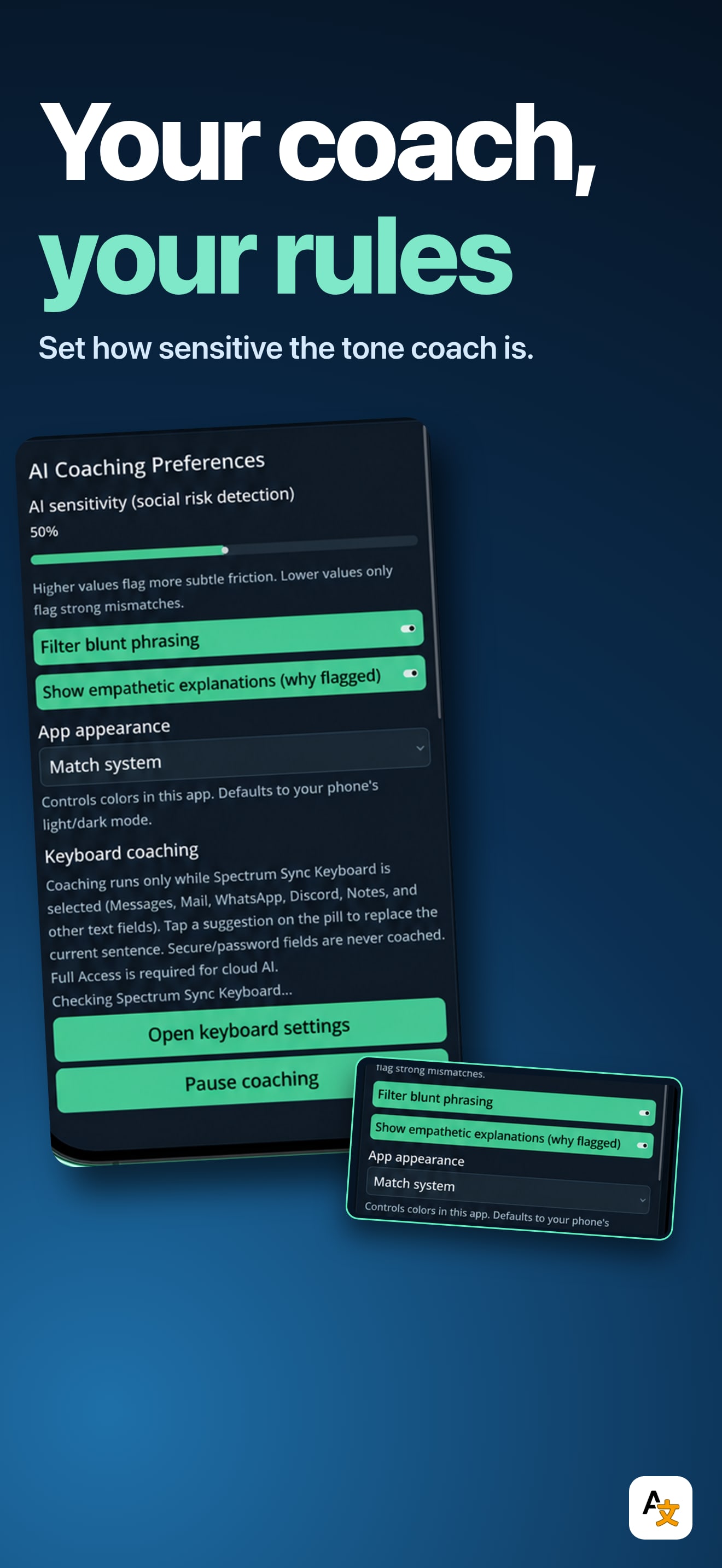
The editor opens with these screens and this look already in; sign in there to translate and export. The English download carries the ShotLingo logo.
Put this badge on your own site. It is optional, and apps with the badge go first in the publishing queue.

One snippet that follows the reader's system theme. Paste it anywhere in your page.
<a href="https://shotlingo.com/apps-of-the-week/spectrum-sync-keyboard/" target="_blank" rel="noopener">
  <picture>
    <source srcset="https://shotlingo.com/badges/featured-on-shotlingo-light.svg" media="(prefers-color-scheme: light)" />
    <img src="https://shotlingo.com/badges/featured-on-shotlingo.svg"
         alt="Featured on Shotlingo: Apps of the Week"
         width="220" height="44" />
  </picture>
</a>
Want your app pulled apart next?
Send it in. We read everything and feature a few apps each week.
Submit your app