
Vidmoat leads well. "Edit like you have a team" is a benefit headline you get in one read, and the subtitle names the jobs: cut, caption, colour grade. The device frame shows the actual editor with the AI input at the bottom, so the differentiator, an AI agent you talk to in plain words, is visible rather than just claimed. Two notes. The demo clip caption ("MEN AFTER 40. IT'S NOT") is a random one for a first impression; a clip showing an obvious edit win would sell the AI harder. And the app is English-only, so every non-English store sees this English frame. Short-form video travels across languages fast, so localized screenshots are a cheap way to reach markets already watching.

Vidmoat: AI Video Editor
by Buzz Innovations Ltd.
A real mobile video editor with an AI agent you talk to in plain words.
Try this on your own screenshots. Open the editor →
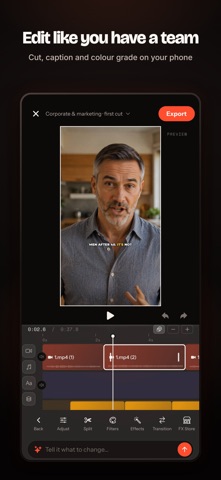
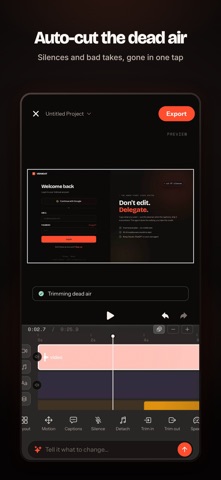
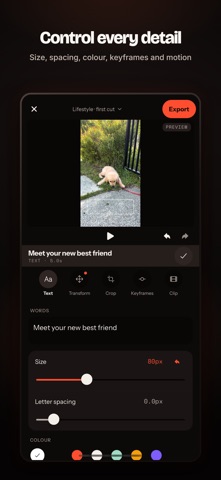


What this set could look like with ShotLingo
Same screens from Vidmoat: AI Video Editor's App Store listing, headlines in words from the listing, each page designed for the app. Made by ShotLingo as an example, not by Buzz Innovations Ltd..
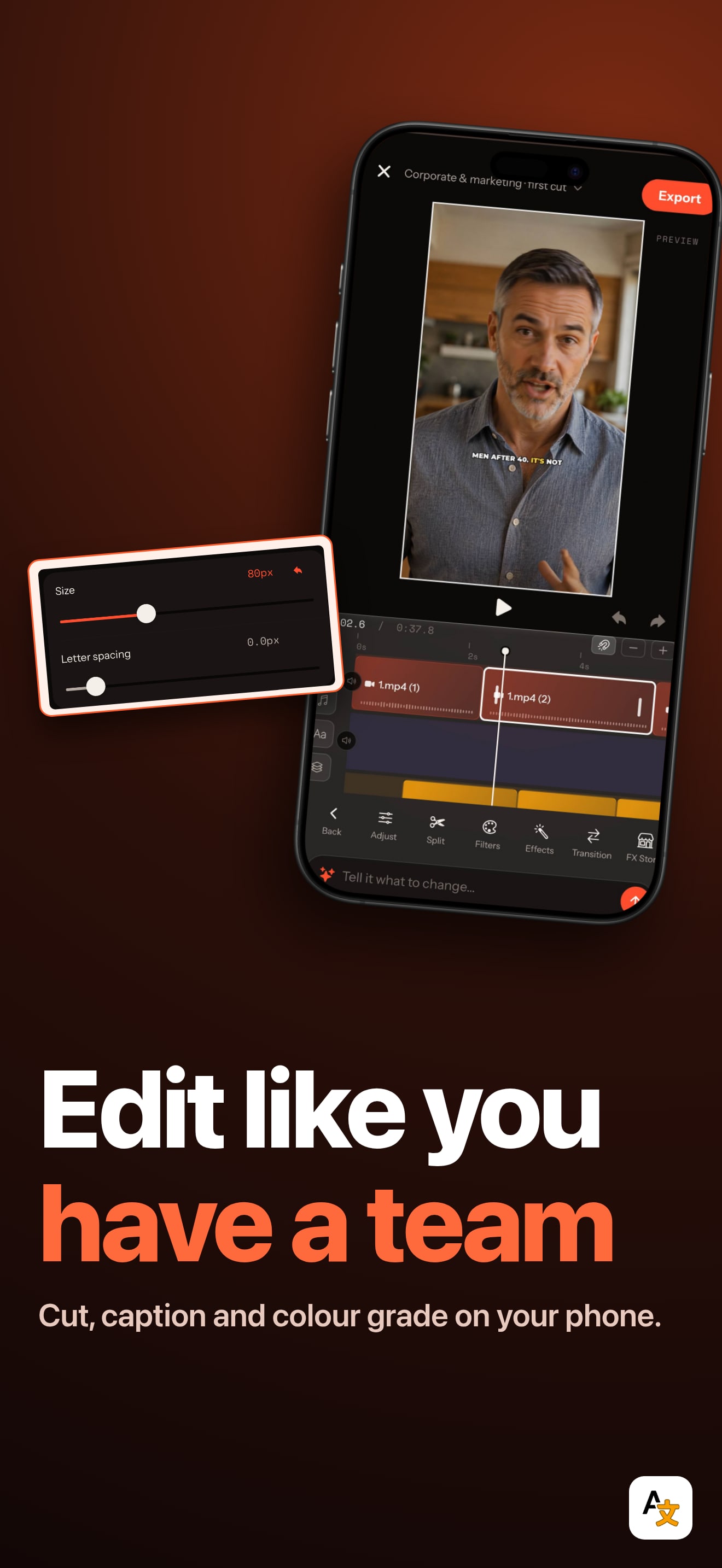
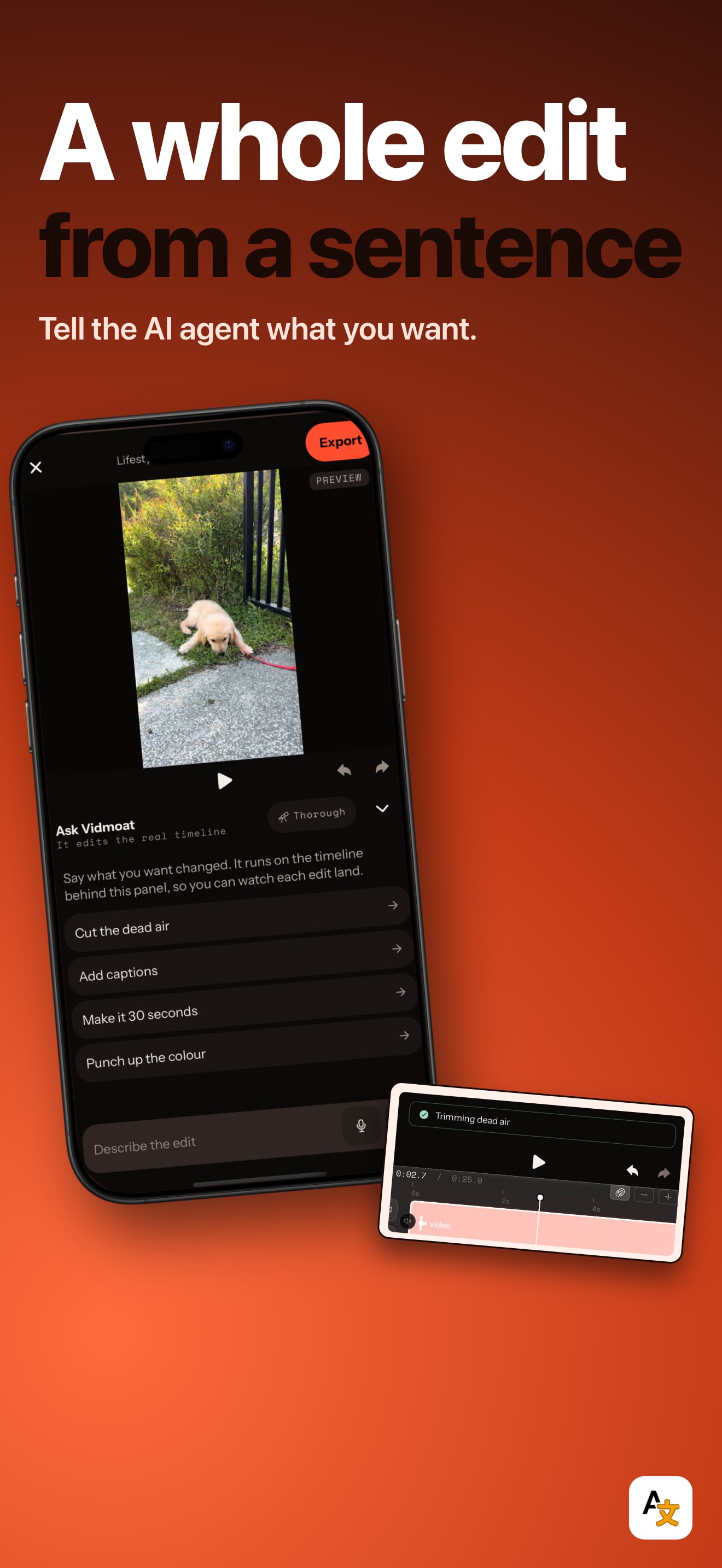
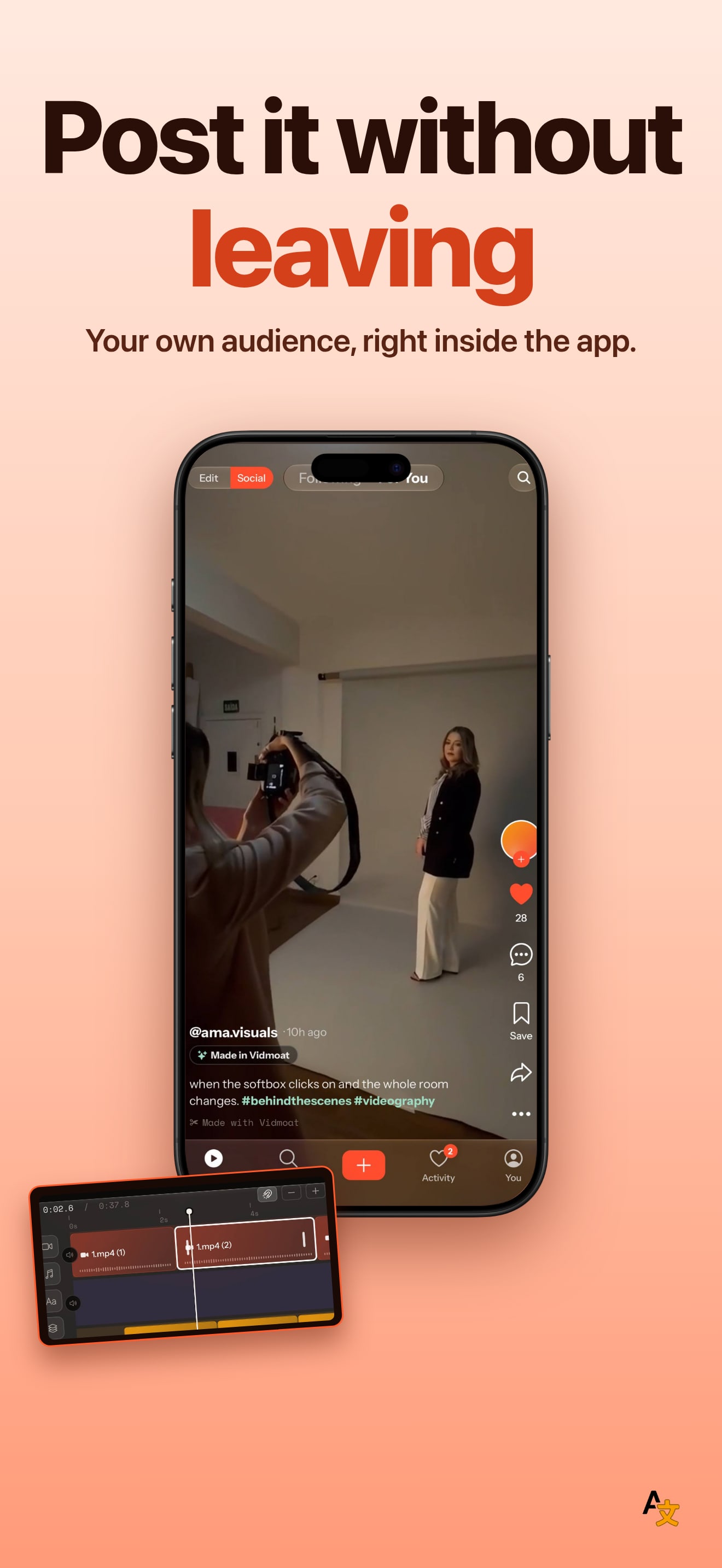
The editor opens with these screens and this look already in; sign in there to translate and export. The English download carries the ShotLingo logo.
Put this badge on your own site. It is optional, and apps with the badge go first in the publishing queue.


One snippet that follows the reader's system theme. Paste it anywhere in your page.
<a href="https://shotlingo.com/apps-of-the-week/vidmoat-ai-video-editor/" target="_blank" rel="noopener">
  <picture>
    <source srcset="https://shotlingo.com/badges/featured-on-shotlingo-light.svg" media="(prefers-color-scheme: light)" />
    <img src="https://shotlingo.com/badges/featured-on-shotlingo.svg"
         alt="Featured on Shotlingo: Apps of the Week"
         width="220" height="44" />
  </picture>
</a>
Want your app pulled apart next?
Send it in. We read everything and feature a few apps each week.
Submit your app