


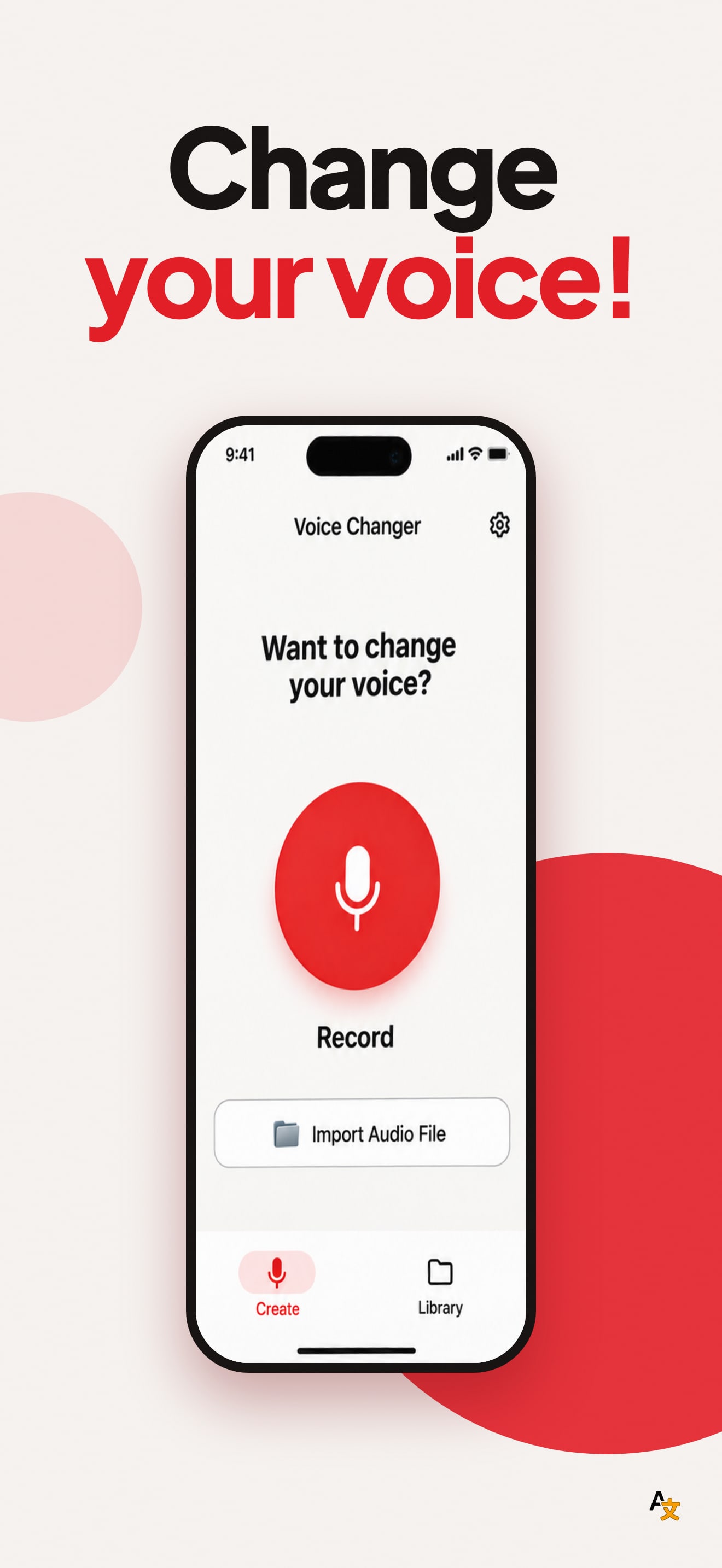
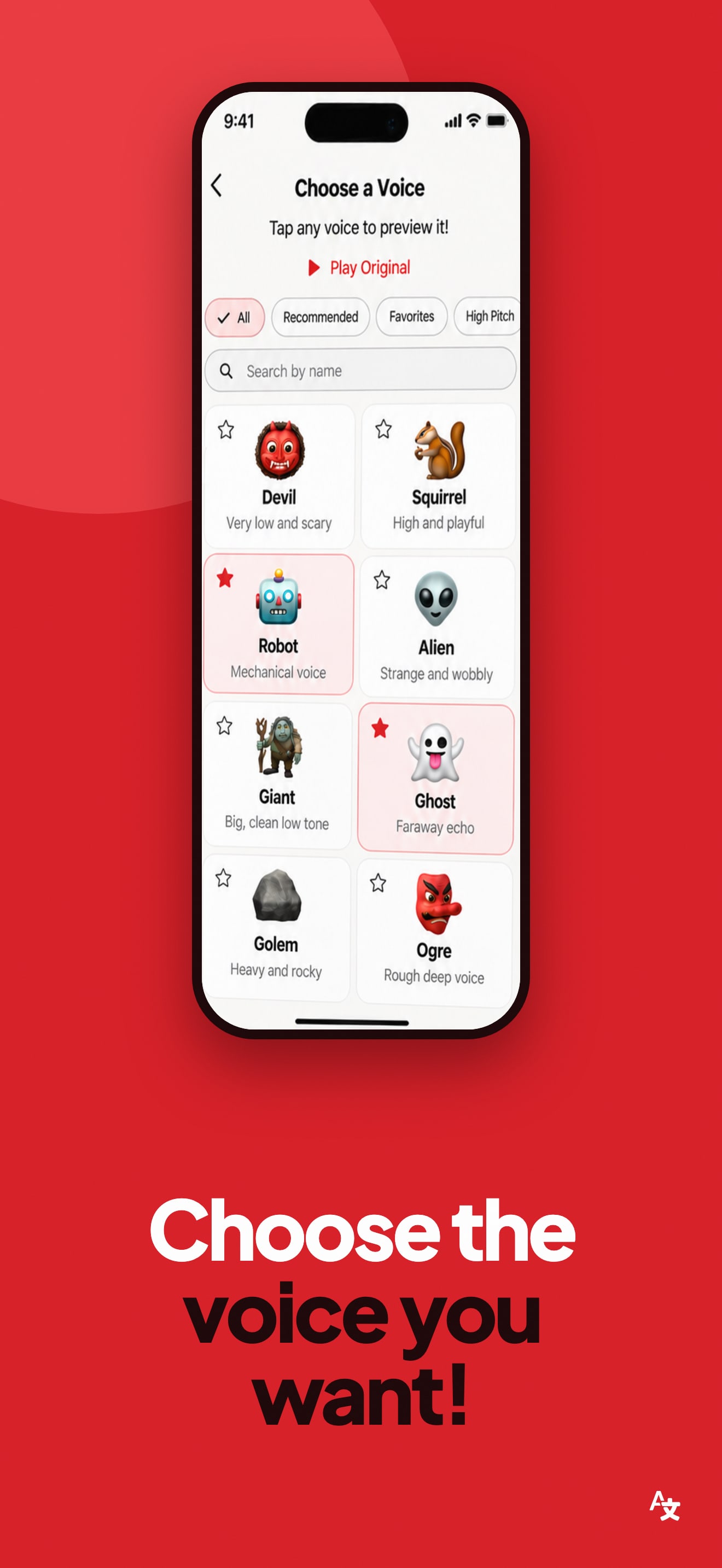
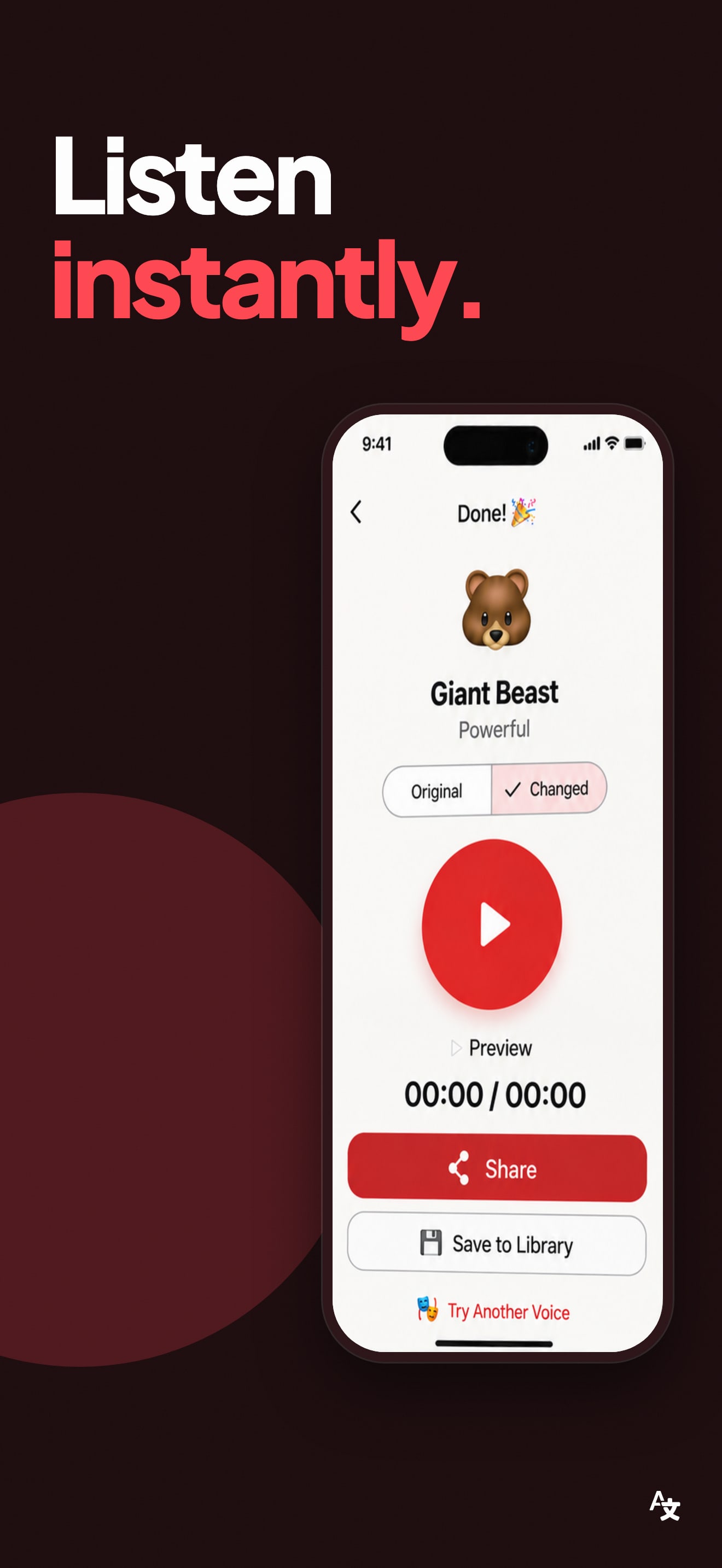
The first frame leaves no doubt about what the app does. "Change Your Voice!" is the largest thing on it, with "Your Voice!" in red, and the phone below shows the Record screen with one big Record button, so a shopper knows this is a voice changer before reading anything else. The mascots, a robot, a bear and a ghost, set a playful tone that fits an app for fun clips.
The trouble is how much else shares the frame. Besides the headline there is a three line subheading, three feature cards (One-Tap Recording, Import Audio Files, Easy to Use), a speech bubble and a handwritten note: we counted more than 40 words of text around the phone. At search result size only the headline survives, and a card like "Easy to Use" says what every app says. The other four frames repeat the same layout, a two part headline with mascots and cards around the phone, so the set reads as one long feature list rather than a few clear moments.
On localization, we compared the first screenshot across the US, DE, JP, ES, FR, IT, PT, TR and SA storefronts. It is the same English file in all nine. The listing declares eleven languages, among them German, Japanese, Spanish, French, Italian, Portuguese, Turkish and Arabic, so in eight of the nine storefronts we checked, a shopper whose language the app supports still meets an English screenshot.
The one fix that matters: translate the headline of the first frame for the languages the app already speaks, starting with those eight storefronts. The mascots and the phone need no change. Cutting the frame down to the headline and the Record screen would make each translation a smaller job and the thumbnail easier to read.