On November 4, 2026, Apple announced that retention messages for auto-renewable subscriptions are now available in App Store Connect. A retention message appears in the cancellation flow, when a subscriber has already decided to leave. This post covers what Apple published, the limits it lists, the image sizes it asks for, and what to prepare in each language you sell in. Every fact comes from Apple's own pages, linked in the Sources section.
What are App Store retention messages?
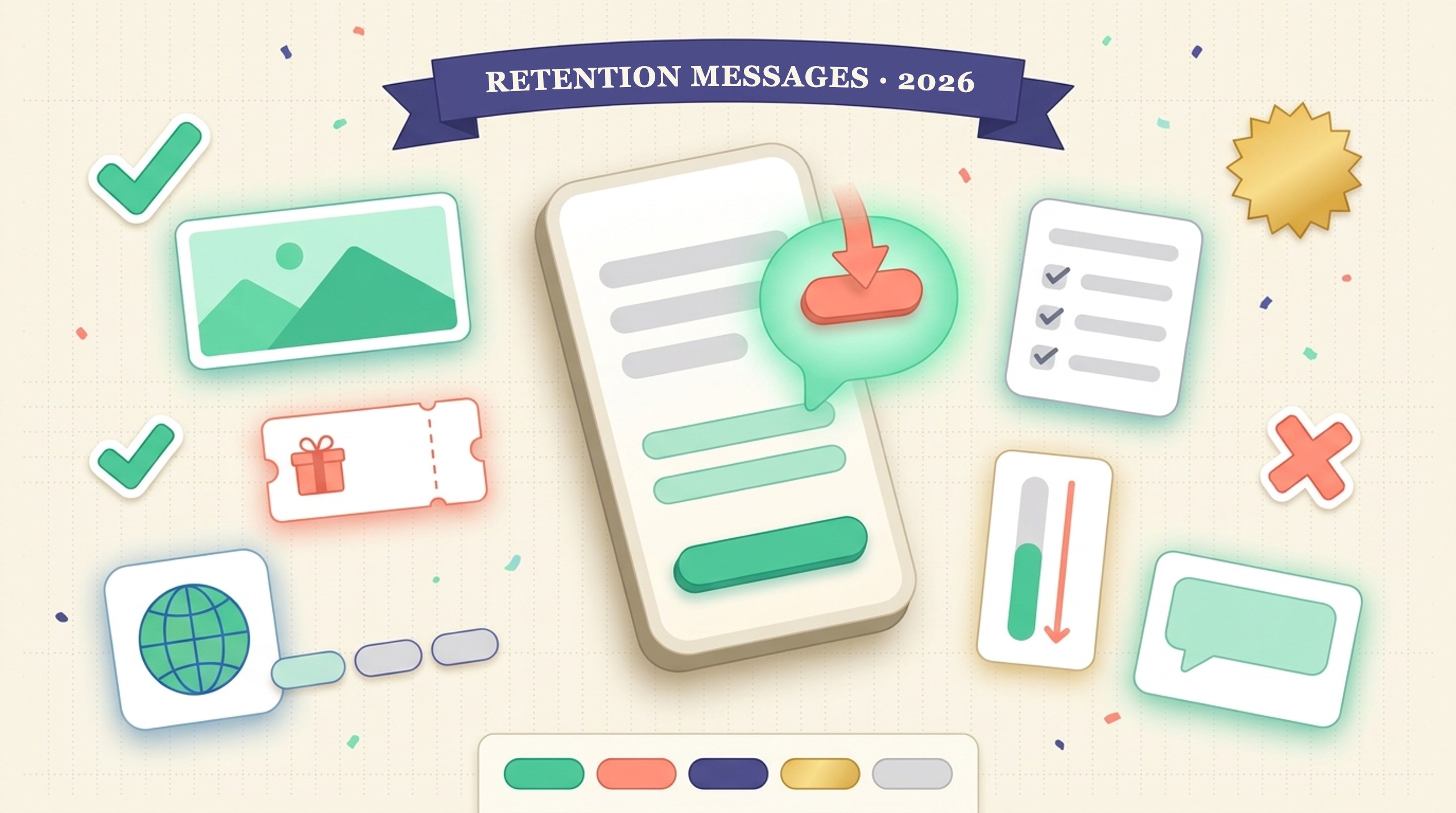
Apple's developer news post "Now available: Retention messages for subscriptions" (November 4, 2026) says retention messages remind subscribers of your subscription's value as they decide whether to cancel. They appear in the cancellation flow and can include text, images, or a special offer.
In App Store Connect you configure them for your auto-renewable subscriptions, including subscriber eligibility and the wait time between messages. Apple's Retention Messaging API lets you choose which message each subscriber sees based on their subscription details. Apple says API access is available by request.
What does a subscriber actually see?
Apple's help page "Configure retention messages" says a message has required text and two optional parts: an image and one or more retention offers. A cancelling subscriber sees exactly one of three layouts.
| Layout | Shown when | Needs |
|---|---|---|
| Text only | No image, no offer | Header and body |
| Text and image | No offer, or subscriber not eligible | An image |
| Text and offer | Subscriber is eligible for an offer | An associated offer |
An eligible subscriber sees the offer instead of your image. So the image is the fallback layer, and it still needs to look right.
Which limits does Apple list?
The numbers below are from the same help page. We list them as Apple states them and add nothing.
| Item | Limit | Note |
|---|---|---|
| Messages per app | Up to 10 | Delete one to add more. Deletion can't be undone. |
| Messages per subscription | One at a time | Picking a subscription moves it from its old message. |
| Subscriptions per message | Unlimited | One message can cover many subscriptions. |
| Offers per billing plan type | Up to 10 | Per subscription. All 10 can attach to one message. |
What image size do retention messages need?
Apple's page says supported image sizes are 3840 × 2160 pixels or 5244 × 2950 pixels. You choose an image from your Asset Library or upload a new one. Both sizes are wide, so a portrait phone screenshot will not fit without a new layout. If you already build App Store screenshots, plan a separate wide asset for this slot. Our App Store screenshot sizes tool covers the product page sizes, which are a different list.
How do you set one up?
- In App Store Connect, open your app, then Monetization, then Subscriptions, and scroll to the Retention Messaging section.
- Click the add button. On first use, click Get Started.
- Enter a reference name. Subscribers never see it.
- Write header text and body text. Apple says not to mention specific offers or prices in the body, because every subscriber sees that text.
- Add localizations with the language menu at the top of the page.
- Optionally add an image, then pick subscriptions and attach offers.
- Use the preview tool, then submit.
Apple lists the required role as Account Holder, Admin, App Manager, or Marketing. Reference names and offer identifiers can't be changed after you create an offer, so name them with reporting in mind. Apple says the offer identifier is what you use to track sales in Sales and Trends reports and in StoreKit transactions.
Why does localization matter for this feature?
Apple's instructions say the page defaults to your app's primary language and that your message should include localizations for all storefronts where your subscription is offered. We read that as a checklist item with real cost: a cancellation screen in the wrong language is easy to ignore. If you sell in 20 storefronts, that is 20 header and body pairs to write, and each one has to fit the same layout.
Text length is the part teams underestimate. Translated text often runs longer than English, and our character limit overflow post shows how that plays out on product pages. We have no Apple figure for retention message text limits, so test every language in the preview tool instead of assuming English proportions. The same habit applies to screenshots, covered in our guide to uploading localized screenshots to App Store Connect.
What should a small team prepare this week?
- List your active auto-renewable subscriptions and pick the one with the most cancellations first.
- Draft one header and body in your primary language. Keep prices and offer names out of the body.
- Decide whether you want an offer. Offers are set per subscription, so check what you already have configured.
- Make one wide image at an Apple-listed size, or skip the image and ship text only.
- Translate for each storefront where the subscription is sold, then preview each one.
- Confirm who on your team holds one of the four allowed roles.
We have no data yet on how much retention messages reduce cancellations, and Apple's pages do not give a number. Treat the first message as a test and compare cancellation counts before and after in your own reports. If you are still building your audience, our free promotion guide and the Apps of the Week hub cover the acquisition side.
Frequently asked questions
When did Apple release retention messages?
Apple's developer news post titled "Now available: Retention messages for subscriptions" is dated November 4, 2026.
How many retention messages can one app have?
Apple's help page says up to 10 per app. Each subscription can have only one retention message assigned at a time.
What image size do retention messages use?
Apple lists 3840 × 2160 pixels or 5244 × 2950 pixels as the supported sizes.
Do I need the Retention Messaging API?
No. You can configure messages in App Store Connect. The API adds the option to choose which message each subscriber sees based on their subscription details, and Apple says API access is available by request.
Can I mention a price in the message body?
Apple says not to. All subscribers see the body text, so it should not reference specific offers or prices.
Sources
- Apple Developer News, "Now available: Retention messages for subscriptions", November 4, 2026
- App Store Connect Help, "Configure retention messages", read November 7, 2026
- Apple Developer, "Auto-renewable Subscriptions"
Updated November 7, 2026. Last checked against Apple's pages on November 7, 2026. Apple may change these limits, so confirm them in App Store Connect before you act.