Best ASO Tools 2026: Free and Paid Roundup for Indie Developers
Choosing the right stack of best ASO tools in 2026 is harder than it sounds. The market is crowded with platforms promising keyword magic, AI metadata, and competitor x-ray vision. Some of them deliver. Others charge enterprise rates for features you can replicate with a free Apple Search Ads account.
This roundup is written for indie developers and small studios who care about ROI per dollar spent. We tested every tool listed below on real apps, and we will be honest about where each one shines and where it falls short. If you only have budget for one or two app store optimization tools, this guide will help you pick wisely.
How We Picked the Best ASO Tools
We evaluated each platform on five criteria that actually matter when you ship apps:
- Data accuracy compared to first-party sources like App Store Connect and Google Play Console.
- Workflow speed for indie developers who do not have a dedicated ASO team.
- Price-to-value ratio at the entry tier, not the enterprise tier.
- Localization support, since 60 percent of app revenue comes from non-English markets.
- Free tier or trial that is actually usable, not a five-minute demo.
We are biased toward tools that respect indie budgets. If a platform requires a sales call to see pricing, we said so. For the foundational concepts behind these tools, our ASO pillar guide covers how the App Store and Play Store rank apps in 2026.
Quick Comparison Table of the Best ASO Tools
| Tool | Best for | Pricing | Free tier? |
|---|---|---|---|
| Shotlingo | Screenshot localization at scale | From around 19 USD/mo | Yes (free tools) |
| AppTweak | Deep keyword research and ASO intelligence | From around 79 USD/mo | 7-day trial |
| Sensor Tower | Market intelligence and competitive data | Enterprise (custom) | Limited free |
| AppLaunchPad | Screenshot templates and quick mockups | Free or around 9 USD/mo | Yes |
| AppFigures | Keyword tracking and review monitoring | From around 25 USD/mo | 14-day trial |
| MobileAction | Keyword tracking plus ad intelligence | From around 69 USD/mo | Free starter plan |
| Asodesk | Keyword research on a budget | From around 25 USD/mo | 7-day trial |
| AppRadar | AI metadata generation and keyword tools | From around 80 USD/mo | Limited free |
| Apple Search Ads | Free keyword popularity data for iOS | Free | Yes (fully free) |
| Google Play Console | First-party Android keyword and experiment data | Free with developer account | Yes |
Best ASO Tools Reviewed in Detail
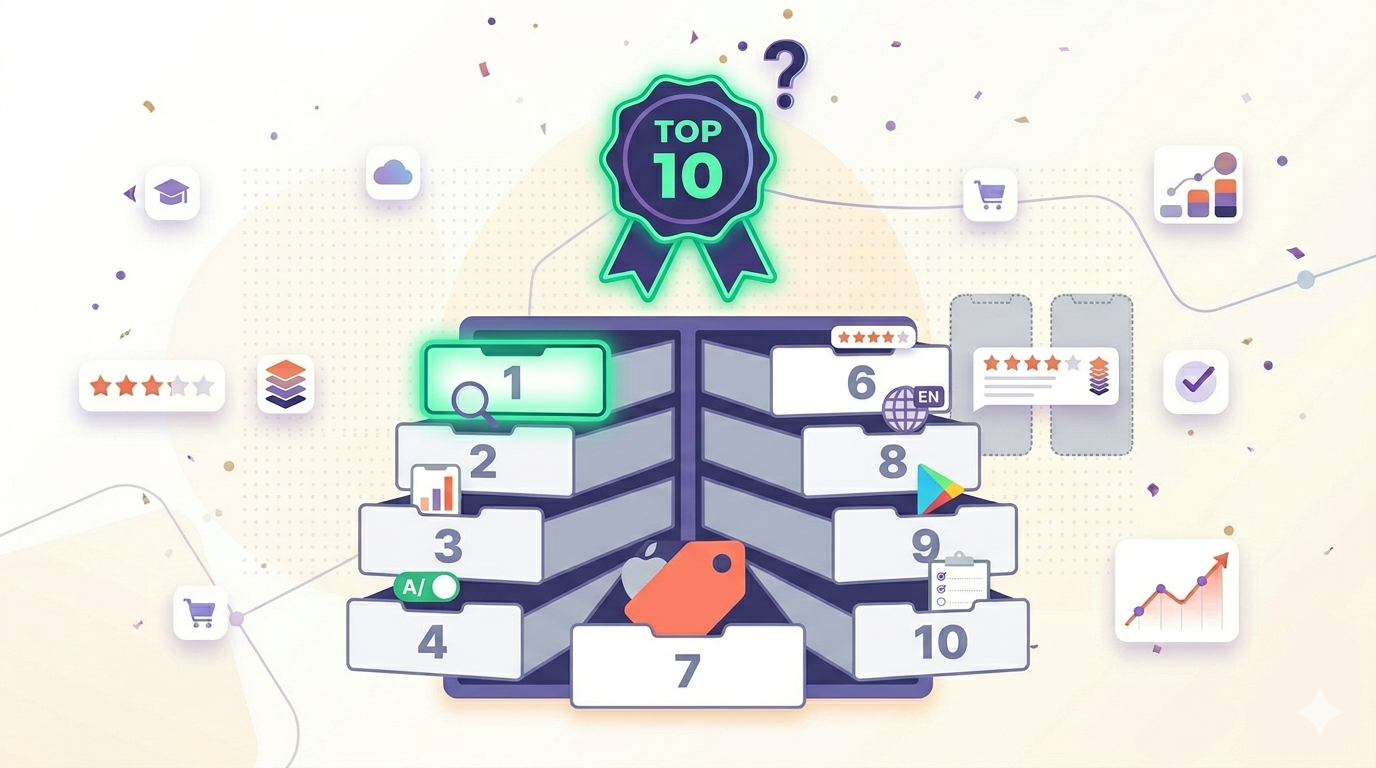
Below is the full breakdown for each of the ten ASO tools. We grouped paid platforms first, then closed with the two free first-party tools every developer should already be using.
1. Shotlingo
Shotlingo is a screenshot localization specialist built for teams who ship to many App Store and Play Store markets. Instead of rebuilding screenshots in Figma every time you launch in a new country, you upload one master design and Shotlingo translates the text, swaps fonts, and exports App Store and Play Store ready assets in 30 plus languages.
- Best for: Indie devs and studios localizing screenshots into multiple markets.
- Pricing: Free tools available. Paid plans start around 19 USD per month.
- Key feature: AI-driven screenshot translation with font auto-pairing and store-specific export sizes.
- Pros: Removes the bottleneck of localized creative production. Free utility tools like the screenshot resizer are genuinely useful even on the free plan.
- Cons: Focused on screenshots, not a full keyword research suite. Pair it with a keyword tool for complete ASO coverage.
If localization is your bottleneck, our localization hub walks through the workflow from master design to 30 language exports.
2. AppTweak
AppTweak is one of the most respected names in ASO intelligence. Their keyword data is sourced from multiple signals and updated frequently, which makes it a popular pick for agencies and mid-size studios.
- Best for: Teams that need defensible keyword research data to share with clients or stakeholders.
- Pricing: Plans start around 79 USD per month and scale up significantly for full features.
- Key feature: ASO score with actionable recommendations for title, subtitle, and keyword field optimization.
- Pros: Excellent keyword difficulty and chance scores. Strong global coverage including emerging markets.
- Cons: The entry price is steep for a solo indie. Some advanced reports are gated to higher tiers.
3. Sensor Tower
Sensor Tower is the platform large publishers and investors use for market sizing and competitor revenue estimates. It is overkill for most indie devs, but if you are pitching a publisher or raising funding, the data carries weight.
- Best for: Market intelligence, download estimates, and competitive benchmarking at scale.
- Pricing: Enterprise. Expect to talk to sales for a custom quote.
- Key feature: Cross-platform download and revenue estimates plus ad creative library.
- Pros: Industry-standard data trusted by publishers and analysts. Deep historical archives.
- Cons: Pricing is opaque and almost always out of indie budget. Limited free tier.
4. AppLaunchPad
AppLaunchPad is a browser-based screenshot generator with more than 1000 templates. It is a fast way to draft store screenshots without opening Figma or Photoshop, which is why many first-time developers start here.
- Best for: Developers who want a quick, template-driven screenshot draft.
- Pricing: Free tier with watermarks. Paid removes watermarks at around 9 USD per month.
- Key feature: Large template library with device frames and multi-screen export.
- Pros: Low learning curve. Good for MVP launches with limited time.
- Cons: Templates can feel generic, and localization across 20 plus languages is a manual job. See our Shotlingo vs AppLaunchPad comparison for a feature-by-feature breakdown.
5. AppFigures
AppFigures has been around since 2008 and remains a favorite for developers who want clean keyword tracking and review monitoring without enterprise pricing.
- Best for: Indie devs who want reliable rank tracking and review alerts at a fair price.
- Pricing: Plans start around 25 USD per month.
- Key feature: Daily keyword rank tracking across countries plus consolidated review feeds.
- Pros: Clean interface. Honest pricing with no sales call required.
- Cons: Keyword research database is smaller than AppTweak or Sensor Tower. Better for tracking than discovery.
6. MobileAction
MobileAction blends ASO data with paid ad intelligence, which is unusual at this price point. If you run Apple Search Ads or Google App Campaigns, the combined view saves time.
- Best for: Teams running both ASO and paid user acquisition.
- Pricing: Plans start around 69 USD per month. A free starter plan exists with limited features.
- Key feature: Ad creative library plus keyword intelligence in one dashboard.
- Pros: Strong Apple Search Ads integration. Useful for scaling paid campaigns.
- Cons: Interface can feel busy. Some keyword counts disagree with first-party sources.
7. Asodesk
Asodesk is one of the more indie-friendly platforms in this list. Pricing is transparent, and the keyword research tools are surprisingly deep for the cost.
- Best for: Solo developers who want serious keyword research without the AppTweak price tag.
- Pricing: Entry plans start around 25 USD per month.
- Key feature: Keyword auto-suggestions and competitor keyword overlap reports.
- Pros: Affordable. Decent App Store and Play Store coverage.
- Cons: Smaller team and less brand recognition compared to AppTweak. Some dashboards feel dated.
8. AppRadar
AppRadar leans into AI-assisted metadata generation, which is genuinely helpful when you stare at the keyword field and your brain freezes. It also offers solid keyword research and tracking.
- Best for: Developers who want AI to draft titles, subtitles, and keyword sets they can refine.
- Pricing: Plans start around 80 USD per month.
- Key feature: AI metadata suggestions tied to keyword volume data.
- Pros: Speeds up first-draft metadata. Combines tracking and creation in one tool.
- Cons: AI suggestions still need human review. Pricing competes directly with AppTweak.
9. Apple Search Ads (free)
Apple Search Ads is the single most underused free ASO tool in 2026. You do not need to actually run ads to use it. Once you create an account, the keyword popularity tool gives you Apple's own first-party search volume data on a 5 to 100 scale.
- Best for: First-party iOS keyword popularity data, completely free.
- Pricing: Free. You only pay if you choose to run actual ad campaigns.
- Key feature: Keyword popularity scores straight from Apple.
- Pros: Most accurate iOS volume data available. No third-party guessing.
- Cons: No keyword difficulty metric. UI is built for ad buying, not ASO research. Read more in the official Apple Search Ads documentation.
10. Google Play Console (free)
For Android, your most important ASO tool is the one Google already gave you. Play Console offers store listing experiments, install conversion data, and acquisition reports that no third party can replicate.
- Best for: Android creative testing and first-party install data.
- Pricing: Free with a one-time 25 USD developer account fee.
- Key feature: Store listing experiments for A/B testing icons, screenshots, and short descriptions.
- Pros: Direct experiment results with statistical significance. No tool can match this for Android.
- Cons: No keyword research equivalent to Apple Search Ads. The official Play Console documentation covers experiment setup in detail.
Which of the Best ASO Tools Should You Pick?
There is no single answer because the right stack depends on your stage and budget. Here are three realistic scenarios for indie developers in 2026.
Scenario 1: Solo indie, pre-launch, budget under 30 USD/mo
Use Apple Search Ads keyword popularity for iOS, Google Play Console for Android, and Shotlingo or AppLaunchPad for screenshots. Add Asodesk or AppFigures only when you have a live app with rank data worth tracking. This is the leanest viable ASO stack.
Scenario 2: Small studio, 2-3 live apps, budget around 100 USD/mo
Pair AppFigures or Asodesk for keyword tracking with Shotlingo for localized screenshots. Keep Apple Search Ads and Play Console open for first-party validation. This combination covers research, tracking, and creative without enterprise costs.
Scenario 3: Scaling studio with paid UA, budget 200 USD/mo and up
AppTweak or AppRadar plus MobileAction for the paid ads layer. Add Shotlingo for localization across 20 plus markets so creative production never blocks expansion. Sensor Tower only if you need investor-grade market data.
ASO Tools You Don't Need (Yet)
Tool stacks creep. New developers often subscribe to three keyword platforms because each promises a slightly different metric. Resist this. Here is what to skip until you actually have the problem.
- Enterprise dashboards like Sensor Tower full access. Until you ship multiple apps with meaningful revenue, you are paying for data you cannot act on.
- Multiple keyword tools with overlapping features. Pick one paid keyword tool and one first-party source. Stop there.
- Standalone review reply tools if your current platform already includes review monitoring. AppFigures and AppRadar both ship this.
Spend the saved budget on localization and creative testing instead. That is where most indie apps leave money on the table. Our keyword optimization guide shows how to extract more value from a single keyword tool rather than stacking three.
FAQ
What are the best ASO tools for a solo indie developer in 2026?
Start free with Apple Search Ads keyword popularity and Google Play Console. Add one paid tool, either AppFigures or Asodesk for tracking, plus Shotlingo for screenshot localization. That stack costs under 50 USD per month and covers the essentials.
Are paid ASO tools worth it if I am just launching?
Not for keyword research. The first-party tools from Apple and Google are accurate and free. Paid tools become worth it when you need rank tracking across markets, competitor benchmarking, or AI metadata drafting at scale.
How accurate are third-party download estimates?
They vary. Sensor Tower and data.ai are generally considered the most reliable, but even they can be off by 20 percent or more for smaller apps. For a credibility check, cross-reference with public industry reports from data.ai when possible.
Ready to Localize Your Screenshots?
Picking the right keyword tool gets you found. Localized screenshots get you installed. If your app store creative still ships in English only, you are leaving non-English markets on the table. Create a free Shotlingo account and translate your first set of screenshots into 30 plus languages this week.