
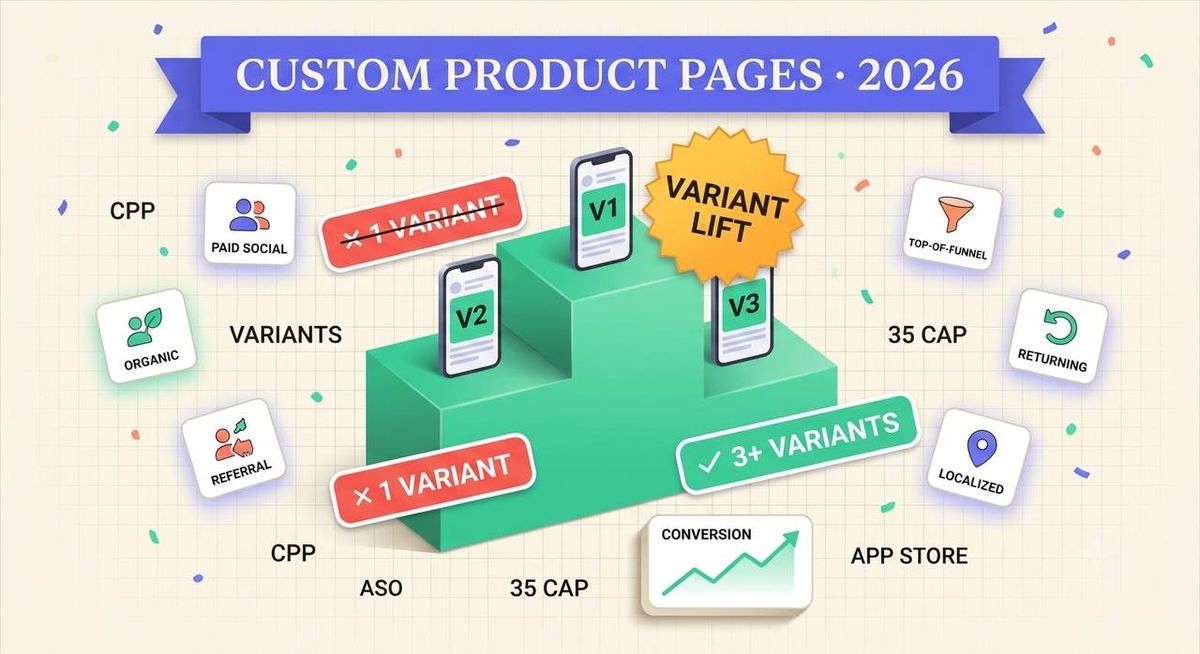
TL;DR: Apple lets you build up to 35 Custom Product Pages (CPPs) per app, but most indie teams should start with 3: one matched to paid social creative, one to organic/search intent, and one to referral or influencer traffic. Add a 4th and 5th variant only once you have a dedicated campaign (a new market, a seasonal push, a specific influencer) that needs its own landing experience. Building all 35 on day one is wasted design effort. Building just 1 default page and calling it done leaves paid traffic converting on generic creative that was never built for the audience clicking it.
Below is the decision framework: how many variants to build at each stage, how to split them by traffic source and by user intent, and a same-day workflow for shipping a full variant set without a design team.
Custom Product Pages crash course (5-minute primer)
Custom Product Pages are alternate App Store listings that live at their own unique URL, separate from your default product page. You can swap in different screenshots, app preview videos, and promotional text for each one, while the app name, icon, and description stay the same as your default listing. Apple's App Store Connect documentation caps this at up to 35 CPPs per app, and each can be localized independently.
Once a CPP is live, you get a shareable URL you can drop into a paid ad's landing-page field, a link-in-bio tool, an influencer's swipe-up, or a QR code on physical packaging. The App Store itself routes the visitor straight to that variant's screenshots and preview video instead of your default listing, while everything else about the install flow (the app name, rating, size, and permissions shown) stays identical to any other listing. That's what makes CPPs fundamentally a creative-matching tool rather than a positioning tool: you're not changing what the app is, you're changing which face of it a given visitor sees first.
The key thing that trips up teams new to CPPs: Apple does not run a native A/B test across your Custom Product Pages the way it does with Product Page Optimization (PPO). You decide which CPP URL to send which traffic to, and you measure the results yourself in App Store Connect's per-page analytics or your attribution platform. That distinction matters for this post, because it means variant count is a creative-production and traffic-routing decision you make, not something Apple optimizes for you. For a deeper walkthrough of setup mechanics, see our complete Custom Product Pages guide.
This also means the "how many variants" question is really two separate questions stacked on top of each other: how many distinct audiences do you have that need different creative, and how many of those audiences can you actually route dedicated traffic to via a unique CPP URL. An app with five clearly distinct buyer personas but only one paid channel driving traffic doesn't need five CPPs yet. It needs one well-targeted variant matched to that channel, because the other four personas have no traffic source pointed at a page built for them. Variant count should follow your traffic architecture, not the other way around.
How many variants should you actually build?
The honest answer is: start with 3, then scale to the number of distinct traffic sources or campaigns you can realistically keep fresh. Building more variants than you can maintain is worse than building none. A stale CPP with last quarter's promo copy actively hurts conversion versus a well-kept default page. The table below is a rough stage-based guide we use with Shotlingo customers.
| Stage | Variant count | Focus |
|---|---|---|
| Pre-launch / early growth | 1 default only | Nail the baseline before splitting traffic |
| First paid channel live | 2-3 | One per traffic source (paid social, organic, referral) |
| Multi-channel UA | 3-5 | Add intent-based variants (new user vs. returning) |
| Mature, multi-market | 5+ (up to 35 cap) | Per-market and per-campaign pages, rotated seasonally |
Directionally, ASO agencies that publish Custom Product Page case studies consistently report double-digit-to-high-20s percentage conversion gains when comparing a targeted 3-variant setup against a single generic listing. The exact figure moves with app category and traffic quality, so treat any single published number as illustrative rather than a guarantee for your app. The pattern that does hold up across the case studies we've reviewed is diminishing returns past roughly 5-6 active variants: beyond that point, the maintenance burden of keeping every page current usually outweighs the incremental conversion lift, unless you have a team dedicated to creative refresh.
Common variant-count mistakes
- Building all 35 slots because the cap exists. Apple's 35-page ceiling is a technical maximum, not a target. Most indie apps have 2-5 traffic sources worth a dedicated page; the remaining 30 slots would just be maintenance debt with no audience routed to them.
- Reusing the same screenshot set across every variant with only the URL changed. If every CPP shows identical creative, you've built one page 5 times, not 5 variants. The entire point is matching creative to the visitor's context. Duplicate variants collect App Review overhead without any conversion upside.
- Never revisiting variants after launch. A CPP built for a Black Friday campaign that's still live in March is actively working against you. Set a recurring calendar review, not a one-time "set it and forget it" launch task.
- Splitting traffic before you have a stable default page. If your baseline conversion rate is still moving around from unrelated changes (pricing, onboarding, a recent update), you won't be able to attribute CPP performance cleanly. Stabilize the default page first, then branch into variants.
Variant strategy by traffic source
The fastest way to decide your first 3 variants is to match them to where the click originates, because the visitor's mental context is already set by the ad, post, or link they came from.
- Paid social (TikTok, Instagram, Meta Ads). These visitors just saw a short-form video with a specific hook. Your CPP screenshots should echo that hook's visual language (UGC-style framing, the same color grade, the same on-screen text style) so the App Store page feels like a continuation of the ad, not a jarring switch to corporate marketing.
- Organic search and category browse. These visitors are comparison-shopping against other apps in search results. Lead with your strongest differentiating feature in screenshot 1, and keep captions benefit-led rather than lifestyle-led. They're evaluating capability, not vibe.
- Referral and influencer links. These visitors already trust the referrer. Social proof (ratings, press mentions, "as seen on") performs disproportionately well here, since the trust transfer from the influencer primes them to look for confirmation rather than persuasion.
Variant strategy by user intent
Once your first 3 traffic-source variants are live, the next axis worth splitting on is funnel position, not just channel.
Top-of-funnel / cold traffic needs the "what is this and why should I care" answer in the first screenshot. Assume zero brand familiarity. Returning or re-engagement traffic (email links, retargeting, push-notification deep links) already knows your app; a CPP aimed at this segment can skip the intro and lead with what's new: a feature launch, a seasonal update, or a re-activation offer. Combining a channel-based and an intent-based split is how you get from 3 variants to 5 without duplicating effort: the same "paid social" creative direction can have a cold-traffic version and a retargeting version.
A third, often-overlooked intent axis is market maturity. A CPP aimed at a market you just launched in has to do more explaining. It needs to establish category and use case in a way a CPP for a market with existing ratings volume and brand recognition does not. If you're expanding into a new locale, pair your variant plan with a localization pass rather than shipping the English-market variant translated word-for-word; screenshot layout, text length, and even which feature leads the sequence often need to change per market, not just the copy. Our CPP localization guide covers that workflow in detail.
How to ship 5 variants in one Monday
Most teams under-build their CPP set for a production reason, not a strategic one: producing 5 fully localized, on-brand screenshot sets by hand takes days per variant. A practical same-day workflow:
- Lock one master screenshot template per variant concept (paid-social, organic, referral, cold, returning) with placeholder device frames and headline slots.
- Batch-generate the text variants. Write the headline and caption per traffic source/intent combo before touching any images, so the messaging strategy is finalized first.
- Localize each variant set for your top markets in parallel rather than sequentially finishing English first. Shotlingo batch-exports every variant across 40+ languages from one source template, which is the step that otherwise turns a 1-day CPP build into a 2-week one.
- Upload and submit all variants together in App Store Connect so they clear review as a batch instead of trickling in over separate submission cycles.
- Route traffic and set a 30-day review date on your calendar to check per-CPP conversion in App Store Connect analytics and retire anything underperforming the default.
The bottleneck in that sequence is almost never strategy. Teams usually know which 3-5 audiences they want to target within the first planning meeting. The bottleneck is production: exporting five fully device-framed, correctly-sized screenshot sets, each localized for every market you run ads in, by hand in a design tool. That's the part worth automating first, because it's also the part that determines whether you keep your variants fresh quarter over quarter or let them quietly go stale, which (per the mistakes above) is worse than not having variants at all.
For the size and format specs each variant screenshot set needs to pass App Review, check our ASO tools hub before you start production. And once your variant-driven conversion data starts rolling in, compare it against the baseline numbers in our App Store screenshot conversion benchmark study to see how your variants stack up against the broader indie-app dataset.
FAQ
How many Custom Product Page variants should I build to start?
Three is the practical starting point for most indie teams: one matched to paid social traffic, one to organic/search traffic, and one to referral or influencer traffic. Scale beyond 3 only once you have a specific campaign, market, or user segment that justifies its own page, not just because Apple's 35-page cap allows it.
Does Apple automatically test my Custom Product Page variants against each other?
No. That native A/B testing behavior is Product Page Optimization (PPO), a separate Apple feature. Custom Product Pages are variants you manually route traffic to via their unique URLs, and you measure performance yourself through App Store Connect's per-page analytics or your attribution tooling.
Can I use Custom Product Pages and Product Page Optimization at the same time?
Yes, and most mature ASO setups run both. Use PPO to keep improving your single default page for organic App Store traffic, and use CPPs to serve tailored variants to specific paid campaigns, influencer links, or markets. They solve different problems and don't conflict.
How often should I refresh my Custom Product Page variants?
Review performance at the 30-day mark, then on an ongoing quarterly cadence at minimum. A CPP with stale seasonal messaging or an outdated feature callout converts worse than your default page, so treat unmaintained variants as a liability to prune, not a permanent asset.