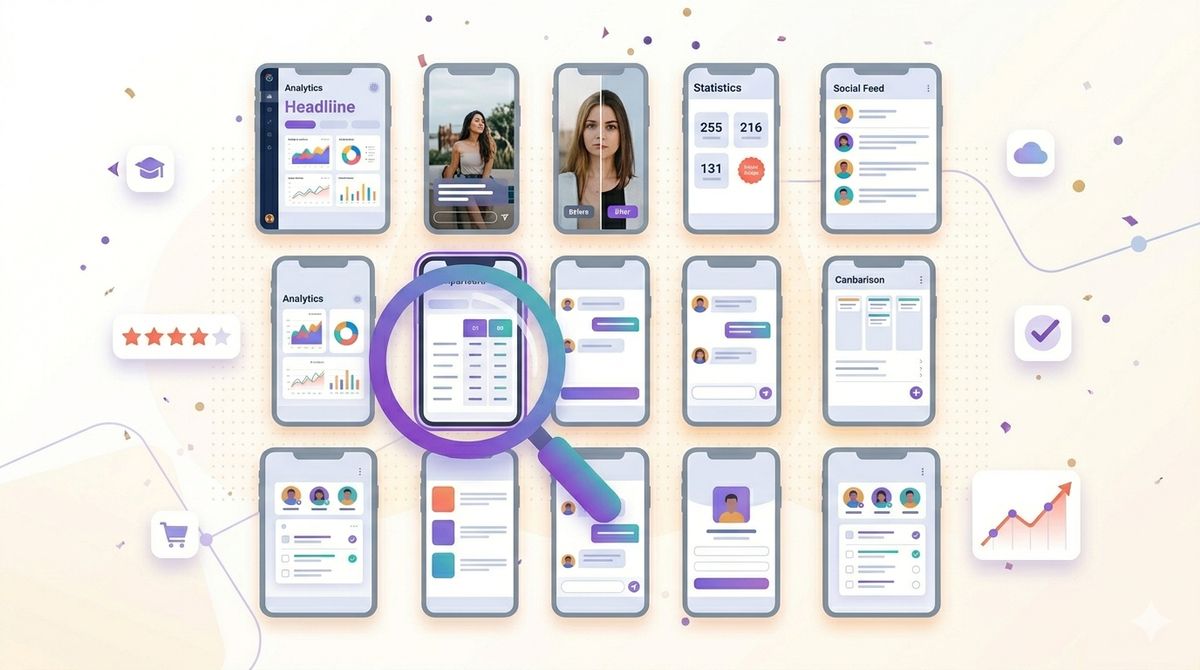
Your app store screenshots are the single biggest factor in whether someone taps "Get" or keeps scrolling. In fact, most users never read your description. They glance at your icon, scan your app store screenshot examples, and decide in seconds. That means your screenshots need to do all the heavy lifting.
So what separates screenshots that convert from ones that get ignored? We studied dozens of top-performing apps across categories and pulled out 15 design patterns that consistently drive downloads. Whether you're launching a new app or refreshing an existing listing, these examples will give you a concrete playbook to follow.
Why Your App Store Screenshots Make or Break Downloads
The App Store shows your first screenshots inline in search results, so plenty of people decide before they ever open your product page. Those frames sit right below your icon and ratings, and they are doing the selling.
Think of screenshots as a mini sales pitch. You get 10 frames (on iOS) to tell a story, highlight your best features, and convince someone your app is worth their time. Get it wrong, and no amount of ASO keyword work will save your conversion rate.
The good news? Screenshot design follows patterns. You don't need to reinvent the wheel. You just need to study what works and adapt it to your app. Let's look at 15 approaches that top apps use right now.
15 App Store Screenshot Examples Worth Studying
We've grouped these into five categories based on the design approach. Each pattern works well for different types of apps, so find the ones that match your product best.
Pattern 1: Clean Device Mockups with Bold Headlines
Example 1: The "Hero Screen" opener. Many top finance and productivity apps lead with their most impressive screen inside a clean iPhone mockup. The background is a single bold color, and a short headline sits above the device. Something like "Track Every Dollar" in large sans-serif type. Simple, scannable, effective.
Example 2: The floating device. Instead of placing the phone flat, some apps angle the device at 15-20 degrees with a subtle shadow. This creates depth and draws the eye. Meditation and wellness apps use this frequently because it feels calm and premium.
Example 3: The cropped screen. Rather than showing the full device frame, this pattern crops the UI to fill most of the screenshot. It puts maximum focus on the actual interface, which works great if your app has a visually distinctive UI.
Pattern 2: Lifestyle and Context Shots
Example 4: Real-world photography backgrounds. Fitness apps commonly place their UI over a photo of someone working out. The key is using the photo as a blurred or dimmed background so the app UI stays readable. It sets an emotional tone without sacrificing clarity.
Example 5: Hands holding the device. Showing a real hand holding a phone with your app on screen adds a human touch. Food delivery and social apps use this to make the experience feel tangible. The trick is keeping the hand and background simple so they don't compete with your UI.
Example 6: Split composition. One half shows a lifestyle photo (a kitchen, a gym, a desk), and the other half shows the app screen. This bridges the gap between "what you do in real life" and "how the app helps." Recipe and home workout apps nail this approach.
Pattern 3: Feature Highlight Sequences
Example 7: One feature per screenshot. This is the most common pattern across all categories. Each screenshot focuses on exactly one feature with a headline, a brief subtitle, and the relevant screen. Navigation apps, task managers, and note-taking apps all rely on this. The discipline of "one idea per frame" keeps things digestible.
Example 8: Before and after. Photo editing apps love this pattern. The screenshot shows a split view of a photo before and after editing. It's instantly compelling because the value is visible without reading a single word. If your app transforms something, this is your go-to pattern.
Example 9: The numbered walkthrough. Some apps number their screenshots (Step 1, Step 2, Step 3) to create a narrative flow. This works well for apps with a clear workflow, like budgeting tools or habit trackers. It answers "how does this actually work?" in a visual sequence.
Pattern 4: Social Proof and Data-Driven Layouts
Example 10: Stats and achievements front. Language learning and fitness apps often lead with a screenshot showing user stats, streaks, or progress charts. Numbers are persuasive. Showing "500,000+ words learned" or a progress graph immediately communicates value.
Example 11: Review quotes overlay. A few top apps overlay a real user review quote on their first or second screenshot. Something like "This app changed how I manage my money" with a 5-star rating graphic. It combines social proof with the visual showcase.
Example 12: Award badges. If your app has won an Apple Design Award, an App of the Day feature, or a notable press mention, placing that badge on your first screenshot adds instant credibility. Keep it small and tasteful.
Pattern 5: Localized and Market-Specific Versions
Example 13: Fully localized screenshots. The highest-converting apps don't just translate text overlays. They localize the entire screenshot: the UI language, the currency symbols, the date formats, even the background imagery. A shopping app targeting Japan might show yen prices and Japanese text throughout. This is where tools like Shotlingo's localization hub become essential, especially if you're expanding into markets like Japanese where cultural fit matters enormously.
Example 14: Regional lifestyle adaptation. Beyond text, some apps swap the lifestyle imagery for each market. A travel app might show Paris landmarks for the French store and Mount Fuji for the Japanese store. It signals "this app was made for you."
Example 15: RTL-aware layouts. Apps targeting Arabic or Hebrew markets flip their entire screenshot layout to right-to-left. The headline placement, the device position, and the text alignment all mirror. This attention to detail dramatically improves trust and conversion in those markets.
What the Best App Store Screenshot Examples Have in Common
After analyzing these 15 patterns, clear themes emerge. Here's a summary of what the top-performing screenshots share:
| Element | What Top Apps Do | Why It Works |
|---|---|---|
| First screenshot | Leads with the single strongest value proposition | Most users only see the first 2-3 frames |
| Headlines | Short (3-6 words), benefit-focused, large font | Readable at thumbnail size in search results |
| Color palette | 2-3 colors max, consistent across all frames | Creates visual cohesion and brand recognition |
| Typography | One font family, bold weights for headlines | Reduces visual noise, improves scannability |
| Device mockups | Latest device models (iPhone 15/16 series) | Signals the app is modern and maintained |
| Localization | Fully adapted screenshots per market | Increases conversion 20-40% in non-English markets |
| Story arc | Screenshots flow as a narrative sequence | Encourages swiping through all frames |
How to Apply These App Store Screenshot Examples to Your App
Knowing what works is step one. Here's how to actually implement these patterns for your own listing.
Step 1: Audit Your Current Screenshots
Open your App Store listing on a phone (not desktop) and look at it the way a new user would. Can you understand what your app does from the first two screenshots alone? If not, you need to restructure. Use Shotlingo's free ASO tools to benchmark your current listing against competitors.
Step 2: Pick Your Pattern
Choose one primary design pattern from the 15 examples above. Don't mix too many styles. If you're a productivity app, the "one feature per screenshot" approach (Example 7) is a safe bet. If you're a photo editor, "before and after" (Example 8) is hard to beat.
Step 3: Write Headlines First
Before you touch any design tool, write the headline for each screenshot. Keep them under 6 words. Focus on benefits, not features. "Save 2 Hours Every Week" beats "Advanced Task Scheduling" every time.
Step 4: Design for Thumbnail Size
Most people will first see your screenshots as tiny thumbnails in search results. Open your designs at 30% zoom and check if the headline is still readable. If it's not, increase the font size or simplify the layout.
Step 5: Localize for Every Market
If you're only showing English screenshots globally, you're leaving downloads on the table. Localizing your screenshots for your top 5-10 markets can boost conversion rates significantly. This used to be a painful manual process, but tools like Shotlingo let you localize screenshots across dozens of languages without recreating each design from scratch.
The 5-Screenshot Storyline: A Step-by-Step Playbook
The highest-converting sets follow a narrative the user swipes through like pages of a story, not five unrelated feature shots. This is the proven 5-screenshot formula, and it is the fastest way to turn the patterns above into an actual sequence:
- The Hook: your single biggest value proposition. "Track Every Expense in 3 Seconds" beats "Welcome to MoneyApp" every time.
- The Pain Point: name the problem: "Stop Losing Receipts." The user thinks "that is me."
- The Solution: show your app solving that exact problem, with your best UI screen.
- The Key Feature: one standout capability that differentiates you. Not three. One.
- The Social Proof: close with credibility: "Trusted by 500K+ Users" or a star-rating callout. Users who reach frame five are on the fence; this tips them over.
Design rules that survive thumbnail size
In search results your screenshots render at roughly 120px wide. If the message is not readable there, it is invisible. The rules that hold up:
- Maximum 6 words per headline, minimum 80pt font on a 1320×2868 canvas. Sans-serif only (Inter, SF Pro, Montserrat, Poppins).
- High contrast text. Never place copy over busy UI without a solid background or overlay.
- Mid-tone backgrounds (deep blue, rich purple, forest green) stand out against both the store's white and dark-mode black. Avoid pure white or pure black backgrounds.
- Frameless or minimal device frames are the 2026 trend, with more room for the headline and the UI speaking for itself. If you use a frame, use current hardware.
Obsess over the first screenshot
Your first screenshot gets roughly 10x more views than your last. In search results it is often the only one visible without scrolling. Give it your strongest headline, your most impressive UI screen, and zero clutter, and A/B test it more than any other element in your listing.
Test, Measure, and Keep Screenshots Current
Your first set is a hypothesis, not a final answer. Both platforms give you the tools to test it:
- Apple Product Page Optimization: test up to 3 screenshot variations at once; Apple reports conversion per variant.
- Google Play Store Listing Experiments: the same A/B testing for screenshots, descriptions, and icons independently.
Test the first screenshot first (highest impact), then headline framing (benefit vs feature), then background color, then frames vs no frames. Run each test at least 7 days with 1,000+ impressions per variant before drawing conclusions. And rebuild your screenshots with every major release. A user who downloads after seeing an outdated UI often leaves a 1-star review. With a template-based tool, updating the UI image regenerates every localized version automatically.
Quick-start checklist
- Define a 5-screenshot storyline (Hook → Pain → Solution → Feature → Proof)
- Headlines 6 words or fewer, 80pt+ font
- Mid-tone backgrounds that contrast with the store
- Real app UI with realistic data
- Localize for your top 5 markets
- A/B test your first screenshot
- Schedule screenshot updates with each major release
Common Mistakes to Avoid
Even with great patterns to follow, there are pitfalls that can tank your conversion rate.
- Cramming too much text. If your screenshot looks like a blog post, you've gone too far. One headline, one subtitle max.
- Using outdated device frames. An iPhone X mockup in 2026 tells users your app hasn't been updated in years.
- Ignoring the landscape option. For iPad apps and games, landscape screenshots can display your UI much more effectively.
- Leading with a splash screen or login page. Your first screenshot should show the core experience, not a sign-up form.
- Identical screenshots across all markets. A user in Brazil scrolling past English-only screenshots will almost certainly choose a competitor with Portuguese text. Localization is not optional for global apps.
- Forgetting dark mode. If your app supports dark mode, consider including at least one dark-themed screenshot. Many users browse the App Store at night.
If you're not sure how your screenshots stack up against competitors, tools like Shotlingo's comparison pages can help you see where you stand and what alternatives are available.
FAQ
How many screenshots should I use in the App Store?
Apple allows up to 10 screenshots per device size. Use all 10. According to Apple's App Store product page guidelines, your first three screenshots are the most important since they appear in search results without tapping into your listing. But every additional screenshot is another chance to convince someone to download.
What size should App Store screenshots be?
In 2026 the required iPhone base is the 6.9-inch class at 1320 × 2868 px, and the iPad base is the 13-inch class at 2064 × 2752 px. Apple scales the largest size down to every smaller device, so those two sets cover the whole fleet. For every device dimension, the 2026 changes (iPhone 17, iPad Pro M5, Apple Watch Ultra 3), and the full submission checklist, see our complete guide to App Store screenshot sizes.
Should I localize my app store screenshots for different countries?
Absolutely. Localized screenshots convert significantly better than English-only versions in non-English markets. At minimum, translate the text overlays on your screenshots. Ideally, adapt the entire design including UI language, currency, and cultural references. For apps targeting multiple regions, automated localization tools make this process manageable without blowing up your design budget.
Start Creating Better Screenshots Today
Great app store screenshots aren't about having a huge design budget. They're about understanding the patterns that work and applying them consistently. Pick one of the 15 design approaches above, write clear benefit-driven headlines, and make sure you're localizing for every market you care about.
Ready to localize and optimize your screenshots without the manual grind? Try Shotlingo free and start creating screenshot sets that convert across every market.