
AI Image Generator App Screenshot Template
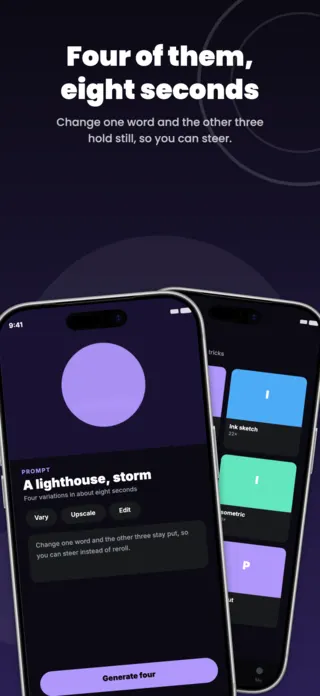
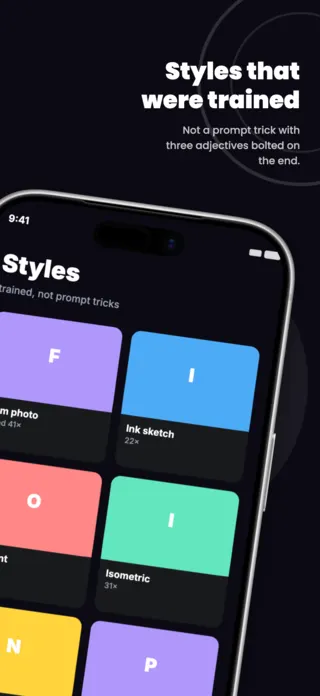
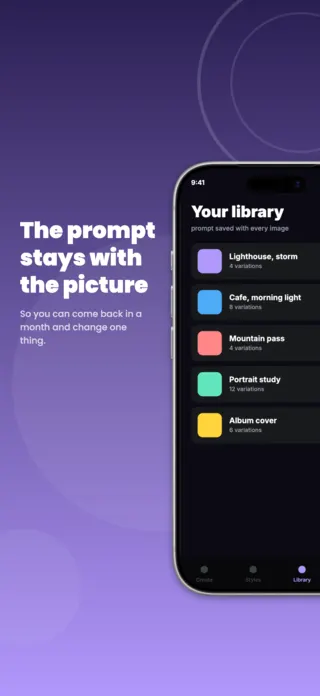
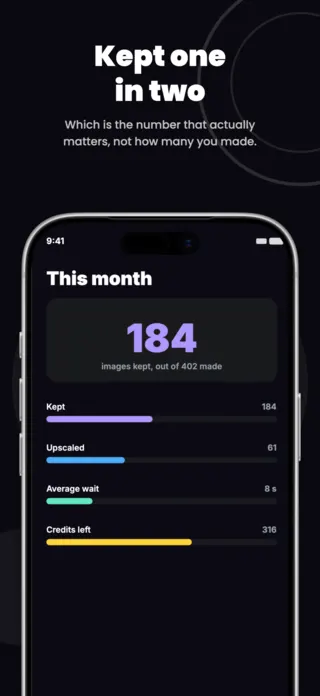
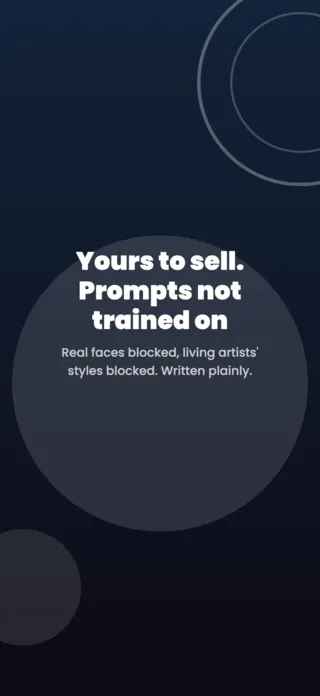
Five App Store screenshots for an AI image app: prompt to four variations, trained styles, a library that keeps the prompt with each image, monthly usage and a plain answer on rights. Violet on near black.
Preview pages
About this template
This ai image generator screenshot set is part of the Shotlingo template library, a curated collection of iOS App Store screenshot designs ready to customise for your own app. Each template ships with five layered pages covering hook, key features, and social proof, and supports one-click localisation into 40+ languages.
How to use it
- Click “Use this template” to load it into the editor.
- Swap headlines, colours, and the screenshot images for your own app.
- Auto-translate every page into the languages your App Store listing targets.
- Export 1290×2796 PNGs ready for App Store Connect, or upload directly from Shotlingo.
Designing for photo & video apps
The result, at a size where the quality is legible. If the app's claim is speed, the frame can carry the elapsed time as an overlay, but the picture still has to be the subject.
Related templates
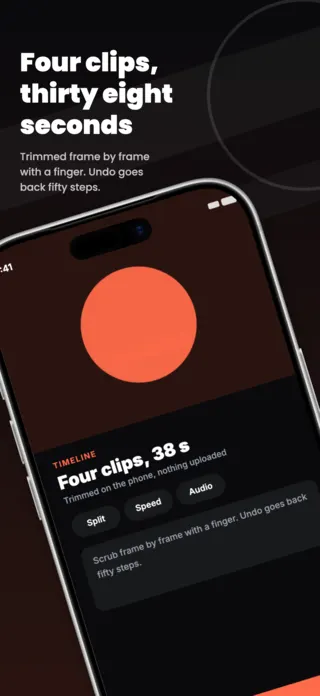
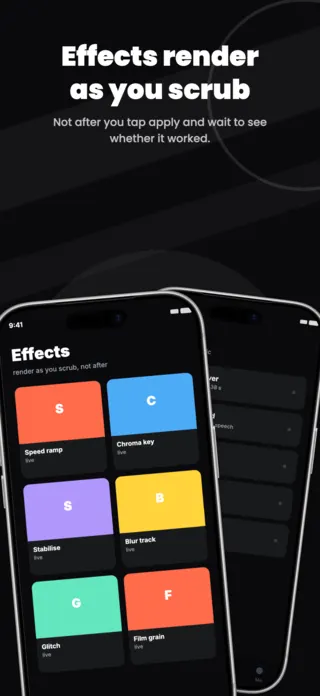
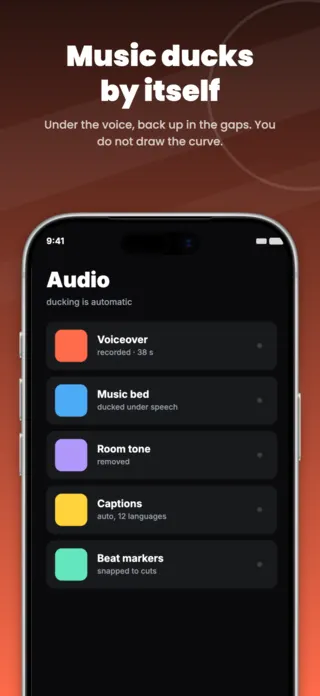
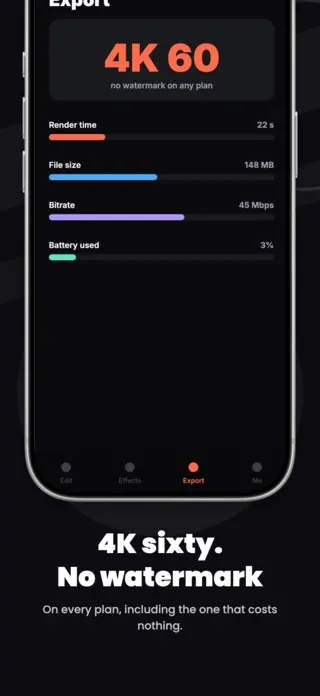
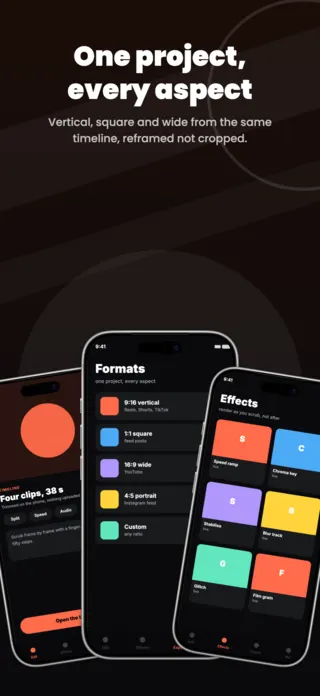
Video Editing App Screenshot Template
5 pages · ready to localise
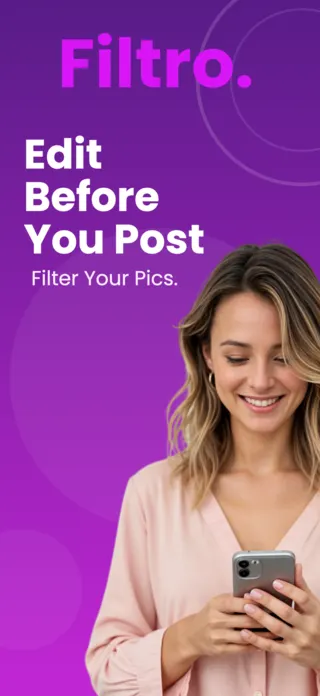
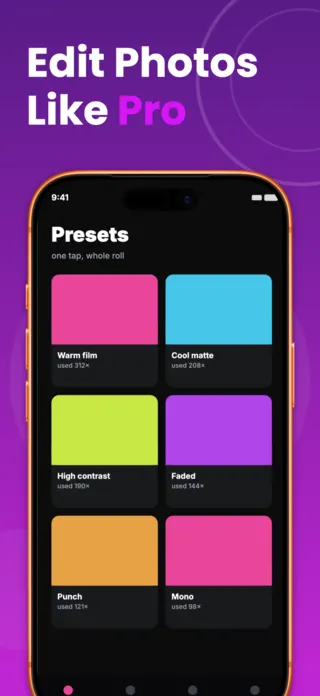
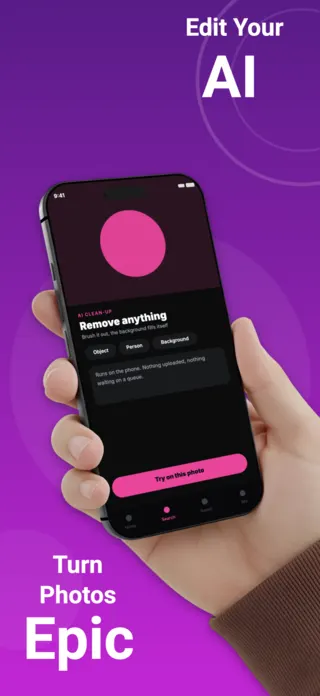
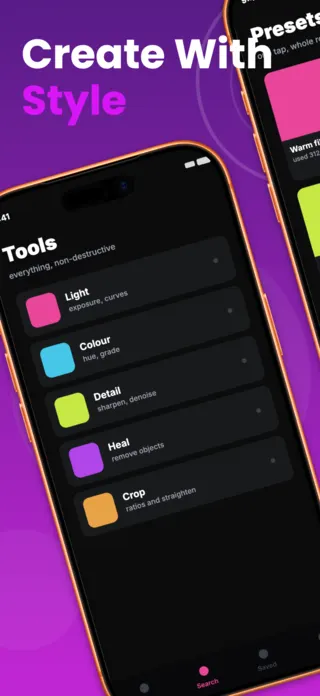
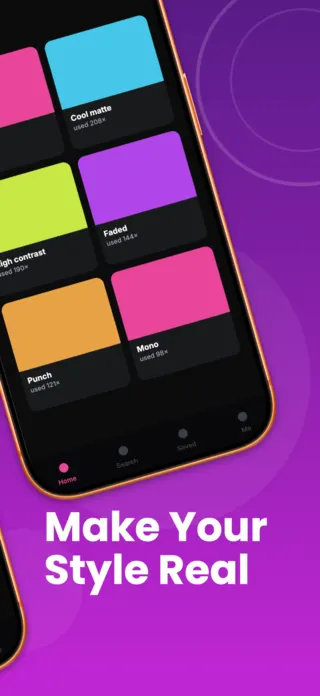
Photo Editing App Screenshot
5 pages · ready to localise
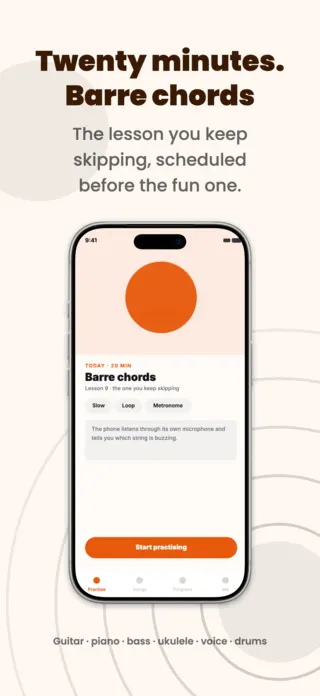
Music Practice App Screenshot Template
5 pages · ready to localise
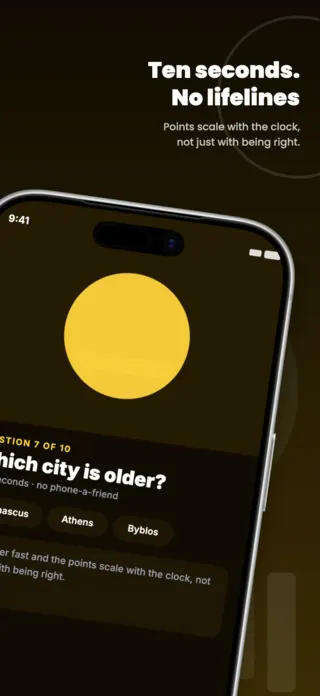
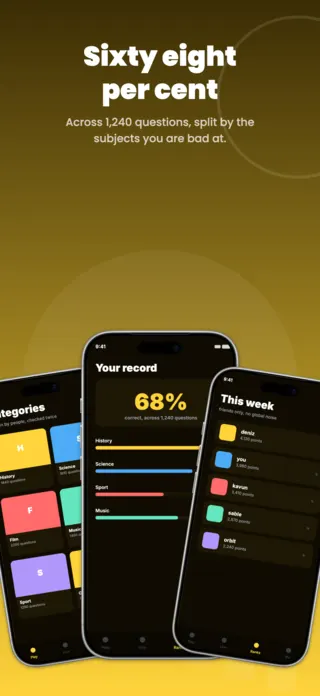
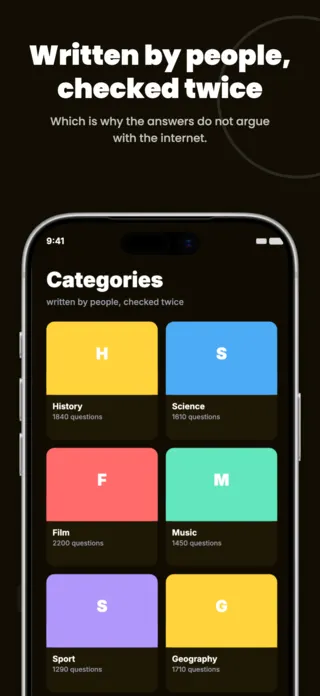
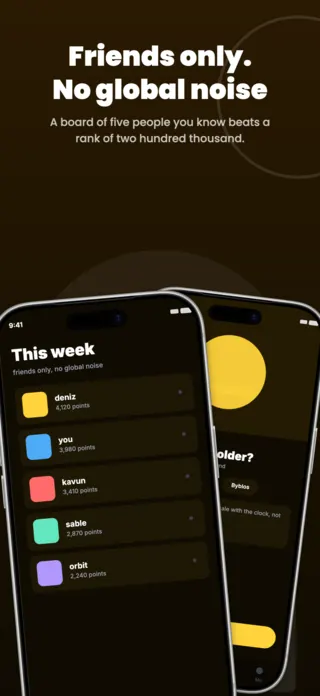
Trivia Quiz Game App Screenshot Template
5 pages · ready to localise
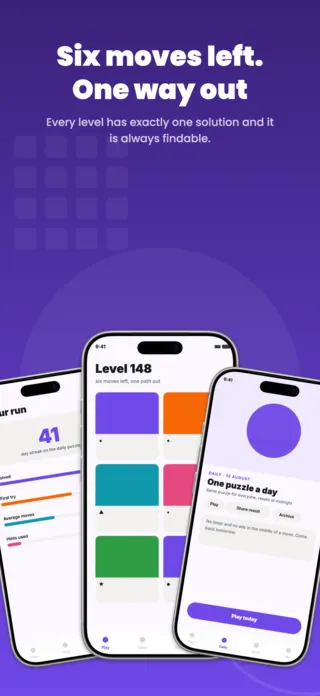
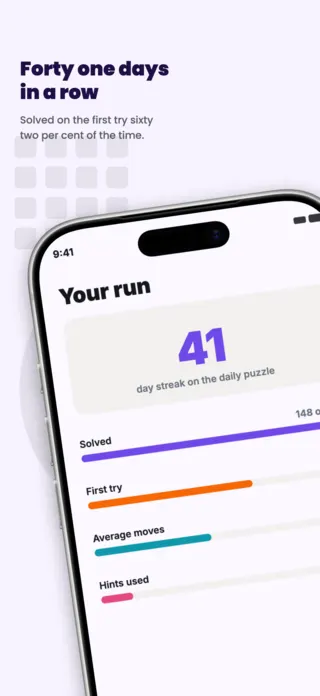
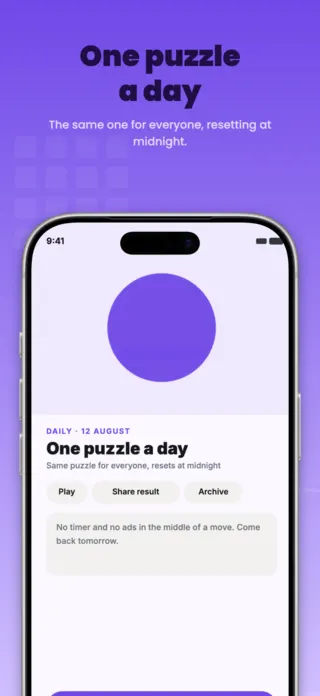
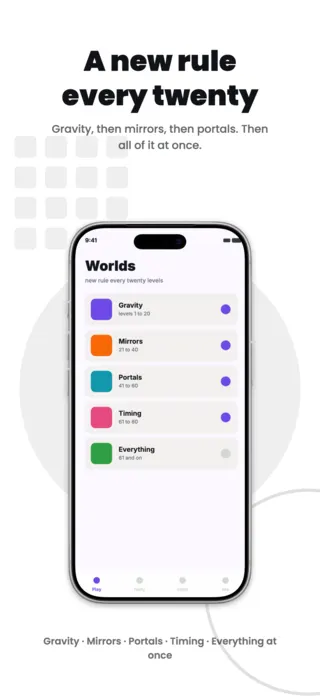
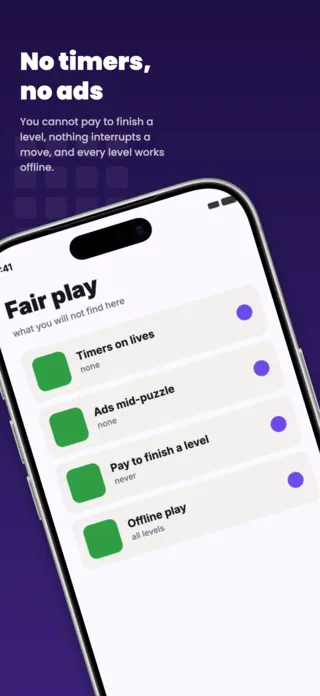
Puzzle Game App Screenshot Template
5 pages · ready to localise
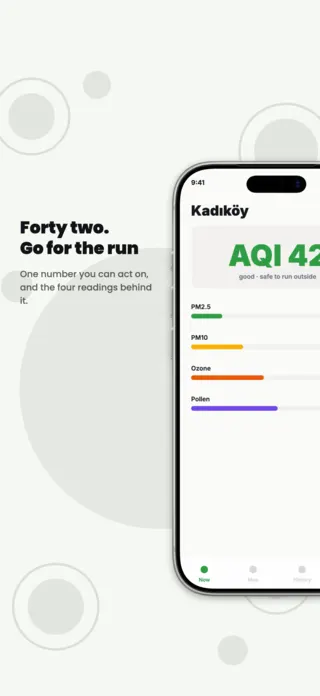
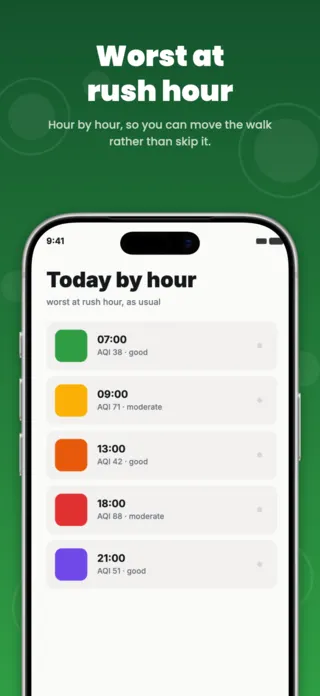
Air Quality App Screenshot Template
5 pages · ready to localise