
Photo & Video App Screenshot Templates
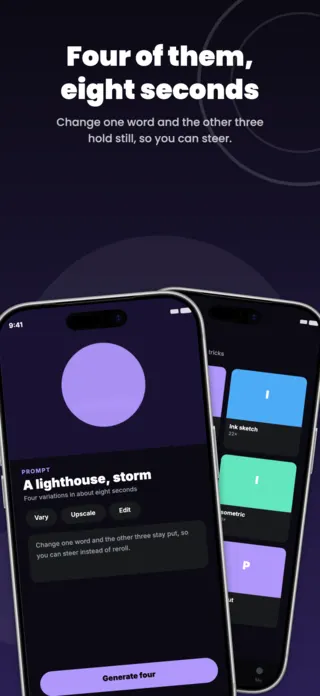
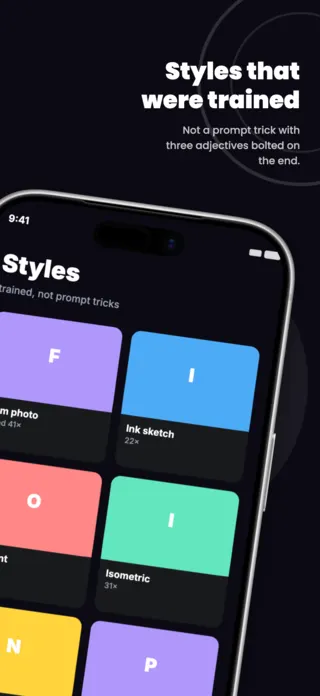
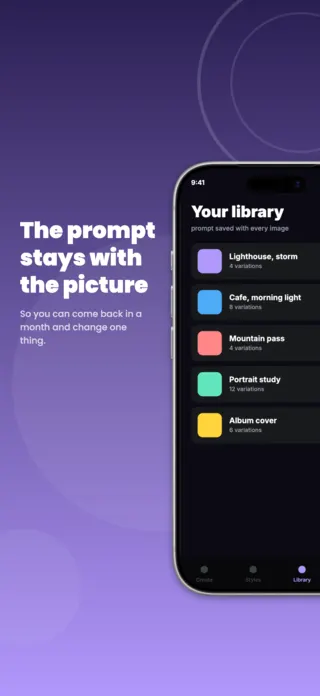
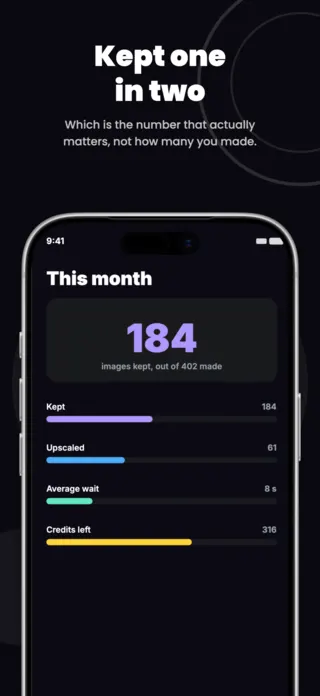
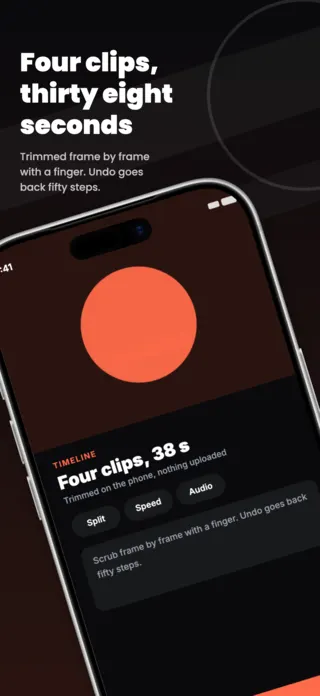
Creative tools are judged on output, not on interface, which makes this the category where founders most often show the wrong thing. A timeline, a layer stack and a tool palette tell the viewer the app is complicated; the finished frame tells them it is capable. The interface earns its place in the set only where it demonstrates something the result cannot show on its own, such as how few taps it took.
3 photo & video templates
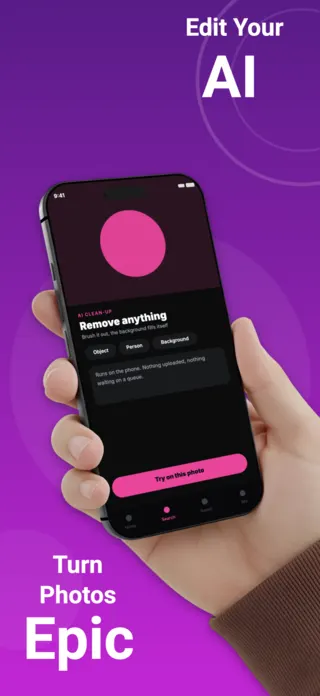
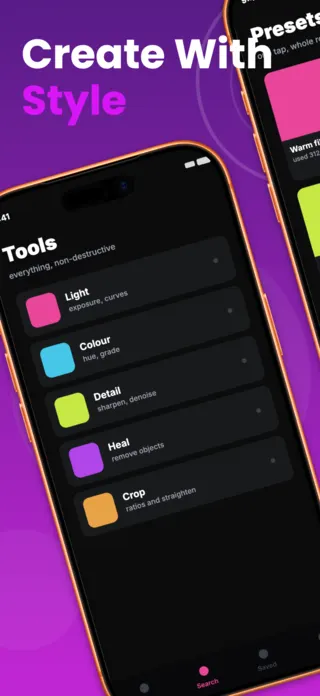
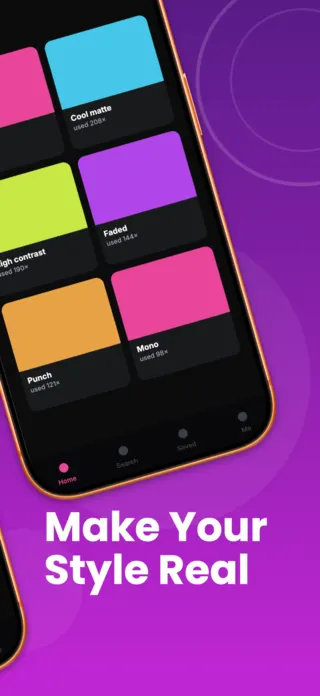
What the first screenshot has to do
The result, at a size where the quality is legible. If the app's claim is speed, the frame can carry the elapsed time as an overlay, but the picture still has to be the subject.
What gets photo & video listings rejected or ignored
- Sample media you do not hold rights to, the single most common takedown in this category, and the easiest to avoid by shooting your own.
- Before-and-after slabs at thumbnail scale, where both halves become too small to read as different.
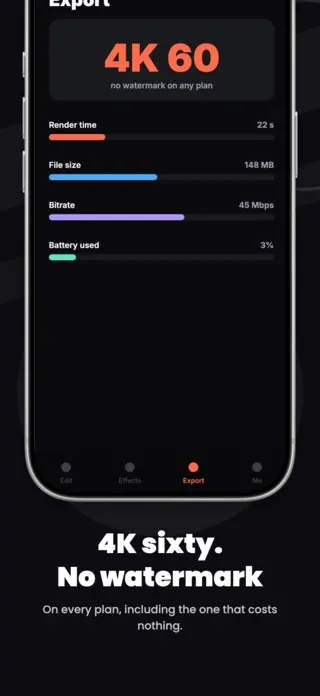
- Advertising a watermark-free export the free tier does not actually give, which App Review treats as a misleading screenshot.
- For AI tools, output that resembles a living artist's style or a recognisable real face, which is both a rights question and a review risk.
Localising these screenshots
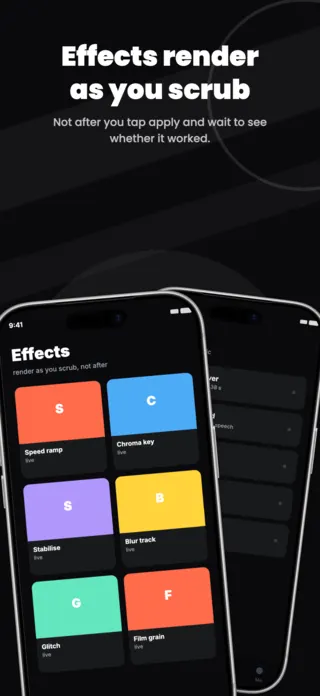
Editing vocabulary is largely borrowed rather than translated: "crop", "layer", "render", "chroma key" and "LUT" stay English in many markets, while translating them produces terms working editors do not recognise. Aspect ratios and platform names (Reels, Shorts) do not translate at all. Translate the sentence around the tool, keep the tool name, and never bake either into the image.
Every template here exports at 1290×2796 for App Store Connect and translates into 40+ languages in one pass. If you are unsure which locales your listing actually needs, the App Store locale code reference lists every one Apple supports, and the text expansion calculator shows how far each language will stretch your headline before you commit to a layout.
Templates for other app categories
Start from one of these
Open any template in the editor, swap the copy and screenshots for your own app, then translate the whole set into every locale your listing targets.
Open the editor →