
Food Delivery App Screenshot Templates
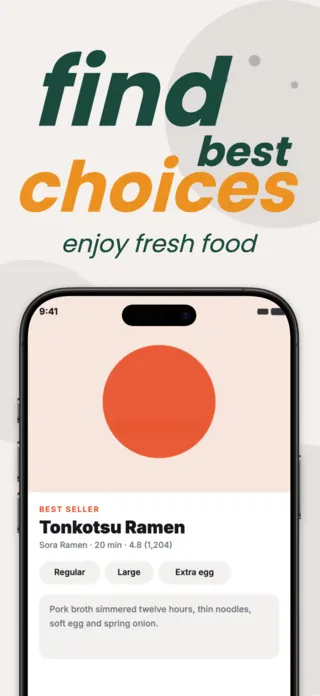
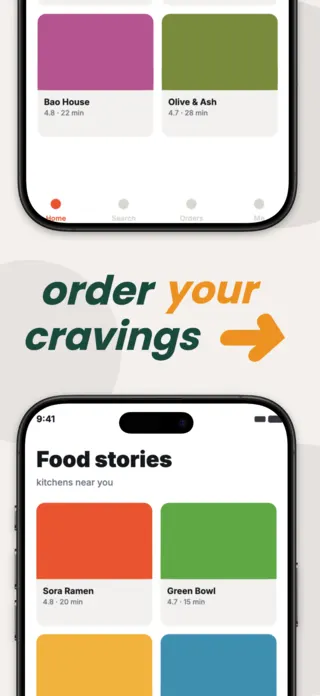
Food is the one category where the photograph does most of the persuading, which changes what the layout has to do: it has to get out of the way. Heavy text overlays on food imagery consistently work against the thing that is actually converting. The listings that perform here treat text as a caption and let the dish occupy the frame.
7 food & delivery templates
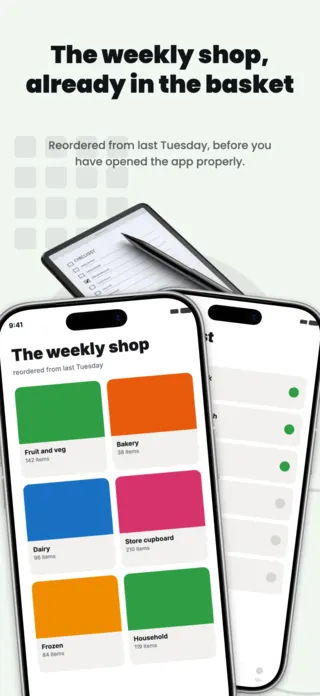
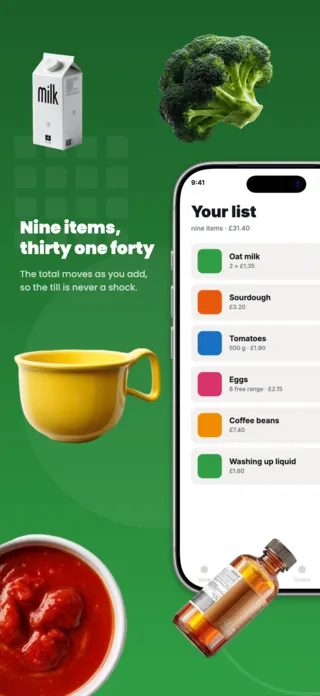
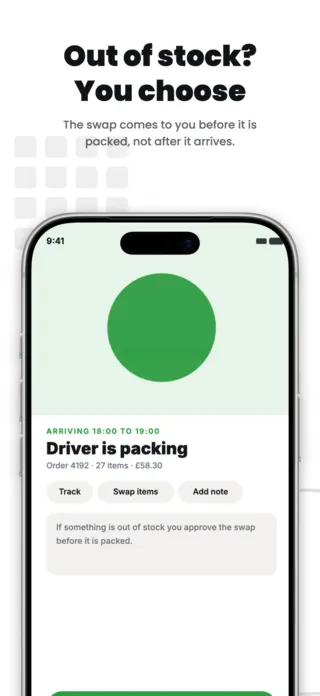
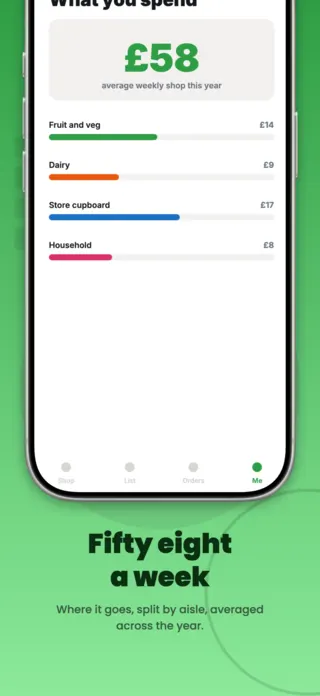
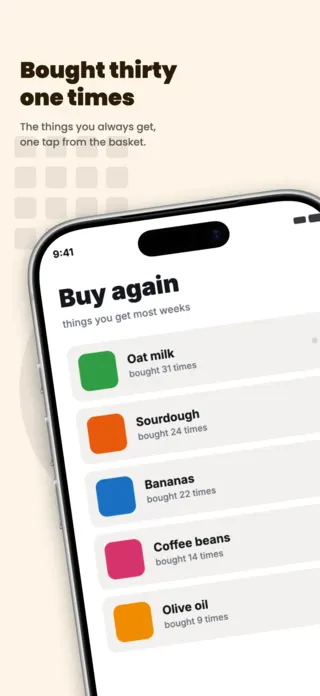
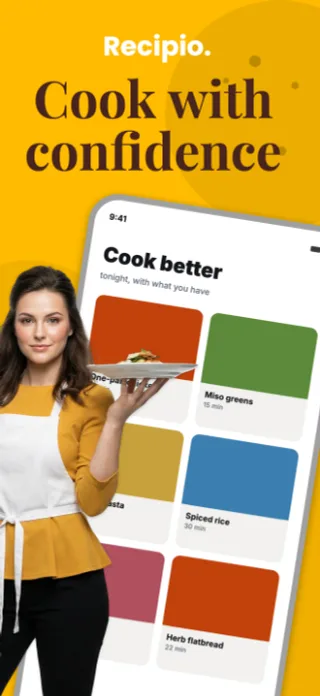
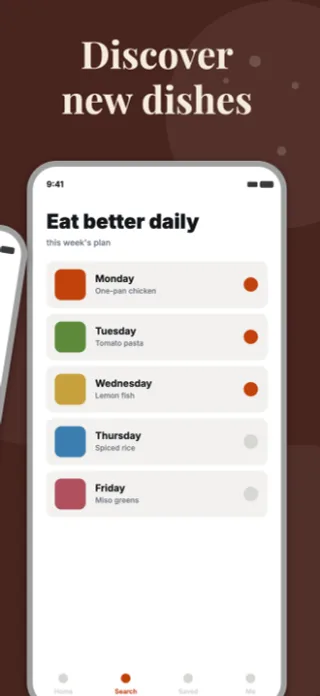
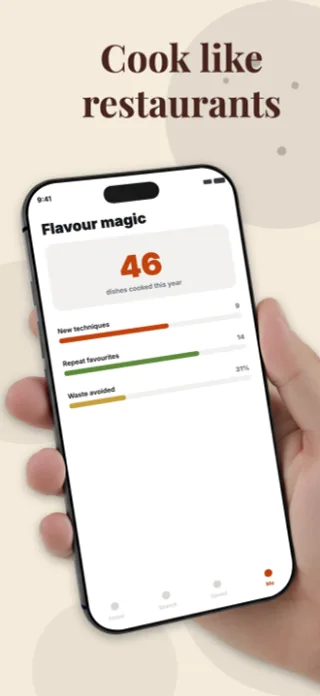
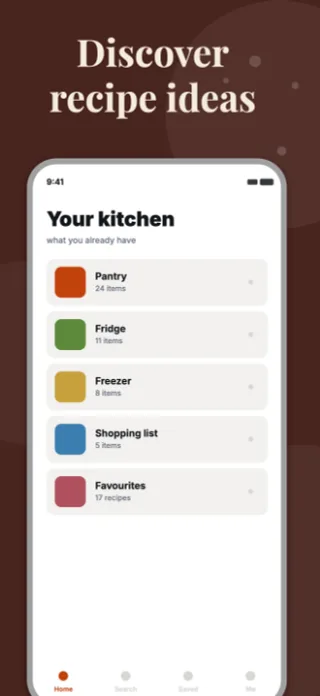
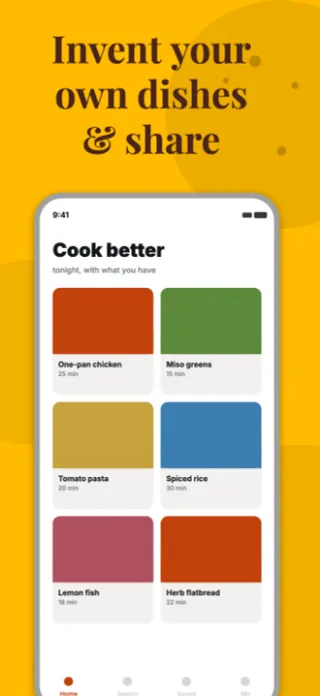
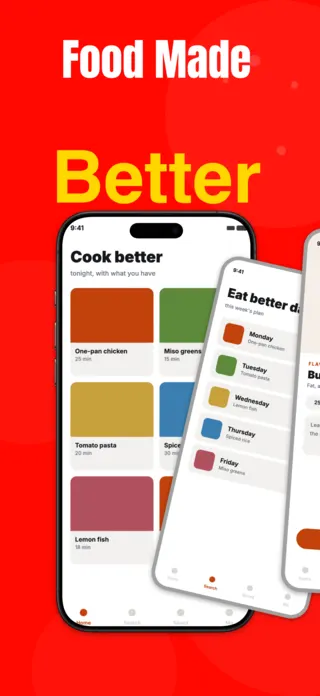
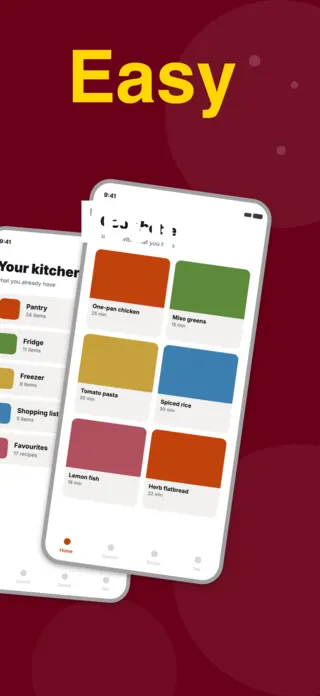
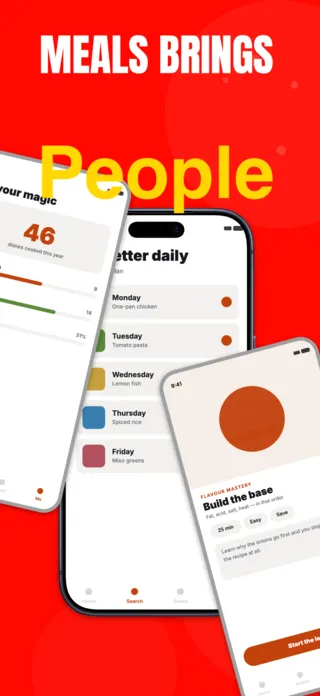
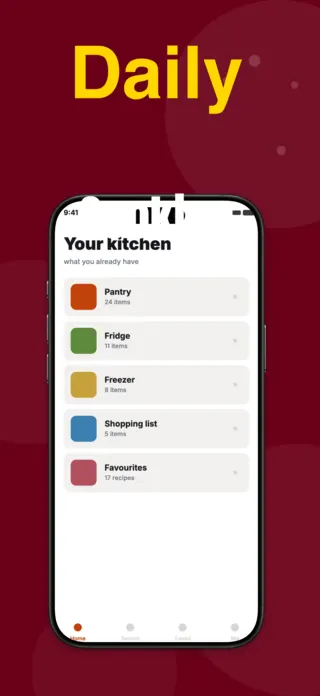
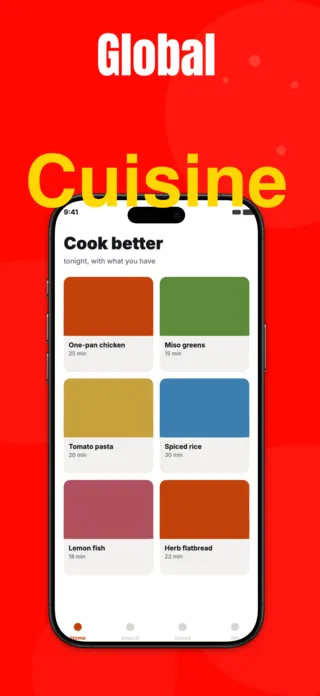
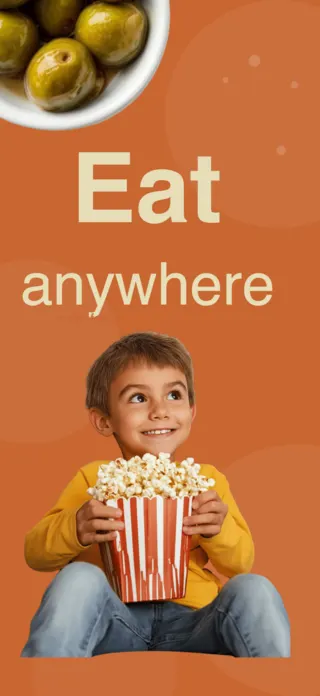
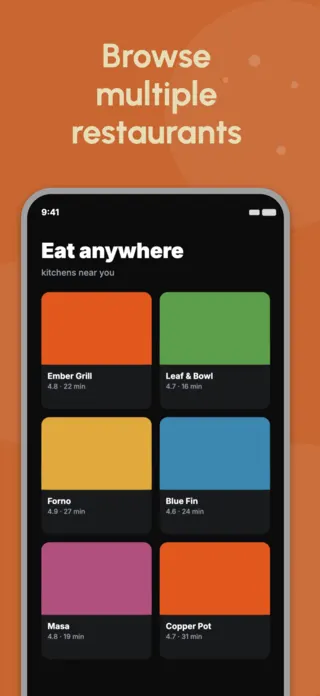
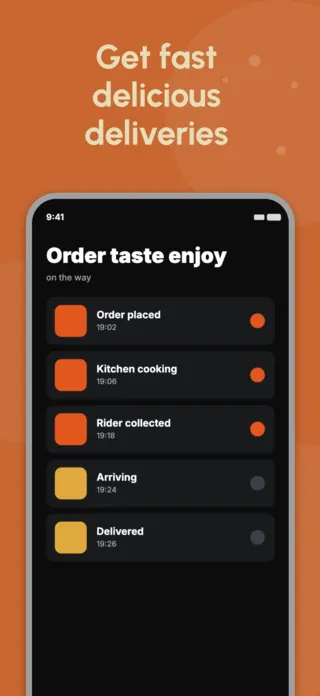
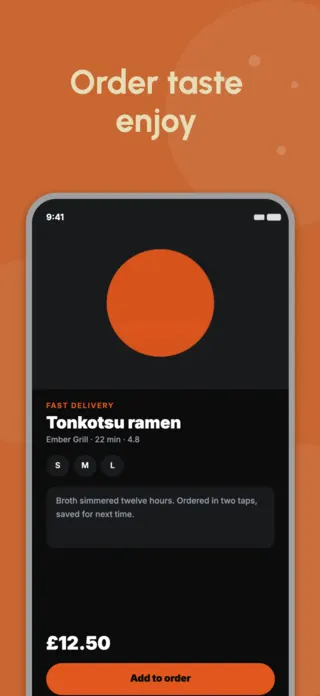
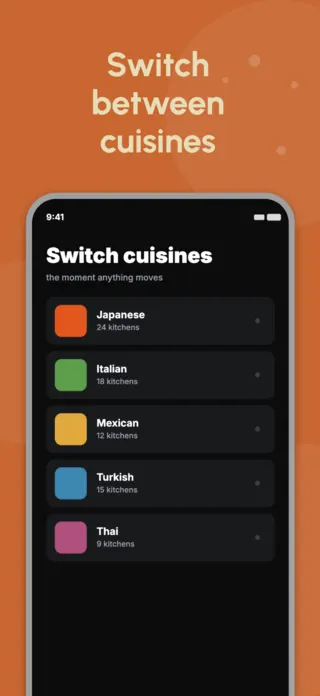
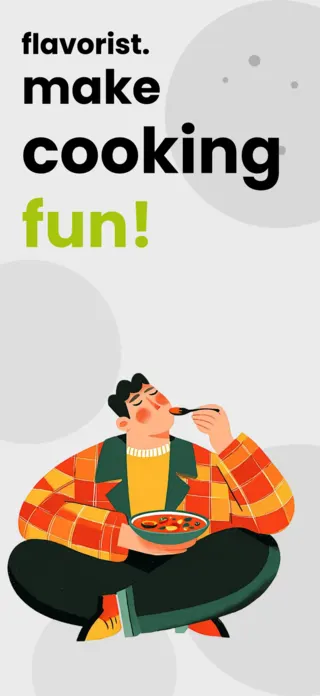
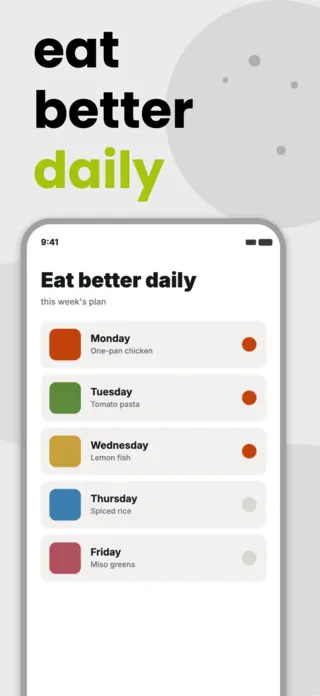
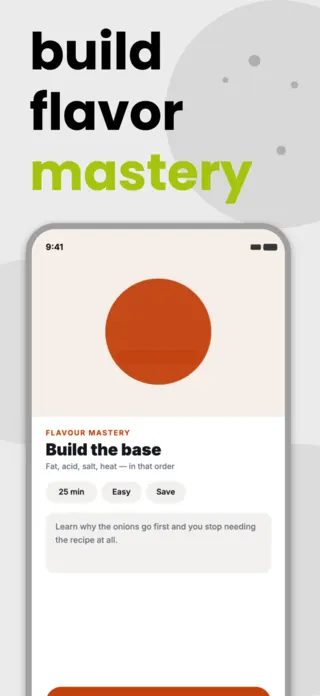
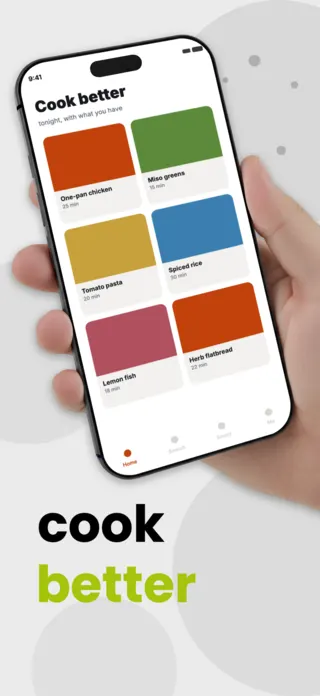

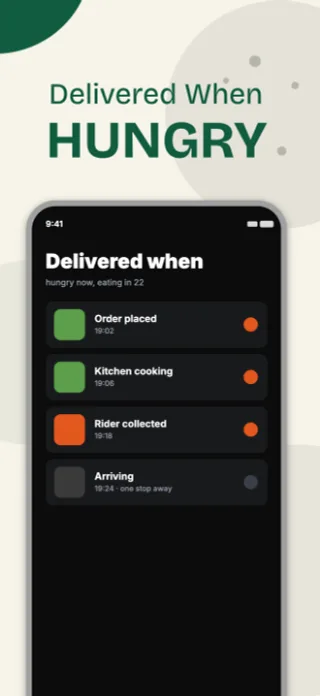
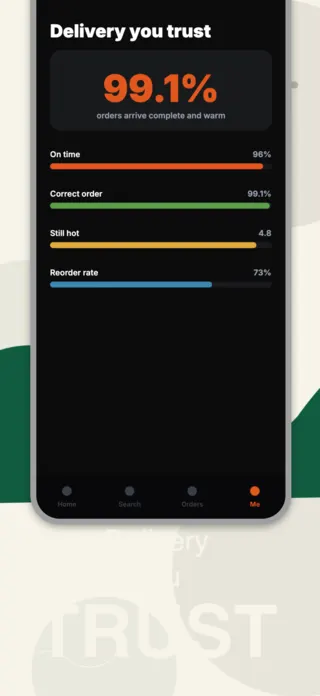
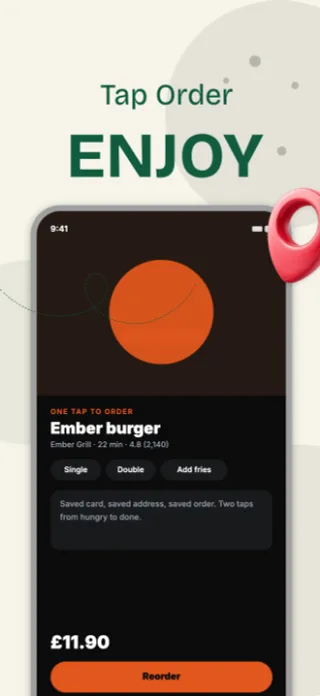
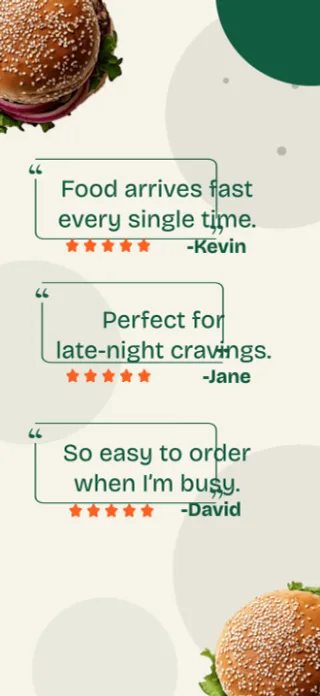
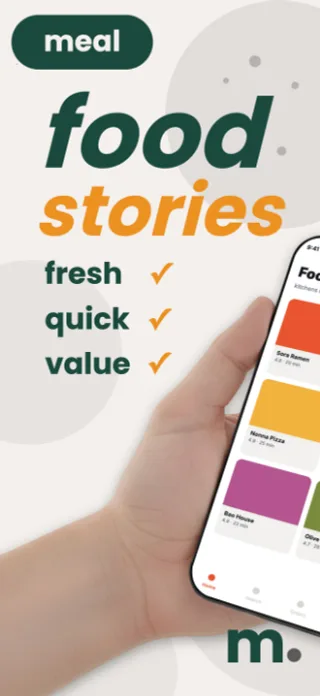
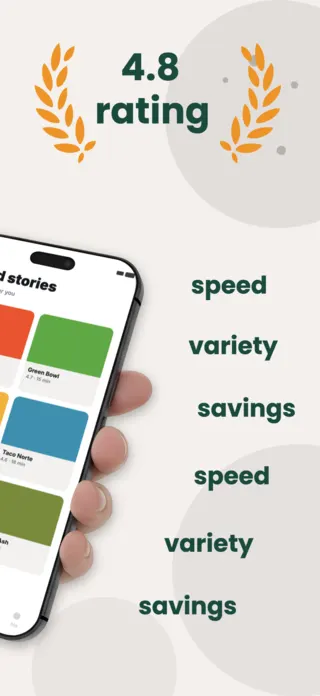
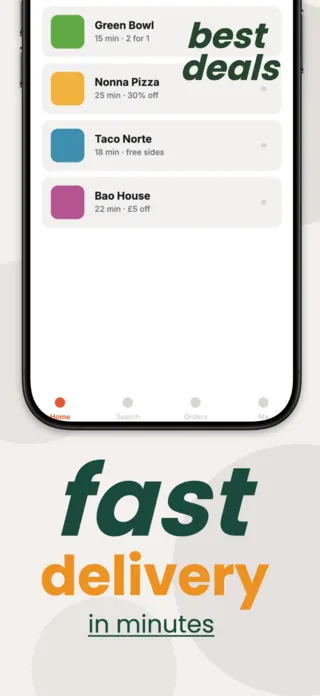
What the first screenshot has to do
A single dish, shot large, with a short caption, not a restaurant grid. The grid is the screen users will spend most of their time in, which is exactly why it is unpersuasive: it looks like work. Frame one should look like dinner.
What gets food & delivery listings rejected or ignored
- Delivery-fee and free-delivery copy in the screenshot text. This is a price reference under Guideline 2.3.7 and it is the most common cause of rejection in the delivery category.
- Stock food photography that is obviously stock. Users in this category are unusually good at spotting it and it reads as an app with no real restaurants.
- Text overlays sitting on the busiest part of the food photograph, where they lose contrast and the dish loses its appeal at the same time.
- Restaurant names and logos you have no agreement to display.
Localising these screenshots
Cuisine and dish names generally should not be translated, because nobody searches for "raw fish rice rolls", but the UI around them must be. Keep dish names out of your translation pipeline explicitly, or auto-translation will turn your menu into something no local user recognises.
Every template here exports at 1290×2796 for App Store Connect and translates into 40+ languages in one pass. If you are unsure which locales your listing actually needs, the App Store locale code reference lists every one Apple supports, and the text expansion calculator shows how far each language will stretch your headline before you commit to a layout.
Templates for other app categories
Start from one of these
Open any template in the editor, swap the copy and screenshots for your own app, then translate the whole set into every locale your listing targets.
Open the editor →