
Streaming App Screenshot Templates
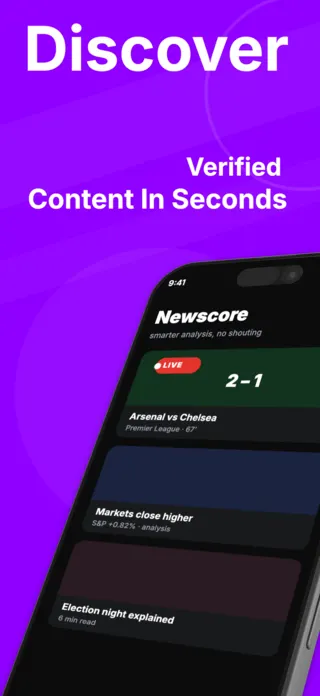
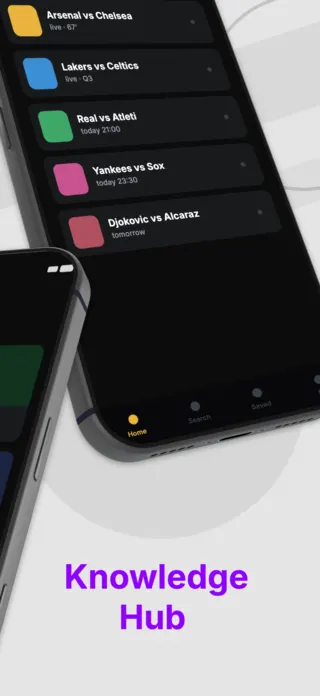
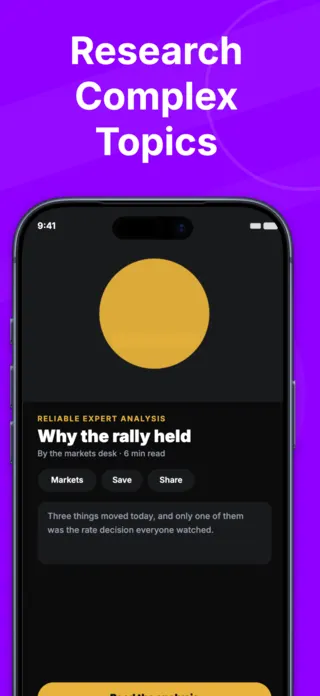
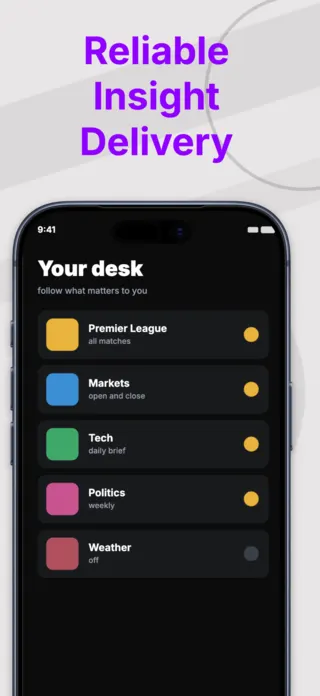
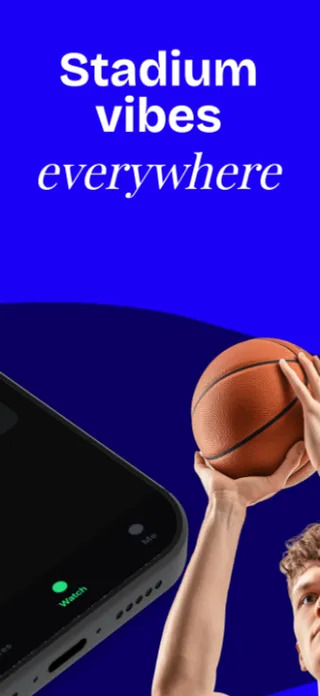
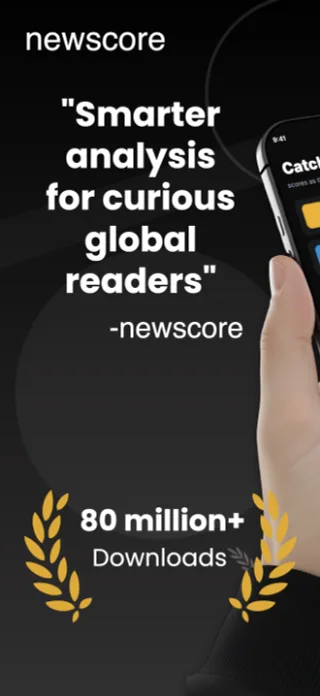
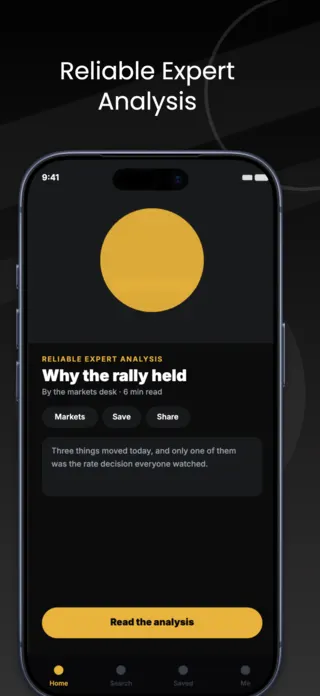
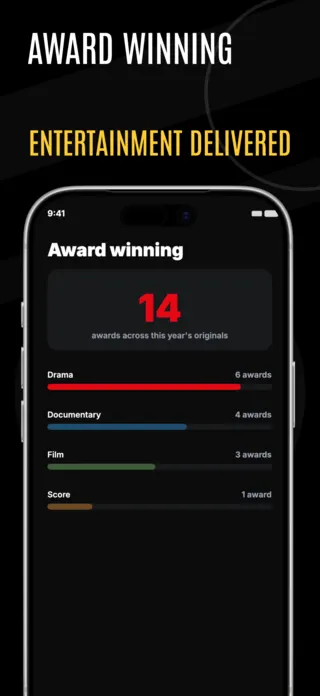
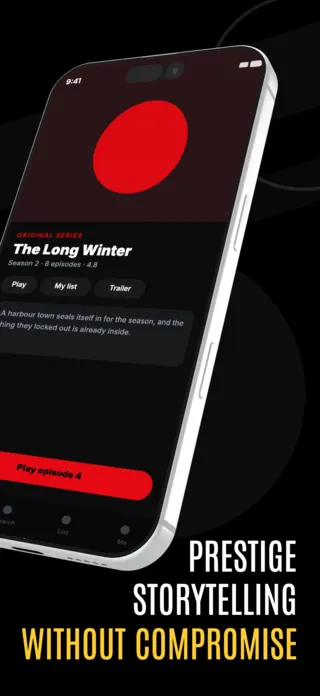
Streaming is the most content-licensed category in the App Store, which means the screenshot problem is legal before it is visual. Everything that would make the listing persuasive (the show, the match, the poster) belongs to a rights holder. Templates in this category are built to look premium using original artwork and typography rather than borrowed posters.
8 streaming & media templates
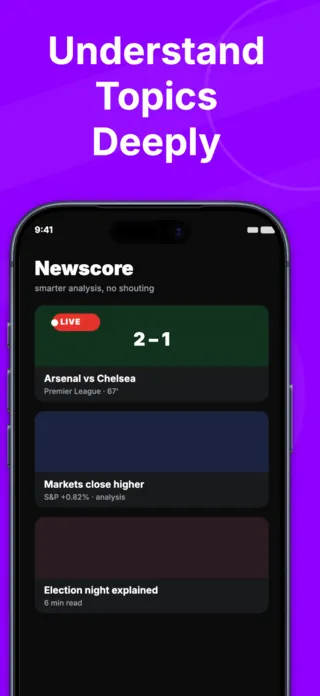
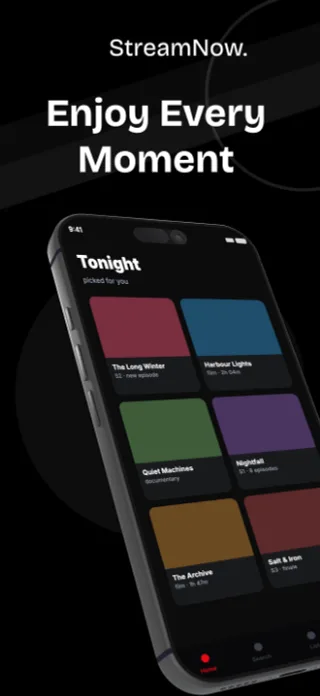
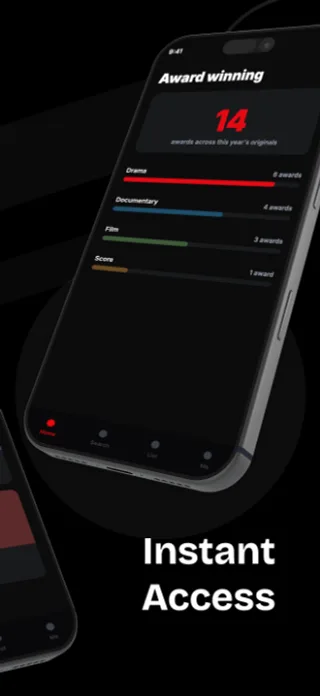
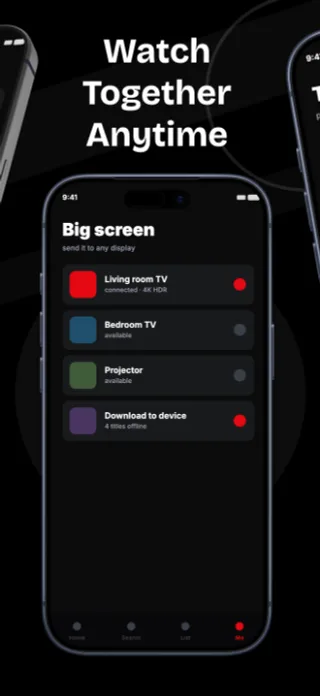
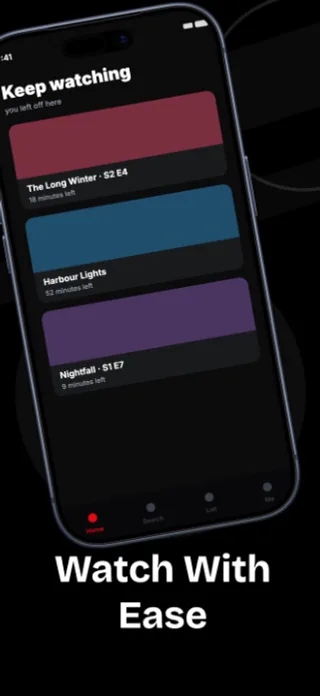
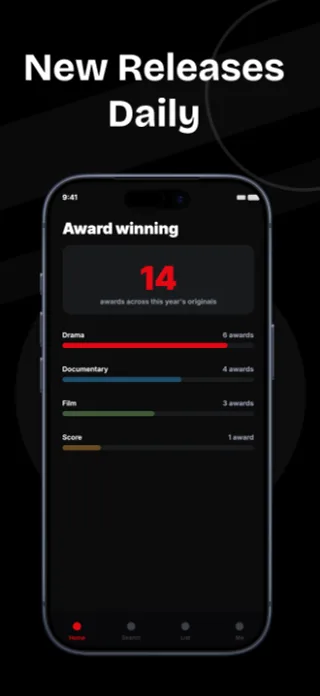
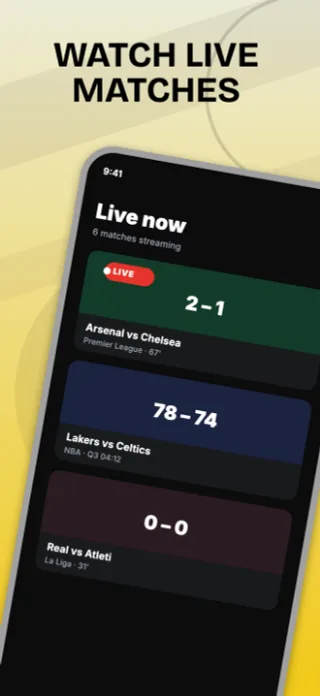
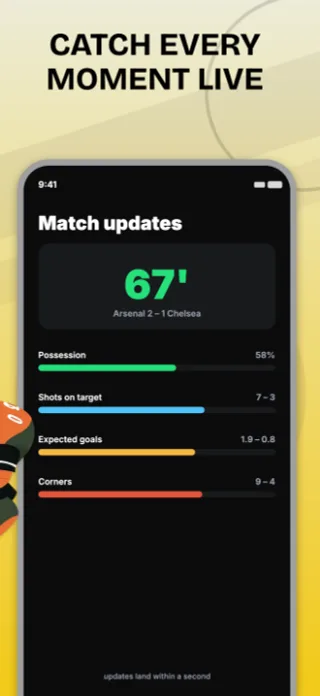
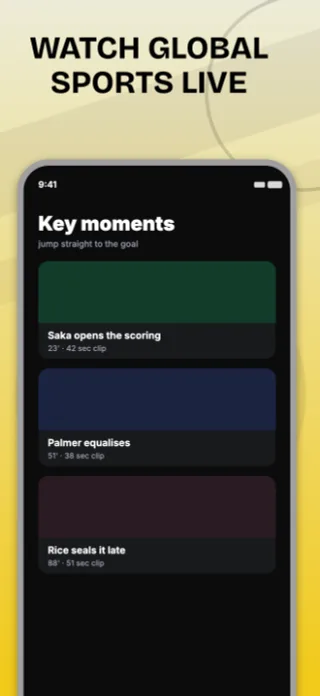
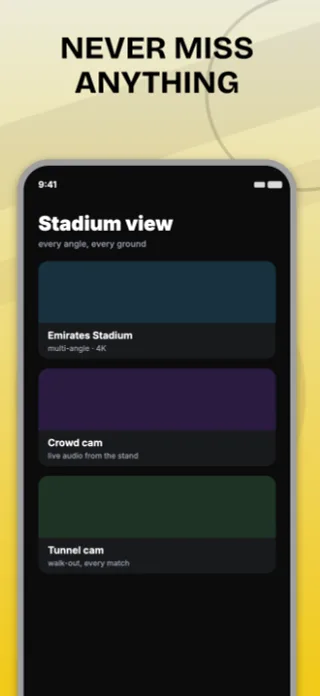
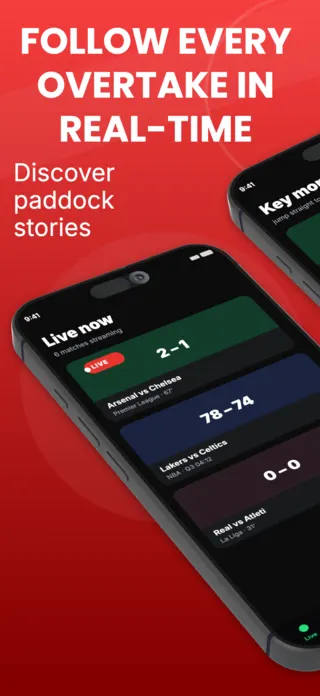
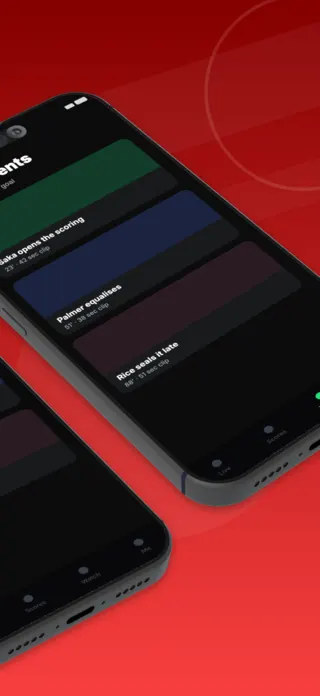
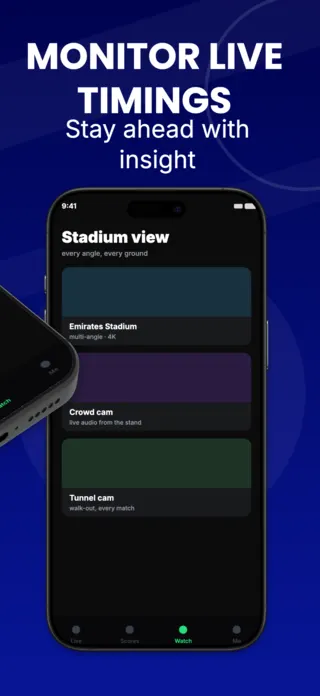
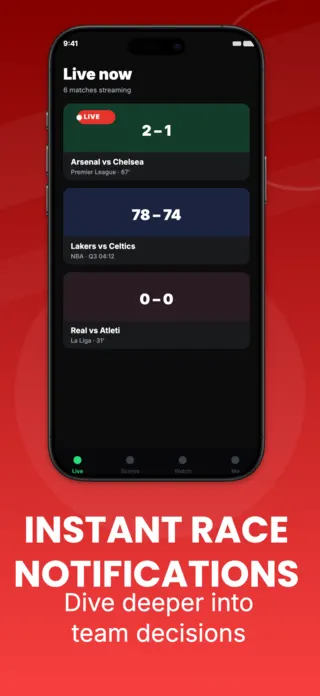
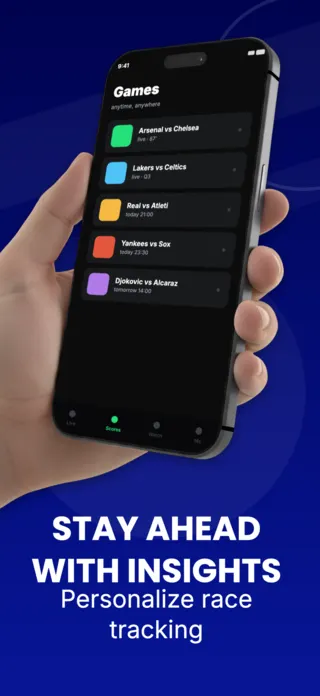
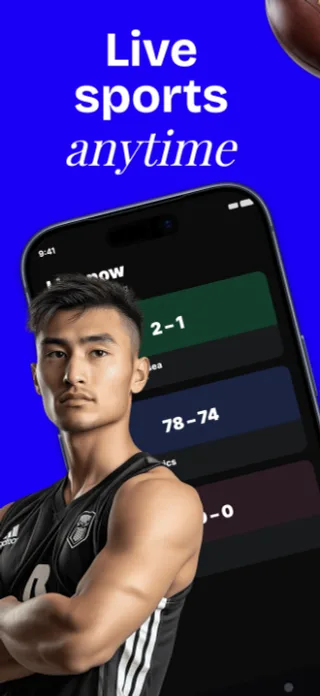
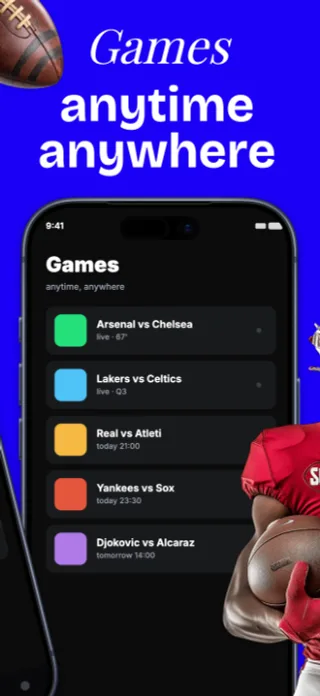
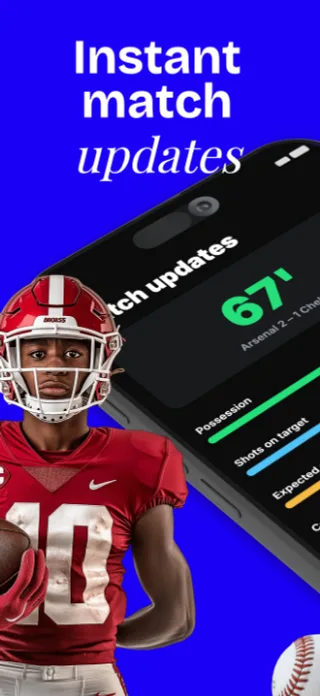
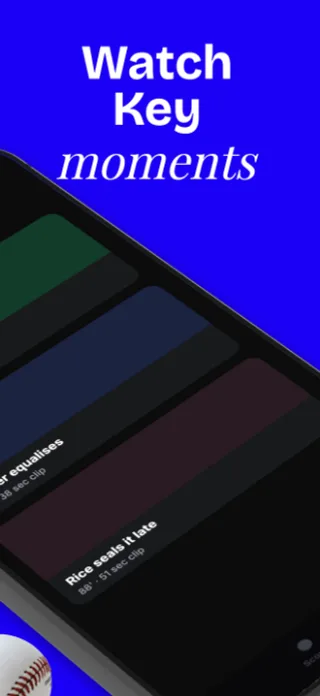
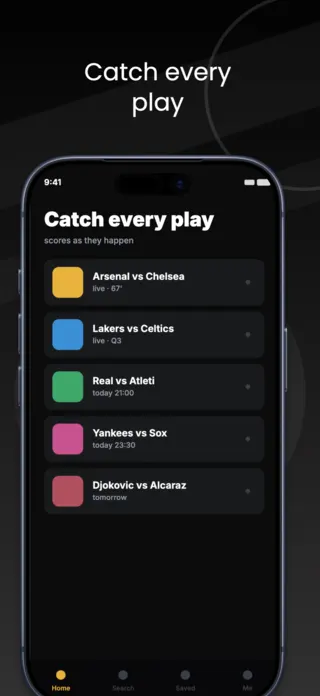
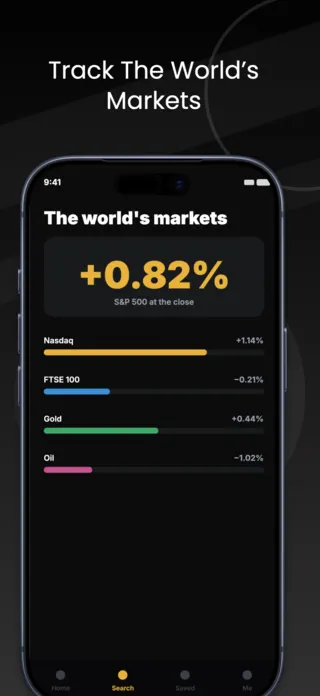
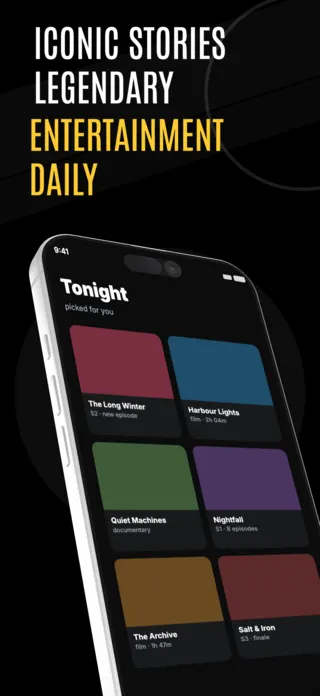
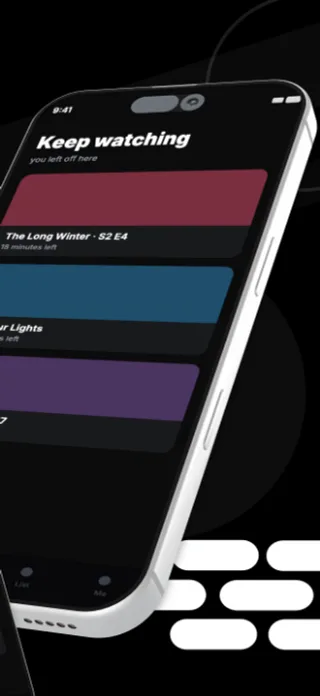
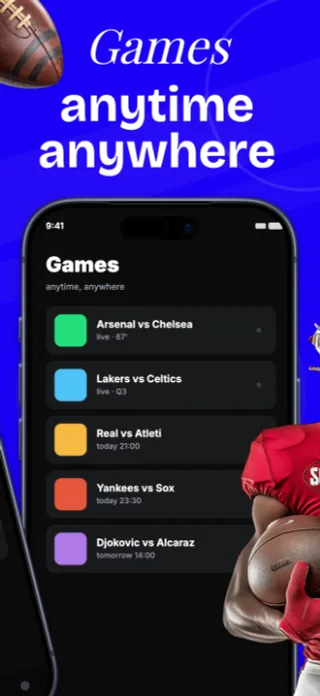
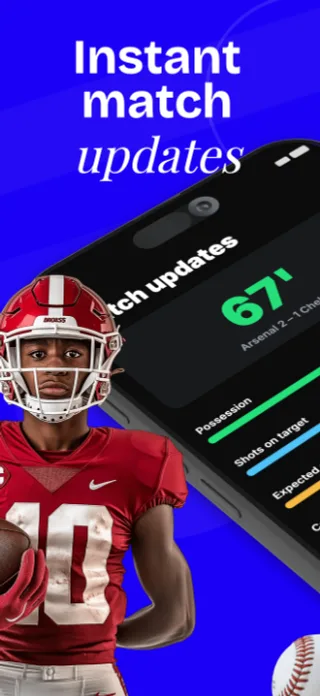
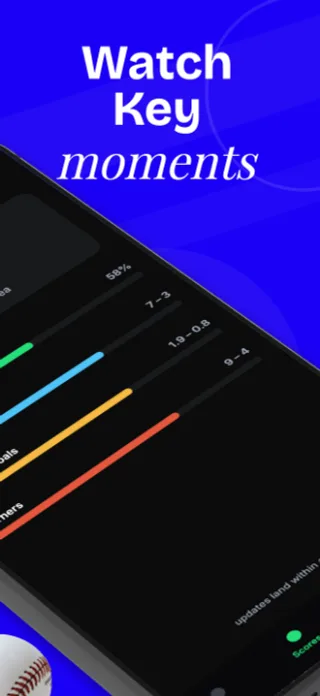
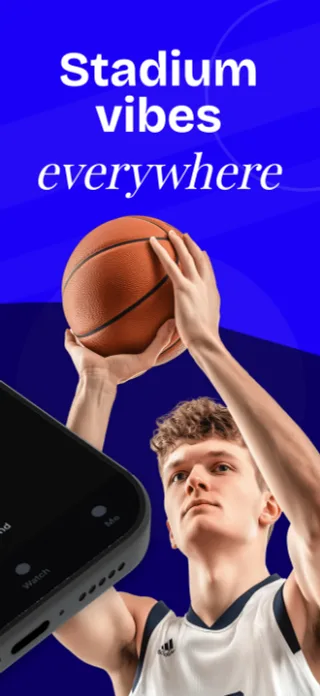
What the first screenshot has to do
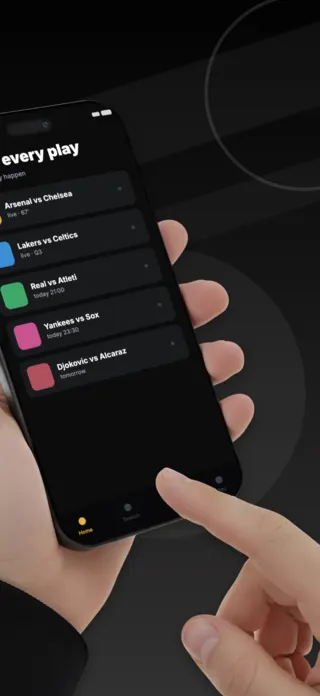
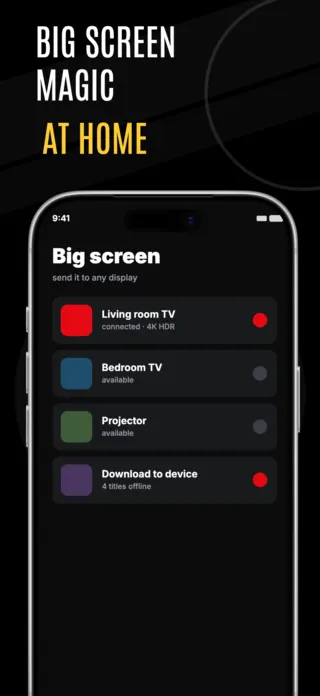
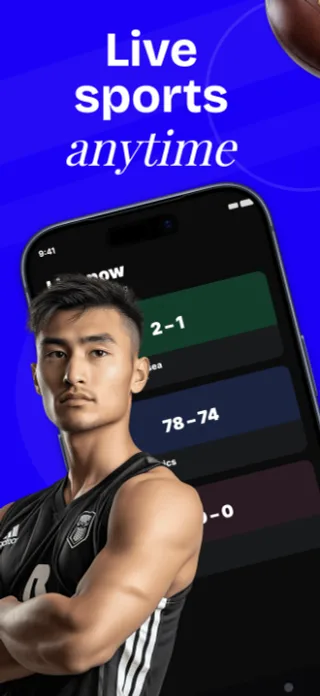
Lead with the live or exclusive moment rather than the browse rail. Every streaming app has a browse rail and it communicates only that you have a catalogue you cannot show. A live score overlay, a watch-party frame, a download-for-offline state are all yours to depict.
What gets streaming & media listings rejected or ignored
- Real posters, team badges, league marks and broadcaster logos. This category generates more rights complaints than any other and Apple removes listings on receipt of one.
- Dark-on-dark layouts that vanish in the App Store's light-mode search results, where most users will actually see the thumbnail.
- Channel counts and "watch anything" claims that overstate what the licence covers in the user's own country.
- Player chrome such as scrubbers and buffering states, presented as a feature.
Localising these screenshots
Content availability differs by country, so a screenshot implying a title or match is available will be wrong in most of the stores it ships to. Keep territory-specific content out of the artwork entirely, and translate only the interface, so one screenshot set stays honest across every locale.
Every template here exports at 1290×2796 for App Store Connect and translates into 40+ languages in one pass. If you are unsure which locales your listing actually needs, the App Store locale code reference lists every one Apple supports, and the text expansion calculator shows how far each language will stretch your headline before you commit to a layout.
Templates for other app categories
Start from one of these
Open any template in the editor, swap the copy and screenshots for your own app, then translate the whole set into every locale your listing targets.
Open the editor →