
Astronomy App Screenshot Templates
Astronomy is the one category where the product is used in the dark and sold in the light. The listing is browsed on a bright phone in daylight, so a set of near-black frames disappears into the grid next to its neighbours, while the app itself has to be almost black to be usable under a real sky. Every decision in this category is a negotiation between those two facts.
3 astronomy & space templates
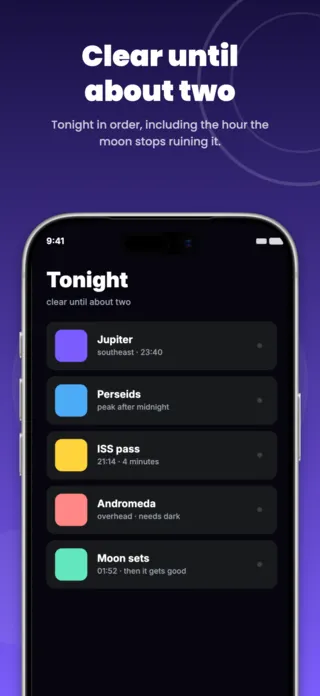
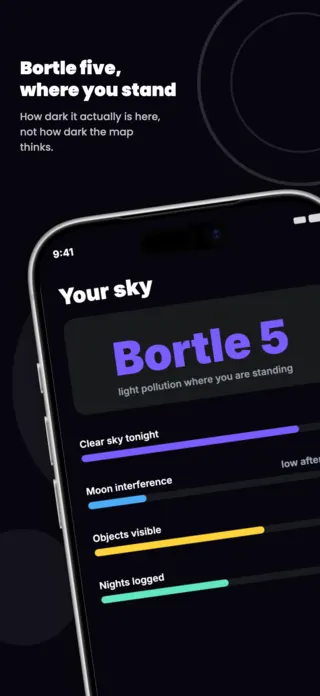
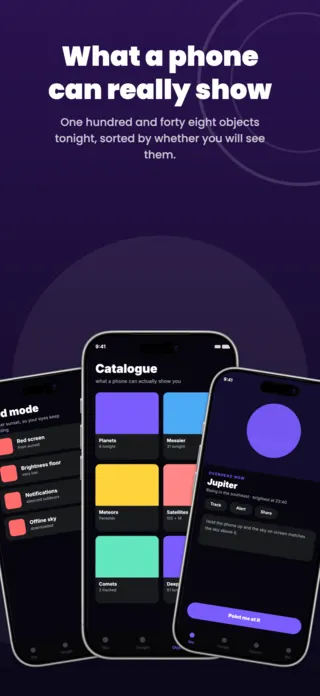
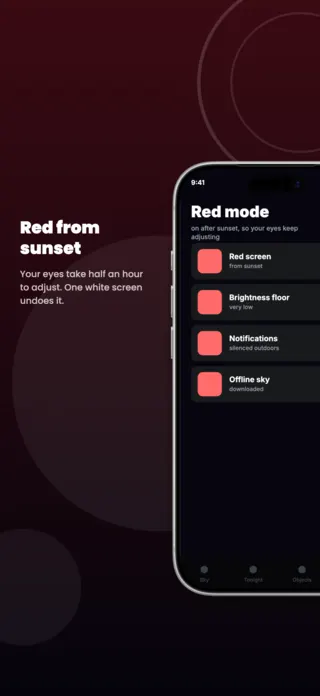
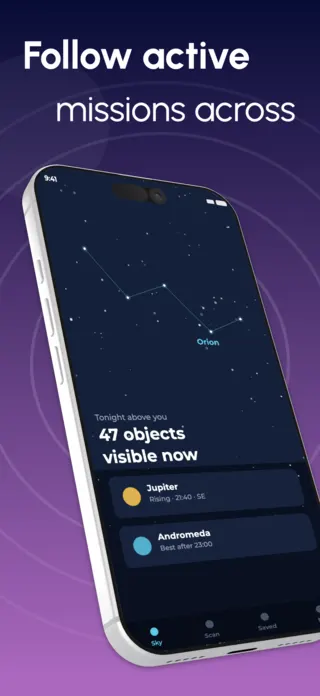
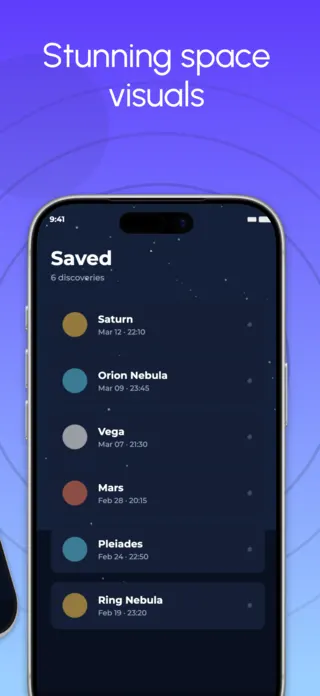
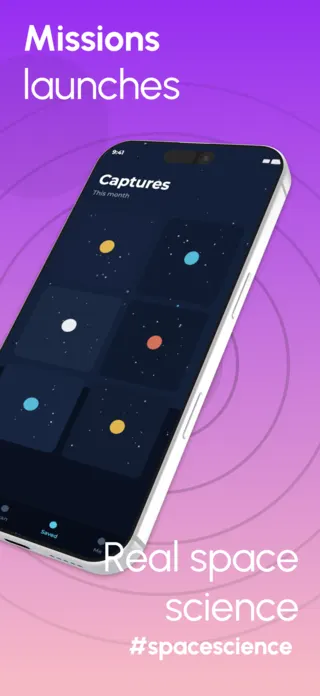
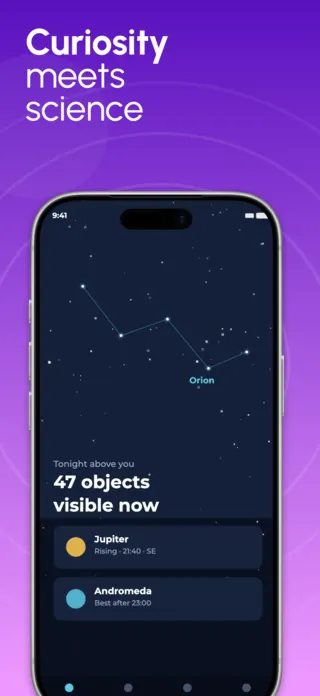
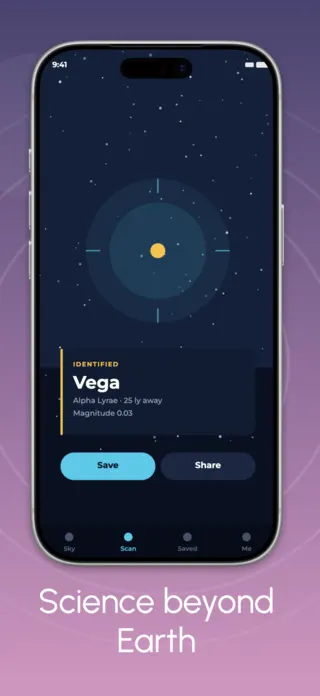
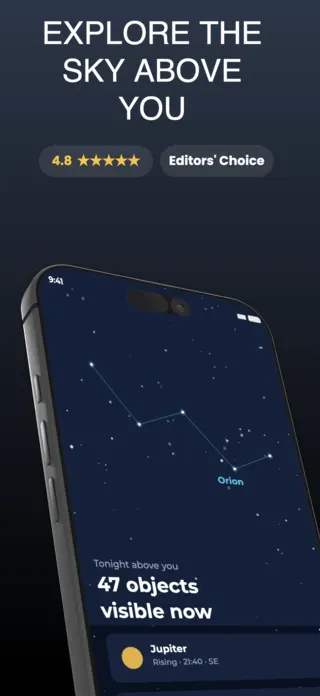
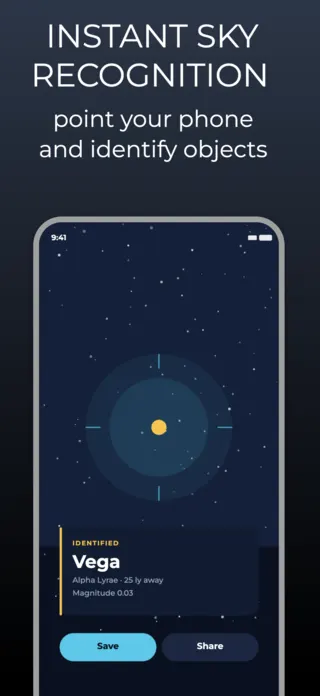
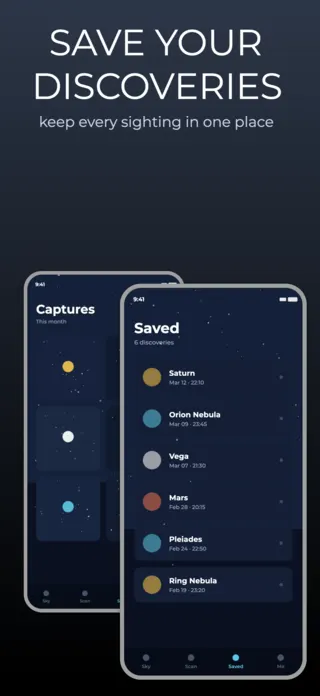
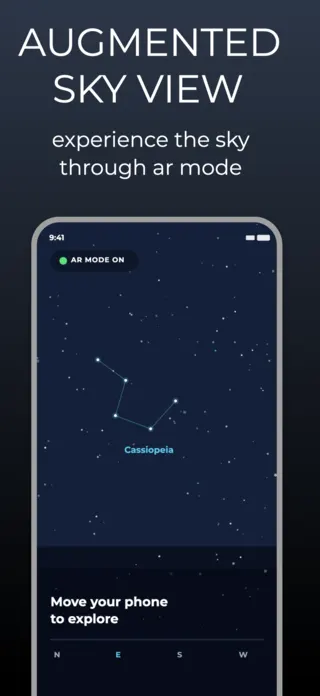
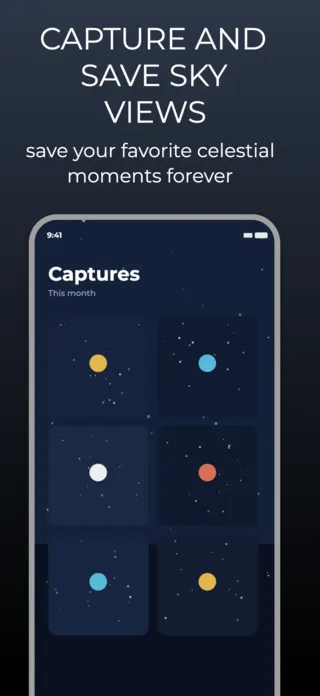
What the first screenshot has to do
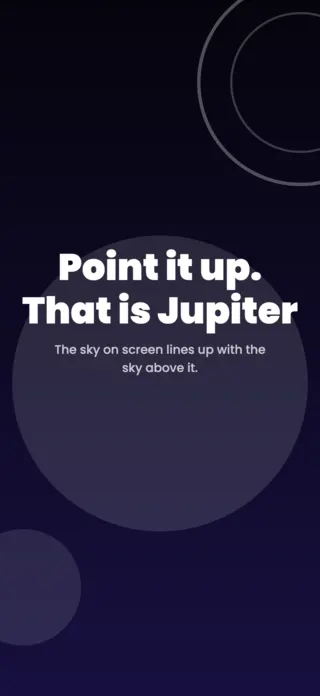
The moment of recognition: the phone held up and the sky on screen matching the sky above it. Catalogues, object lists and settings are what the buyer wants on frame three, once they believe the identification works at all.
What gets astronomy & space listings rejected or ignored
- Hubble and JWST imagery presented as what the app shows, which sets an expectation a phone screen cannot meet and, for some archives, carries an attribution requirement into the artwork.
- A set that is uniformly near-black, which is faithful to the product and invisible in a store grid of five thumbnails.
- Star fields dense enough to read as a rendering rather than as a sky anyone has stood under.
- Astrology framing bolted onto an astronomy app, which reads as a different product to the audience that would have paid for this one.
Localising these screenshots
Constellation and planet names split three ways across markets: translated (Turkish Yay for Sagittarius), transliterated, or kept in Latin by convention among observers. Magnitude and the Bortle scale stay numeric everywhere, but "light pollution" has no compact equivalent in several languages and expands badly. Keep object names in a text layer so a market can choose its own convention.
Every template here exports at 1290×2796 for App Store Connect and translates into 40+ languages in one pass. If you are unsure which locales your listing actually needs, the App Store locale code reference lists every one Apple supports, and the text expansion calculator shows how far each language will stretch your headline before you commit to a layout.
Templates for other app categories
Start from one of these
Open any template in the editor, swap the copy and screenshots for your own app, then translate the whole set into every locale your listing targets.
Open the editor →