
Social and Community App Screenshot Templates
Social apps have to show a populated product to be credible, and populating it means inventing people. That is the whole design problem of this category: the screenshot needs faces, names and conversations that look real, sourced in a way that will not get the listing pulled. It is also the category Apple scrutinises hardest, because a screenshot showing a conversation is a screenshot making an implicit claim about your moderation.
8 social & community templates
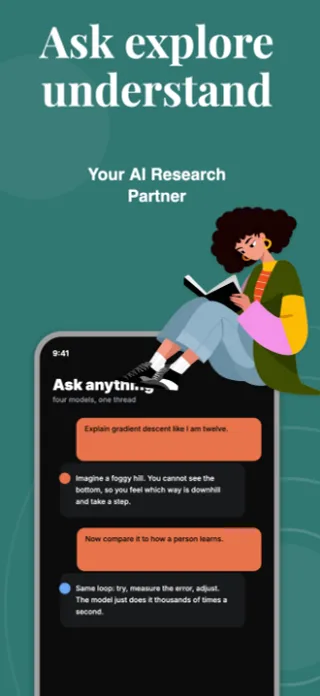
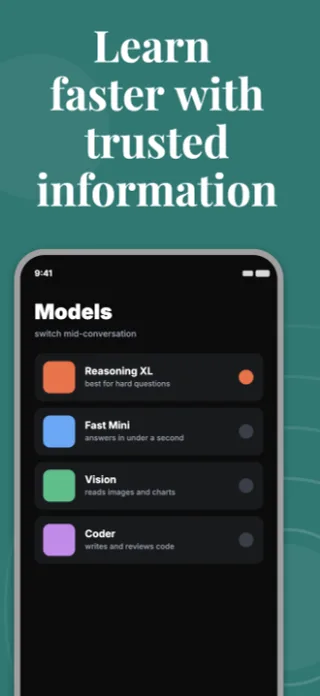
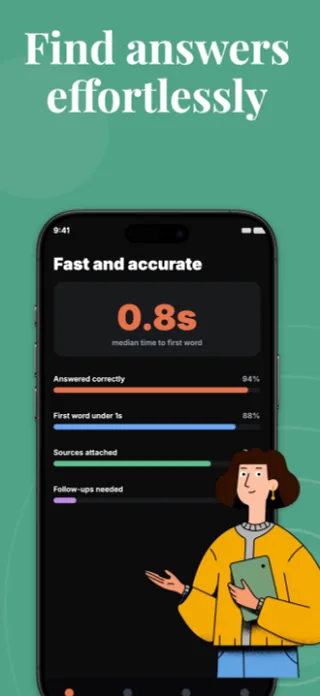
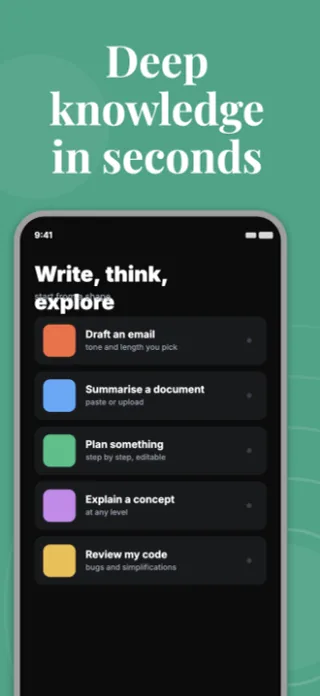
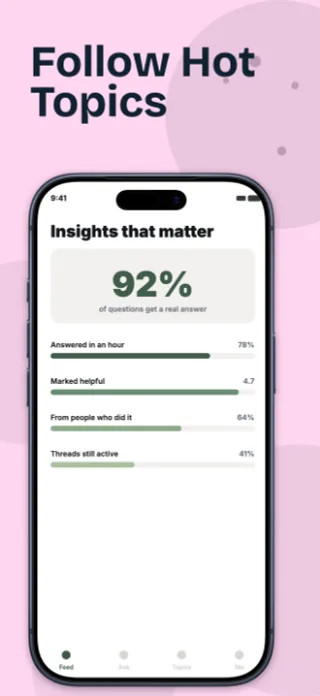
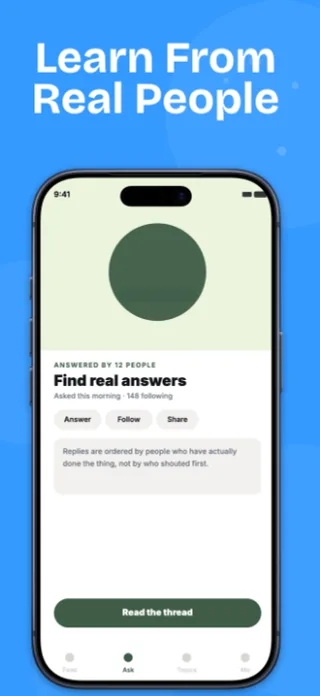
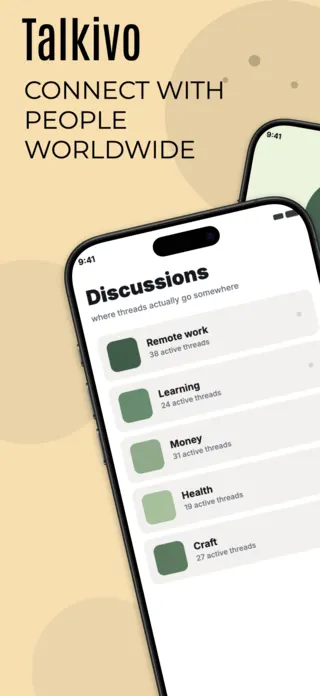
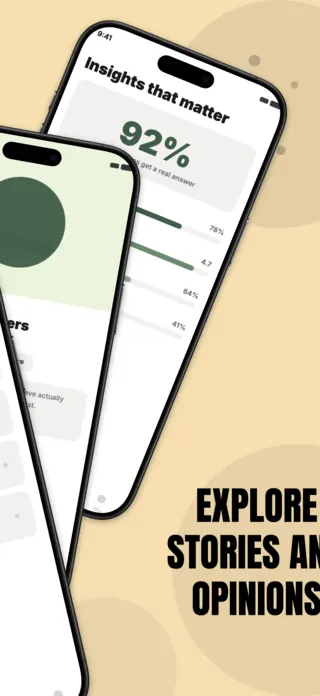
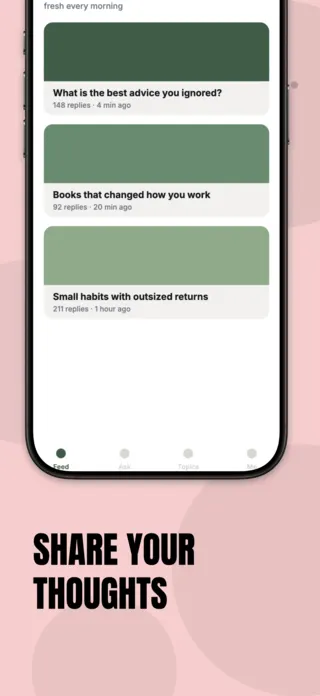
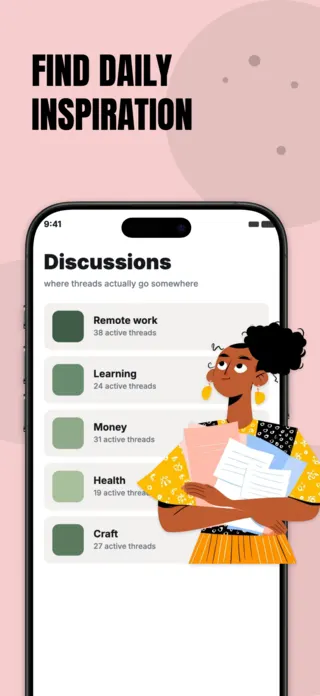
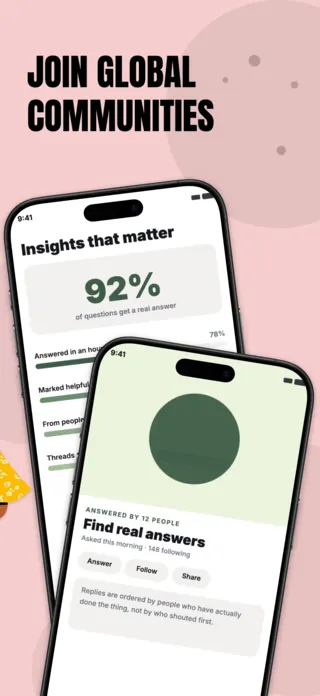
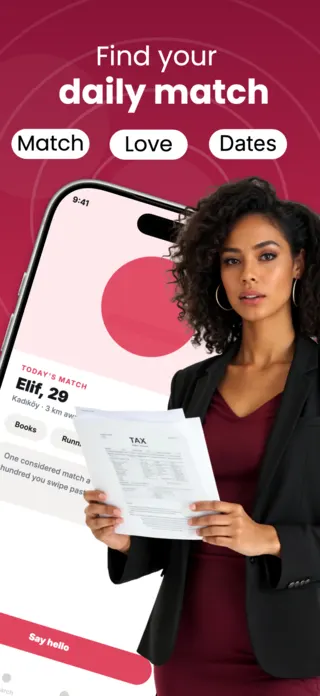
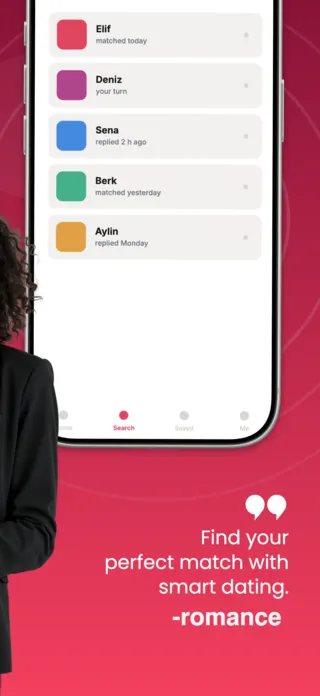
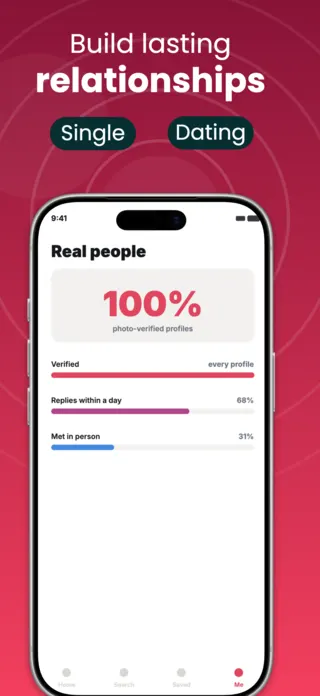
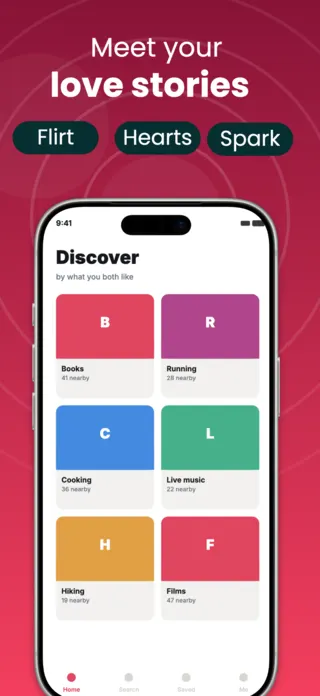
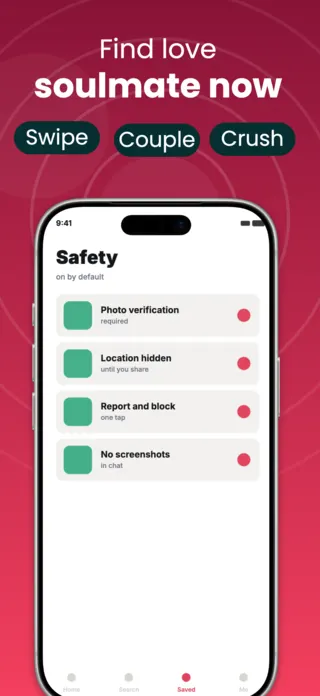

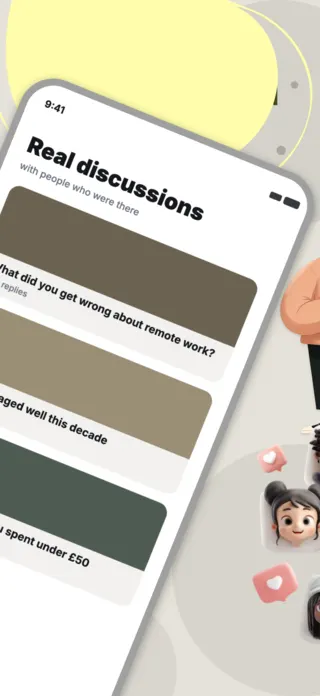
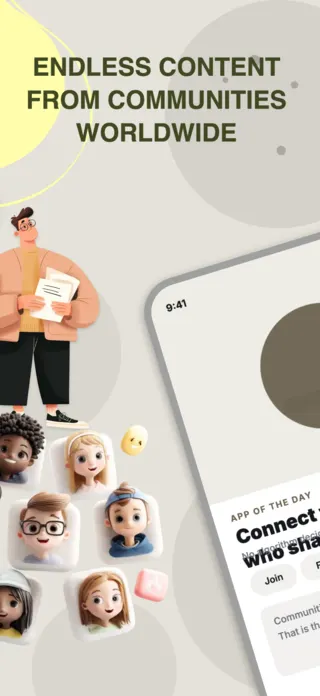
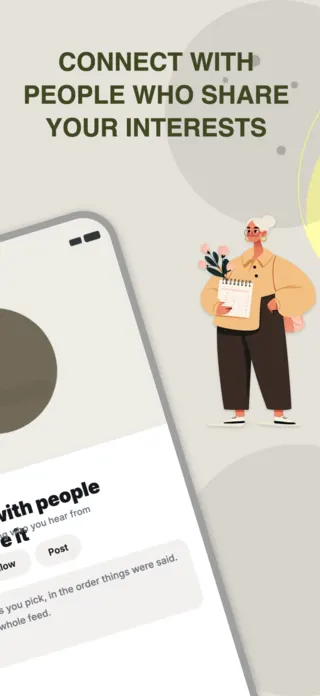
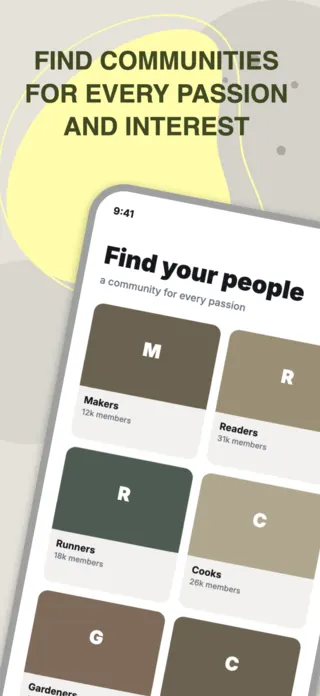

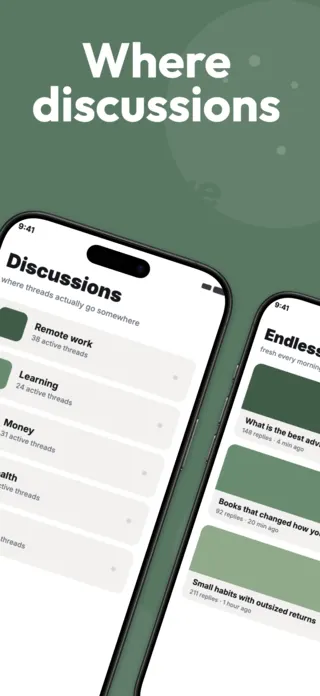
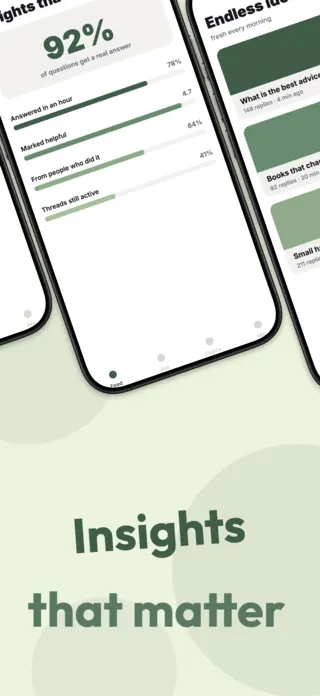
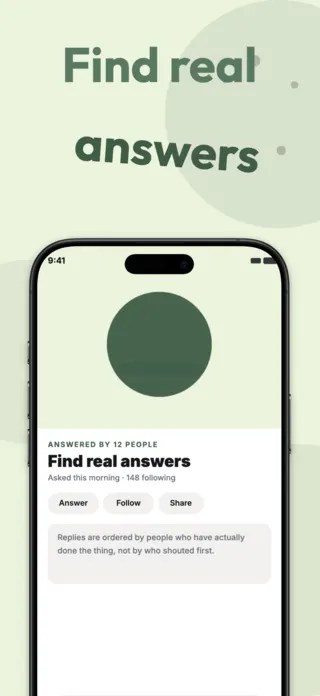
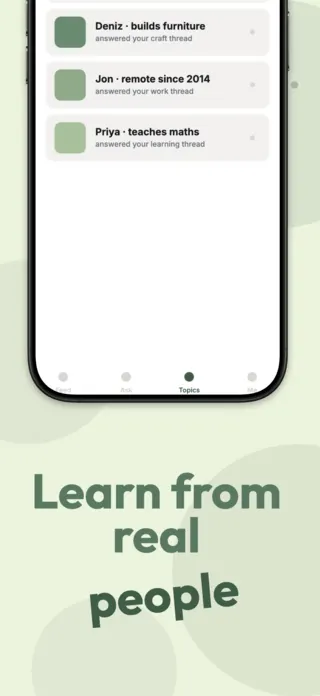

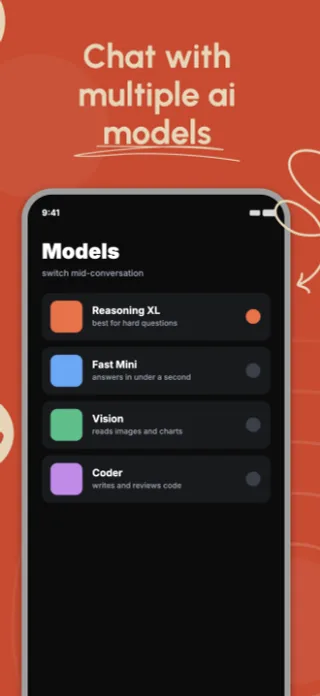
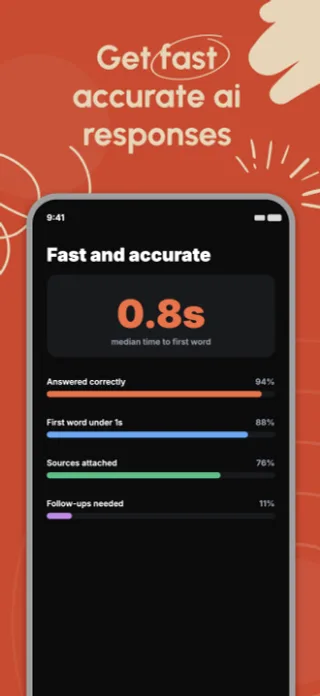
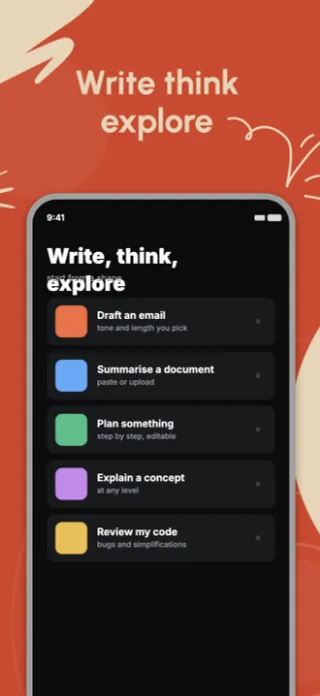
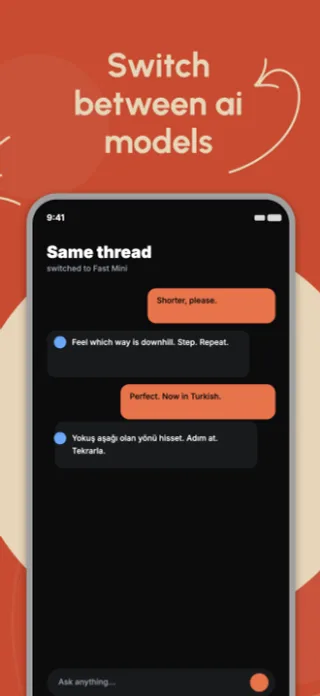

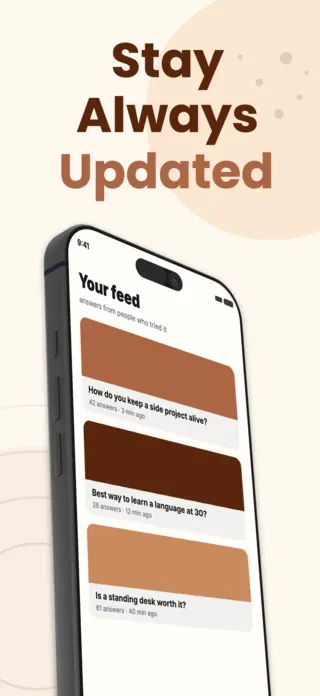
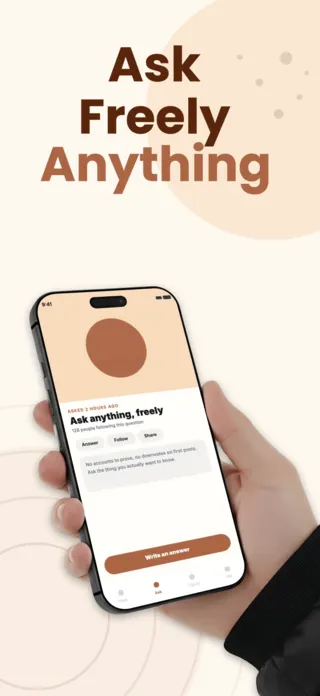
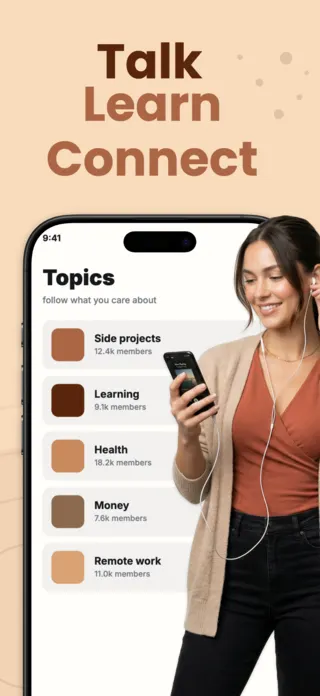
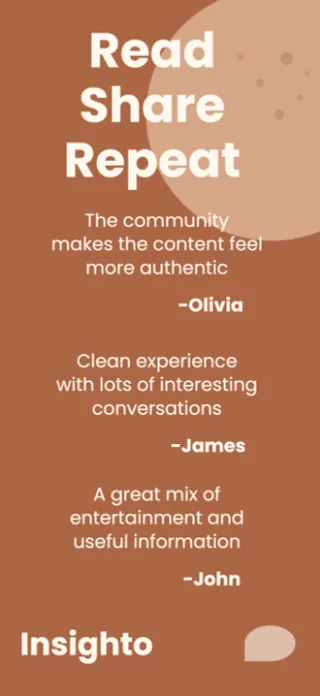
What the first screenshot has to do
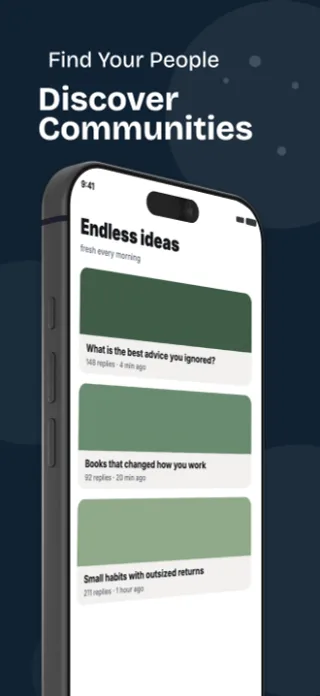
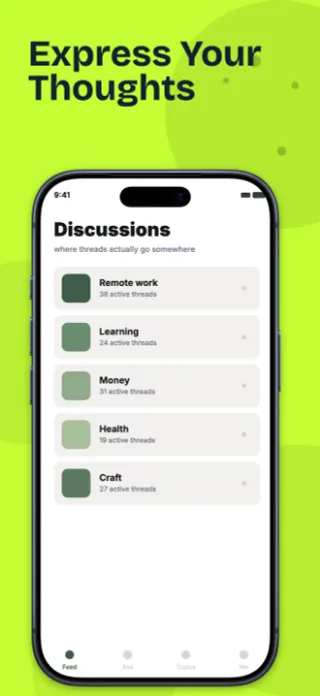
Show the interaction, not the profile. A conversation in progress or a thread with replies communicates that the app has people in it; a single profile card communicates nothing about whether anyone is there. For dating specifically, the match moment outperforms the browse grid.
What gets social & community listings rejected or ignored
- Real photographs of real people used as mock profiles. Licensed stock is not sufficient for dating contexts, because most stock licences explicitly exclude implying the subject is a dating-app user.
- Mock conversations containing anything suggestive. Apple applies the screenshot age rating strictly and this category gets checked frame by frame.
- Follower and member counts presented as your app's real numbers when they are placeholder data.
- Empty feeds and zero-reply threads, which say more accurately than you intended that nobody is using the app.
Localising these screenshots
Mock names and mock message text have to be localised together with the UI, and localising them well means replacing them rather than translating them. A German screenshot showing users called Jessica and Mike with translated interface chrome reads as a US app with a German skin, which is precisely the impression that costs conversions in non-English stores.
Every template here exports at 1290×2796 for App Store Connect and translates into 40+ languages in one pass. If you are unsure which locales your listing actually needs, the App Store locale code reference lists every one Apple supports, and the text expansion calculator shows how far each language will stretch your headline before you commit to a layout.
Templates for other app categories
Start from one of these
Open any template in the editor, swap the copy and screenshots for your own app, then translate the whole set into every locale your listing targets.
Open the editor →