
Home & Living App Screenshot Templates
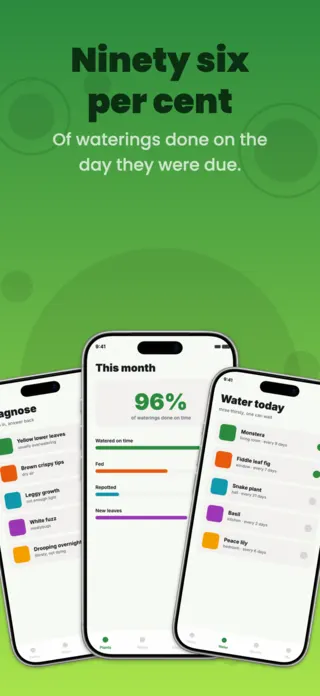
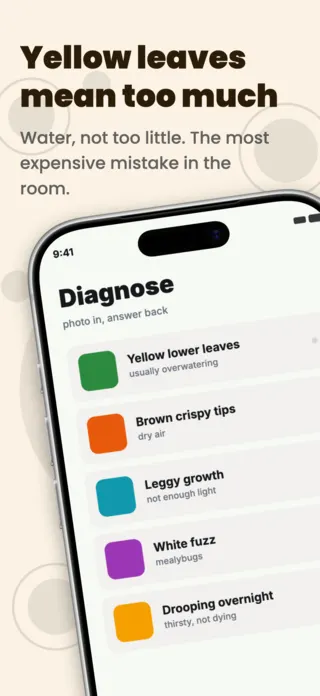
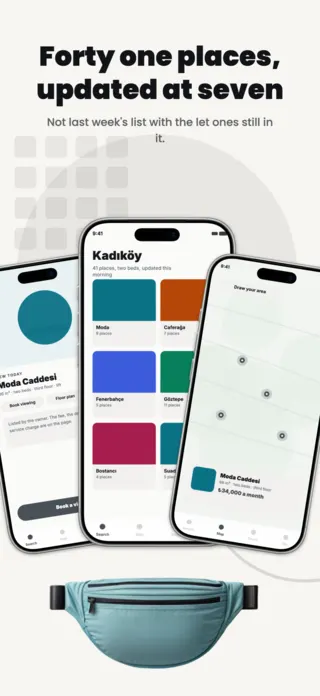
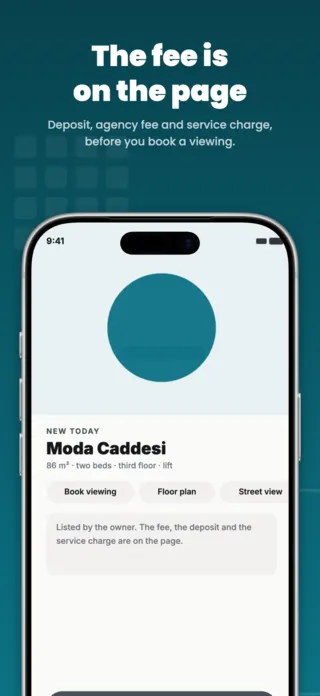
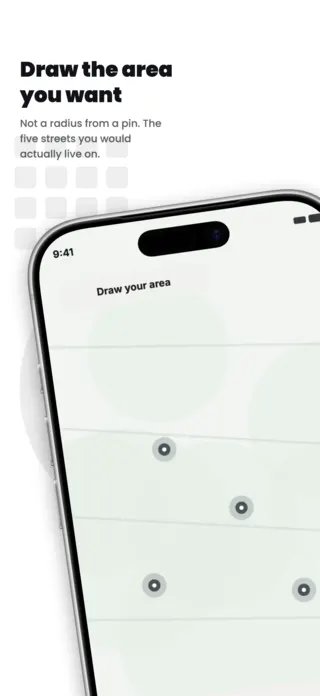
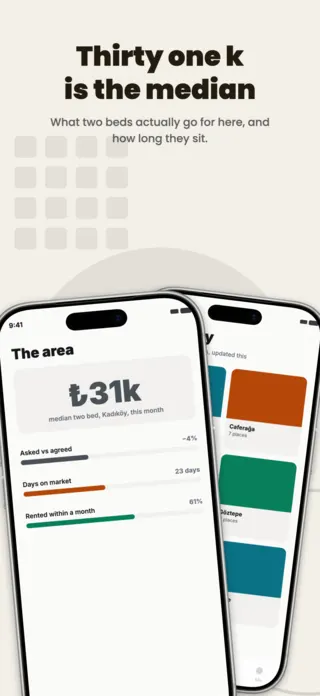
These apps are all bought at the same moment: someone has just moved, or is about to, and is trying to make a place work. That buyer is unusually sceptical, because the category is full of apps that turn out to be a catalogue with a search box. The screenshots that convert show the thing being controlled or found (a room, a lock, a listing, a plant) rather than the menu that controls it.
5 home & living templates
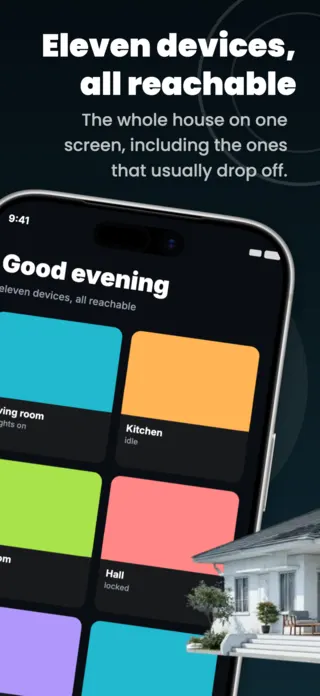
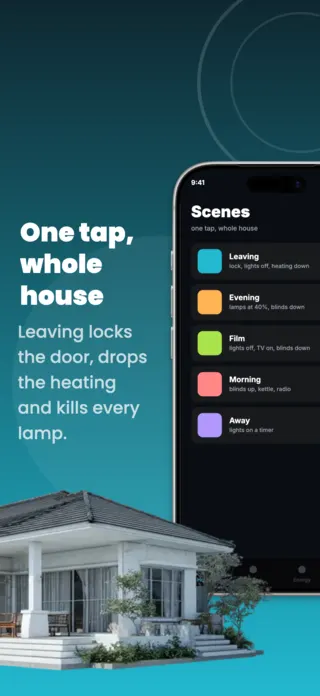
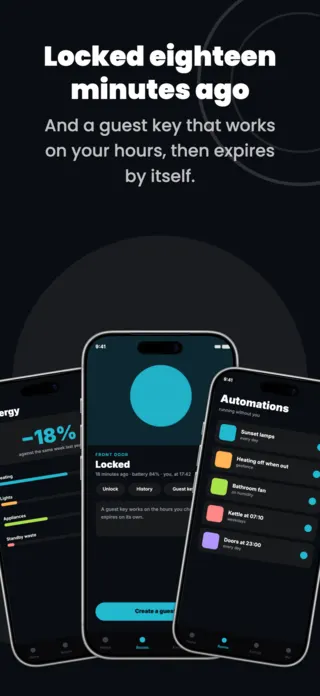
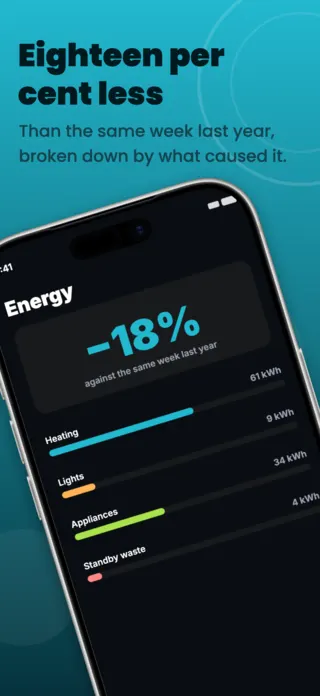


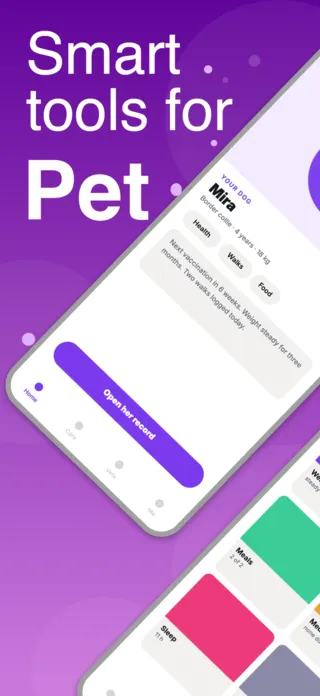

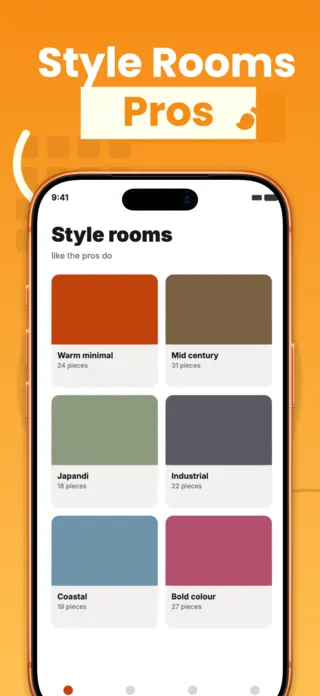

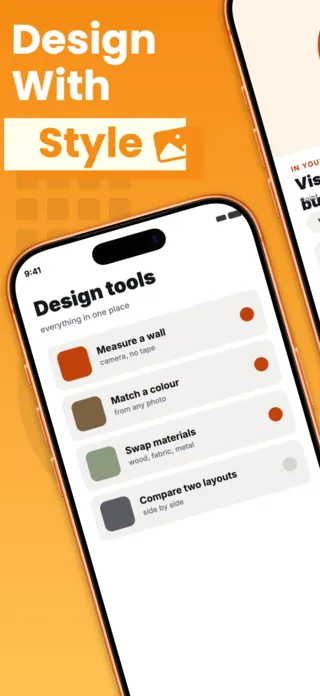
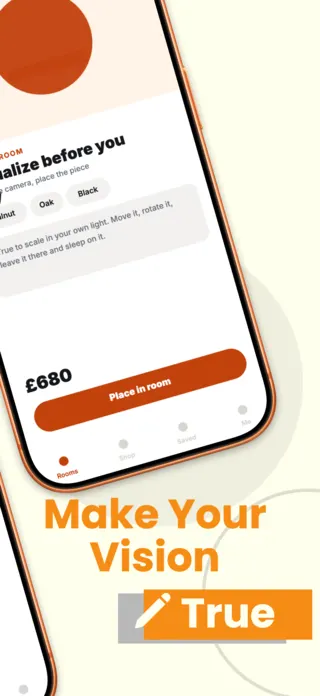
What the first screenshot has to do
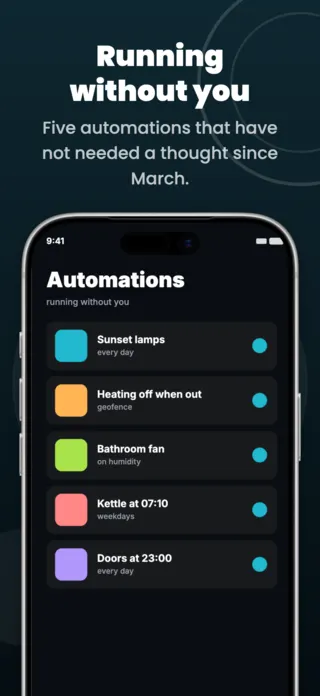
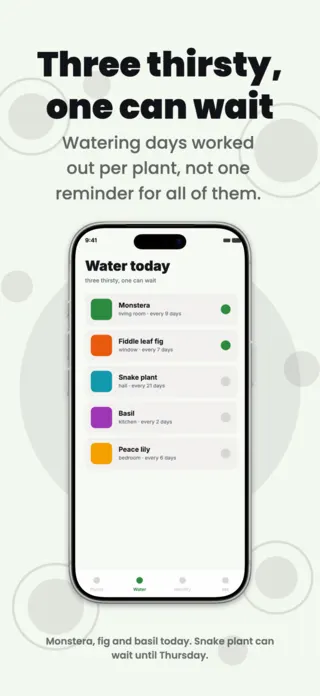
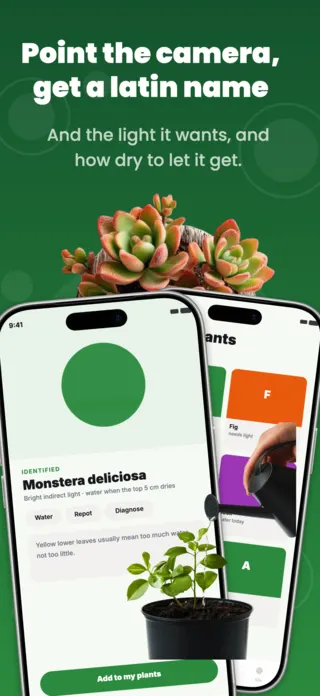
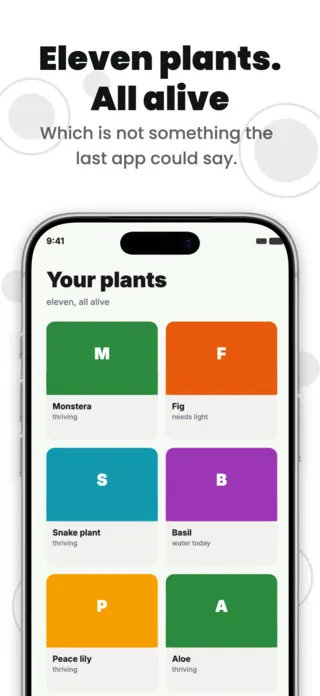
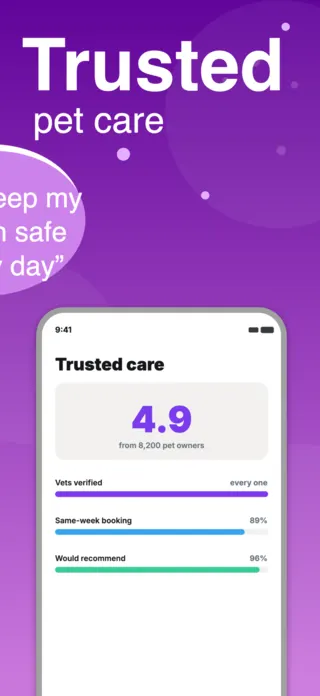
Something specific enough to be somebody's. One flat with its real floor and price, one front door reporting itself locked, one plant with the day it next needs water. A dashboard of generic tiles in frame one reads as a demo, because it is the frame every competitor also opens with.
What gets home & living listings rejected or ignored
- Photographs of interiors, listings or products pulled from stock or from a portal, which carry a licence problem into the artwork and imply inventory you do not have.
- Brand marks for hardware such as the lock, the bulb and the thermostat, shown as supported when the integration is unbuilt or unlicensed.
- Prices, floor areas and addresses shown in one market's conventions only, which makes the listing read as foreign in every other store.
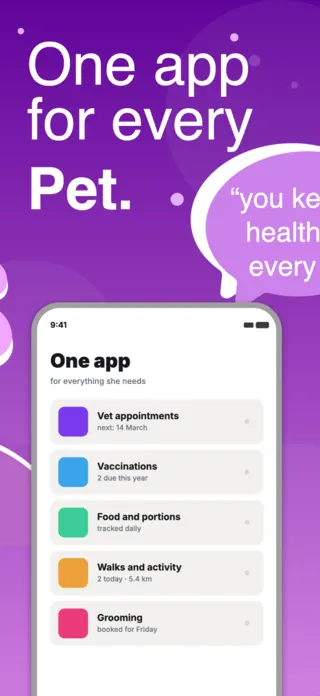
- A smart-home frame that shows twenty devices, when the buyer owns three and is trying to work out whether theirs are among them.
Localising these screenshots
This category is measured in units that do not travel: square metres against square feet, Celsius against Fahrenheit, and a floor numbering system where the British first floor is the American second. Property vocabulary splits too, with "flat", "apartment" and "unit" carrying different assumptions about ownership. Put the numbers in a text layer rather than the artwork, so a market swap changes the unit as well as the language.
Every template here exports at 1290×2796 for App Store Connect and translates into 40+ languages in one pass. If you are unsure which locales your listing actually needs, the App Store locale code reference lists every one Apple supports, and the text expansion calculator shows how far each language will stretch your headline before you commit to a layout.
Templates for other app categories
Start from one of these
Open any template in the editor, swap the copy and screenshots for your own app, then translate the whole set into every locale your listing targets.
Open the editor →