
Weather App Screenshot Templates
Weather is the most crowded utility category on either store and the one where the system app is the incumbent. Nobody downloads a second weather app for prettier icons; they download it because the built-in one was wrong, or vague, about something they needed. The listing has to name that something in the first frame, or it is competing on decoration against an app that came free with the phone.
3 weather & conditions templates
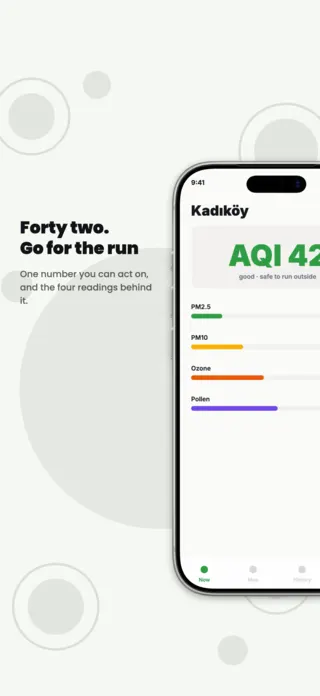
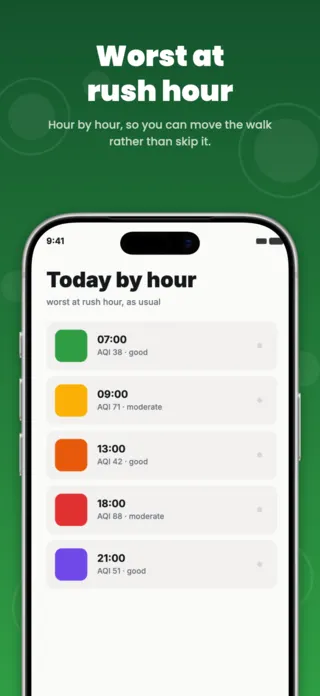
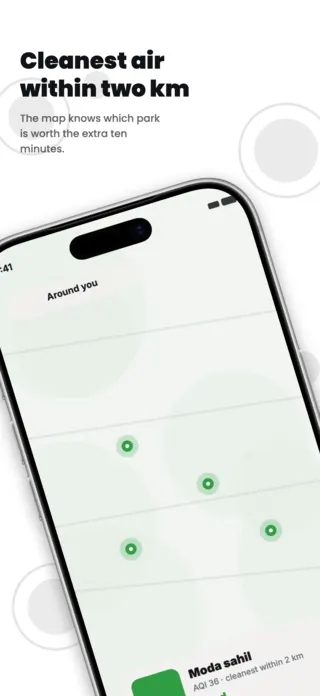

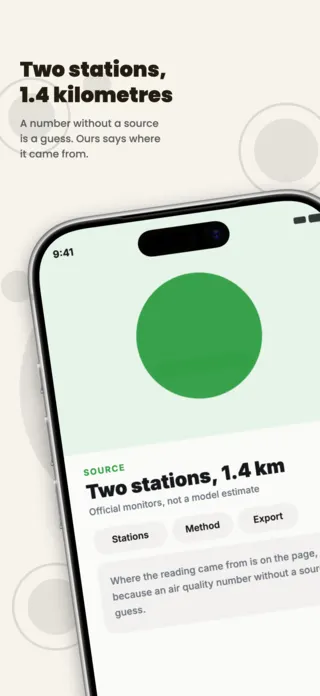
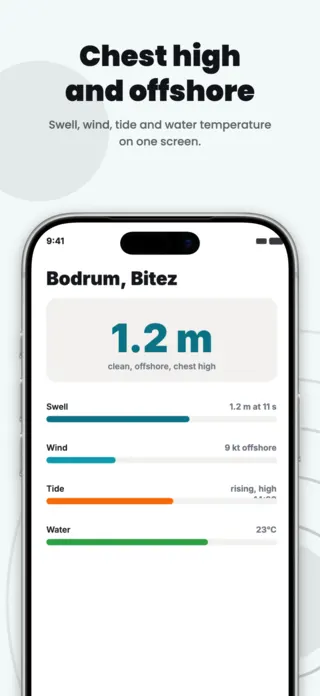
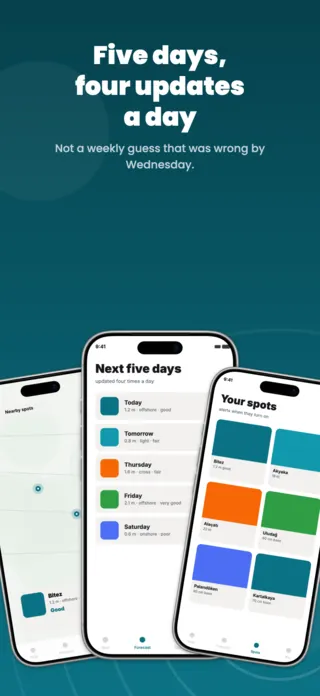
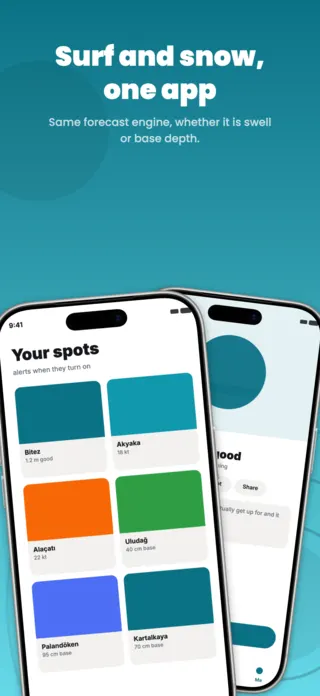
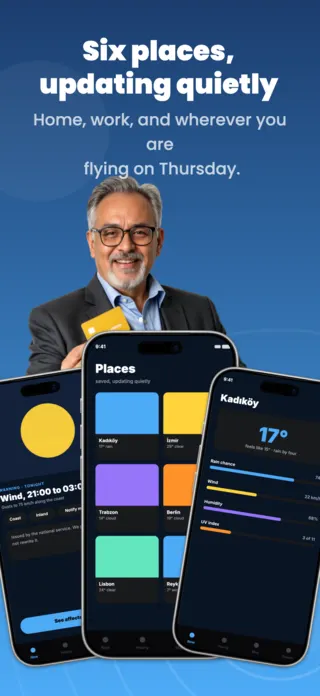

What the first screenshot has to do
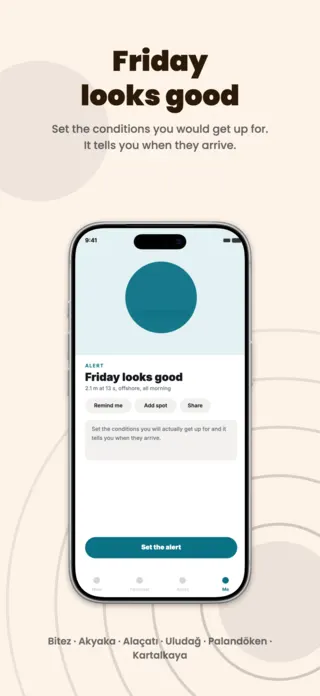
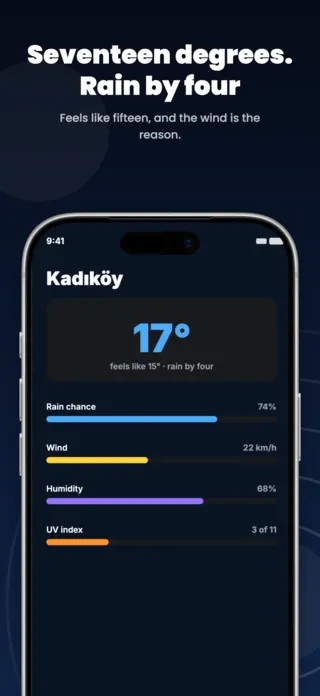
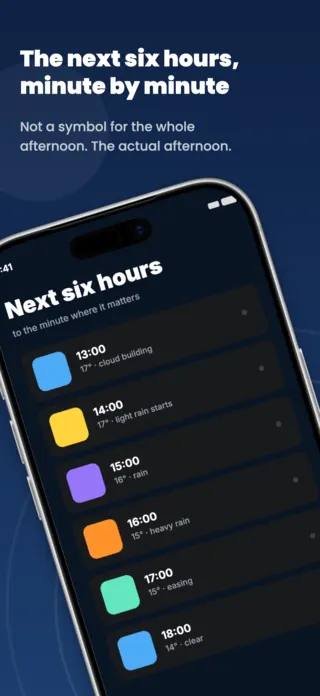
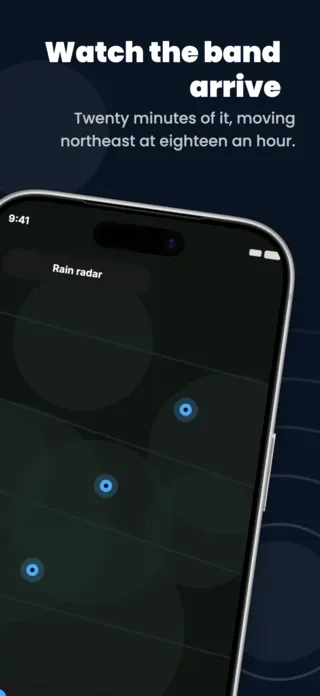
A specific claim with a number attached: rain starting at a time, swell at a height and period, an air quality reading with the pollutant behind it. A generic current-conditions card is exactly what the buyer already has.
What gets weather & conditions listings rejected or ignored
- Presenting a modelled estimate as a measurement, which is a credibility problem in the category where users check the app against the window.
- National weather service logos or data marks in the artwork, most of which have attribution terms and none of which imply endorsement.
- Health advice framing on air quality, such as "safe to exercise", which App Review reads differently from a reading plus a source.
- One market's units baked into the image, so every other locale sees Fahrenheit, feet of swell, or an AQI scale that is not theirs.
Localising these screenshots
This category is unit-bound in a way few others are: Celsius against Fahrenheit, km/h against knots against mph, metres against feet of swell, and air quality indices that are genuinely different scales rather than translations of one. A US AQI of 42 is not a European CAQI of 42. Put every number in a text layer, and treat the unit as part of the localisation, not part of the artwork.
Every template here exports at 1290×2796 for App Store Connect and translates into 40+ languages in one pass. If you are unsure which locales your listing actually needs, the App Store locale code reference lists every one Apple supports, and the text expansion calculator shows how far each language will stretch your headline before you commit to a layout.
Templates for other app categories
Start from one of these
Open any template in the editor, swap the copy and screenshots for your own app, then translate the whole set into every locale your listing targets.
Open the editor →