
Music App Screenshot Templates
Music apps split into two listings that look nothing alike: discovery sells a catalogue you do not own the artwork for, and creation sells an interface most people cannot read. Both fail the same way, by showing a screen that means nothing to someone who has not used the app. The fix is to show the outcome (a finished track, a playlist that fits a moment) with just enough interface to prove it came from here.
3 music & audio creation templates
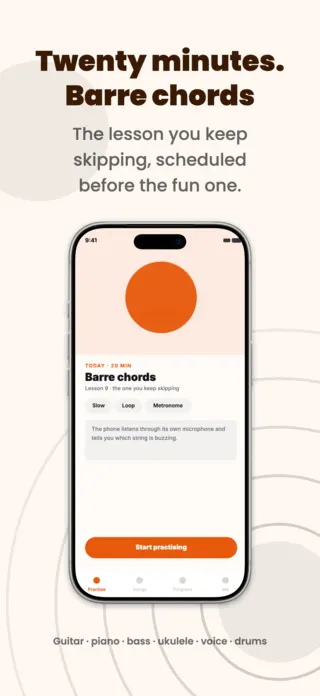
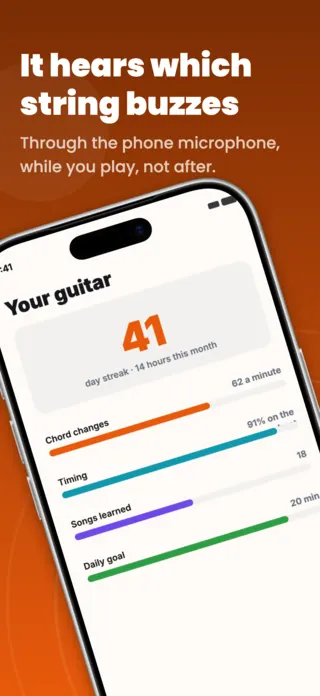
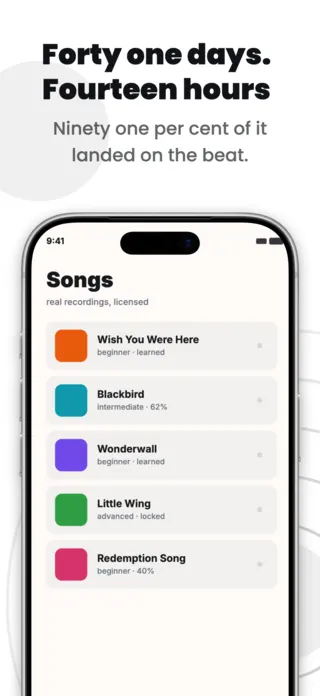
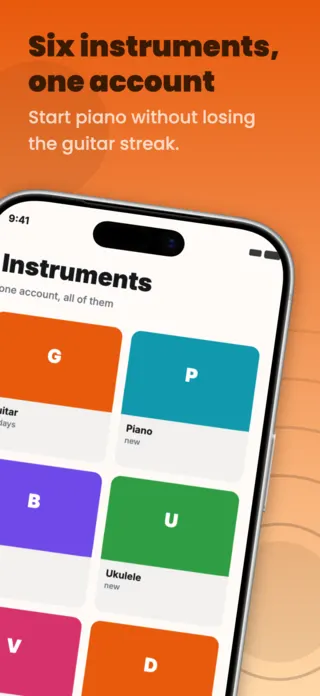
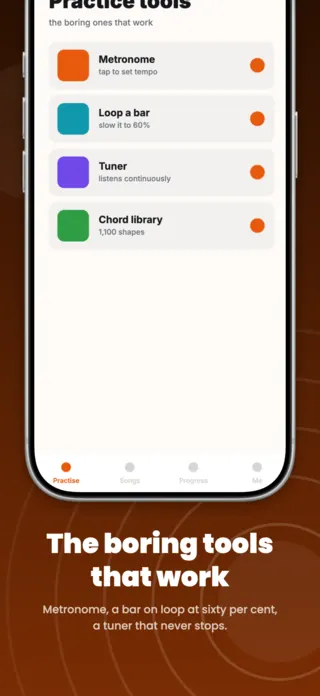
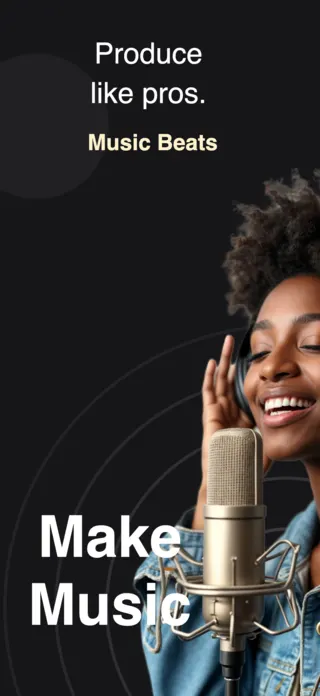
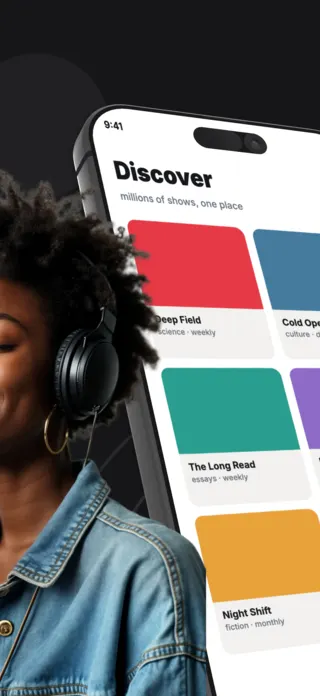
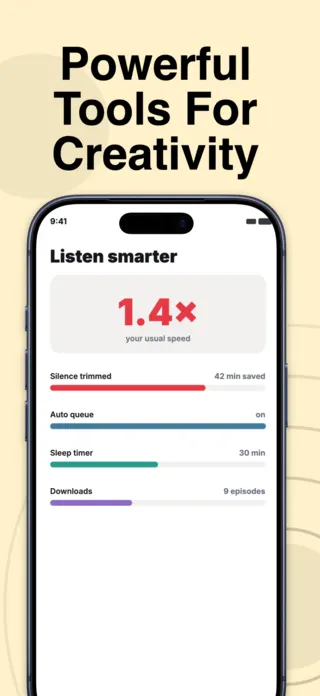
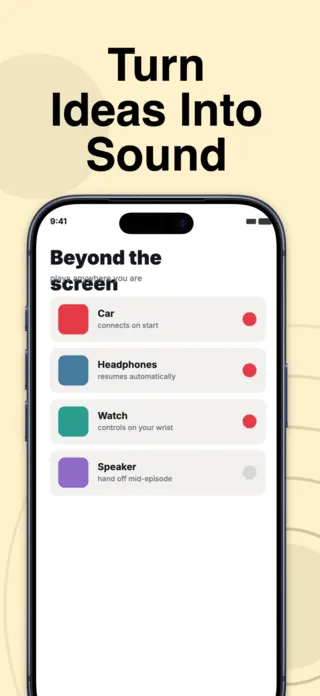
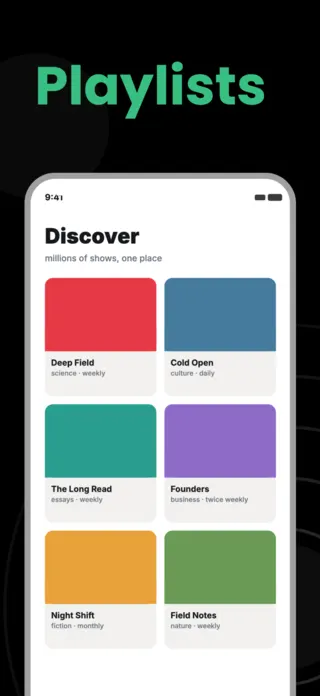
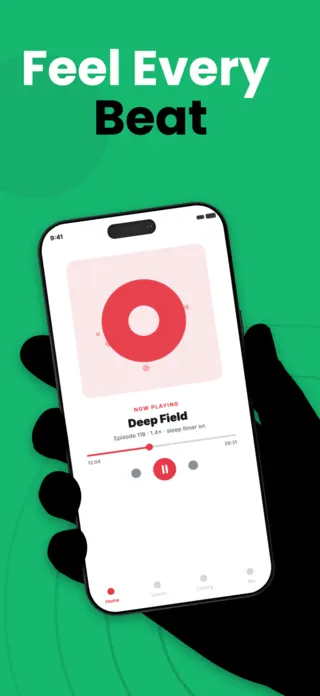
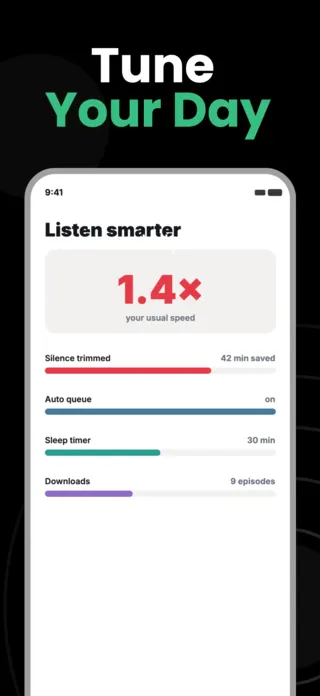
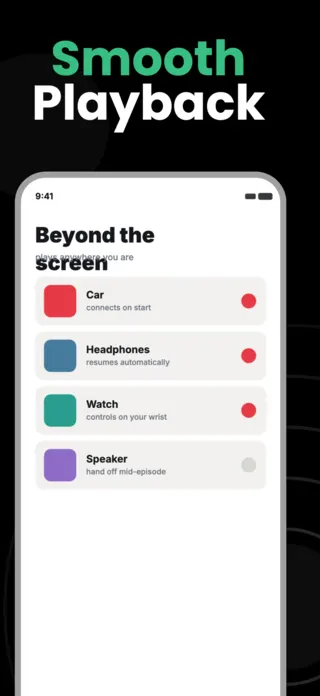
What the first screenshot has to do
For discovery, a moment rather than a library: the commute, the workout, the room. For creation, the smallest complete thing the app makes (one loop, one mixed track) rather than the full mixer. A dense multitrack view in frame one reads as difficulty, which is exactly the objection you are trying to answer.
What gets music & audio creation listings rejected or ignored
- Real artist names, album covers and track titles in the artwork, which are licensed assets and a common rejection cause.
- Waveforms as decoration. They fill space and say nothing; at thumbnail size they are grey noise.
- Mixer and piano-roll screenshots shown at full density, which are unreadable below full size and intimidating above it.
- Implying an offline catalogue or download rights the app does not actually hold.
Localising these screenshots
Genre names are the trap. Many transliterate rather than translate, and a machine-translated genre list reads as nonsense to a native speaker: the words exist but nobody uses them that way. Keep genre labels in their original form and translate the sentence around them, the same way the music press does.
Every template here exports at 1290×2796 for App Store Connect and translates into 40+ languages in one pass. If you are unsure which locales your listing actually needs, the App Store locale code reference lists every one Apple supports, and the text expansion calculator shows how far each language will stretch your headline before you commit to a layout.
Templates for other app categories
Start from one of these
Open any template in the editor, swap the copy and screenshots for your own app, then translate the whole set into every locale your listing targets.
Open the editor →