
Health and Fitness App Screenshot Templates
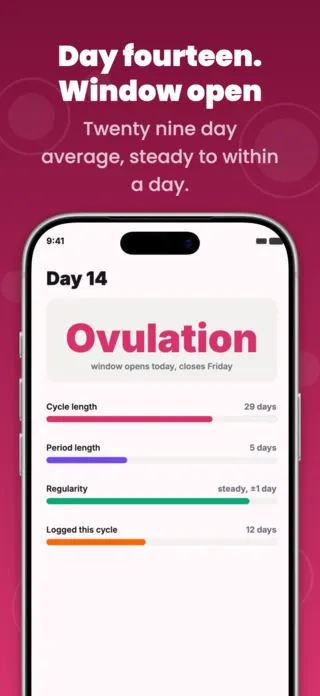
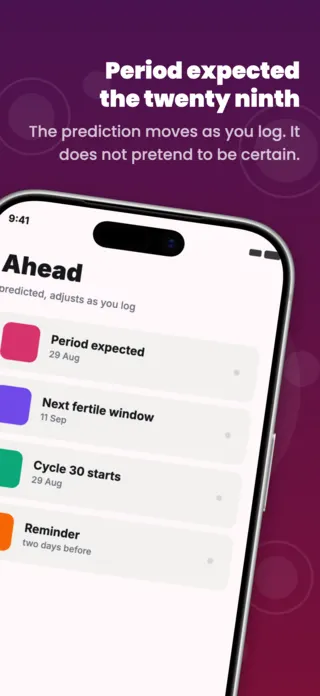
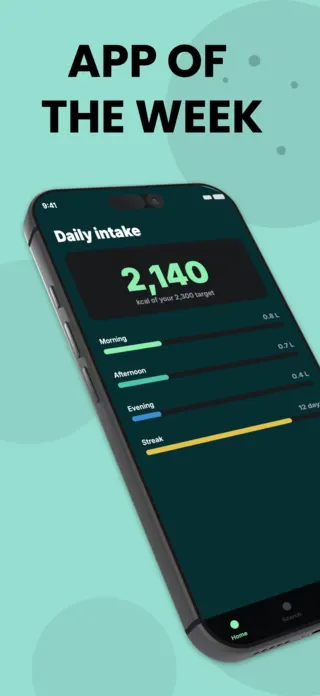
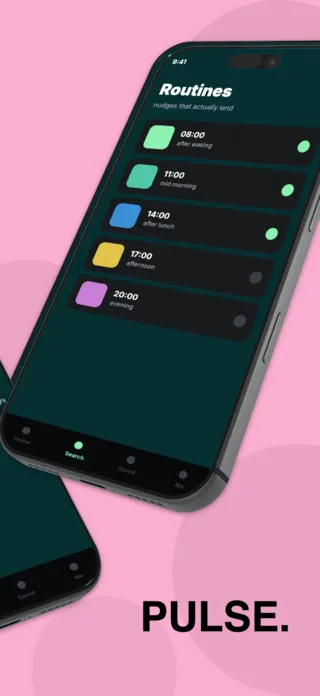
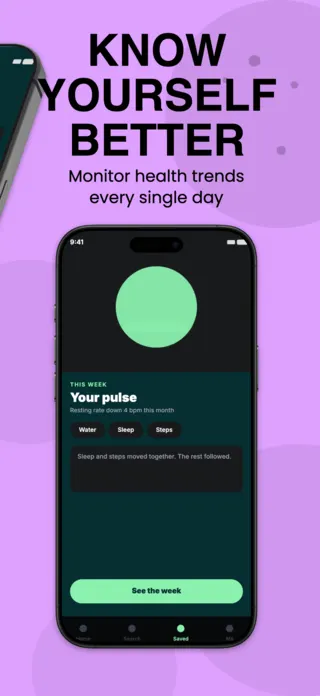
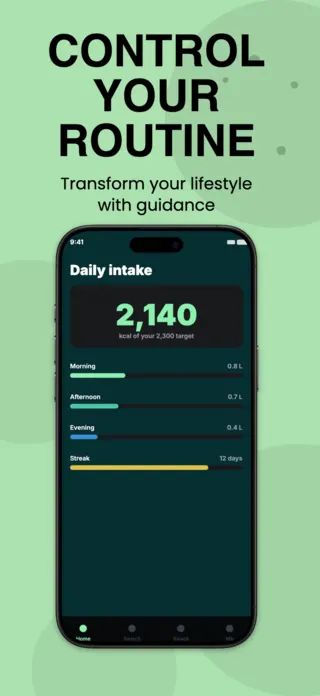
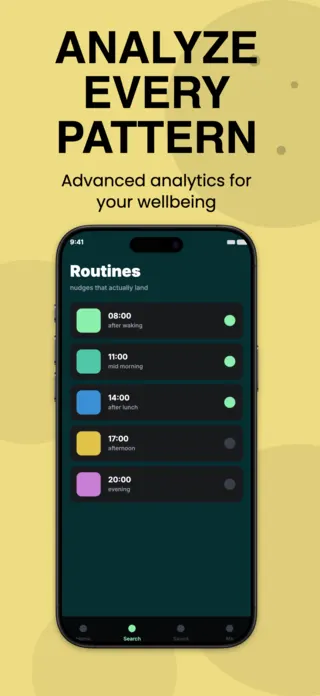
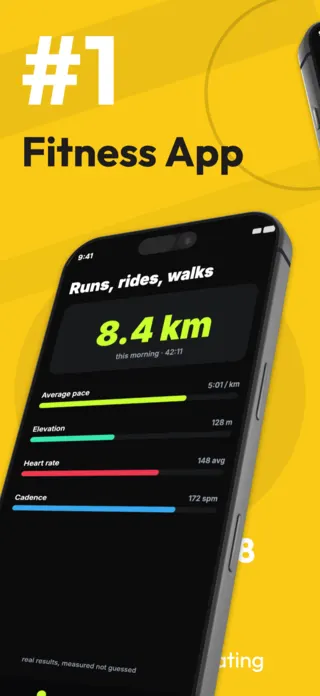
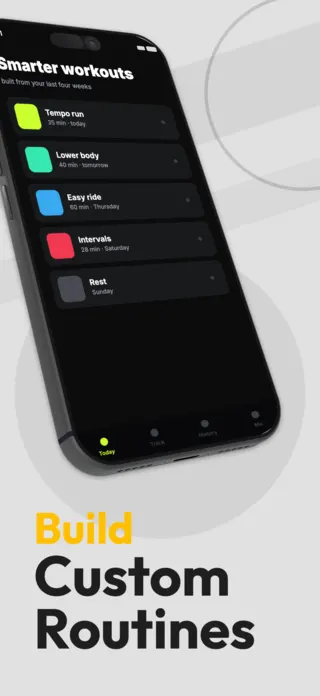
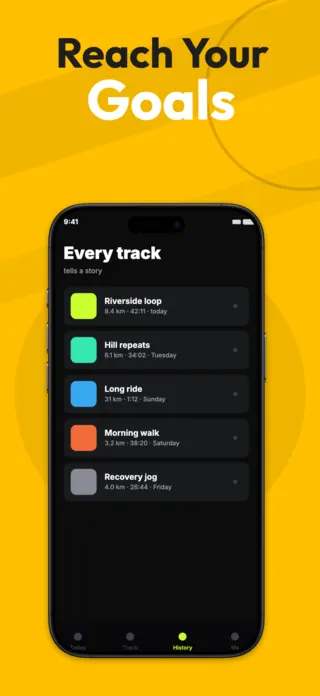
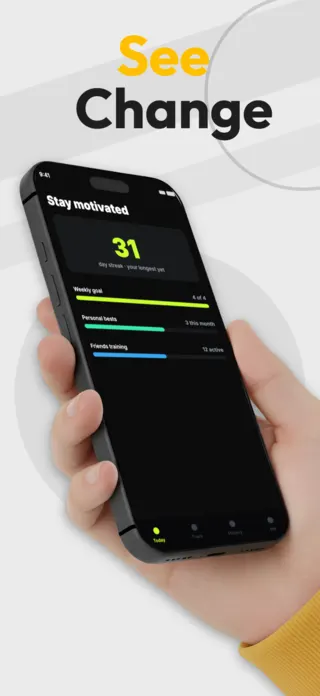
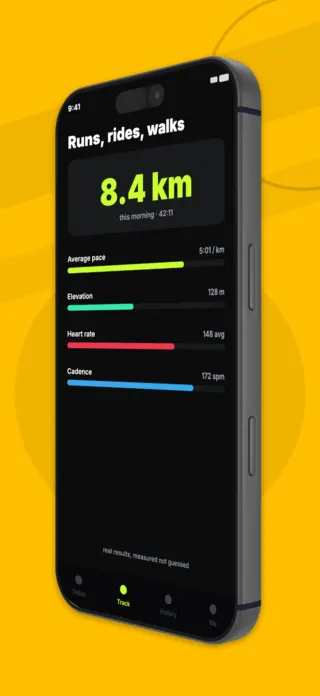
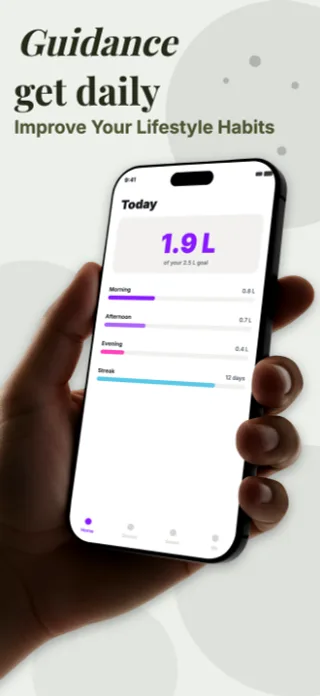
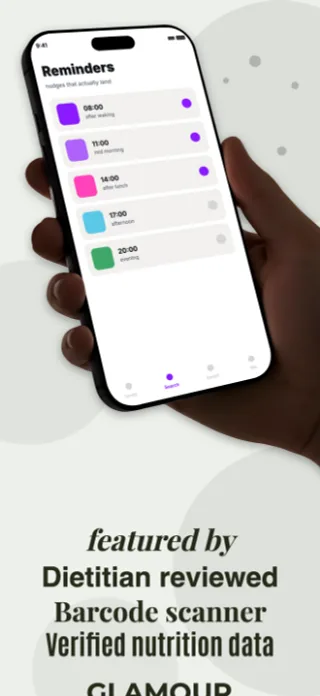
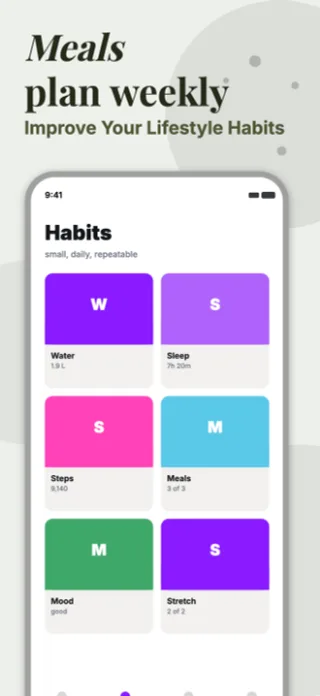
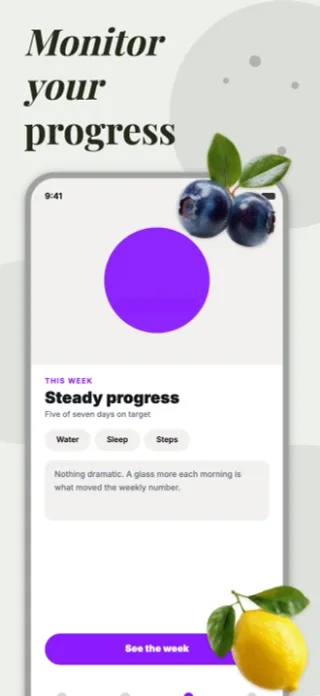
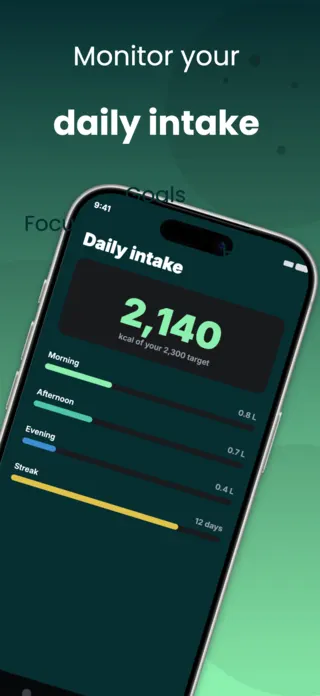
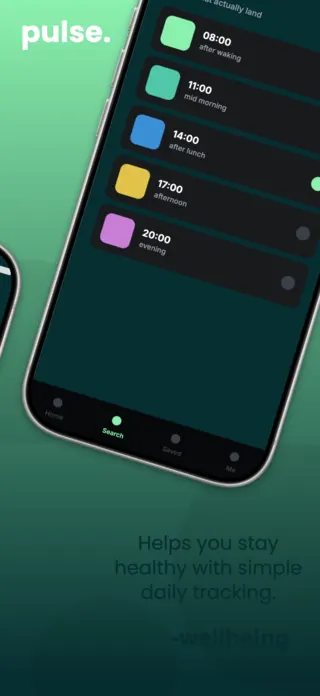
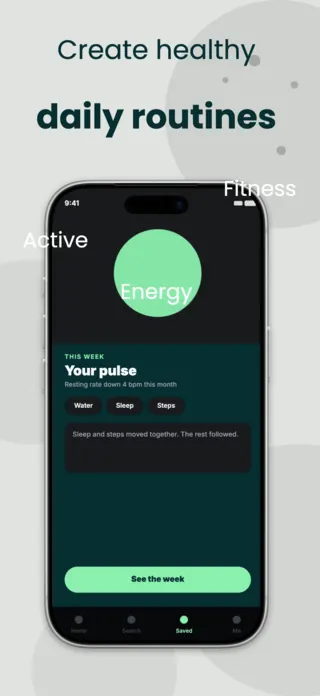
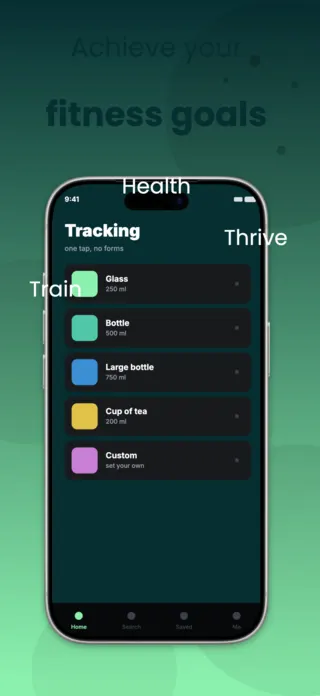
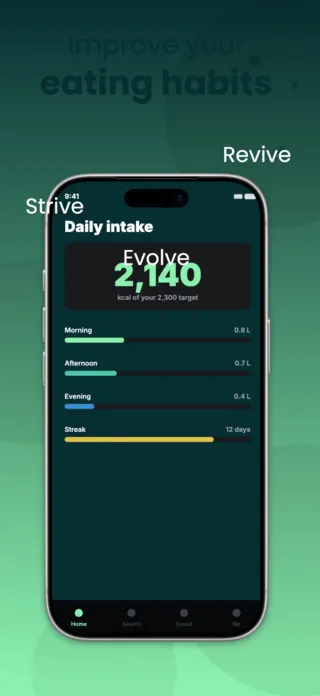
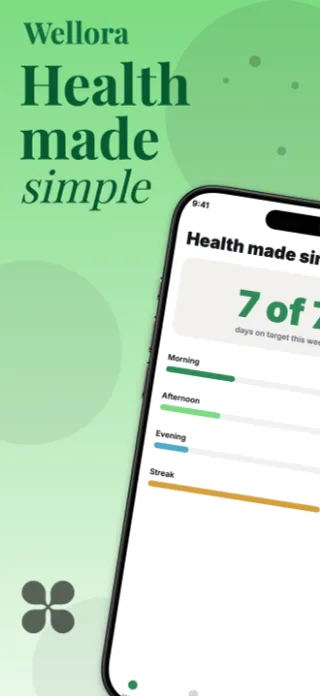
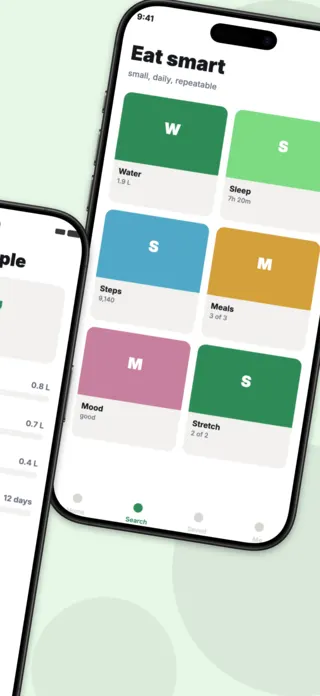
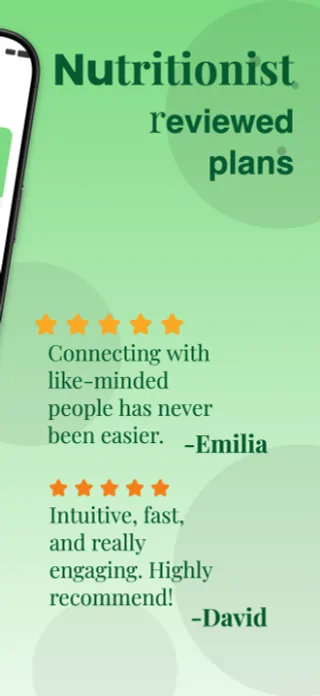
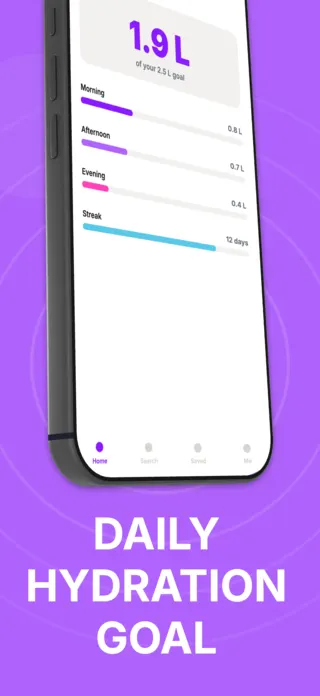
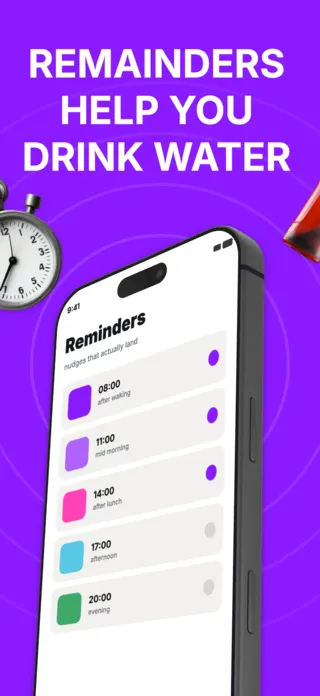
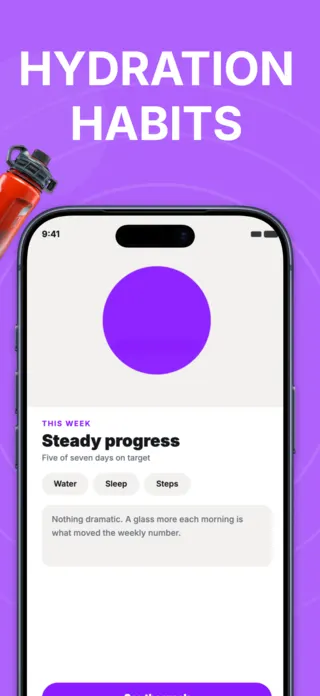
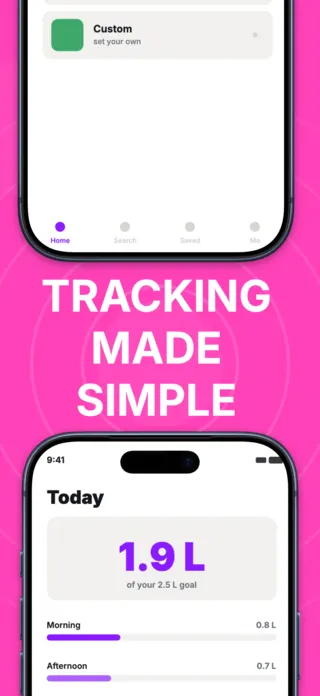
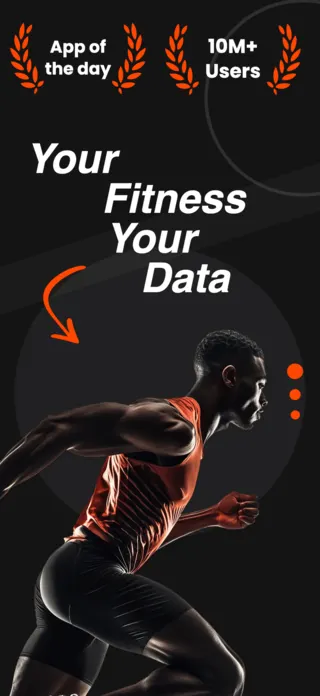
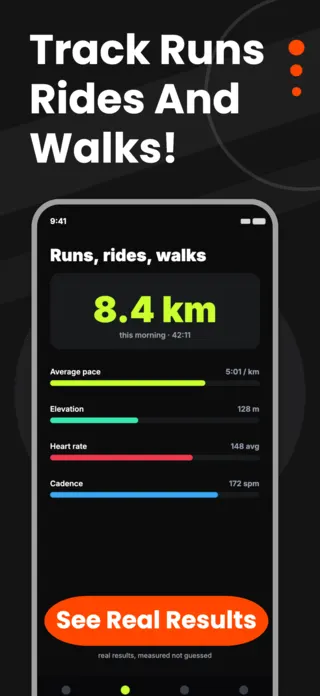
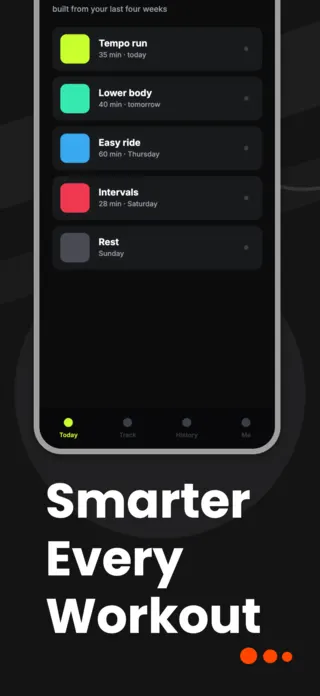
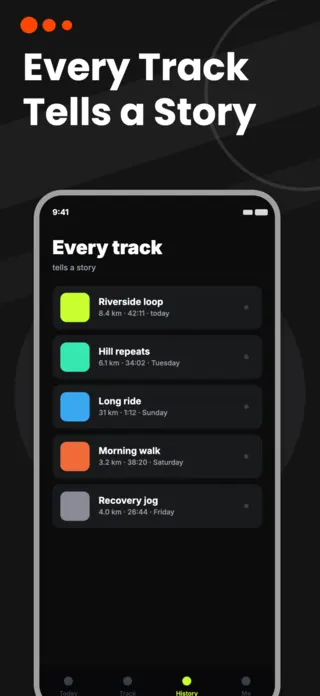
Health apps sell a future version of the user, which is why the screenshots that work in this category show progress rather than features. A streak, a filled ring, a chart trending the right way. Those do the persuading. The interface itself is nearly irrelevant to the decision, and screenshots that dwell on menus and settings underperform ones that show a week of accumulated effort.
9 health & fitness templates
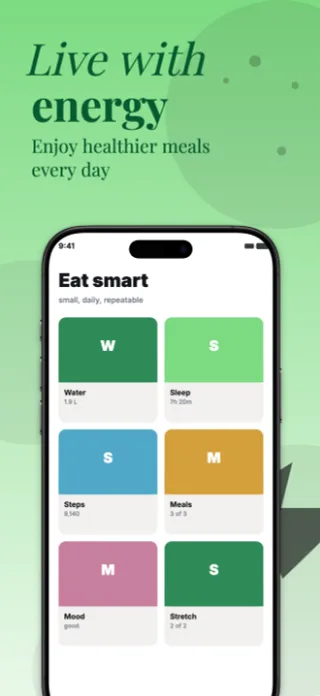
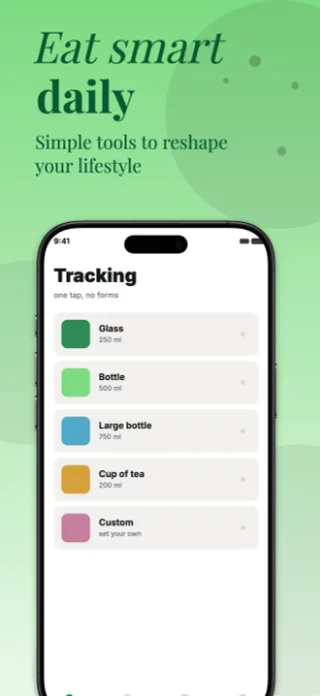
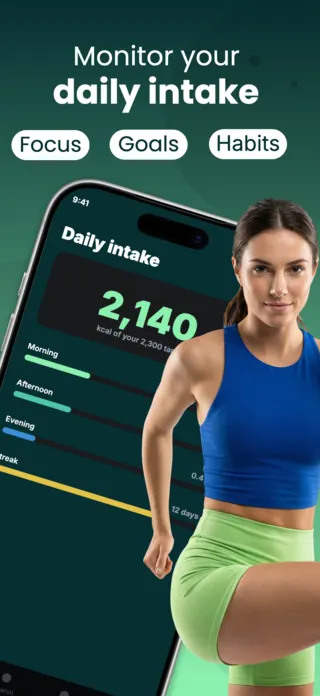
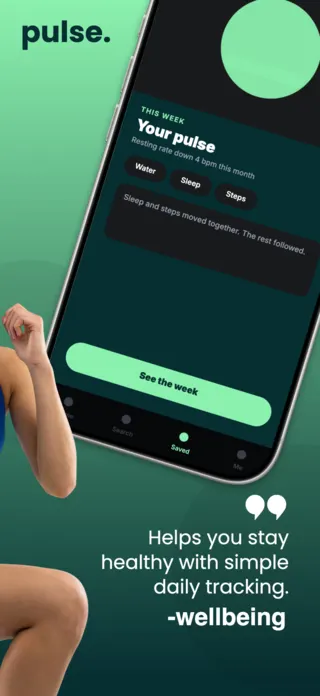
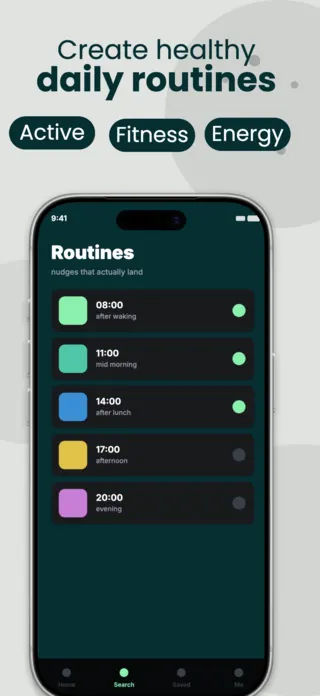
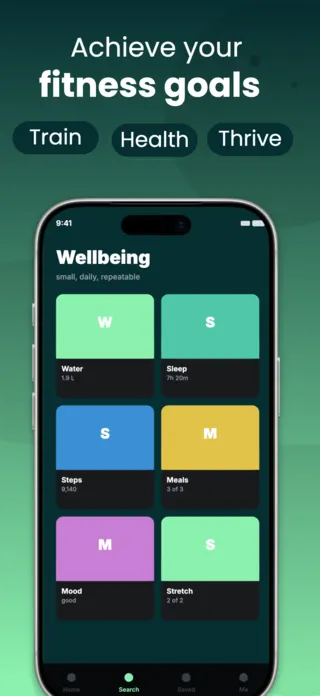
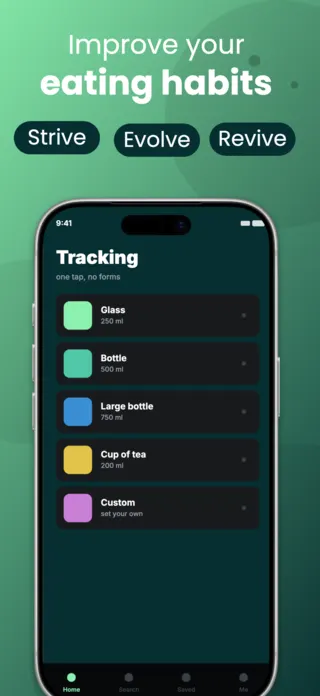
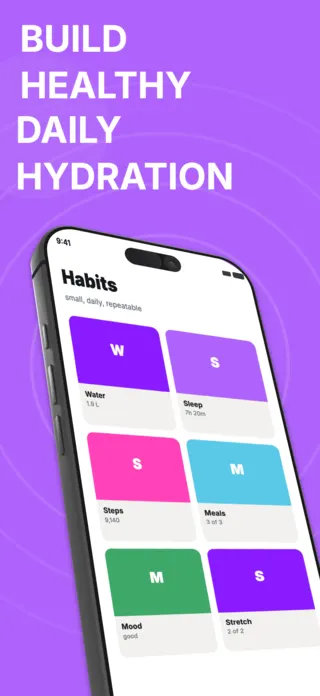
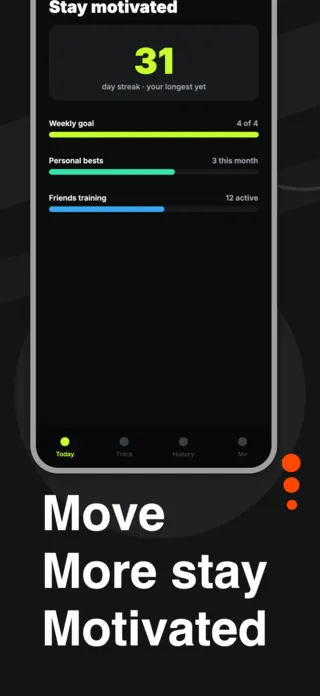
What the first screenshot has to do
Show accumulated progress, not day one. A dashboard with a 34-day streak and a filled week communicates "this is what you will have" in a way that an empty tracker cannot. This is the one category where mocking up a well-used account matters more than showing a clean one.
What gets health & fitness listings rejected or ignored
- Medical or diagnostic claims in screenshot copy. Wording that implies the app detects, treats or diagnoses a condition invites a Guideline 1.4.1 rejection and is the most common cause of rejection in this category.
- Body-composition imagery and before/after framing, which Apple treats far more sceptically than most developers expect.
- Apple Health integration shown as a settings toggle instead of as the data it unlocks.
- Rings, gauges and radial charts that lose their fill state at thumbnail size, so the progress cue disappears exactly where it needs to work hardest.
Localising these screenshots
Units are the trap here, not text. Pounds against kilograms, miles against kilometres, and the US-only habit of feet-and-inches all change the width of the number as well as its meaning. A layout built around "165 lb" has to survive "74,8 kg" and the comma that comes with it in most of Europe.
Every template here exports at 1290×2796 for App Store Connect and translates into 40+ languages in one pass. If you are unsure which locales your listing actually needs, the App Store locale code reference lists every one Apple supports, and the text expansion calculator shows how far each language will stretch your headline before you commit to a layout.
Templates for other app categories
Start from one of these
Open any template in the editor, swap the copy and screenshots for your own app, then translate the whole set into every locale your listing targets.
Open the editor →