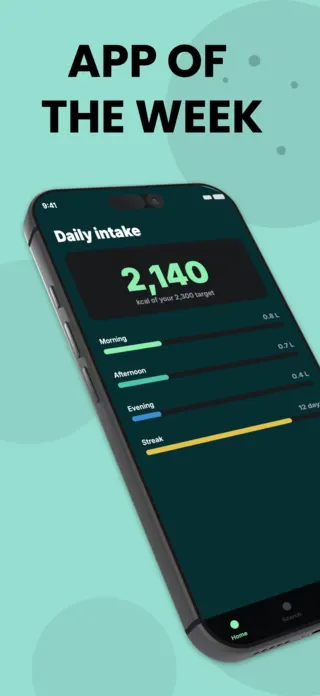
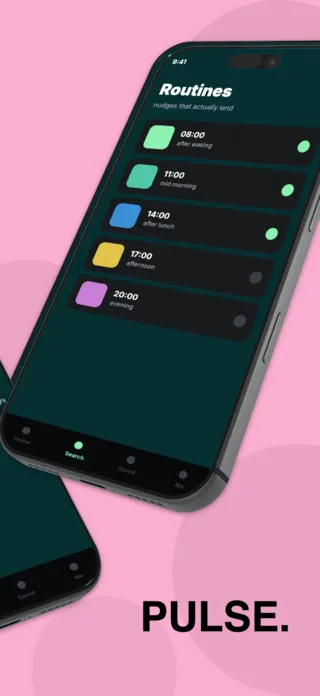
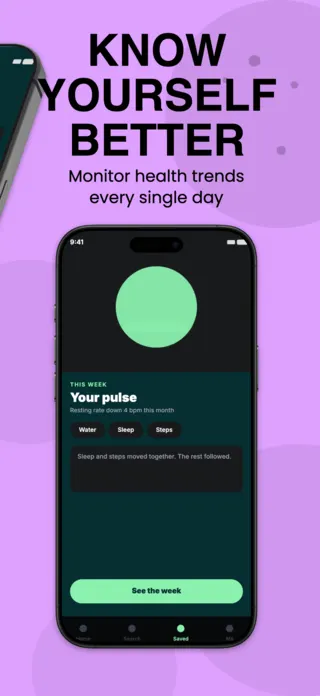
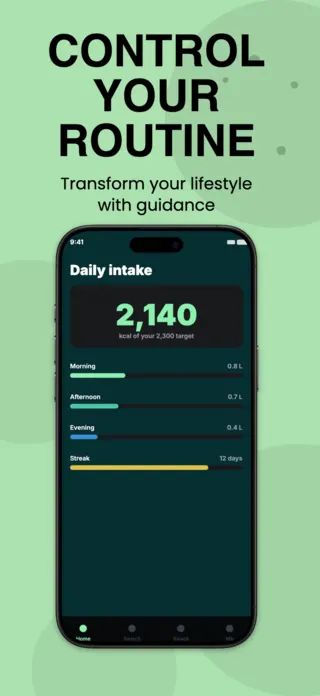
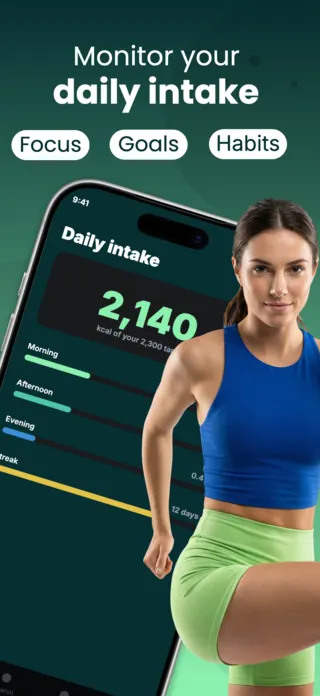
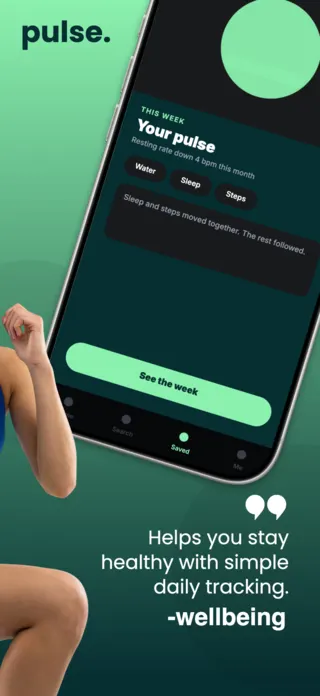
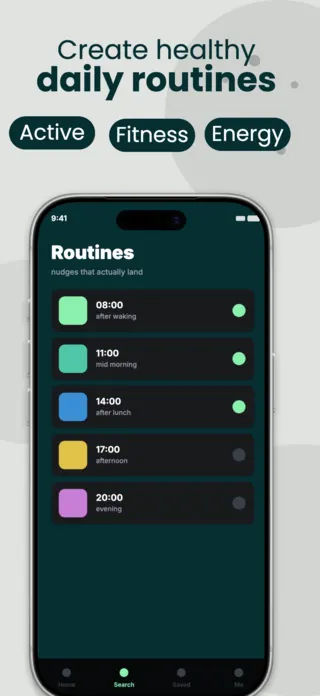
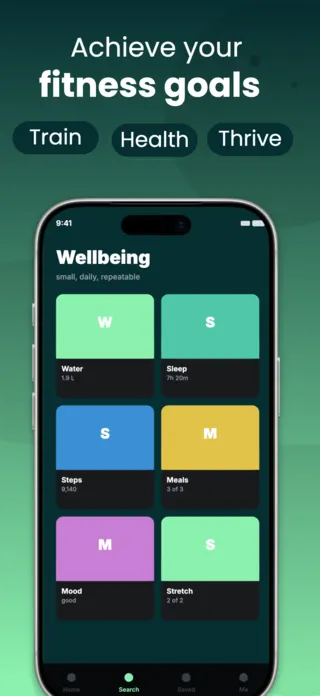
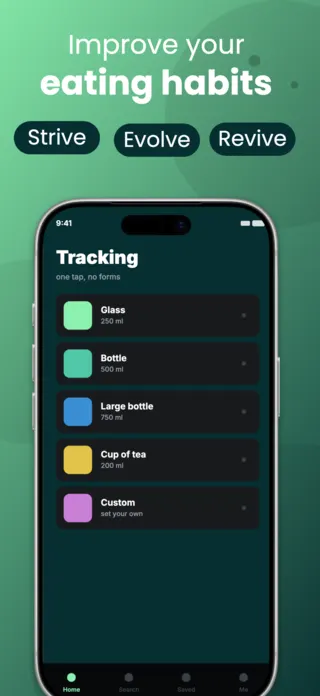
Period and Cycle Tracking App Screenshot Template
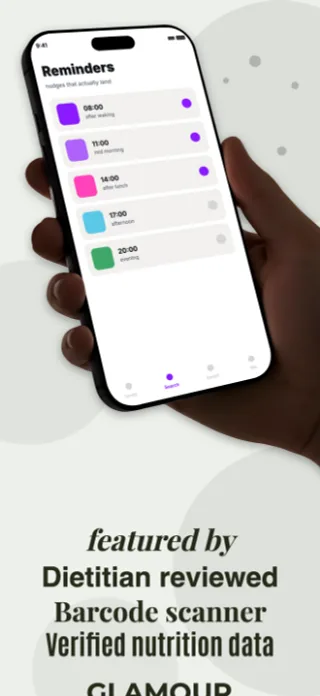
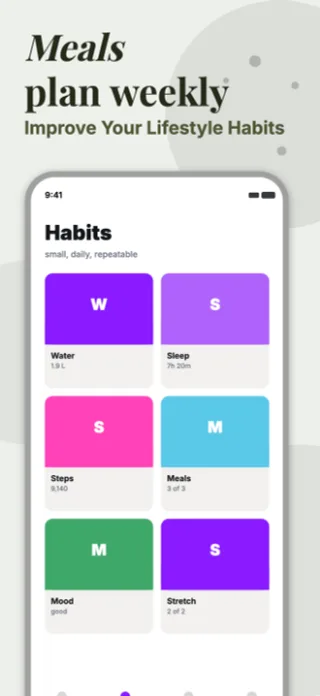
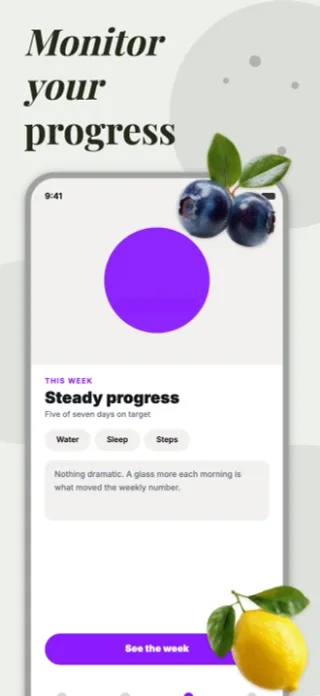
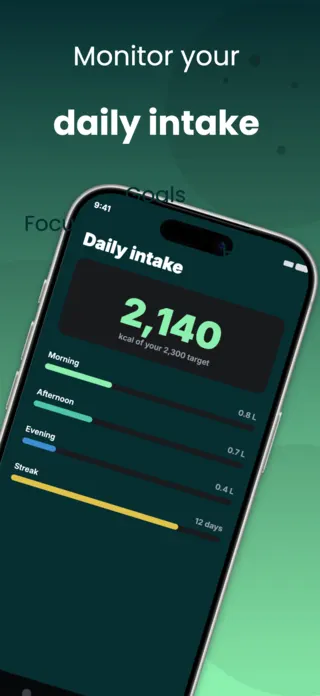
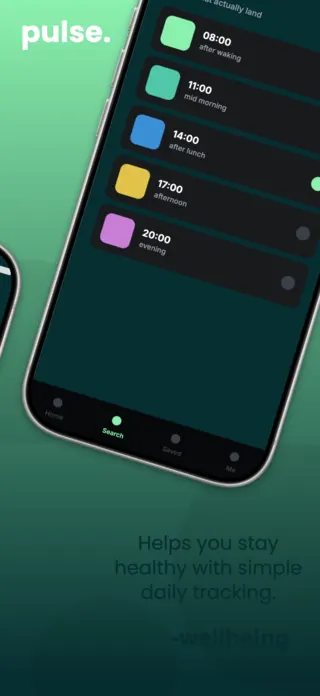
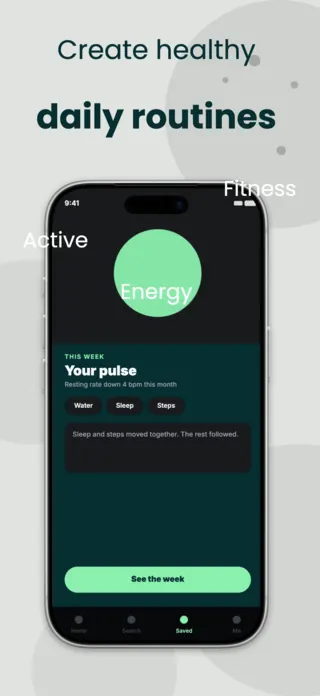
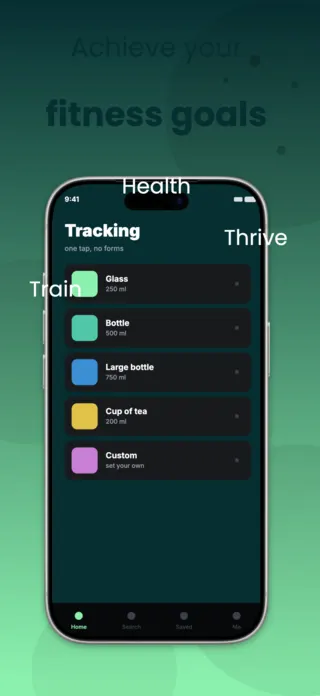
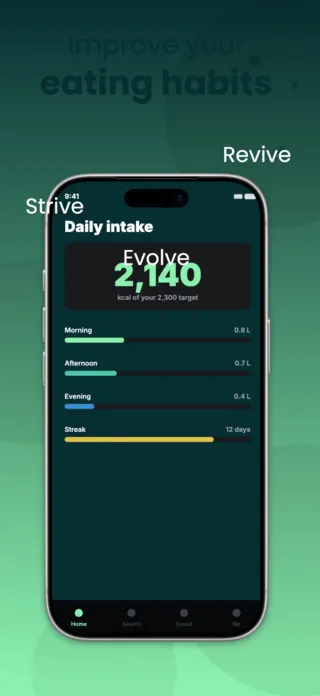
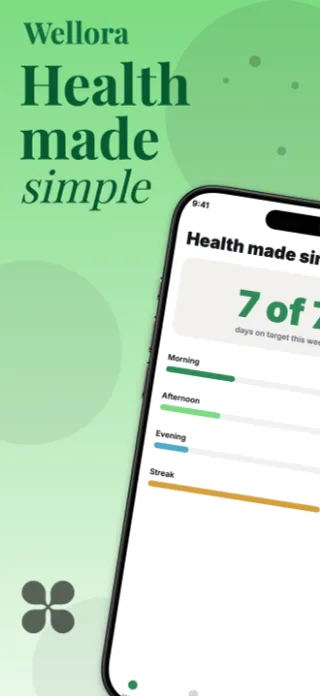
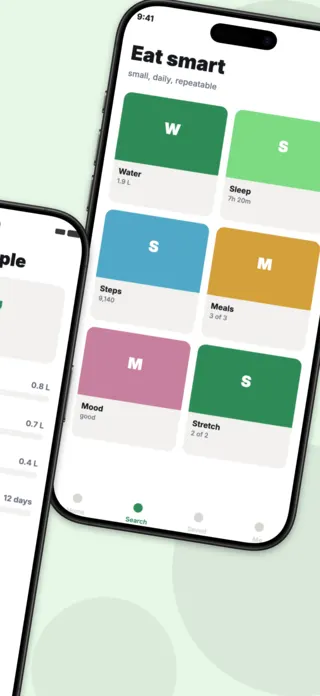
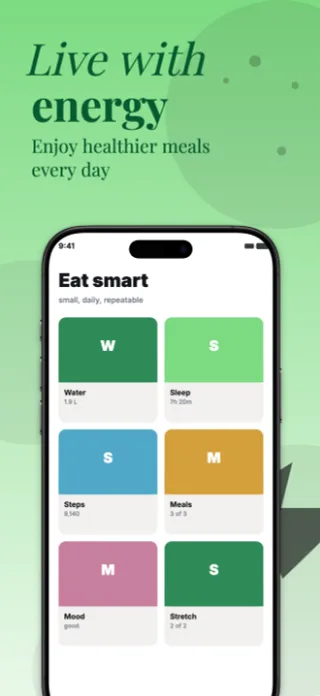
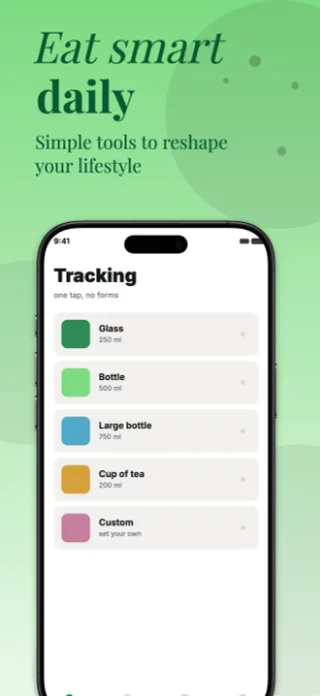
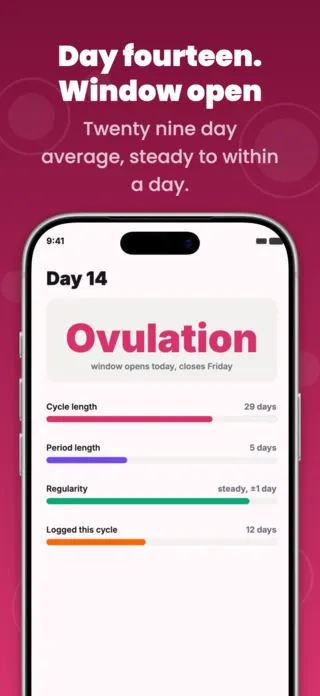
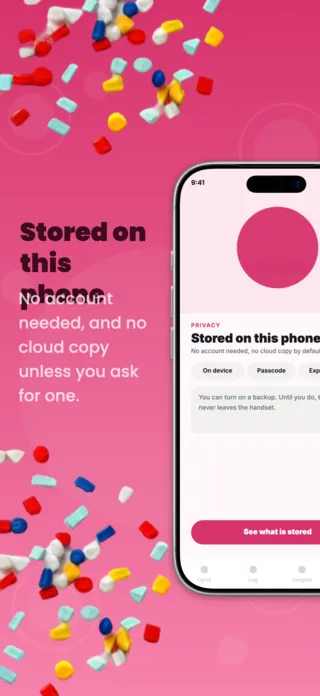
Five App Store screenshots for a cycle tracking app: the current phase with cycle stats, a ten second daily log, an on device privacy screen, patterns drawn from your own logs and upcoming predictions. Rose and plum on soft pink.
Preview pages
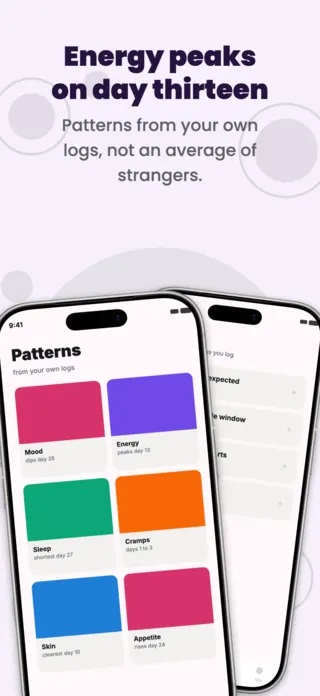
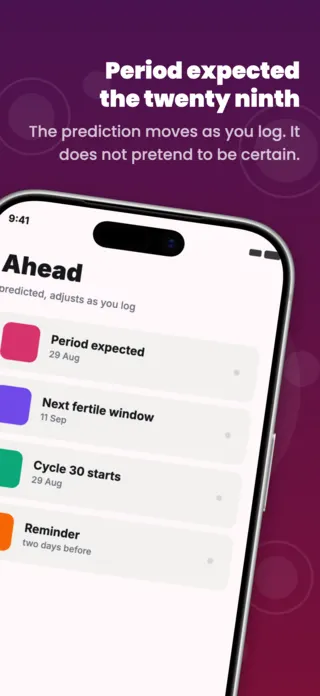
About this template
This period and cycle tracking screenshot set is part of the Shotlingo template library, a curated collection of iOS App Store screenshot designs ready to customise for your own app. Each template ships with five layered pages covering hook, key features, and social proof, and supports one-click localisation into 40+ languages.
How to use it
- Click “Use this template” to load it into the editor.
- Swap headlines, colours, and the screenshot images for your own app.
- Auto-translate every page into the languages your App Store listing targets.
- Export 1290×2796 PNGs ready for App Store Connect, or upload directly from Shotlingo.
Designing for health & fitness apps
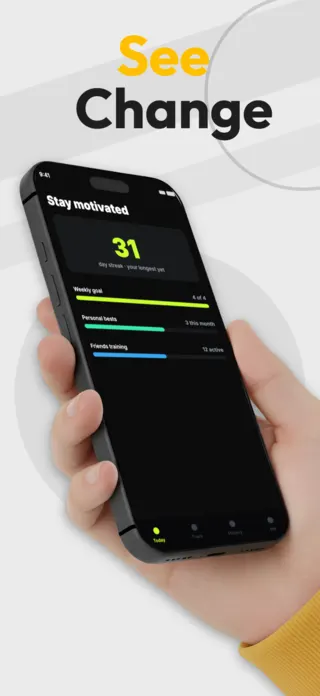
Show accumulated progress, not day one. A dashboard with a 34-day streak and a filled week communicates "this is what you will have" in a way that an empty tracker cannot. This is the one category where mocking up a well-used account matters more than showing a clean one.
Related templates