
Podcast and Audio App Screenshot Templates
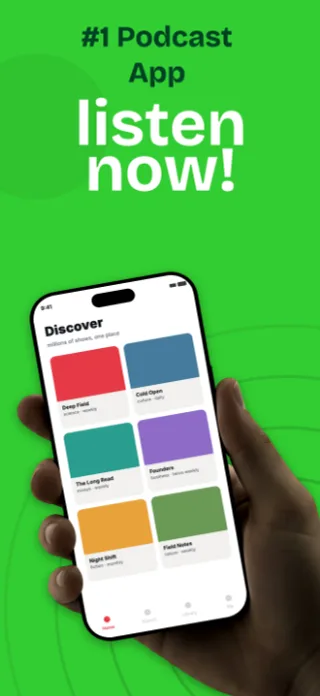
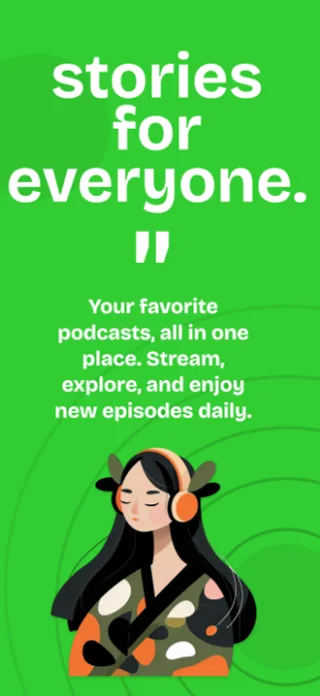
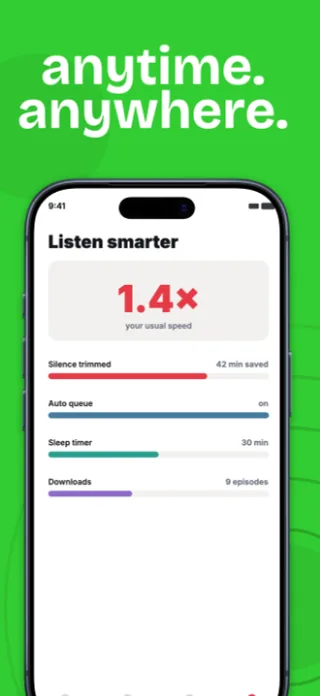
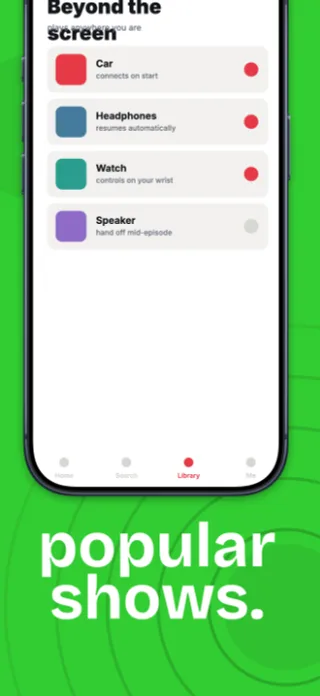
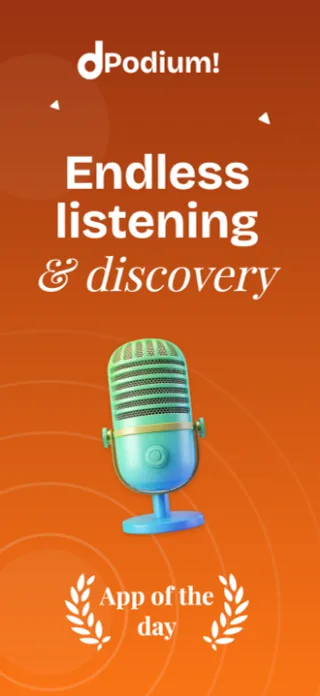
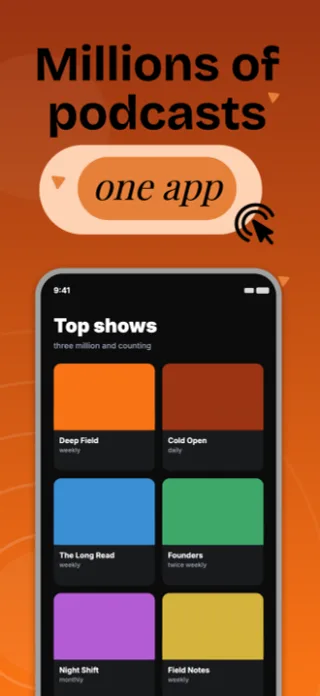
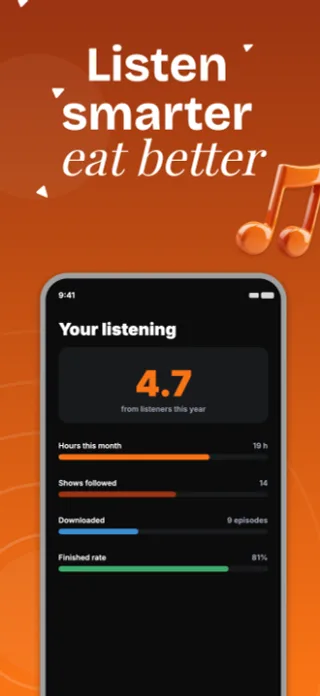
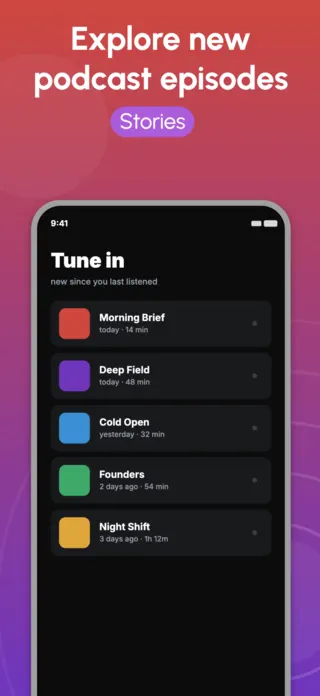
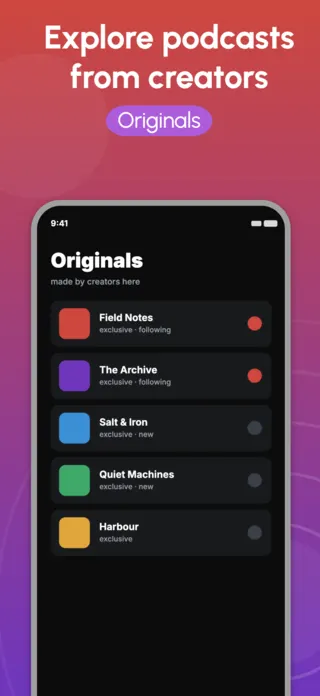
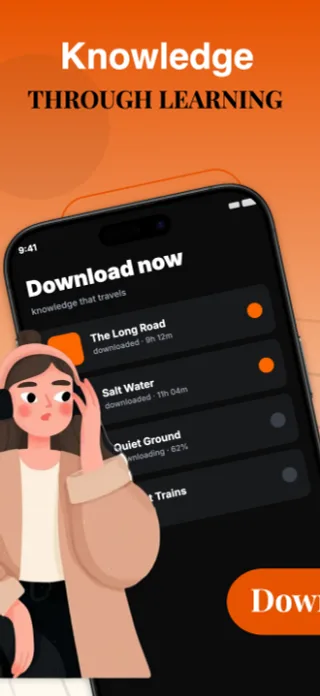
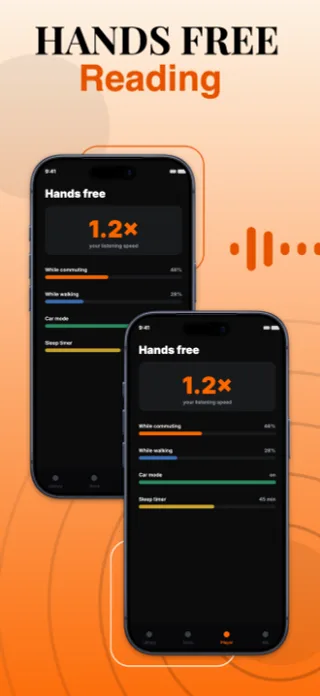
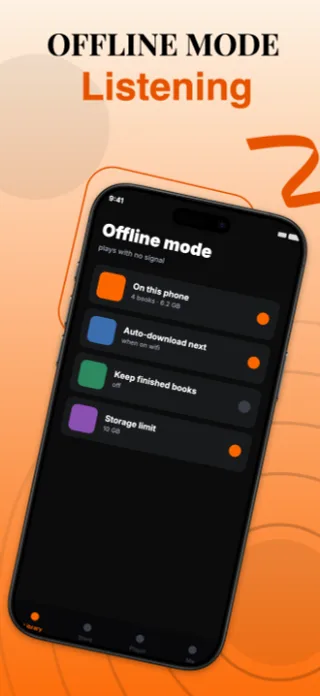
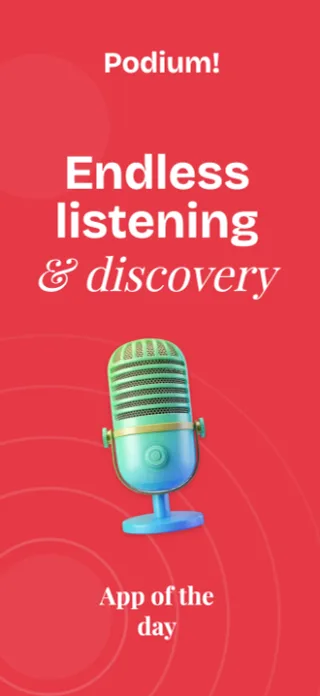
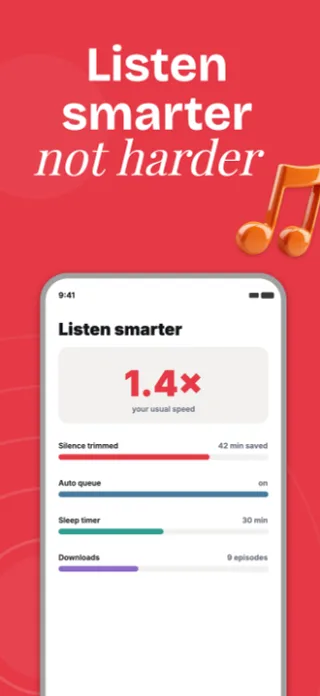
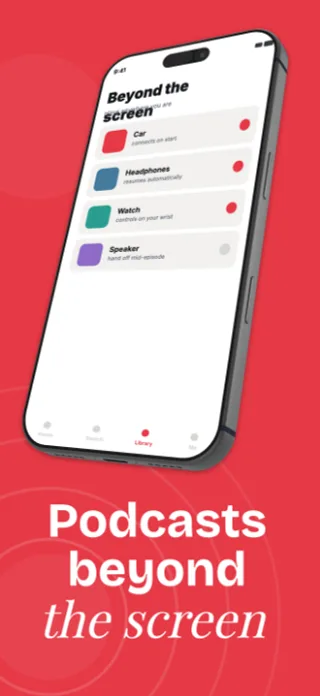
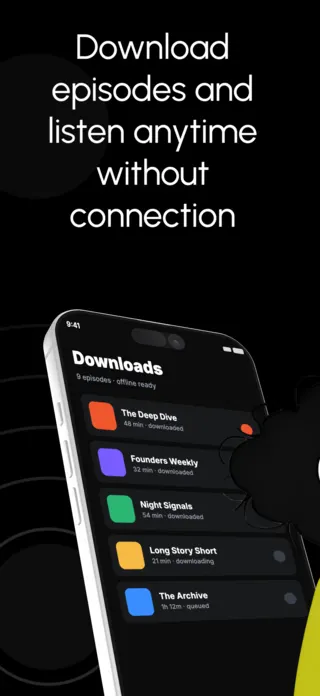
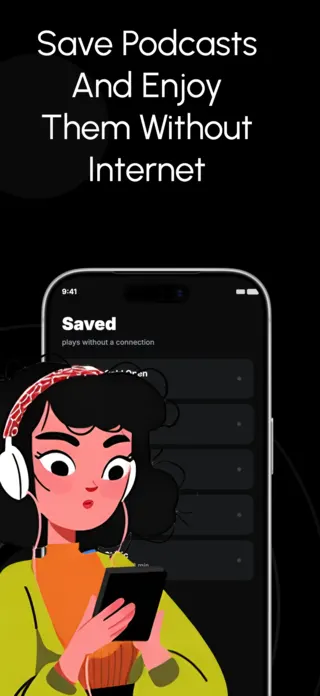
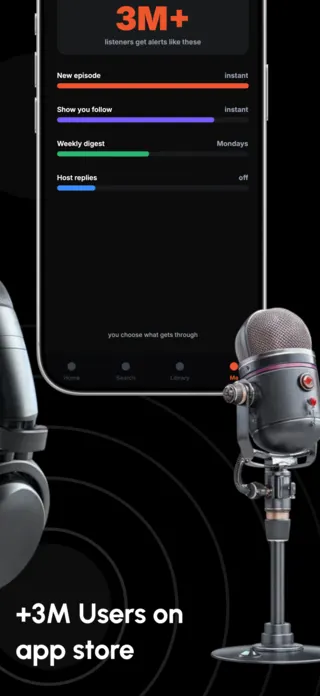
Audio apps have a specific screenshot problem: the product is invisible. There is nothing to photograph, so the listing leans on cover art, and cover art belongs to somebody else. The strongest audio screenshots therefore sell the listening situation (offline on a plane, playback speed on a commute, a sleep timer at night) rather than the library.
6 podcast & audio templates
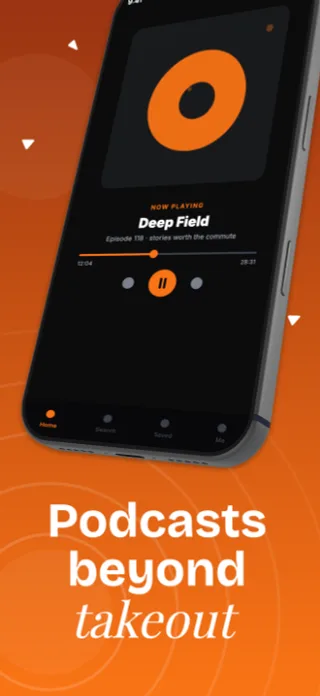
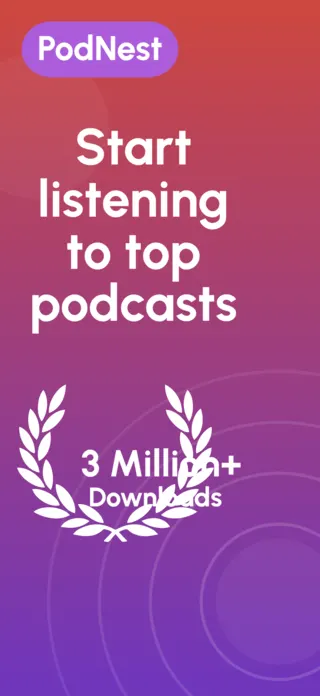
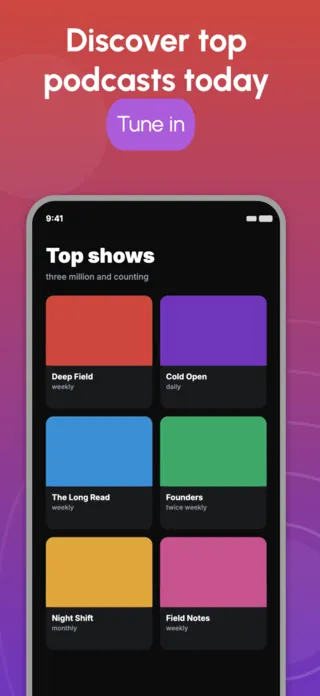
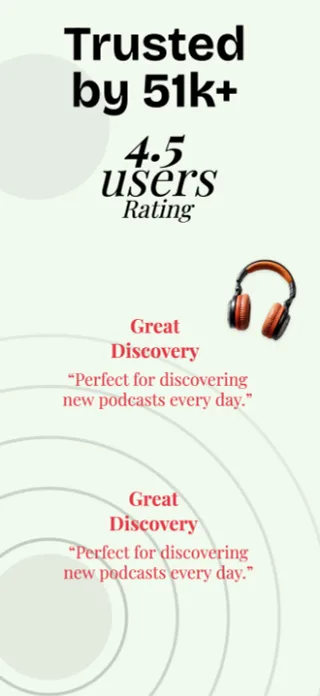
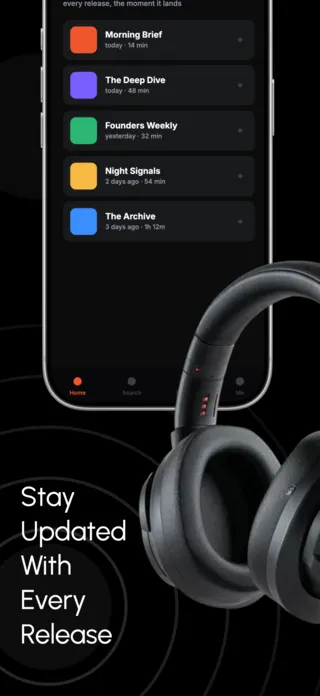
What the first screenshot has to do
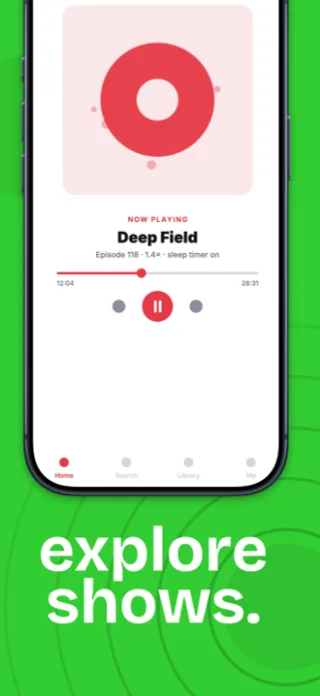
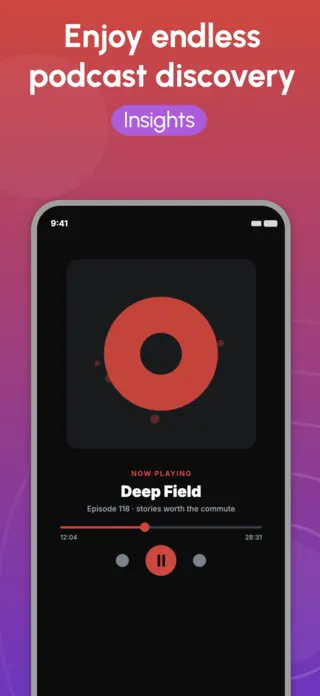
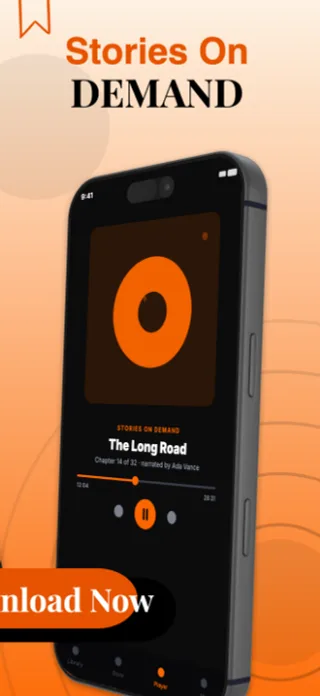
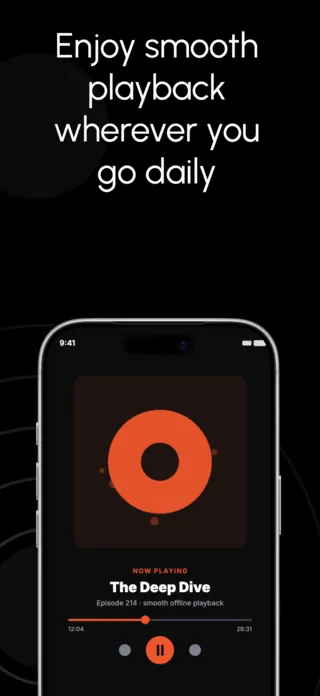
The now-playing screen is the obvious first frame and it is usually the wrong one, because every audio app has the same now-playing screen. Lead with whatever removes friction from listening: the download-for-offline state, the speed control, the synced position across devices.
What gets podcast & audio listings rejected or ignored
- Third-party podcast and audiobook cover art you do not have licence to display. Apple has pulled listings over this and it is the single most common rejection cause for audio apps.
- Waveform decorations that read as noise at thumbnail size and carry no information at any size.
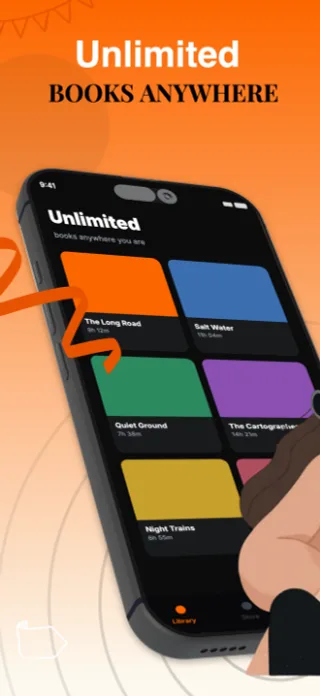
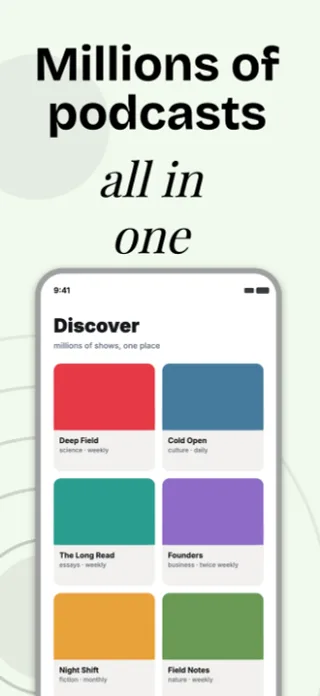
- A library grid as frame one, which is indistinguishable from every competitor in the category.
- Playback controls shown so small they become grey dots in the search result thumbnail.
Localising these screenshots
Episode and chapter titles are user-generated and untranslatable, so they stay in their source language while everything around them translates. Design the now-playing card assuming a long untranslated title sitting next to short translated UI labels, rather than assuming both scale together.
Every template here exports at 1290×2796 for App Store Connect and translates into 40+ languages in one pass. If you are unsure which locales your listing actually needs, the App Store locale code reference lists every one Apple supports, and the text expansion calculator shows how far each language will stretch your headline before you commit to a layout.
Templates for other app categories
Start from one of these
Open any template in the editor, swap the copy and screenshots for your own app, then translate the whole set into every locale your listing targets.
Open the editor →