
Travel App Screenshot Templates
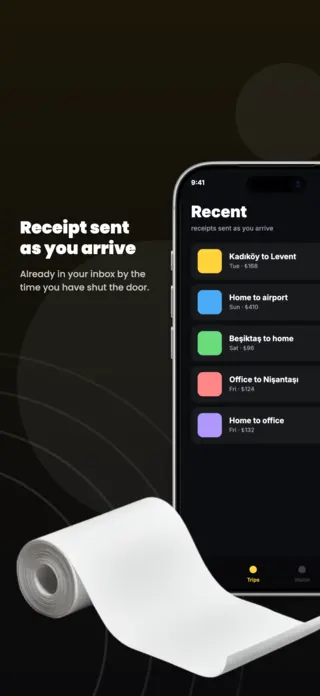
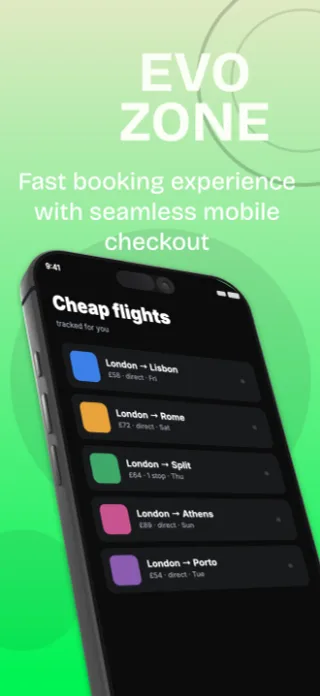
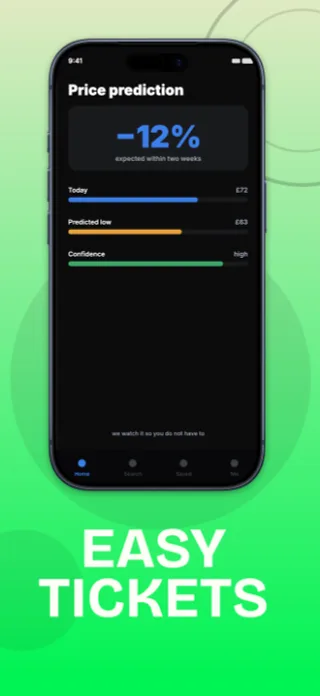
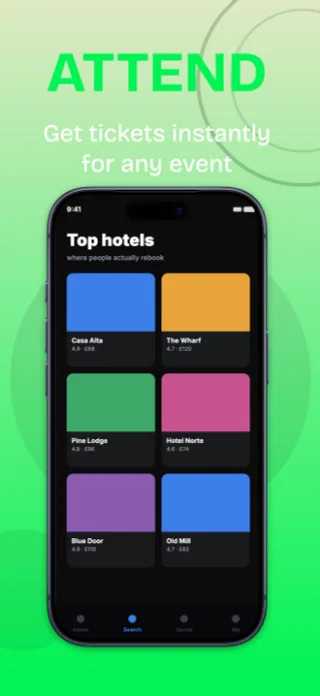
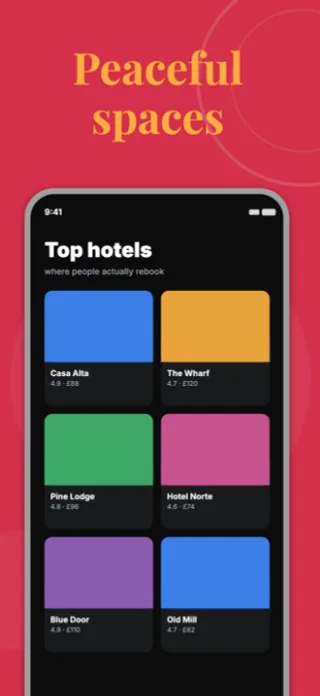
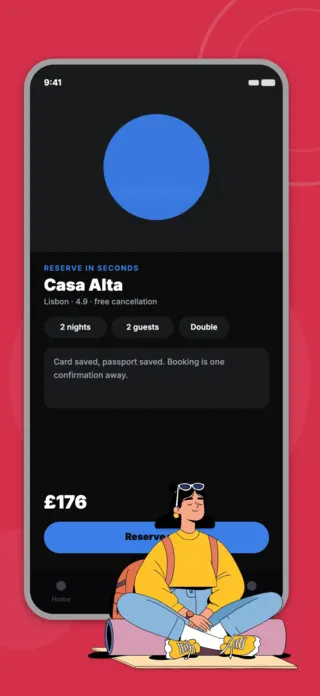
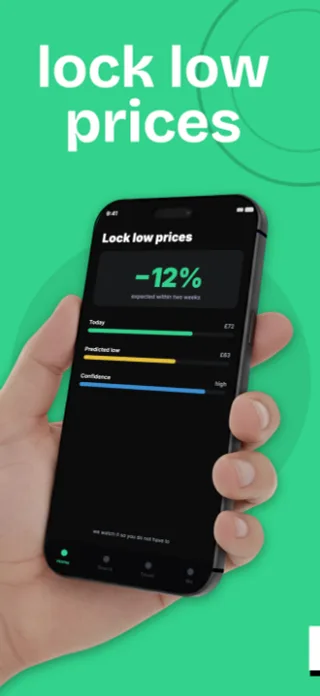
Travel apps sell the destination, and the destination photograph does most of the work, which is why travel listings so often look identical. The differentiator is the moment of relief the app provides: the fare that dropped, the itinerary that survived a cancelled leg, the campsite that had space. That moment is what the screenshots should isolate.
6 travel & outdoors templates
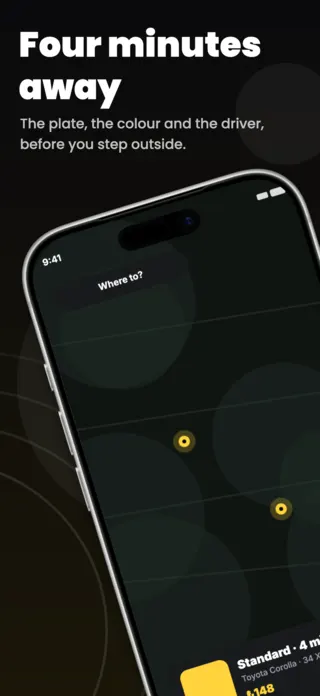
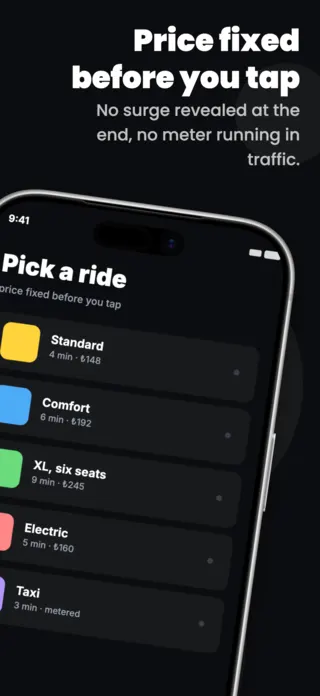
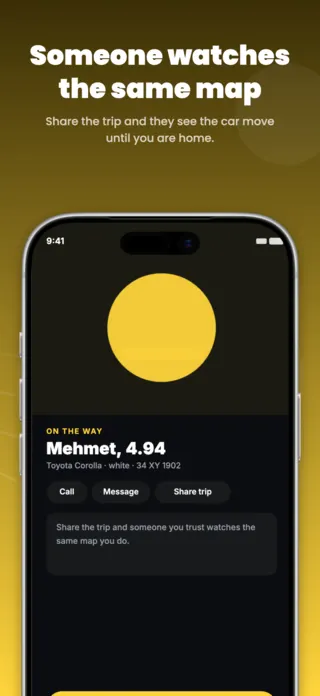
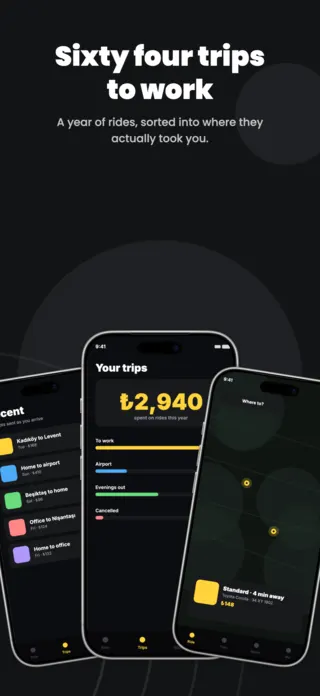
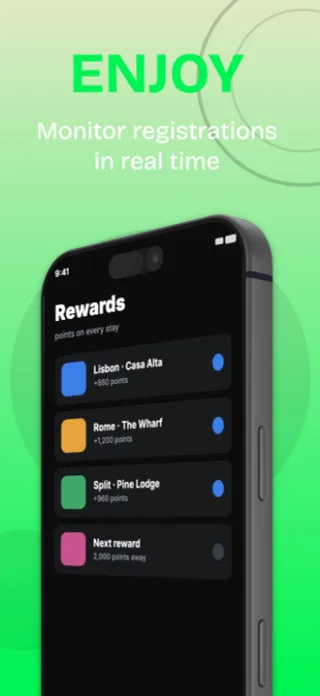
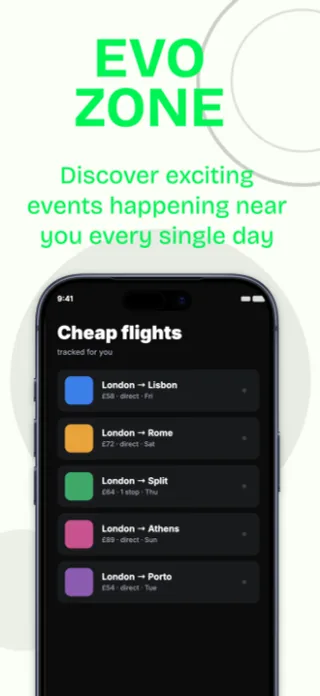

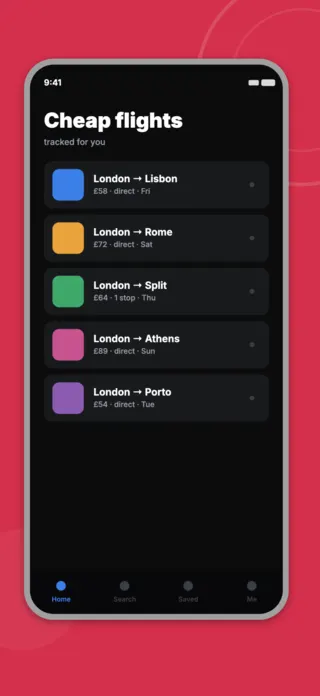
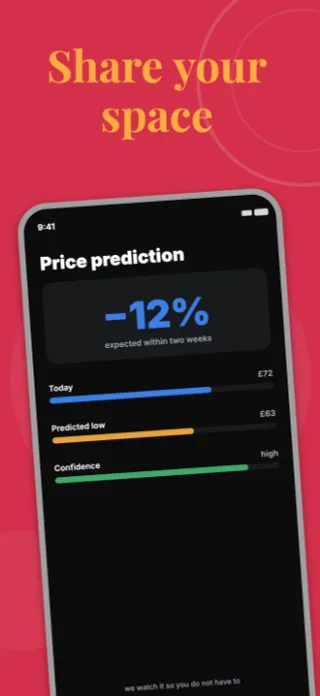
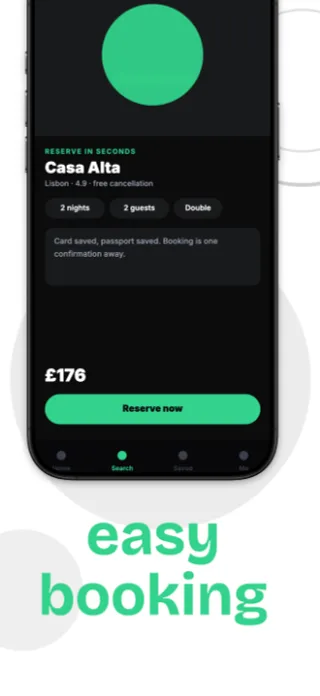
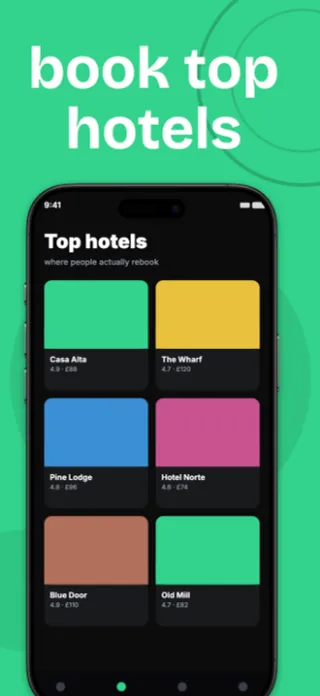
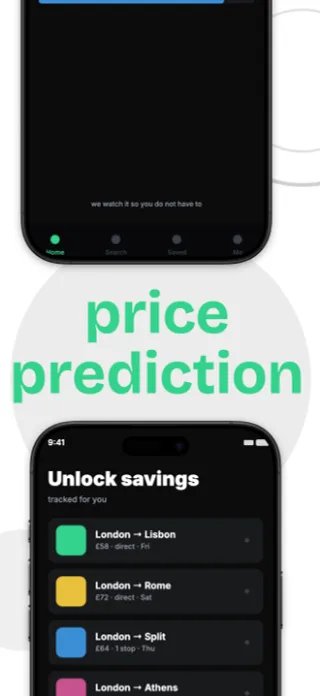
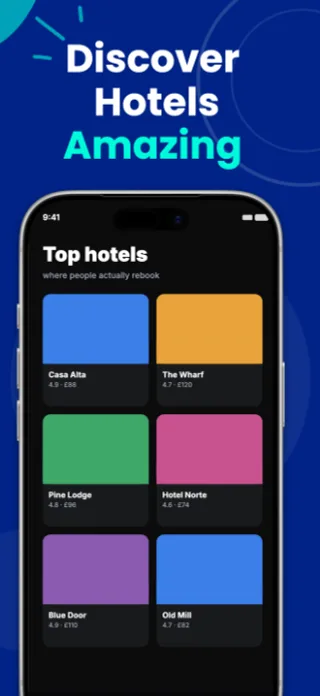
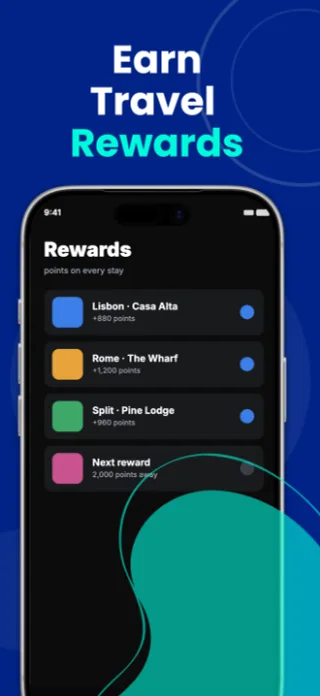
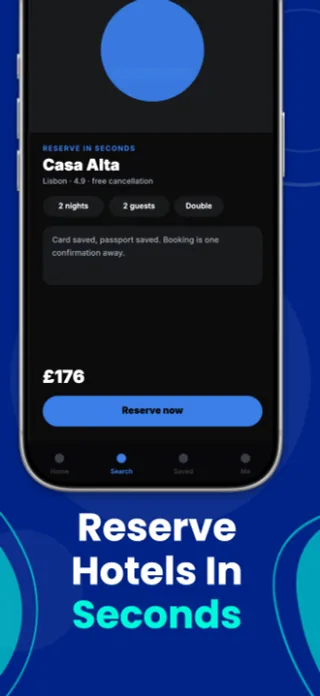
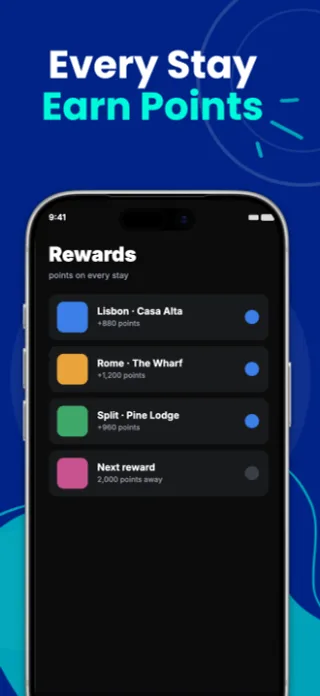
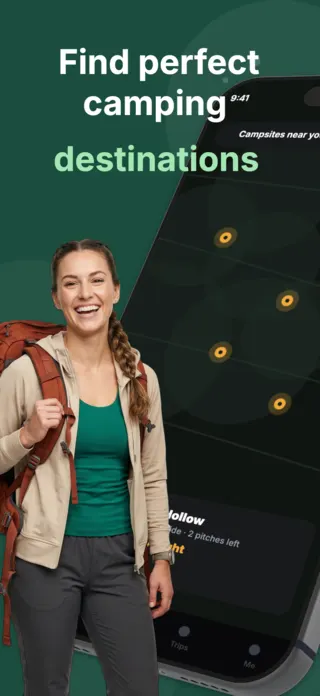
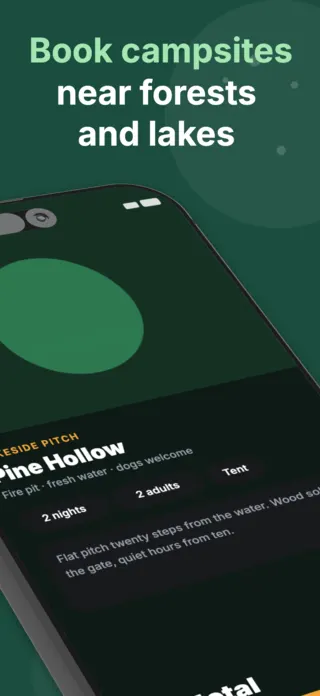
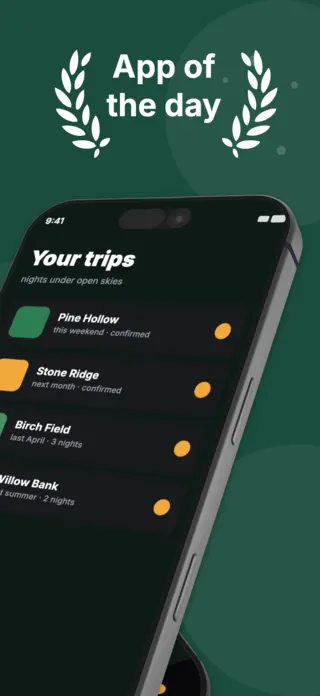
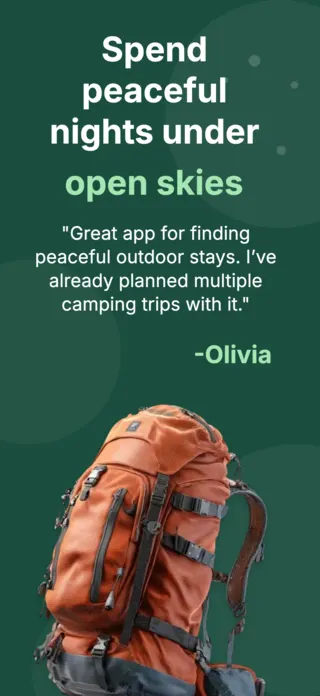
What the first screenshot has to do
A destination photograph with a booking action over it, not a search form. Search forms are what the user has to do; the destination is why they would. Keep the form for frame two, where it reassures rather than deters.
What gets travel & outdoors listings rejected or ignored
- Fare and price figures in the artwork. Prices in screenshots are both a Guideline 2.3.7 risk and guaranteed to be wrong within a week.
- Airline names, hotel brands and destination trademarks used without agreement.
- Map screens as the lead frame: they are dense, they lose all legibility at thumbnail size, and every travel app has one.
- Photography that is recognisably a different country from the one the localised listing is aimed at.
Localising these screenshots
Dates and times are the specific hazard. The US month/day order inverts almost everywhere else, so "04/07" means two different weeks depending on the store, and 12-hour clocks are a minority convention globally. Spell the month out in screenshot artwork rather than using a numeric date, and the ambiguity disappears in every locale at once.
Every template here exports at 1290×2796 for App Store Connect and translates into 40+ languages in one pass. If you are unsure which locales your listing actually needs, the App Store locale code reference lists every one Apple supports, and the text expansion calculator shows how far each language will stretch your headline before you commit to a layout.
Templates for other app categories
Start from one of these
Open any template in the editor, swap the copy and screenshots for your own app, then translate the whole set into every locale your listing targets.
Open the editor →