
Productivity App Screenshot Templates
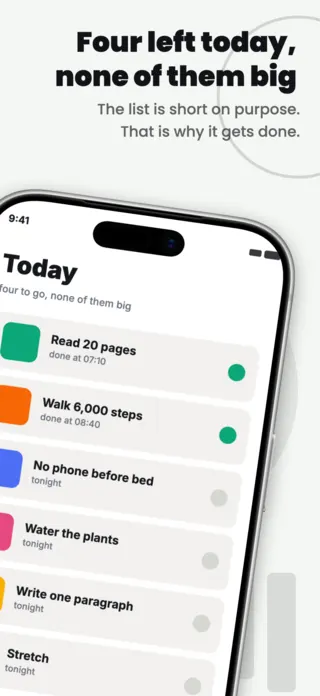
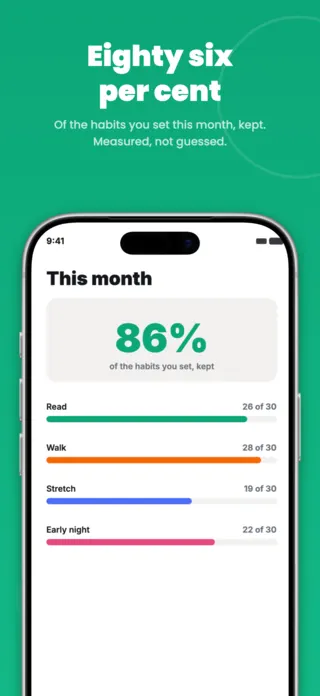
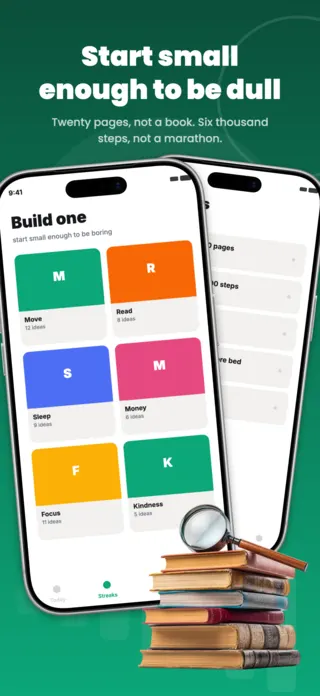
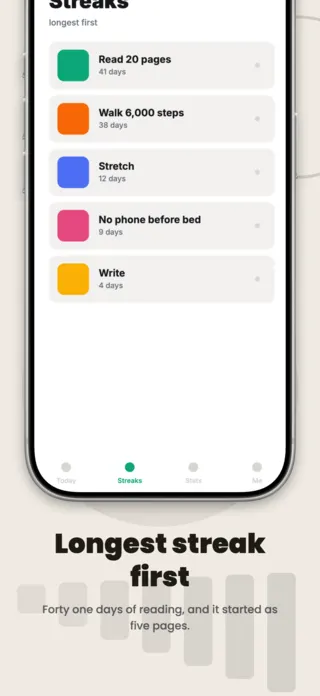
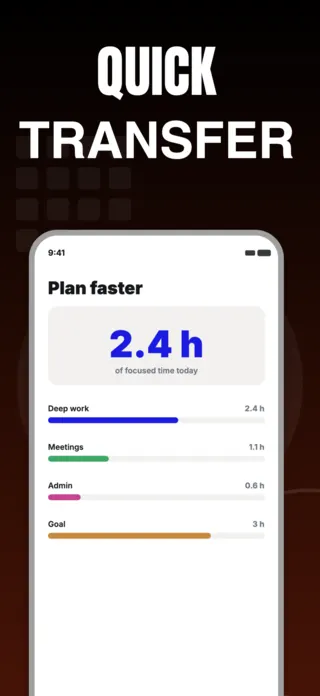
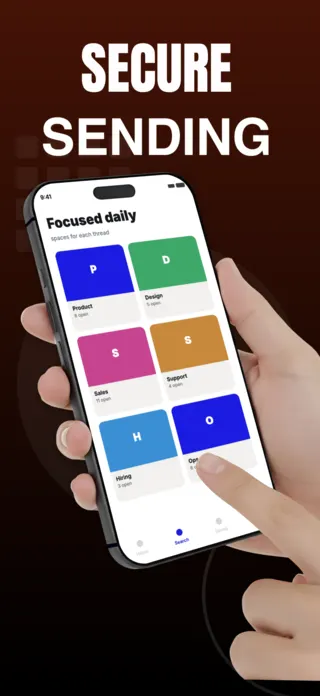
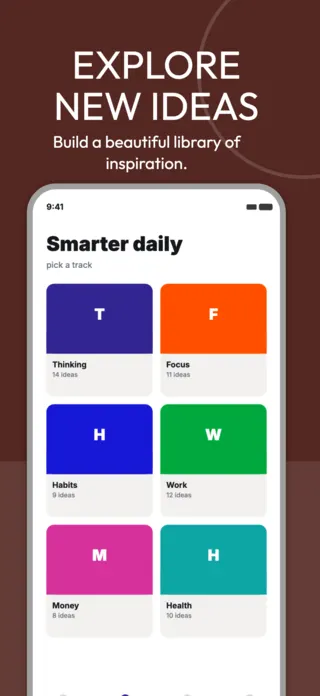
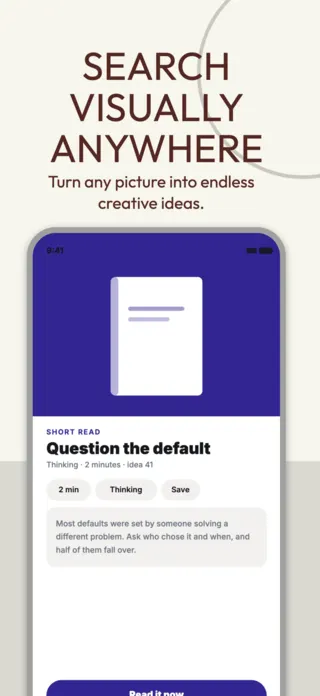
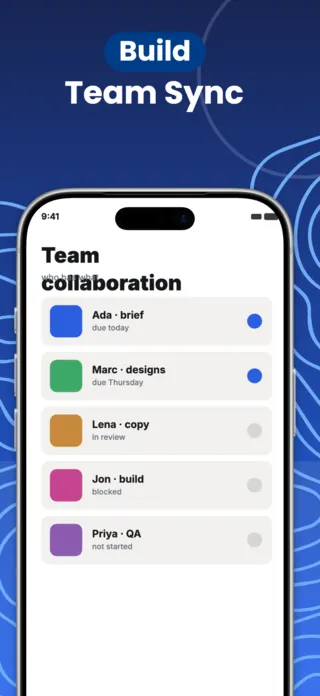
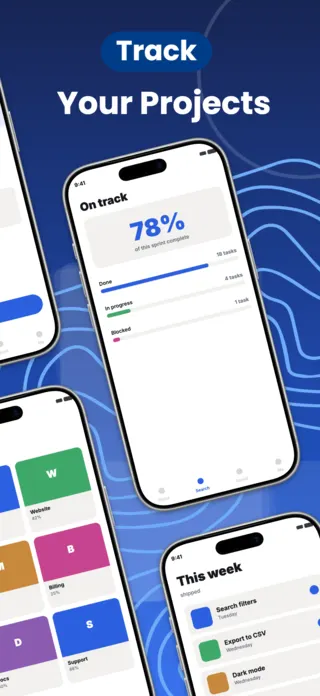
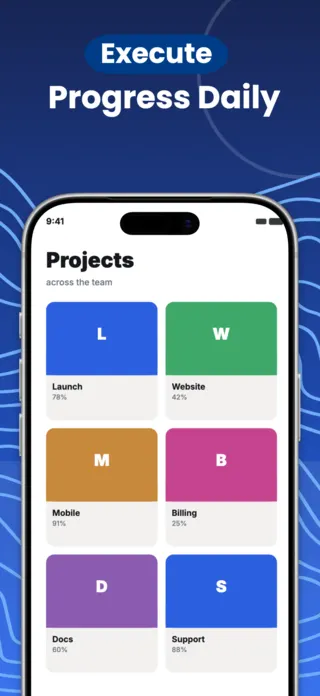
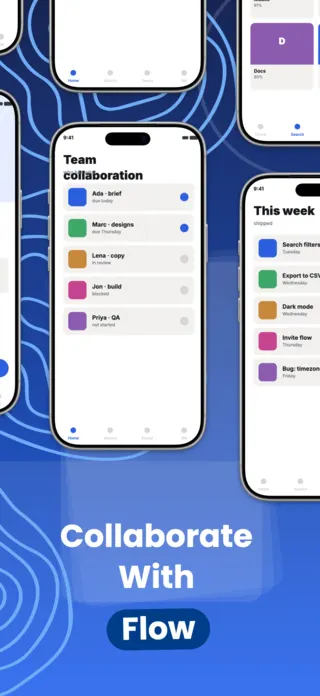
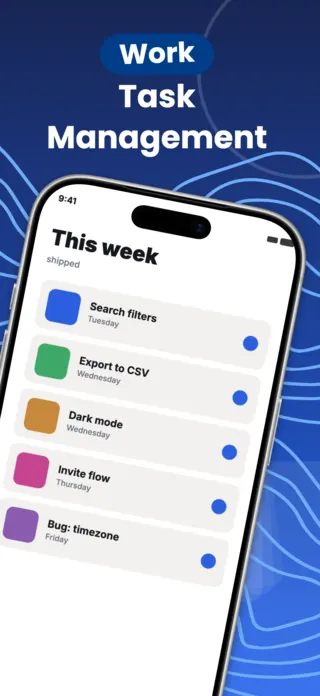
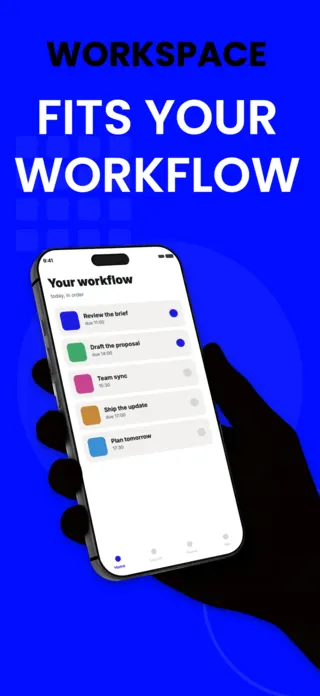
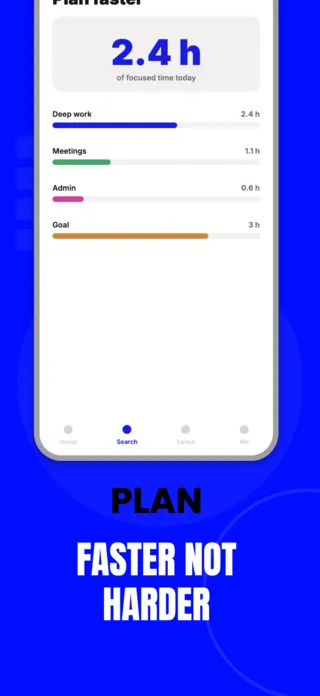
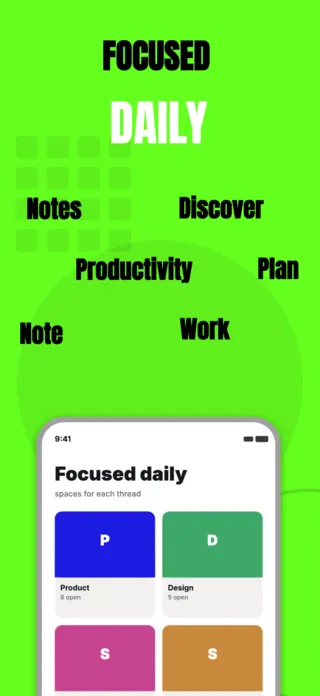
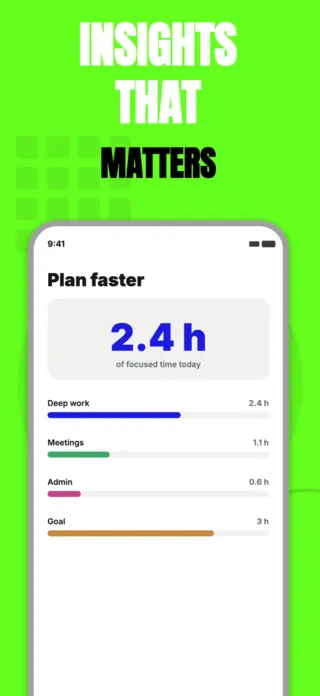
Productivity apps have the hardest screenshot problem in the store: the product is a list, and a list of someone else's tasks is meaningless to a stranger. The listings that convert do not show the tool. They show a recognisable mess getting smaller. That means the sample data is the design work, and generic placeholders like "Task 1" waste the only chance the frame has.
6 productivity & work templates
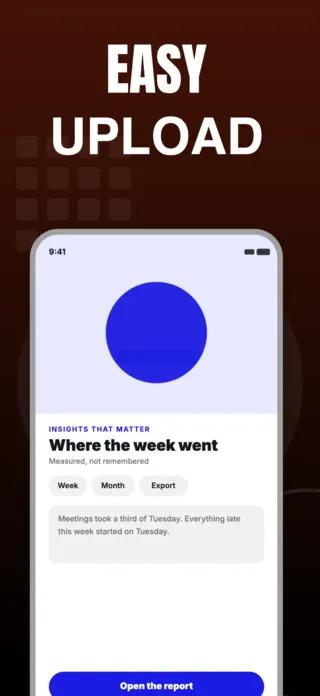
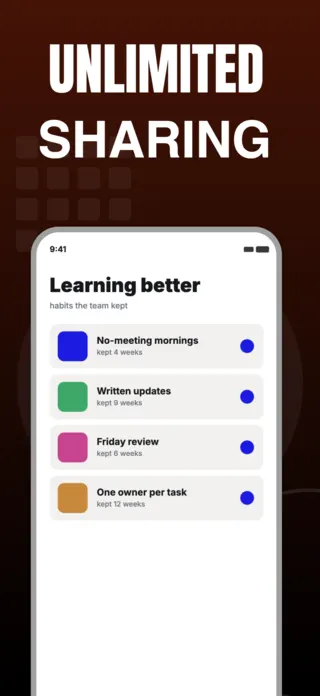

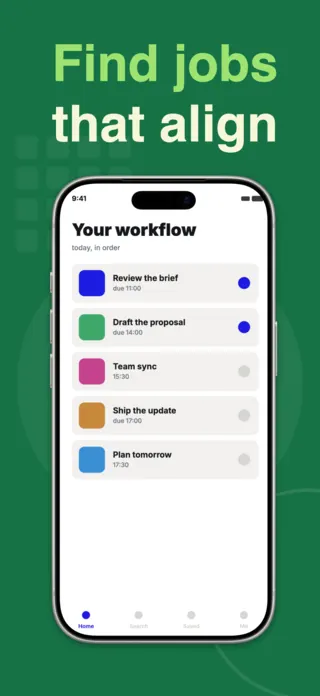
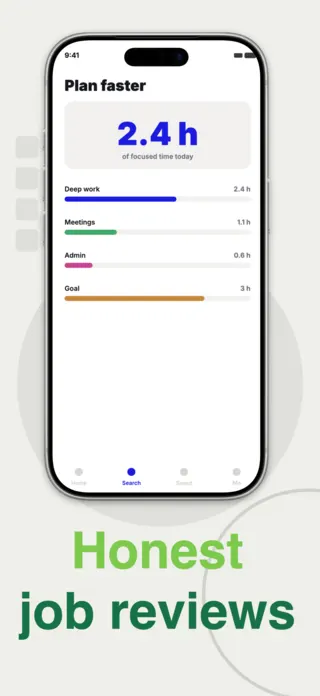
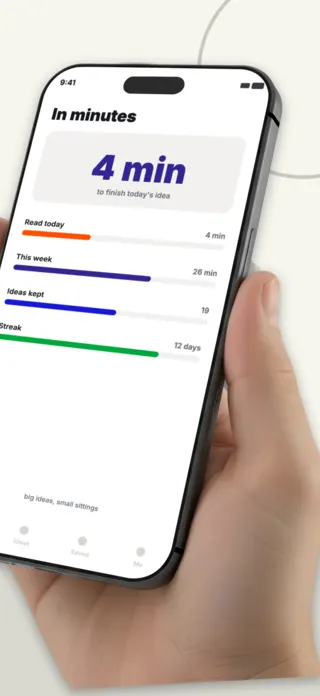
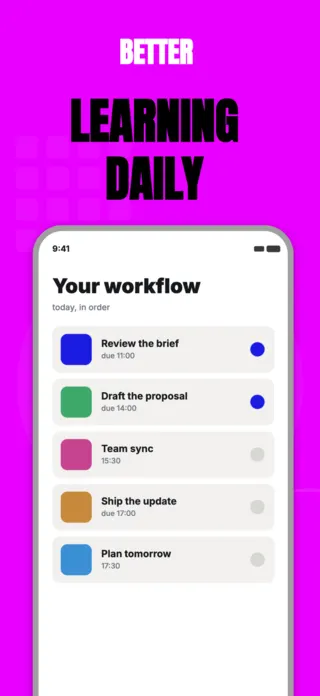
What the first screenshot has to do
A state a working person recognises: the week laid out, the blocked item surfaced, the inbox at zero. Feature tours belong later. An empty board or a settings screen in frame one is a wasted impression.
What gets productivity & work listings rejected or ignored
- Placeholder content such as "Lorem ipsum", "Task 1" or "Project A", which signals the app has nothing real to show.
- Recognisable company logos, client names or colleague photographs in the sample data.
- Desktop-width board views squeezed into a phone frame, where the columns become unreadable stripes.
- Feature-list screenshots that could describe any of the fifty competing apps in the same search result.
Localising these screenshots
German and Finnish compounds routinely run 40-60% longer than the English source, and this category is full of short UI nouns like "Assigned", "Due" and "Shared", sitting in tight chips and column headers. Those are the strings that overflow first. Give every label room in the source layout rather than shrinking type per locale, or the German listing will be the one with clipped buttons.
Every template here exports at 1290×2796 for App Store Connect and translates into 40+ languages in one pass. If you are unsure which locales your listing actually needs, the App Store locale code reference lists every one Apple supports, and the text expansion calculator shows how far each language will stretch your headline before you commit to a layout.
Templates for other app categories
Start from one of these
Open any template in the editor, swap the copy and screenshots for your own app, then translate the whole set into every locale your listing targets.
Open the editor →