
Beauty App Screenshot Templates
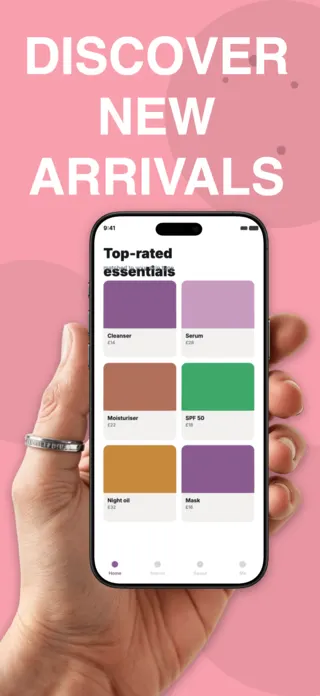
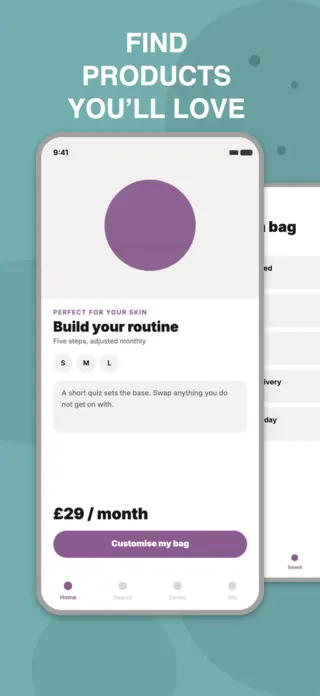
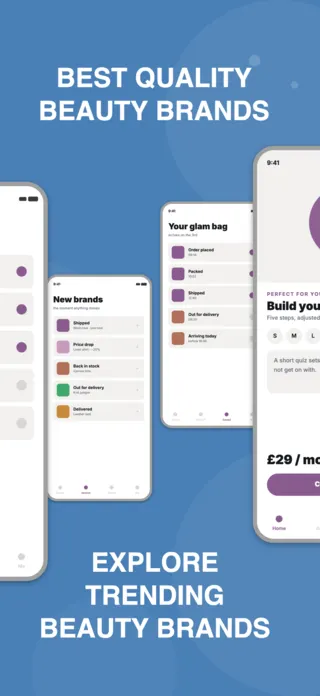
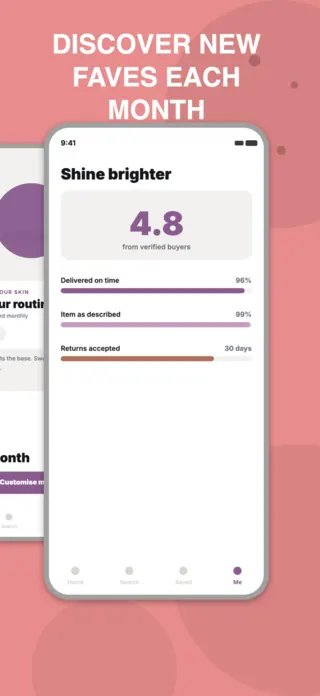
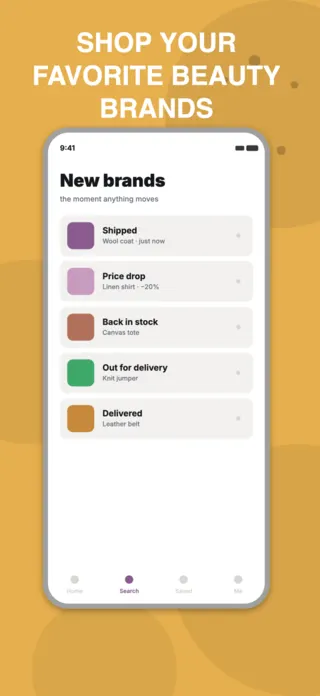
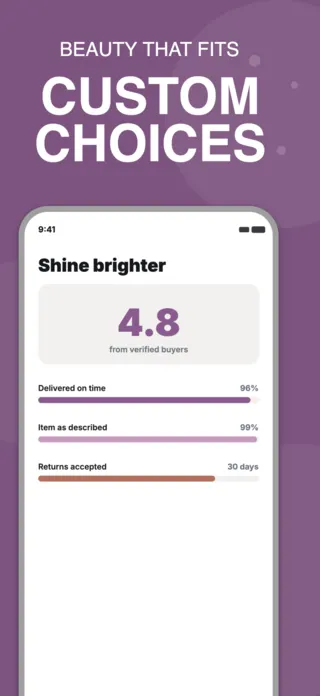
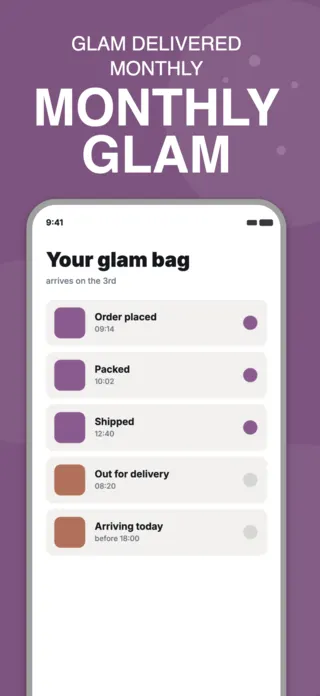
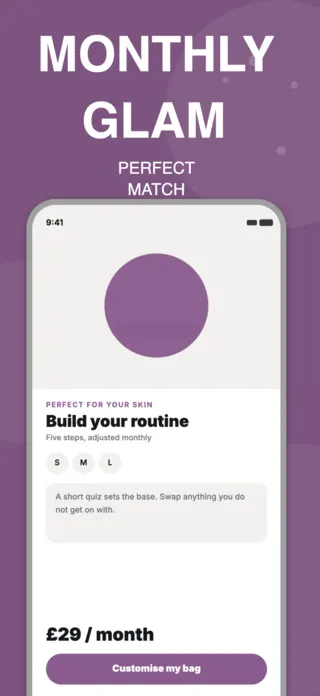
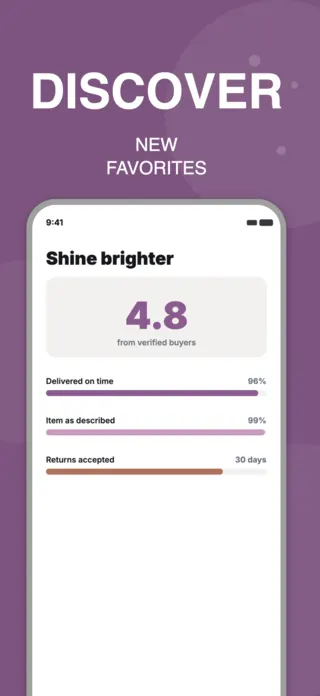
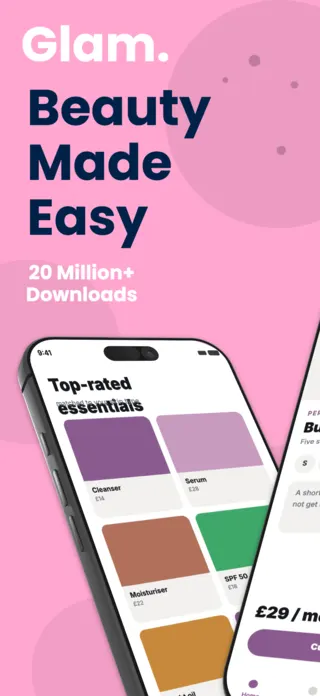
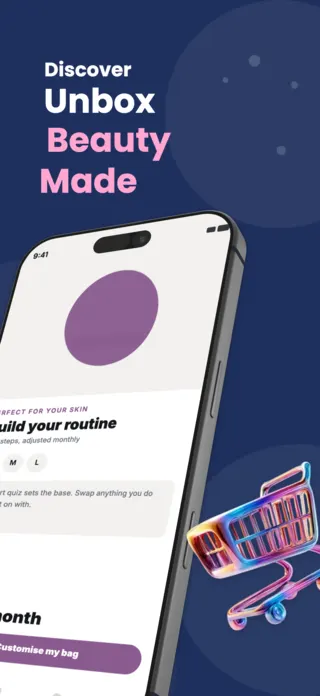
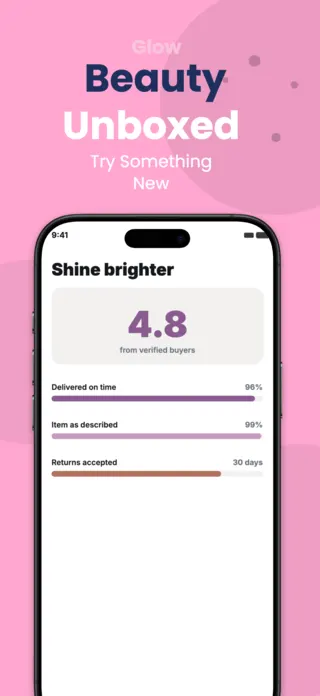
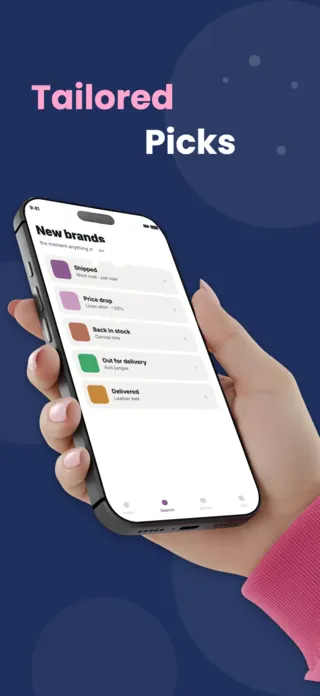
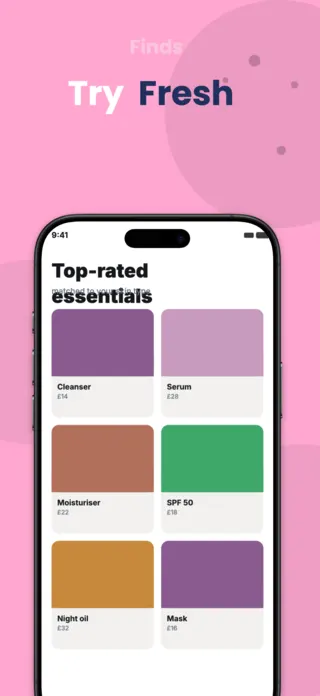
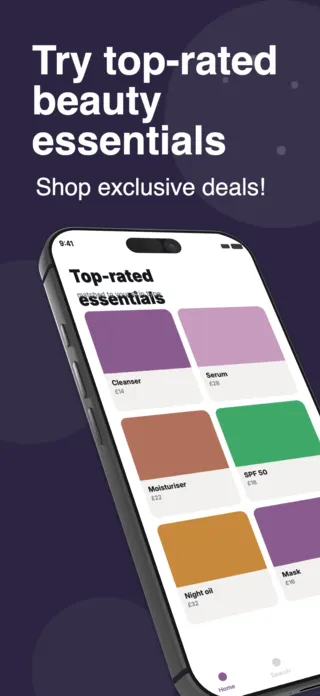
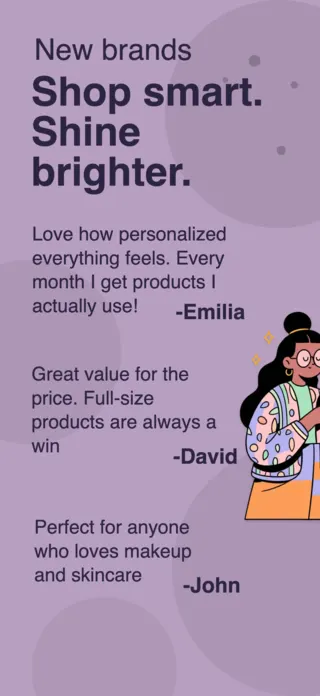
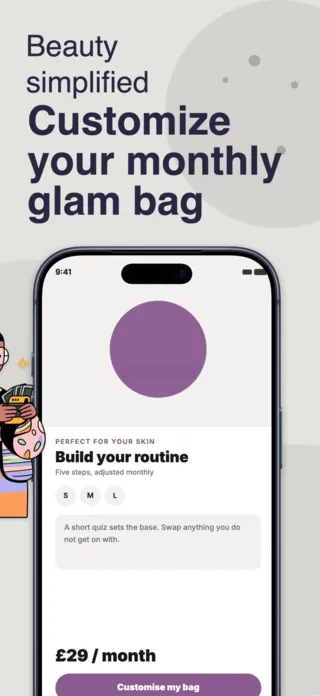
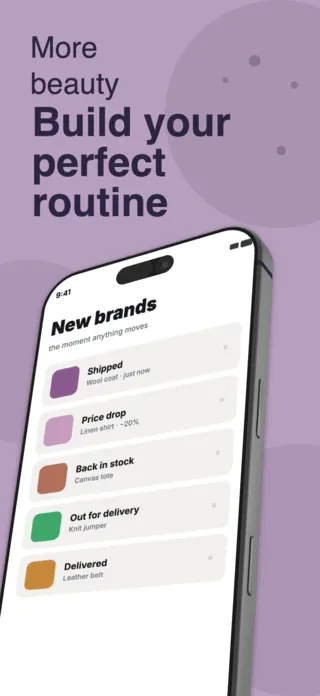
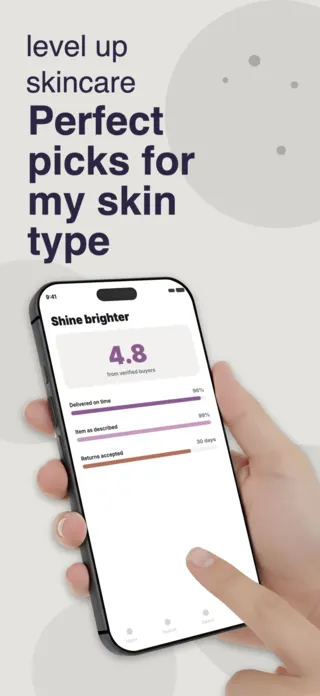
Beauty is the category where the screenshot is closest to being the product, because the buyer is judging whether the app understands their skin before they will let it pick anything. That makes the personalisation step (the quiz, the match, the swap) the thing worth showing, and the product grid the thing worth showing second. A wall of bottles reads as a shop; a matched routine reads as advice.
4 beauty & skincare templates
What the first screenshot has to do
The match, not the catalogue. Show one routine assembled for one person, with the reason it was chosen visible. A grid of products in frame one asks the viewer to do the sorting the app is supposed to do for them.
What gets beauty & skincare listings rejected or ignored
- Before-and-after imagery, which Apple treats as a health claim and which App Review rejects for cosmetics far more often than founders expect.
- Real brand names and packaging on the products shown, which is a licence issue in the artwork and a promise about stock you may not keep.
- Skin shown in one tone only, which quietly tells most of the store this app was not built for them.
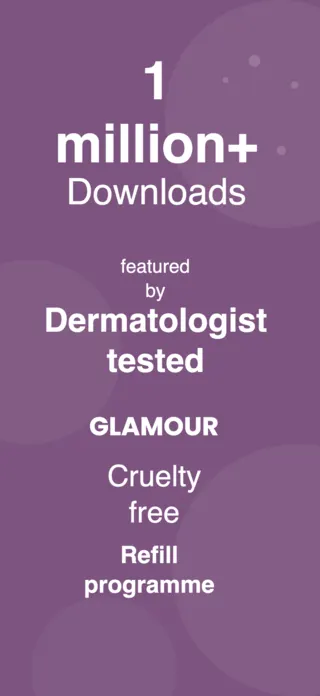
- Ingredient claims ("clinically proven", "dermatologist approved") printed in the screenshot, where they are marketing copy you cannot substantiate at review time.
Localising these screenshots
Shade and undertone vocabulary does not survive machine translation intact: terms like "warm", "neutral" and "cool" map onto different conventions per market, and several languages borrow the English word instead. Keep shade names untranslated in the artwork and translate only the surrounding sentence, or the localised listing will describe a colour system that does not exist.
Every template here exports at 1290×2796 for App Store Connect and translates into 40+ languages in one pass. If you are unsure which locales your listing actually needs, the App Store locale code reference lists every one Apple supports, and the text expansion calculator shows how far each language will stretch your headline before you commit to a layout.
Templates for other app categories
Start from one of these
Open any template in the editor, swap the copy and screenshots for your own app, then translate the whole set into every locale your listing targets.
Open the editor →