
Shopping App Screenshot Templates
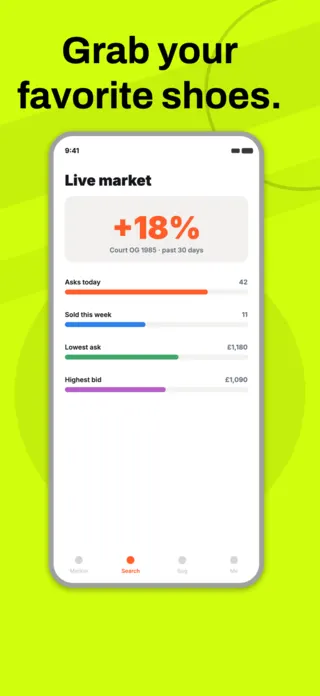
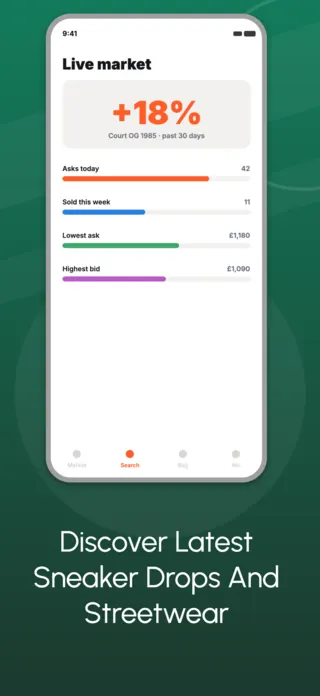
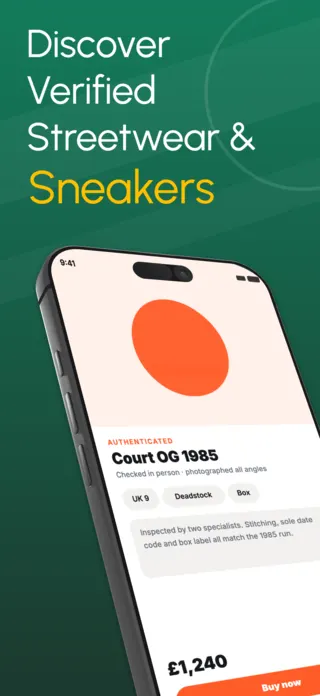
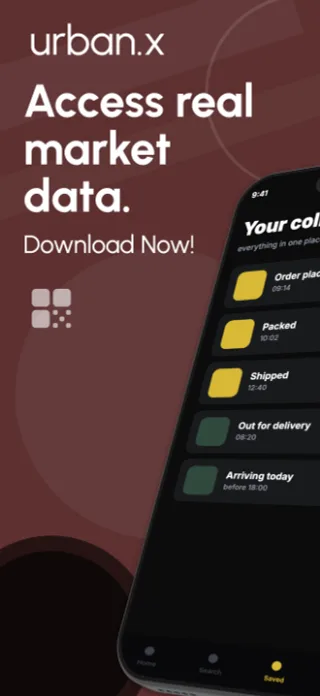
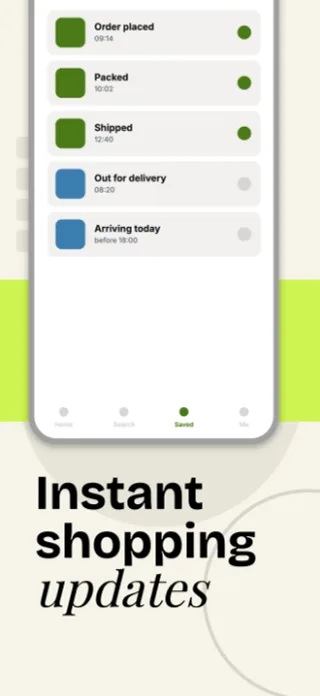
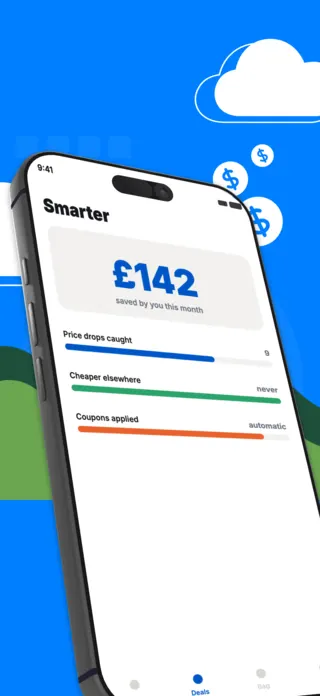
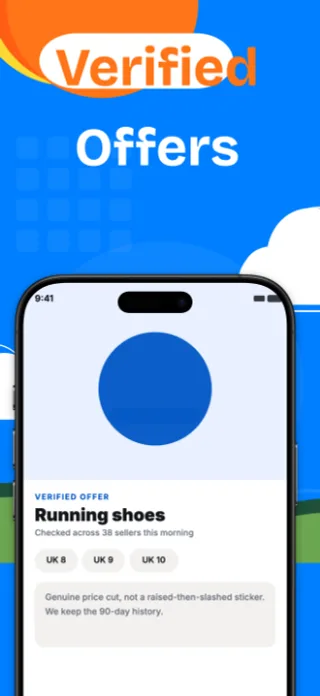
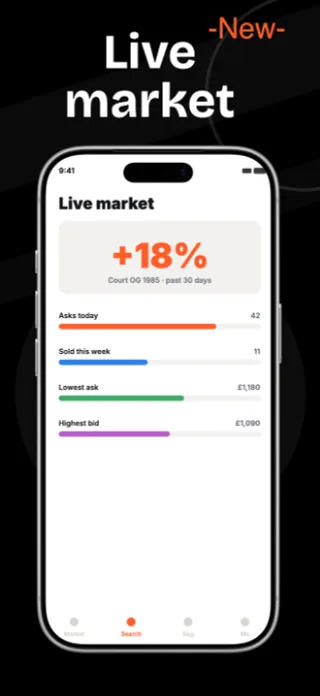
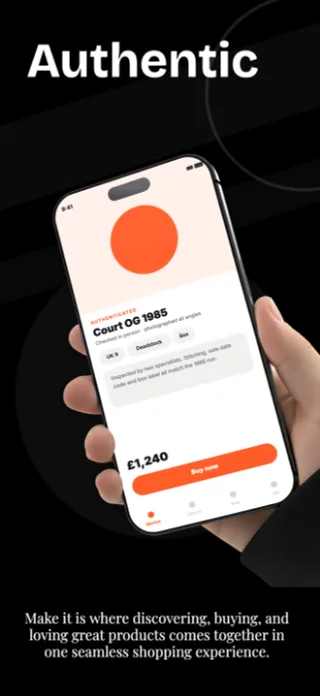
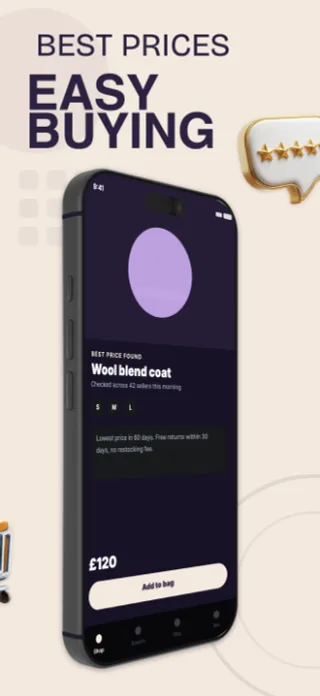
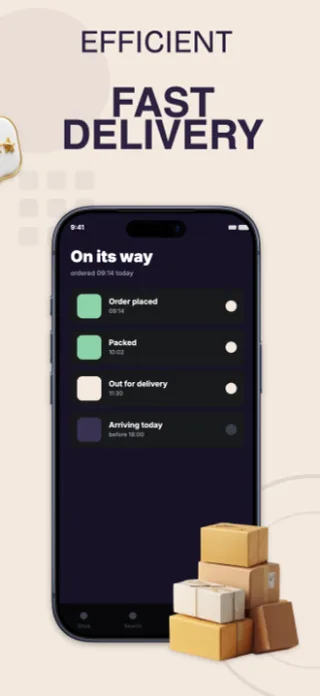
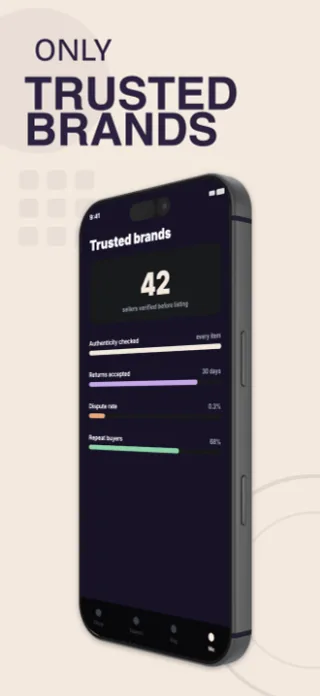
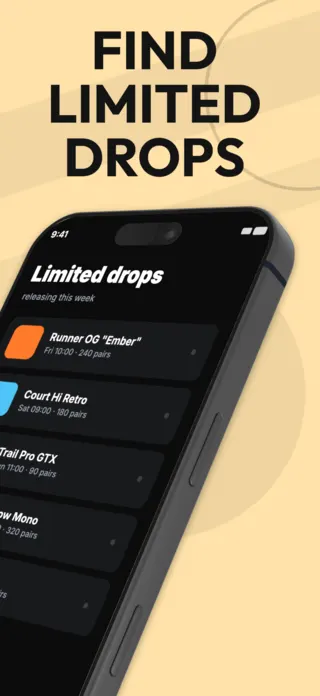
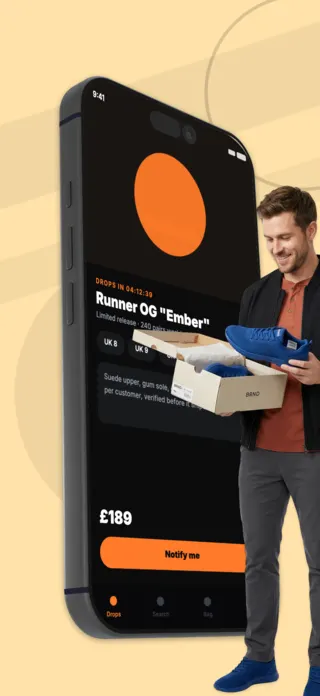
Shopping apps compete against a store page the user has already seen a hundred variations of. Grid of products, a sale badge, a cart. The differentiator is almost never the catalogue. It is what your app does that a mobile website does not, and that is what the screenshots have to isolate. Order tracking, resale authentication, size matching, drop notifications: the mechanic, not the merchandise.
11 shopping & marketplace templates

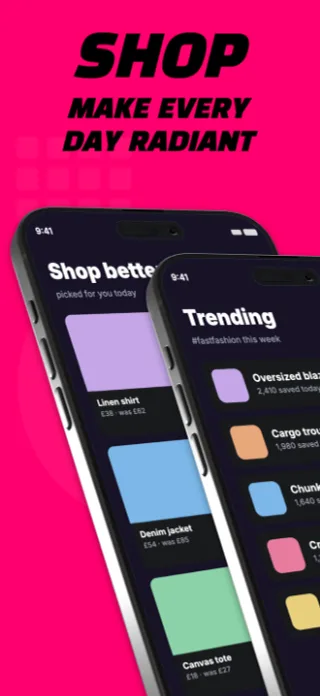
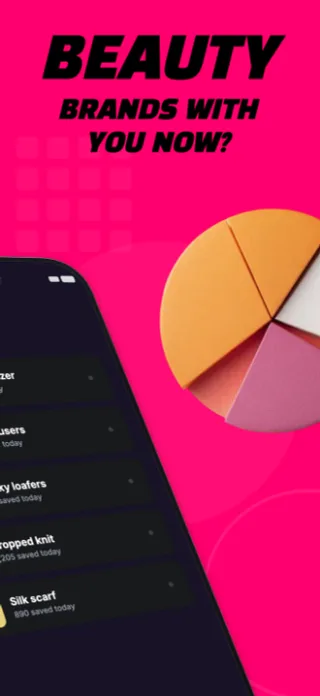
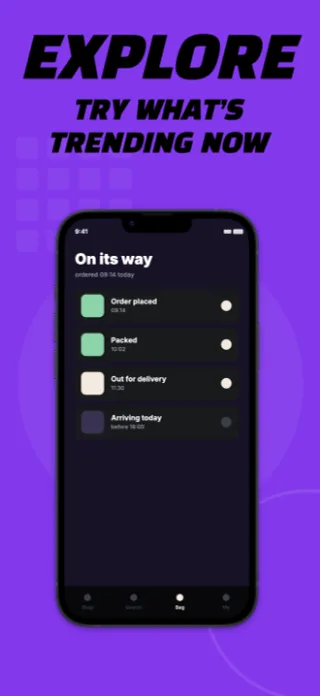
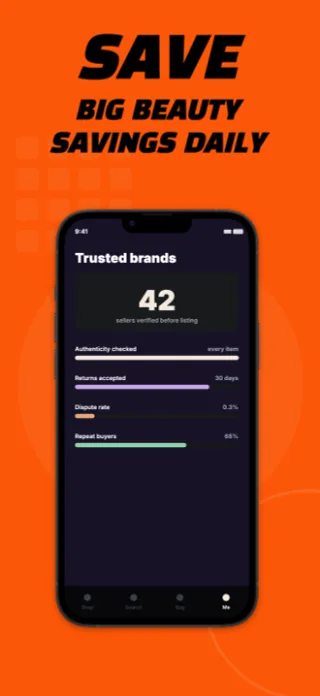
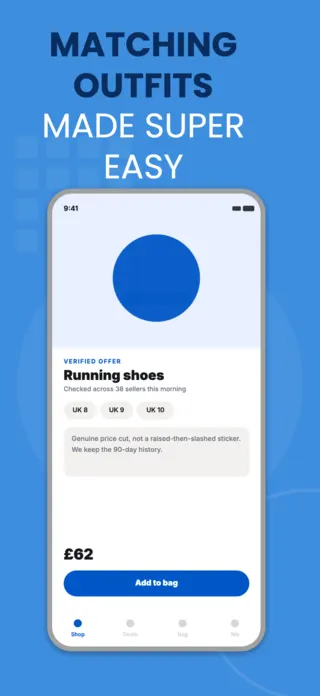

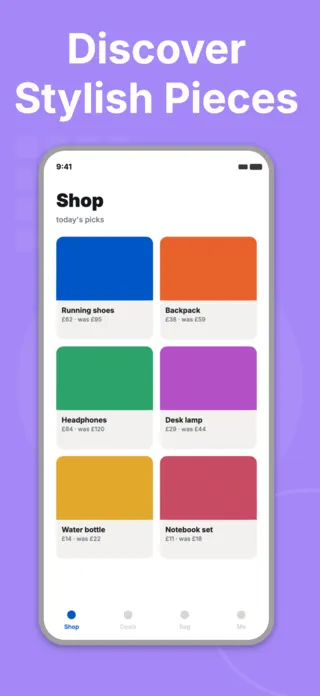
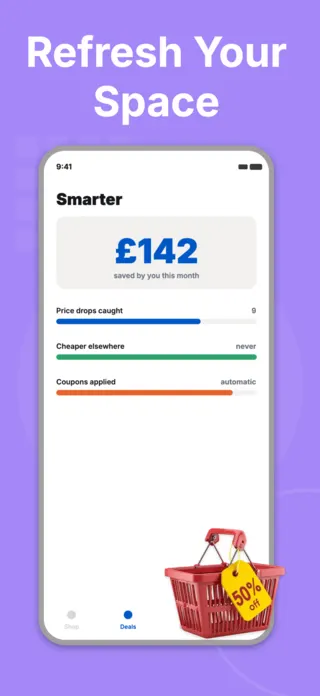
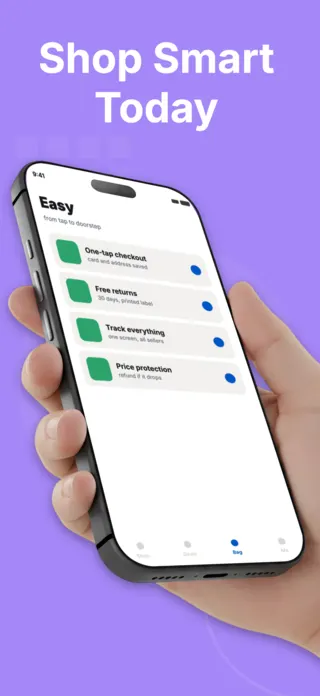
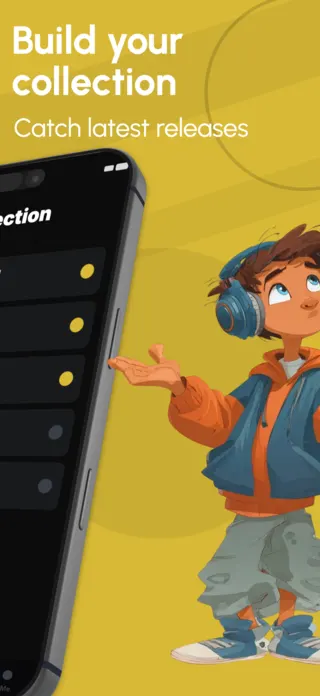
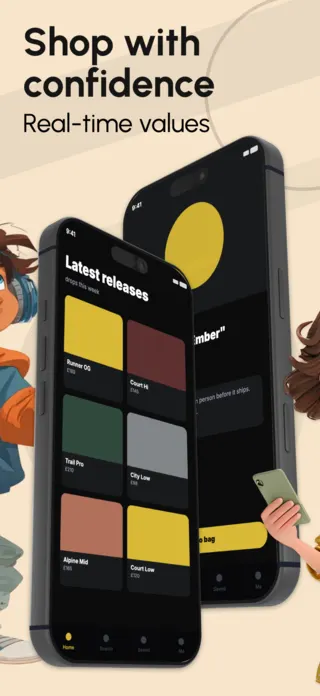
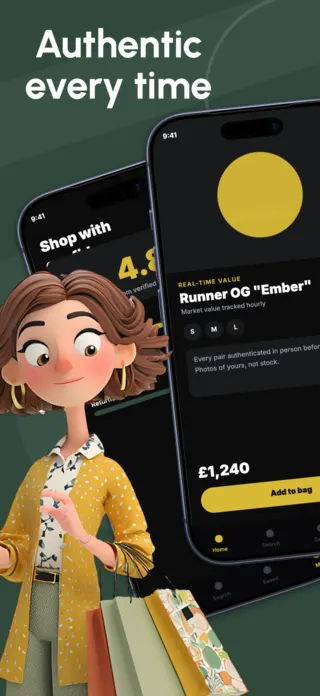
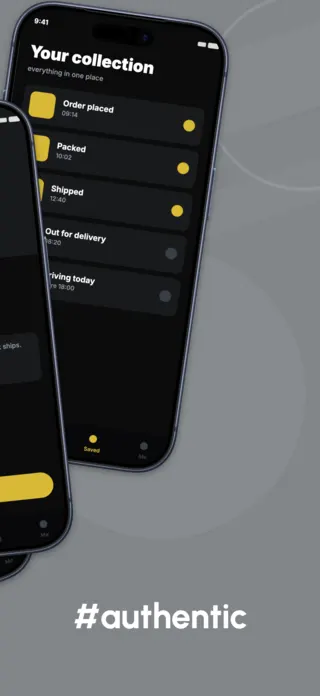
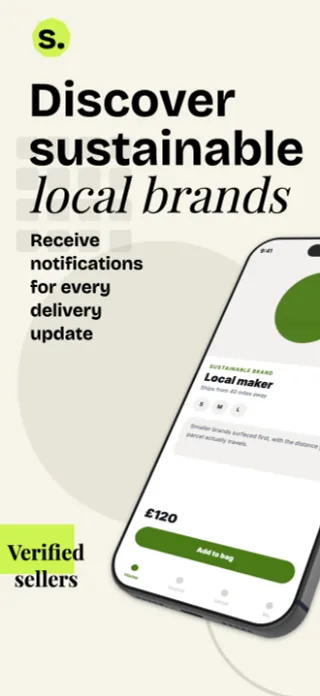
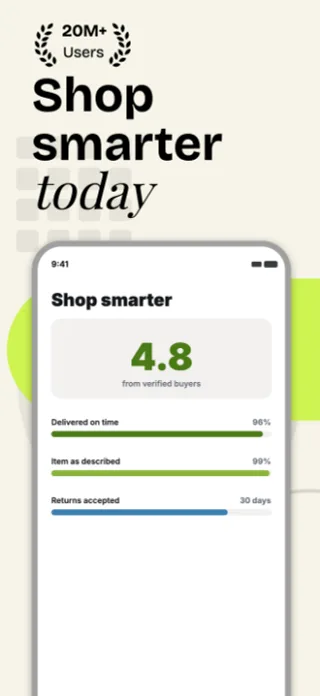

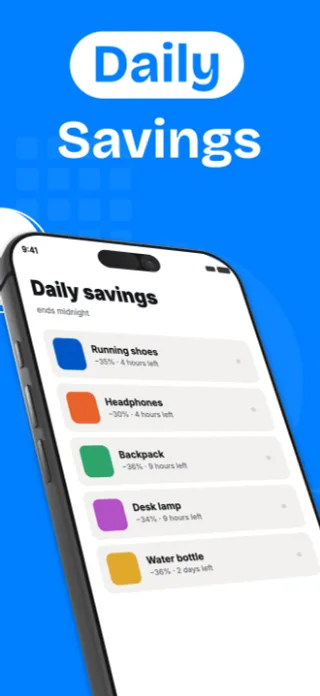
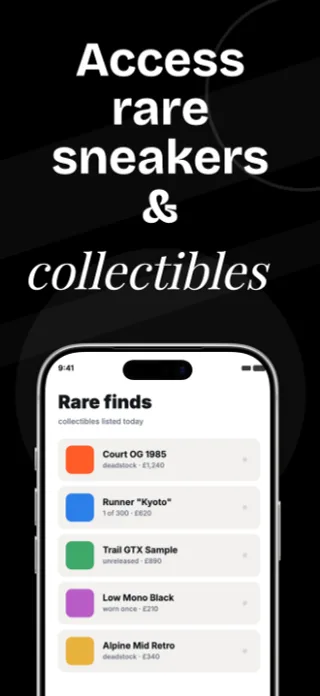
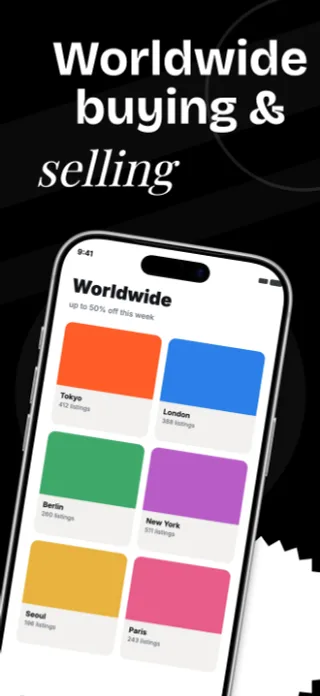
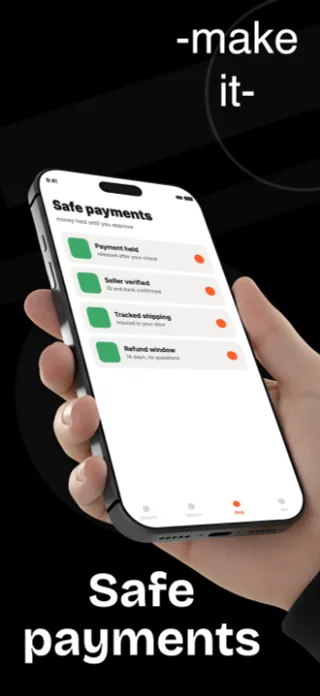
What the first screenshot has to do
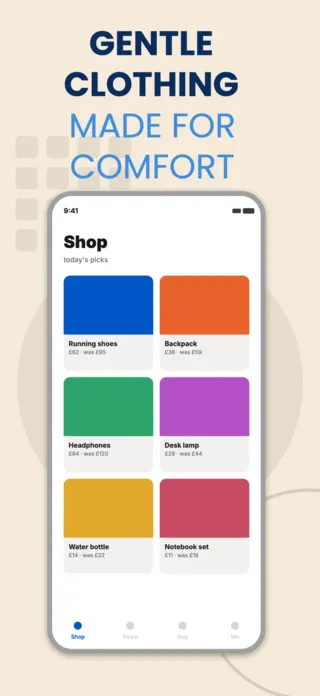
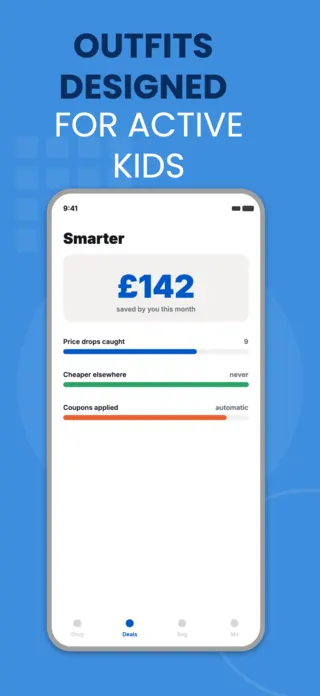
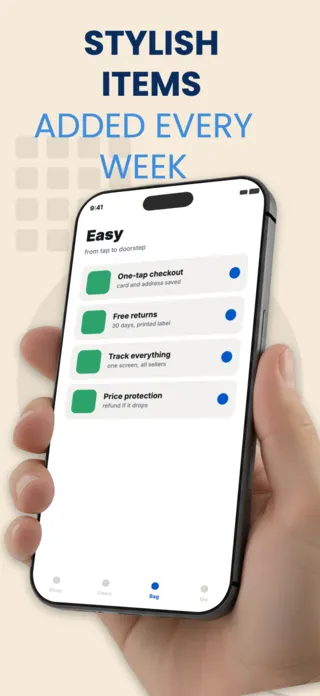
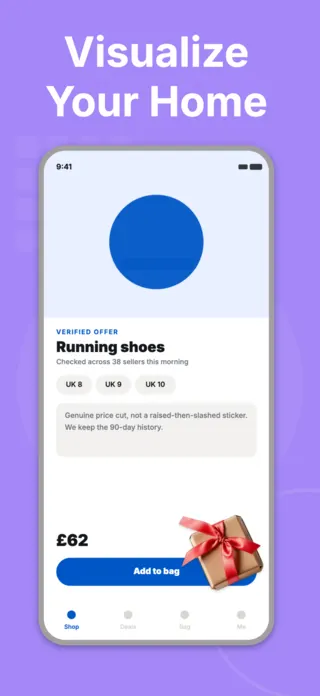
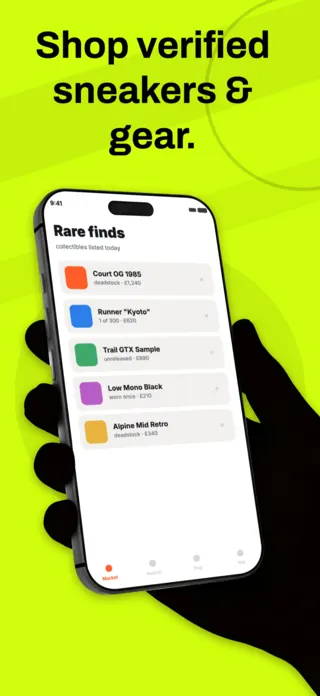
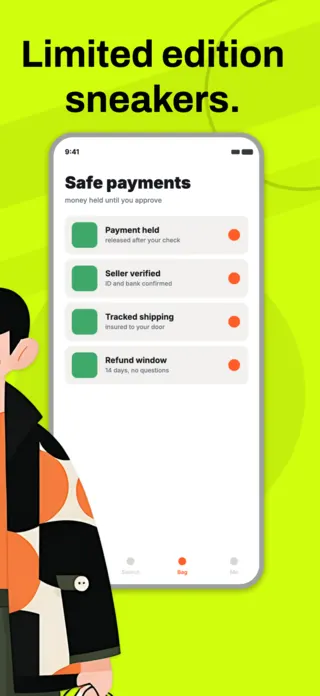
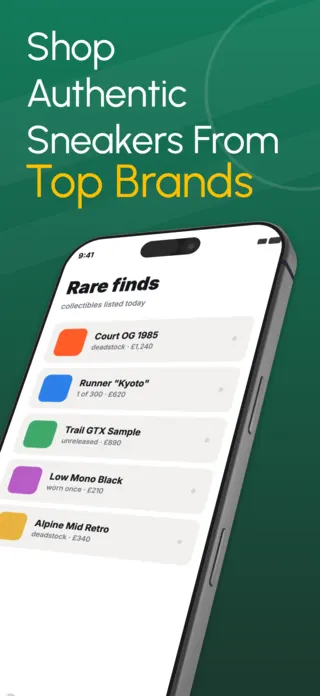
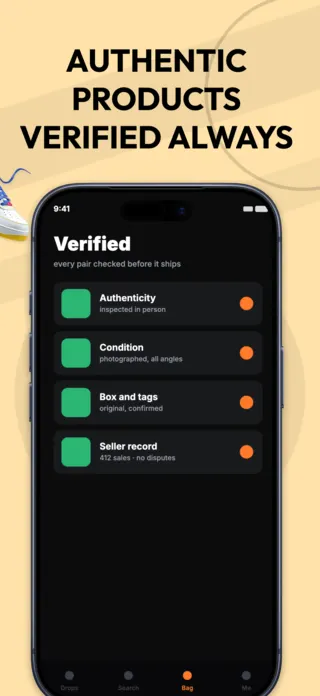
Lead with the mechanic, not the grid. A product grid is the most replaceable screenshot in the App Store because every competitor has the same one. If your app authenticates sneakers or tracks a parcel to the doorstep, that screen is frame one and the catalogue is frame three.
What gets shopping & marketplace listings rejected or ignored
- Price tags in the screenshot copy. Guideline 2.3.7 restricts price references in metadata, and a hardcoded price also dates the screenshot the moment you run a sale.
- Real brand logos and product photography you do not have rights to. This is the category where borrowed product imagery most often turns into a rejection or a takedown.
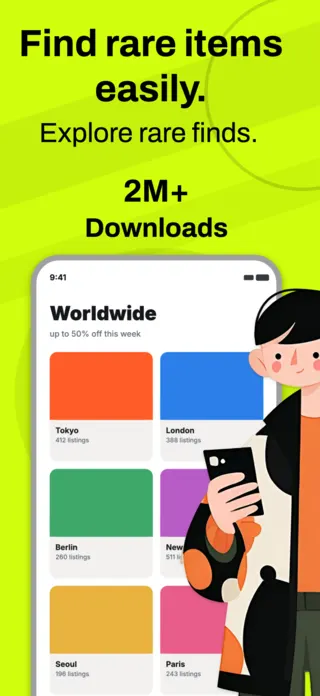
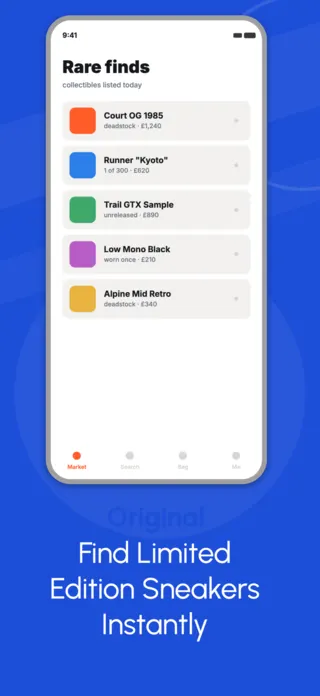
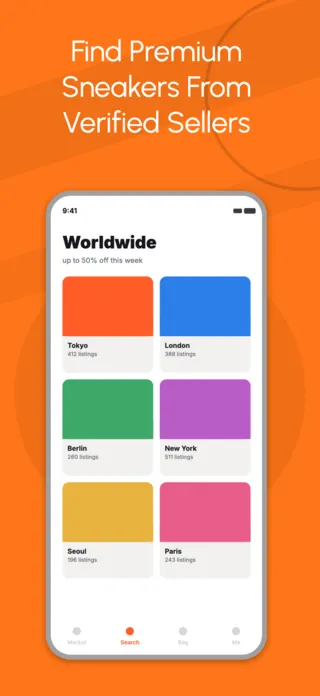
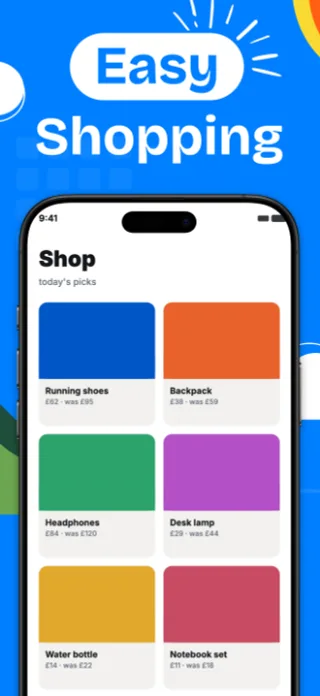
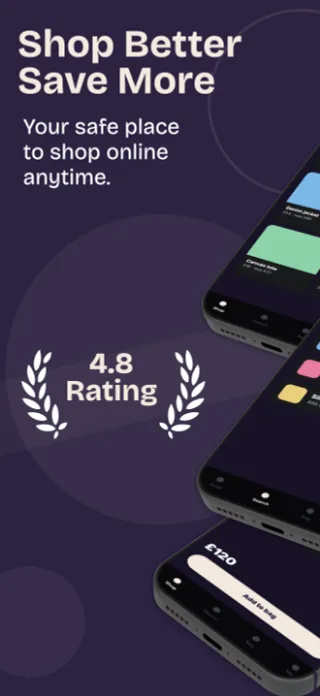
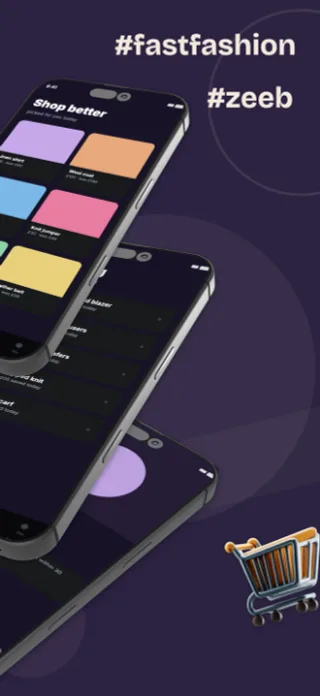
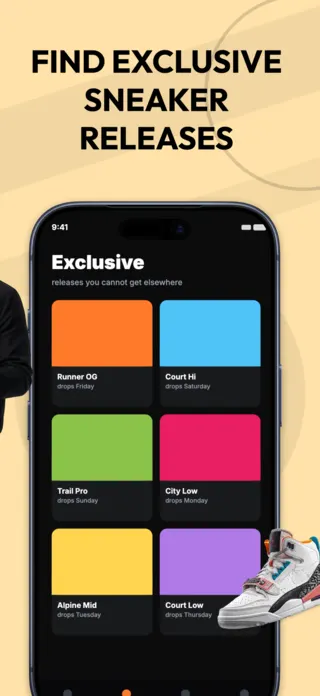
- A grid so dense that no single product is legible. Six products at thumbnail size is a texture; two products with a visible price and title is a screenshot.
- Empty carts and zero-state badges in the mock data, which read as an app nobody uses.
Localising these screenshots
Product titles are the longest strings in a shopping layout and they are the ones you do not control: a translated product name can run half again as long as the English original. Build the card with the title on two lines from the start rather than one, so German and Finnish do not force an ellipsis that eats the distinguishing half of the name.
Every template here exports at 1290×2796 for App Store Connect and translates into 40+ languages in one pass. If you are unsure which locales your listing actually needs, the App Store locale code reference lists every one Apple supports, and the text expansion calculator shows how far each language will stretch your headline before you commit to a layout.
Templates for other app categories
Start from one of these
Open any template in the editor, swap the copy and screenshots for your own app, then translate the whole set into every locale your listing targets.
Open the editor →