
Finance App Screenshot Templates
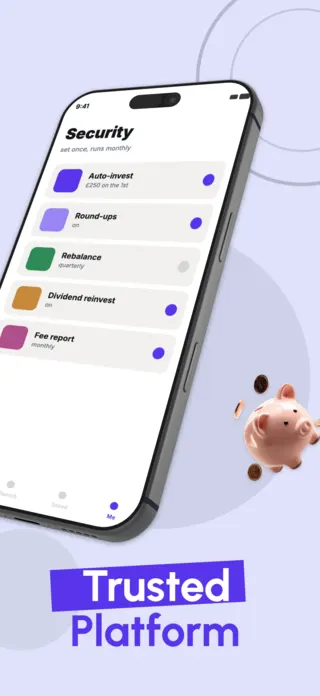
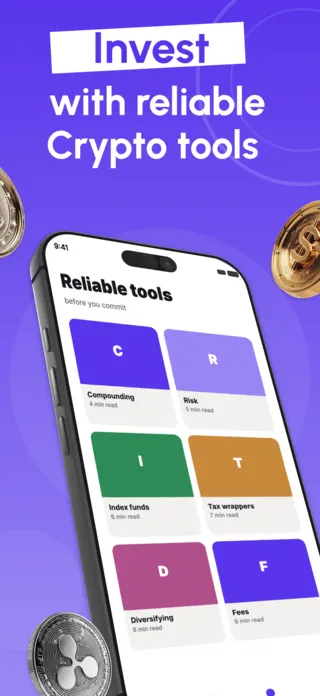
A finance listing is judged on trust before it is judged on features. The person scrolling your screenshots is deciding whether to connect a bank account or move money, and they are doing it in about two seconds of thumbnail. That makes finance screenshots unusual: the thing you most need to communicate, that you are safe to hand money to, is the one thing a screenshot cannot claim in words without sounding like every scam that also claims it.
14 finance templates


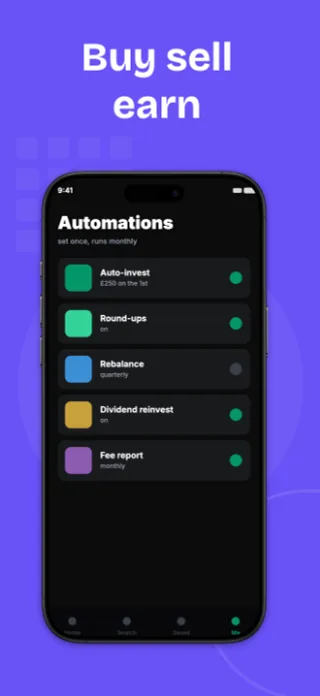
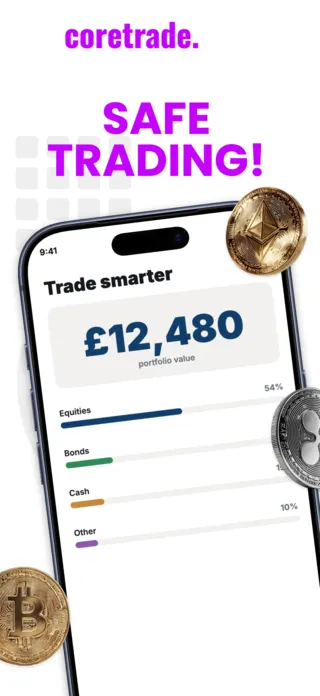
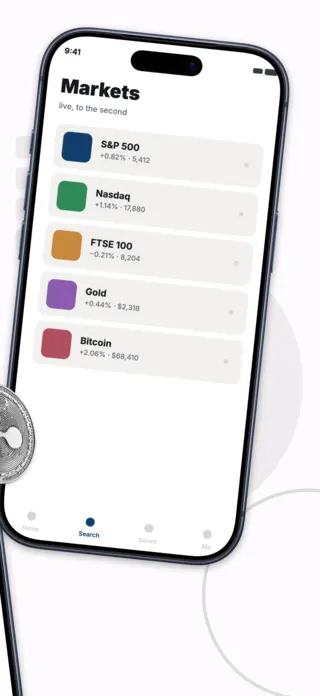
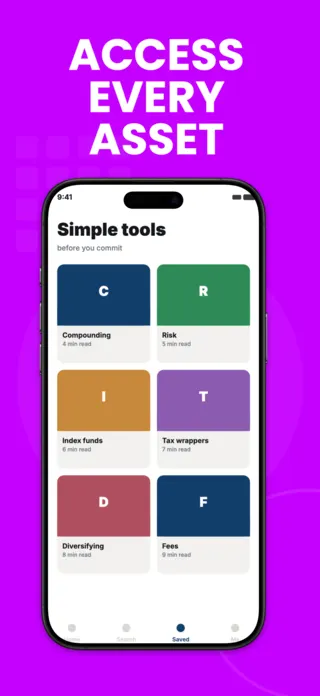







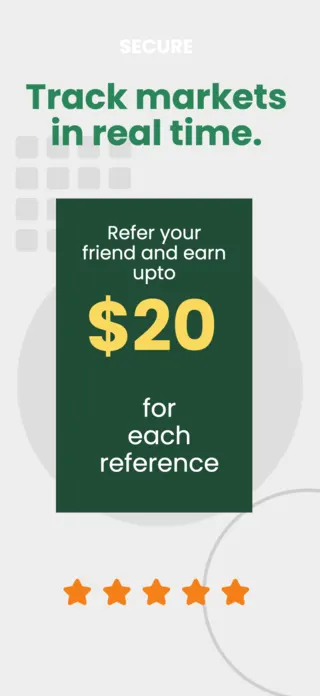
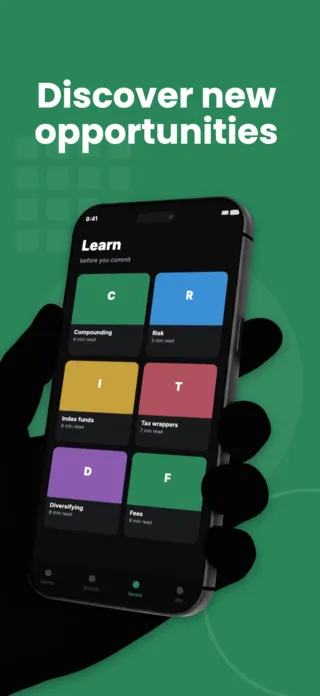
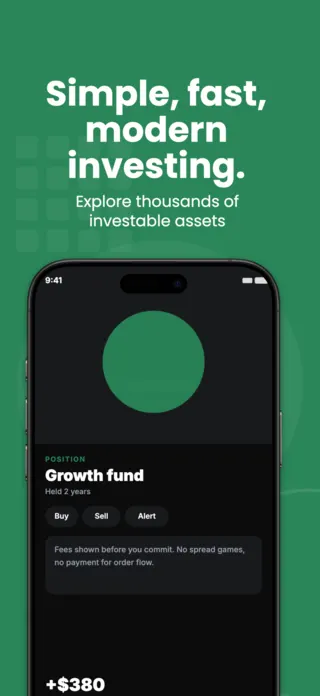
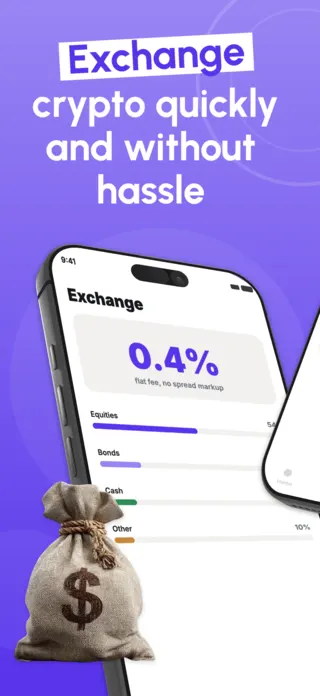


What the first screenshot has to do
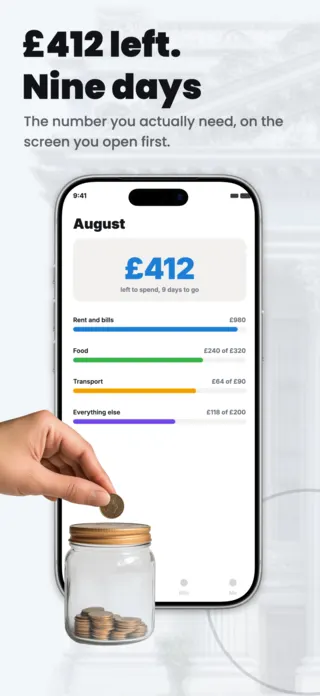
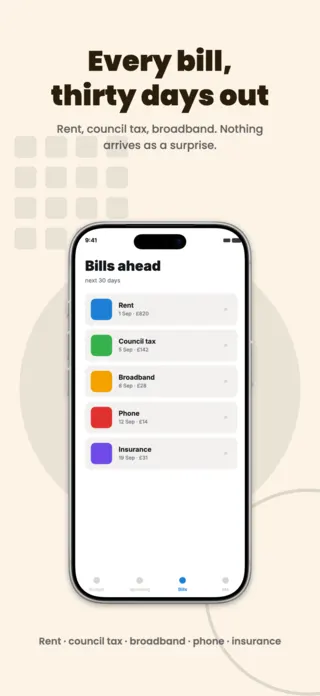
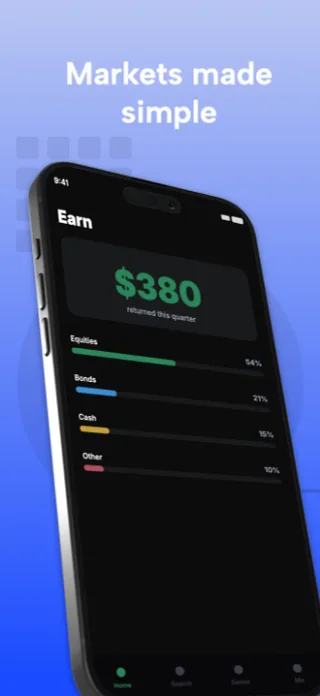
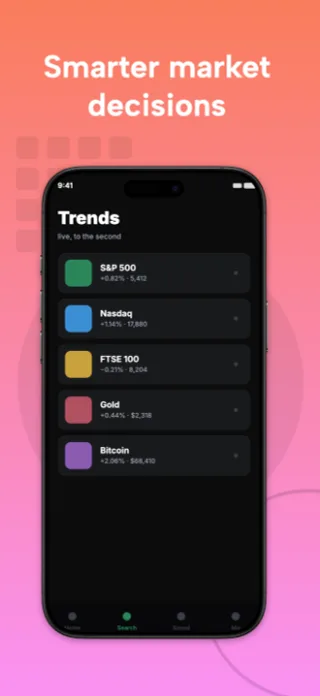
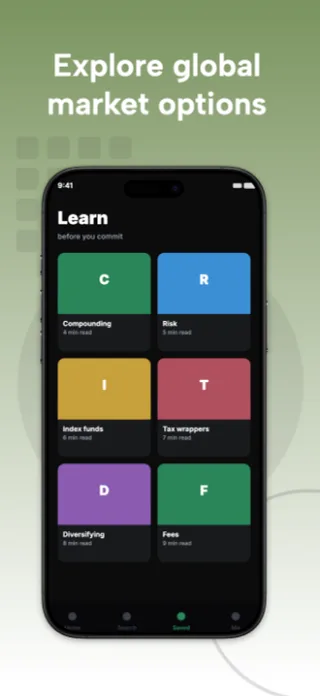
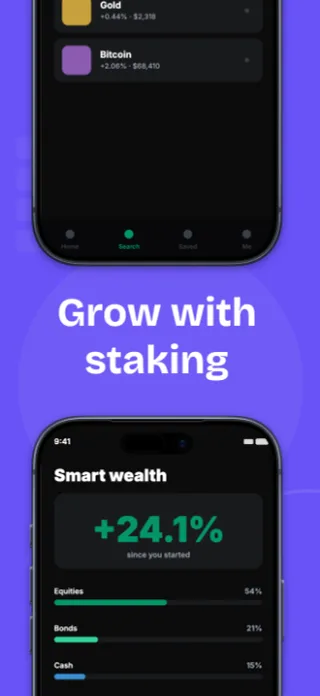
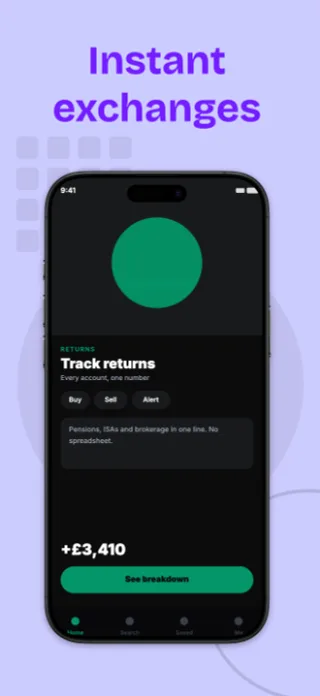
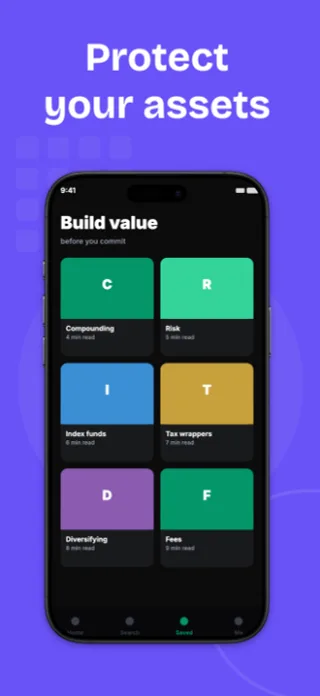
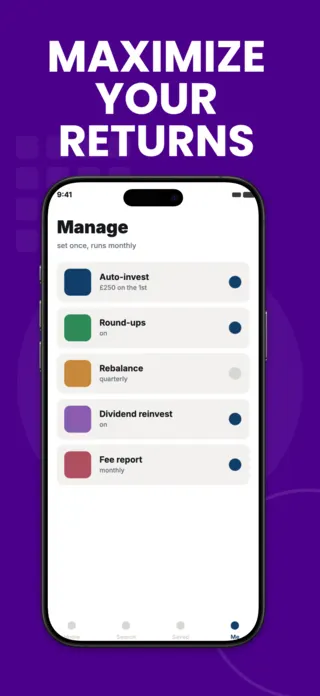
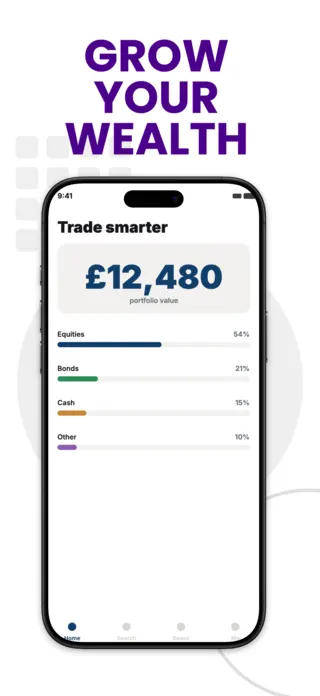
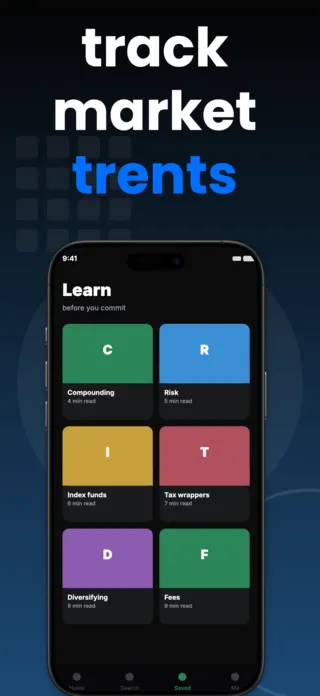
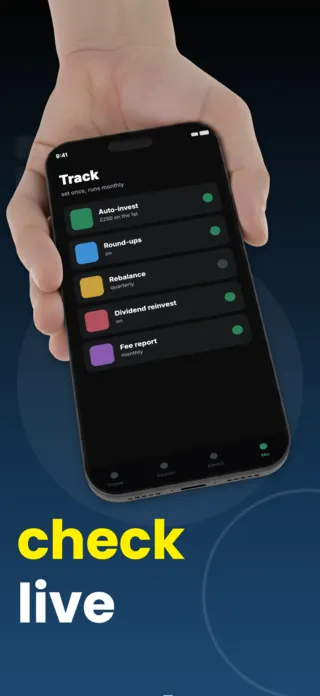
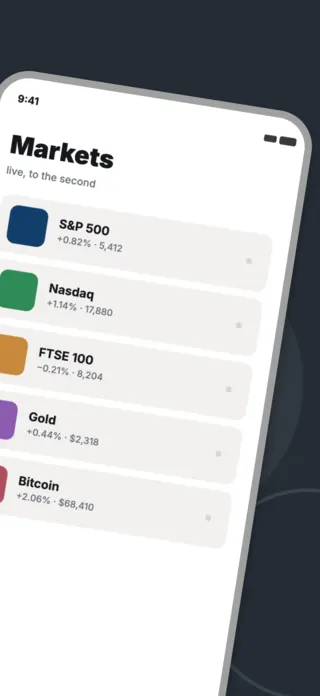
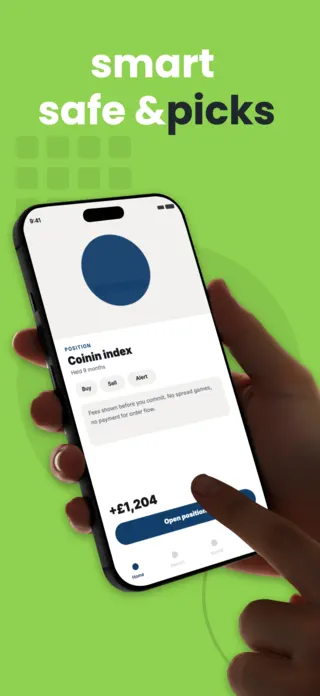
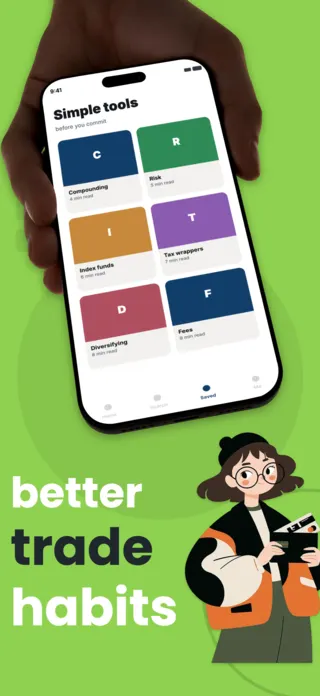
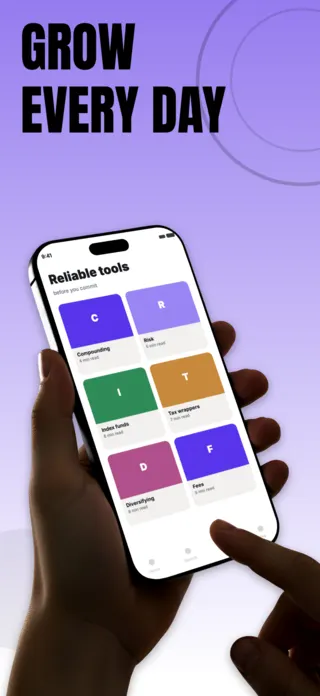
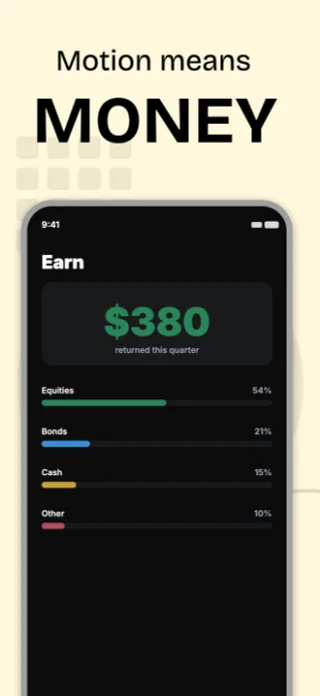
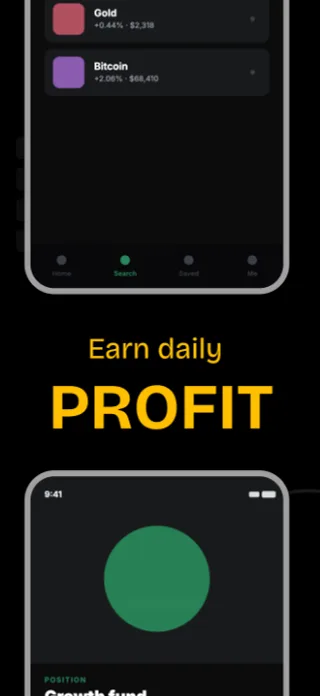
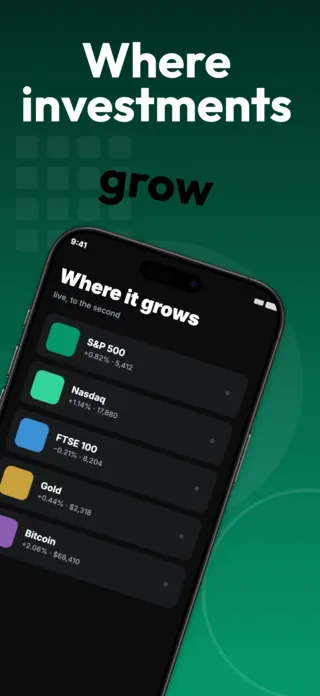
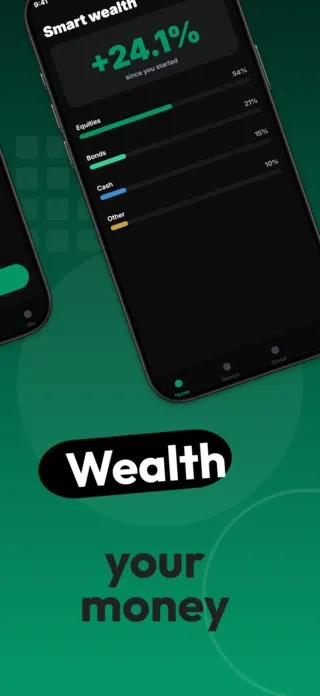
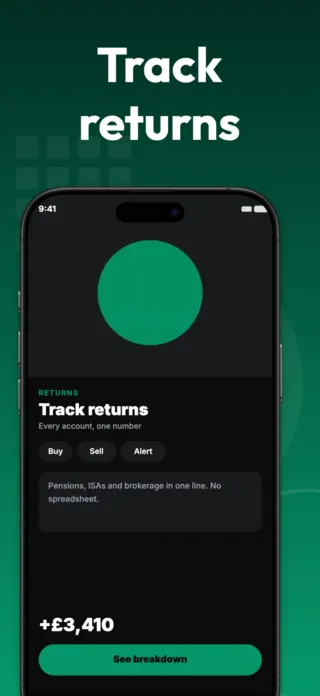
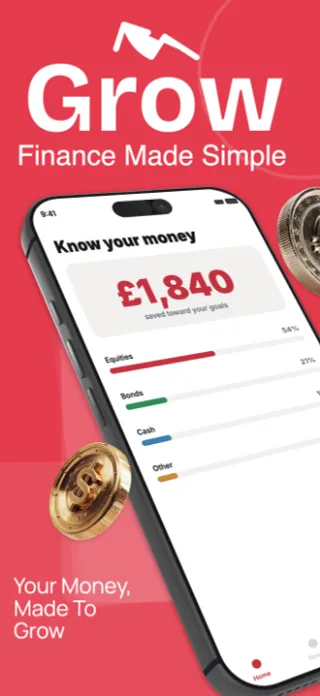
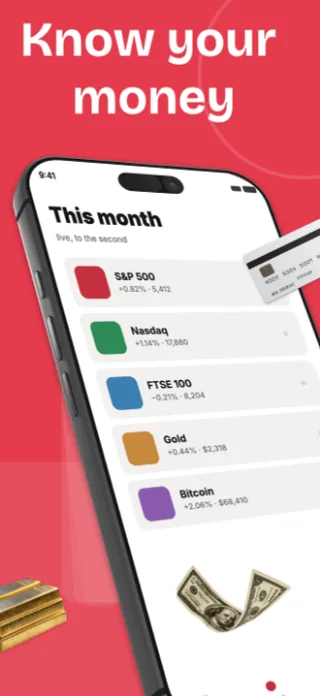
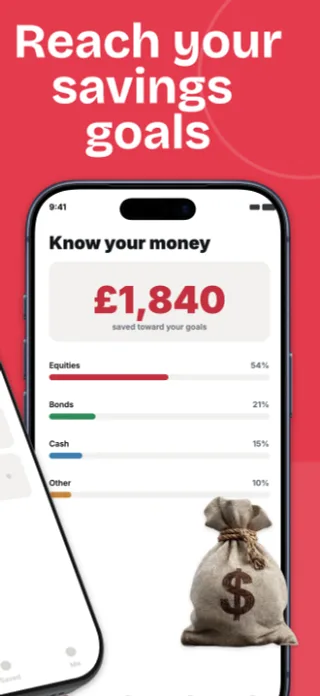
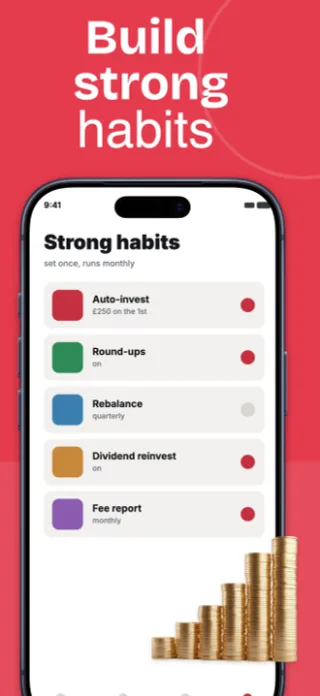
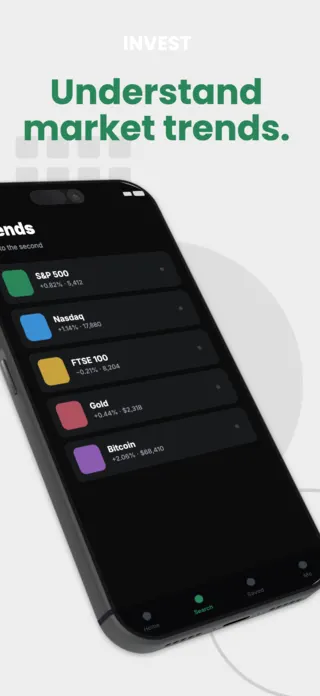
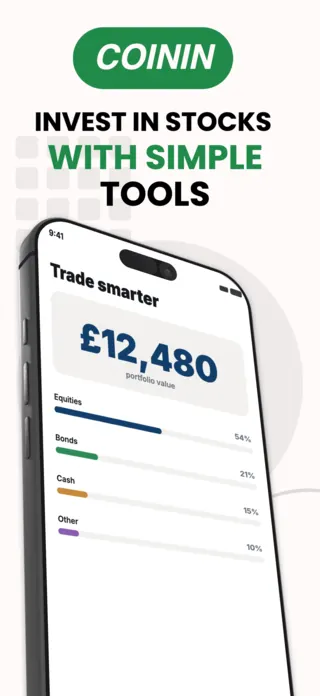
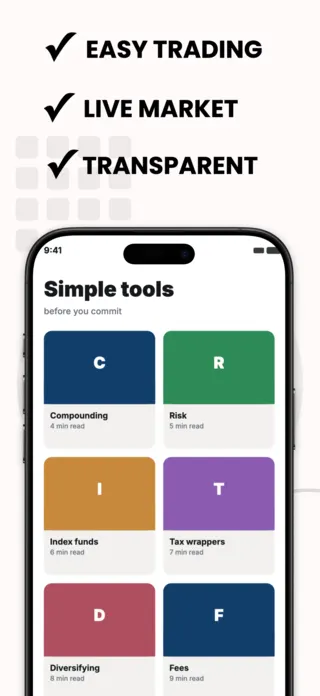
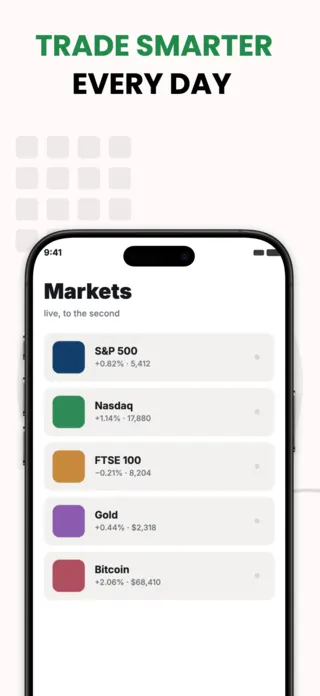
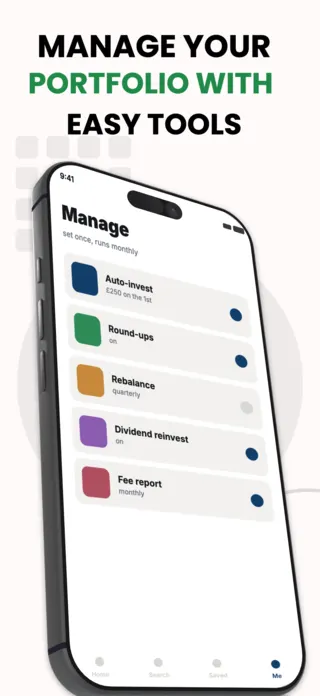
Show the account or portfolio view, populated with realistic figures, rather than a marketing headline over an empty state. A finance app that leads with a filled dashboard reads as a working product; one that leads with a slogan reads as a landing page. Keep the numbers legible at thumbnail size. This is the category where a 14pt figure inside a device frame becomes an unreadable smudge in search results.
What gets finance listings rejected or ignored
- Fabricated returns or portfolio gains in the mock data. Apple rejects screenshots that imply guaranteed performance, and reviewers look for it specifically in this category.
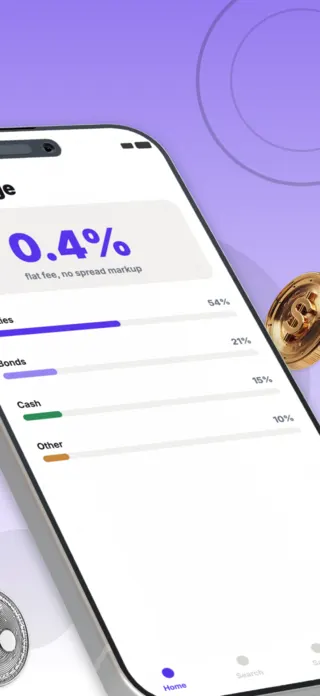
- Percentage figures used decoratively. A "+247%" in a mock chart reads as a performance claim whether or not you meant it as one.
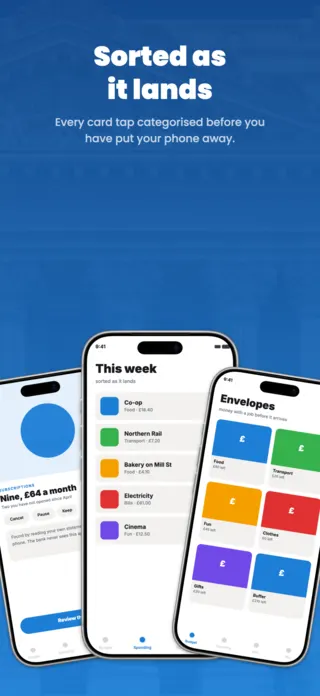
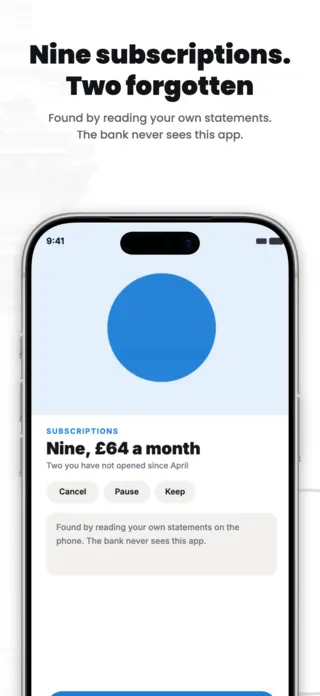
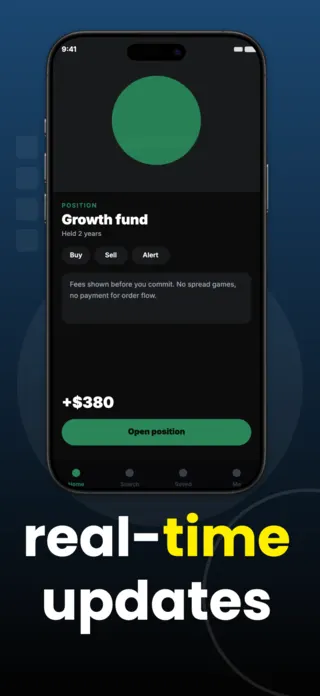
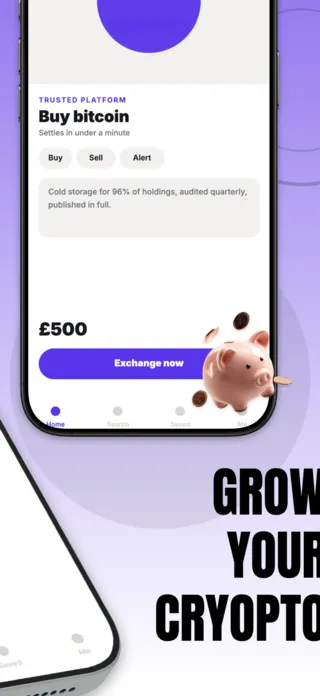
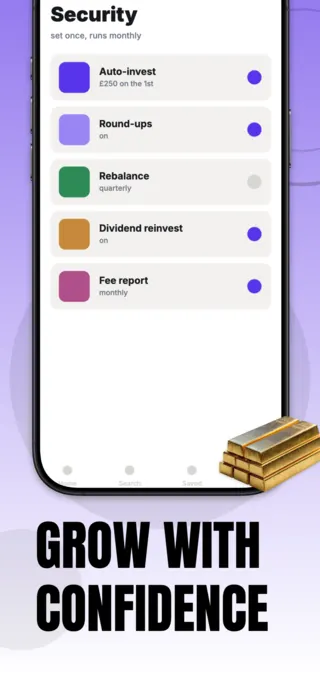
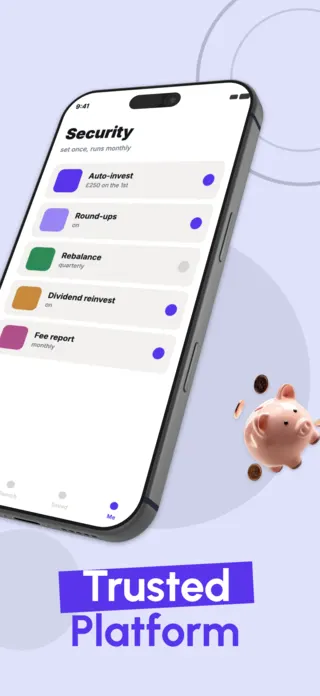
- Burying the security story to frame five. If encryption or regulatory status is your differentiator, it belongs in the first three frames where the conversion weight sits.
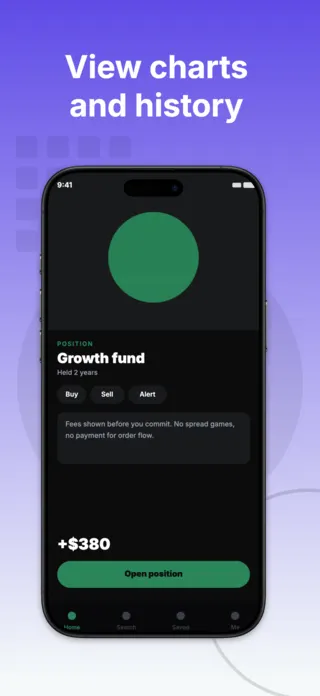
- Dense charts that are illegible below full size. A candlestick chart is a texture, not information, at thumbnail scale.
Localising these screenshots
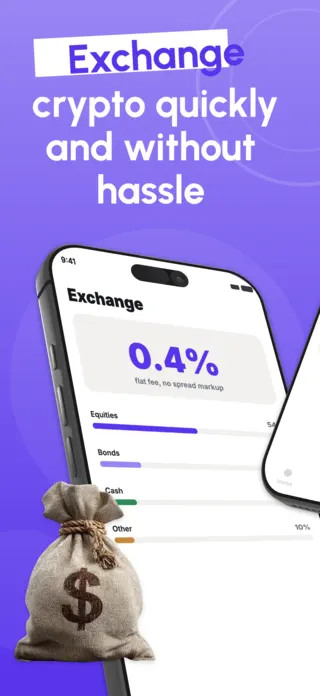
Currency and number formatting break more finance screenshots than translation does. German and French use a comma as the decimal separator, most European locales put the currency symbol after the amount, and a figure that fit as "$1,299.00" becomes "1.299,00 €", which is longer and aligned differently. Right-align monetary columns rather than centring them so translated figures stay on their gridline.
Every template here exports at 1290×2796 for App Store Connect and translates into 40+ languages in one pass. If you are unsure which locales your listing actually needs, the App Store locale code reference lists every one Apple supports, and the text expansion calculator shows how far each language will stretch your headline before you commit to a layout.
Templates for other app categories
Start from one of these
Open any template in the editor, swap the copy and screenshots for your own app, then translate the whole set into every locale your listing targets.
Open the editor →