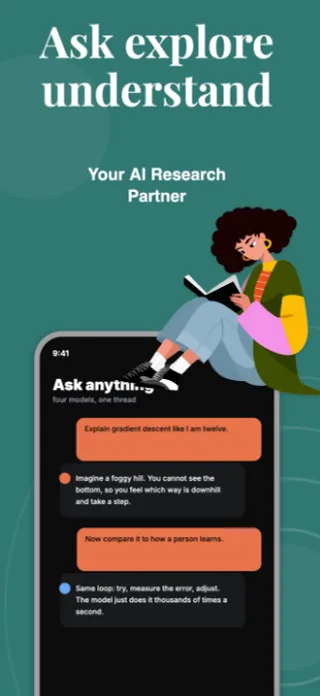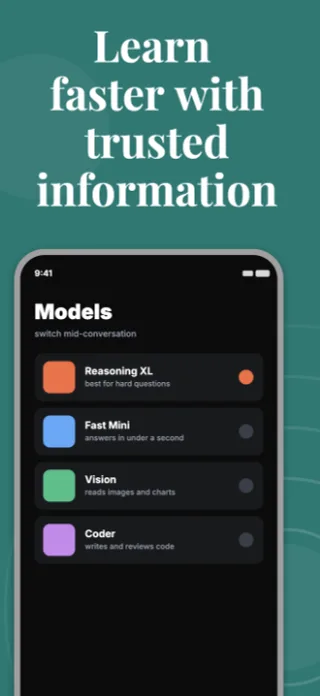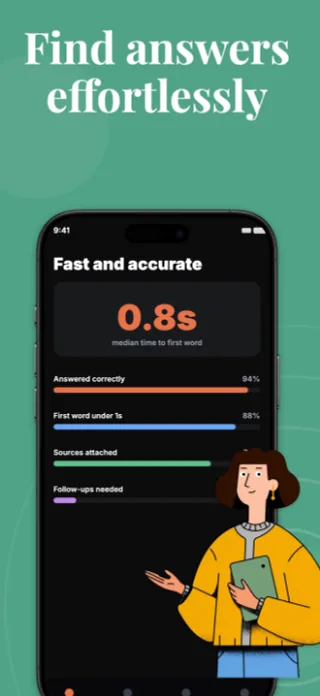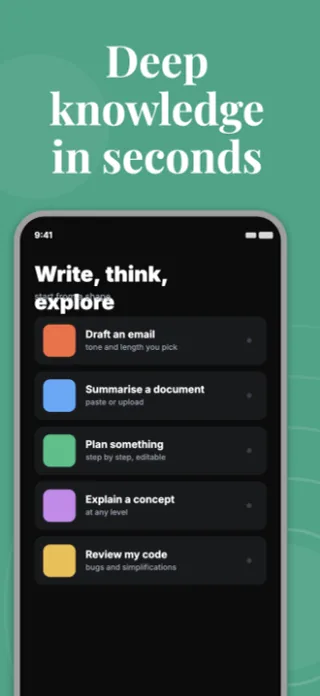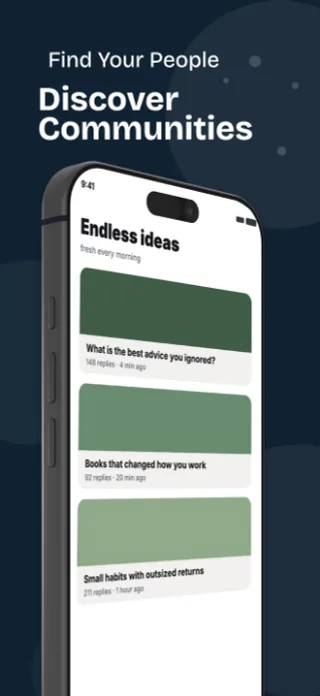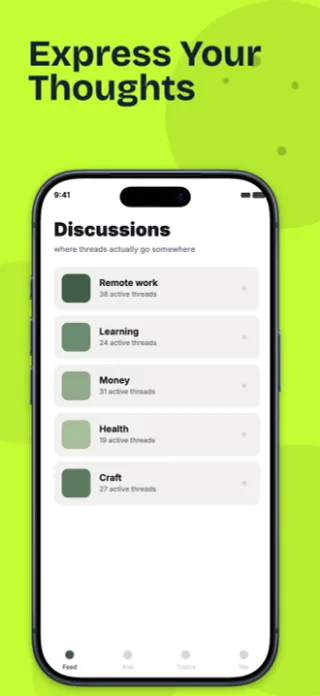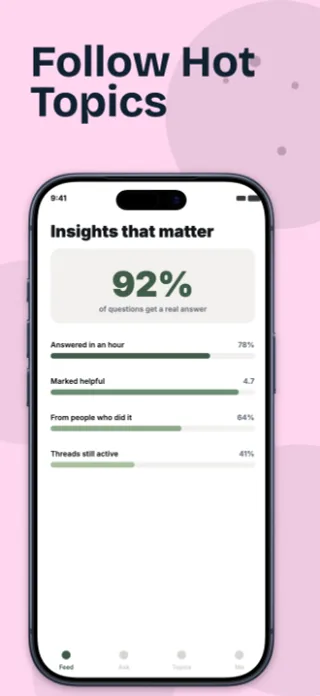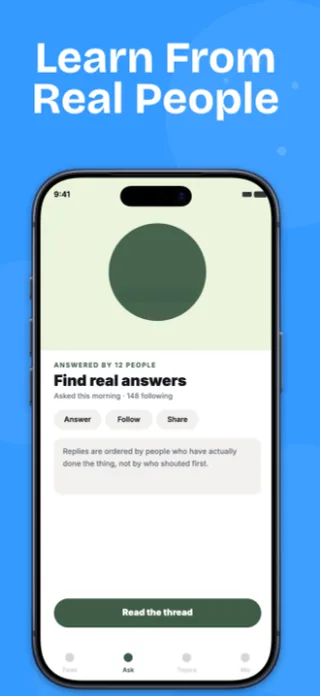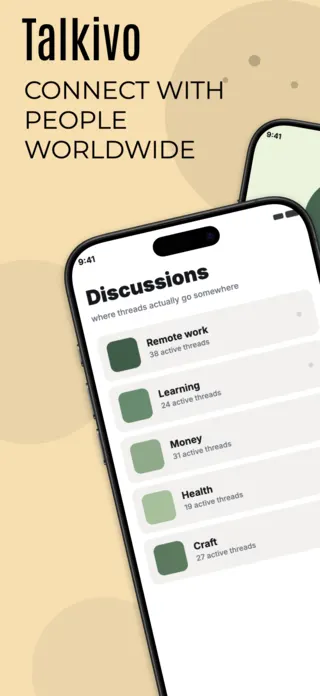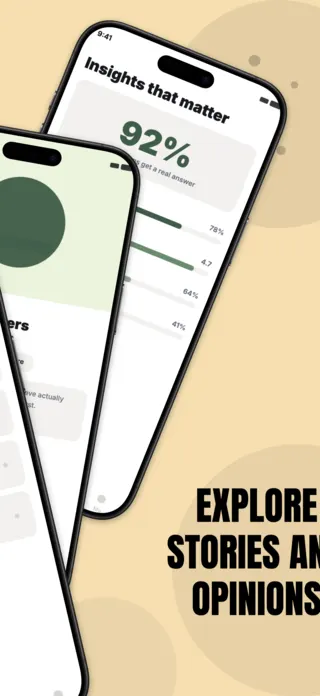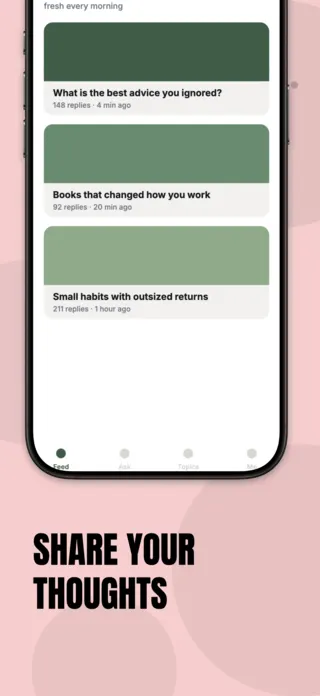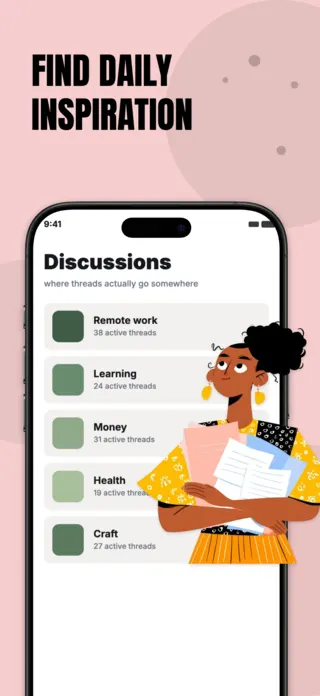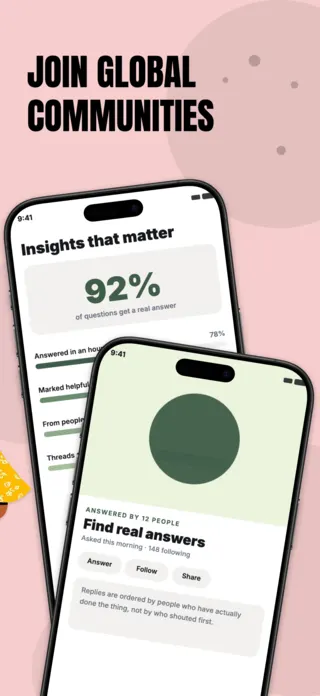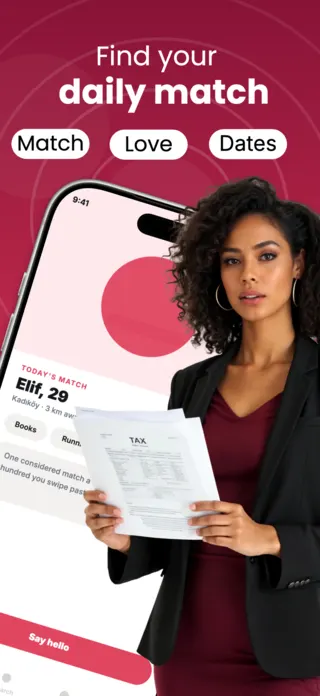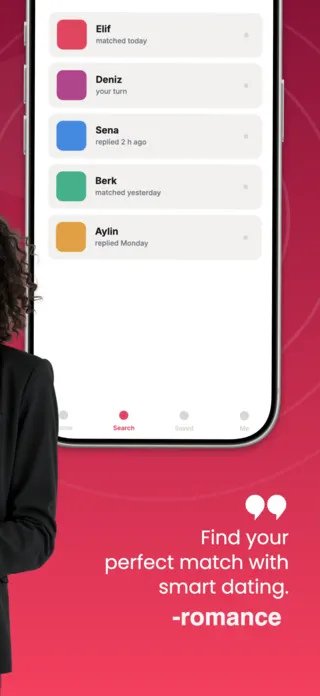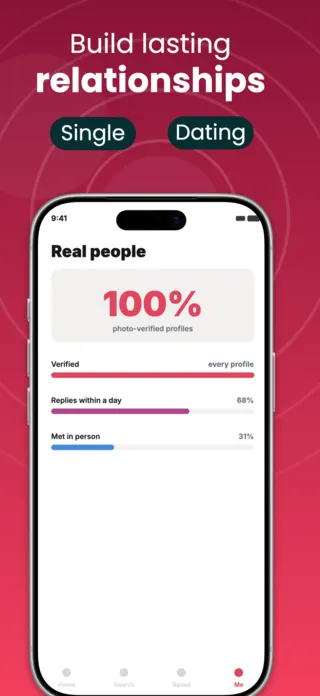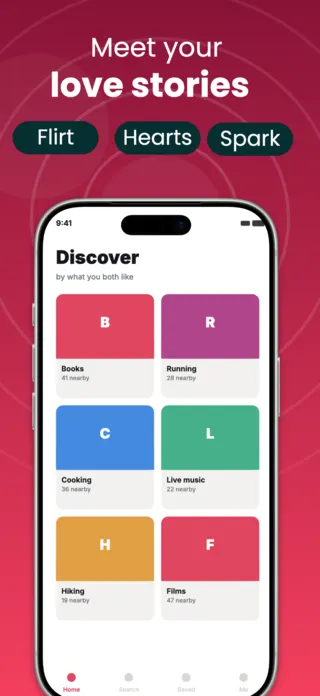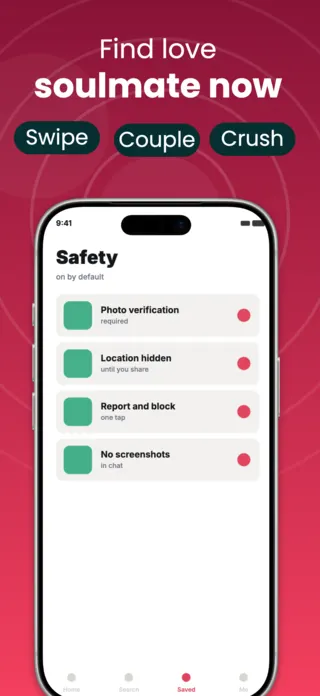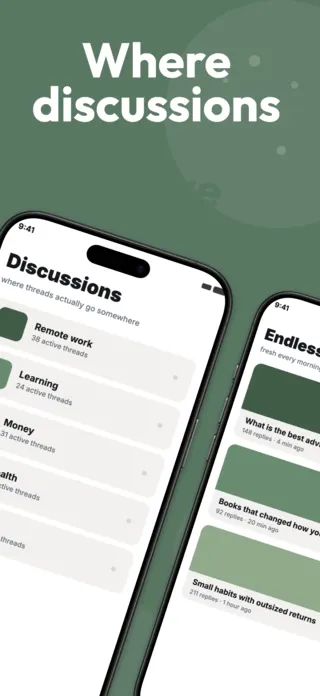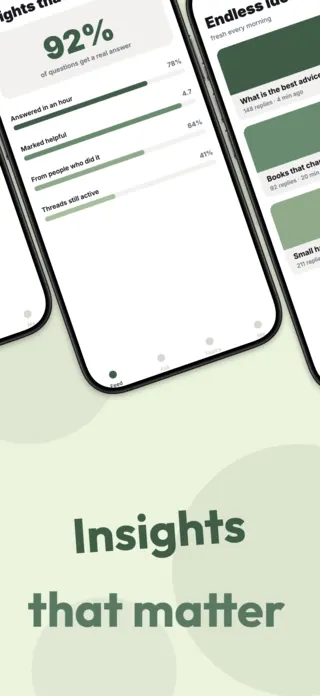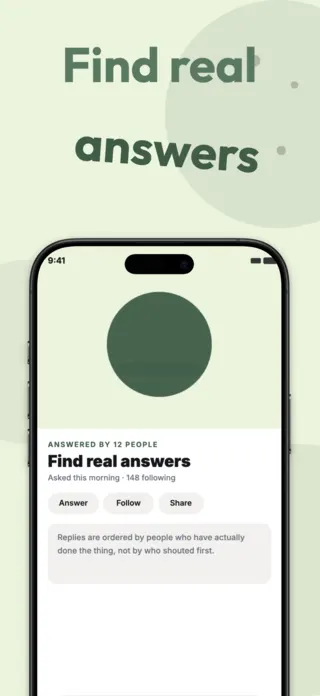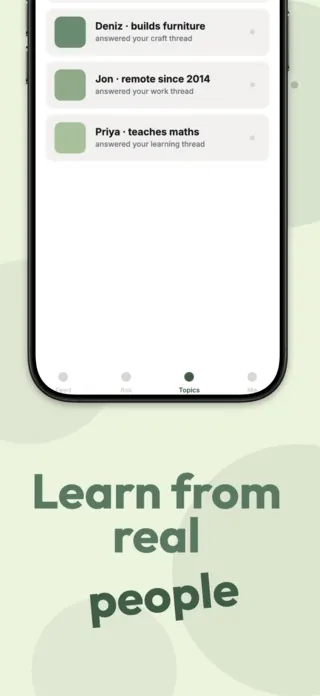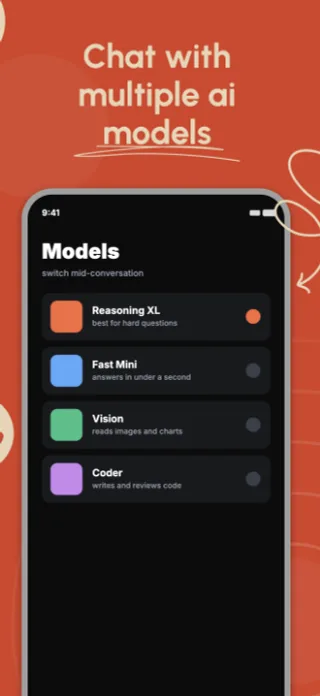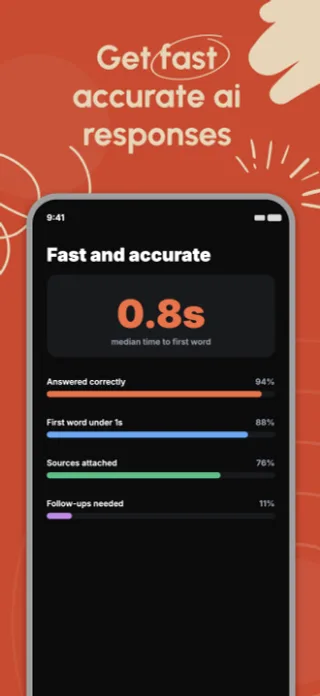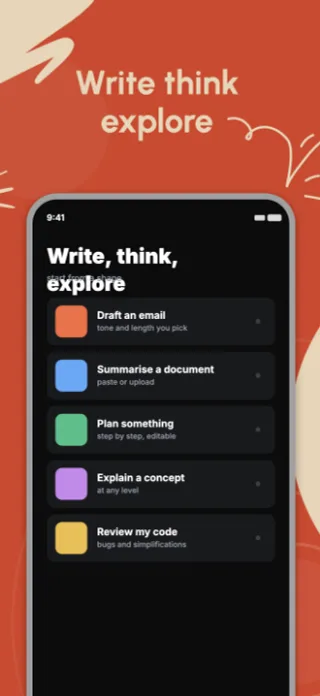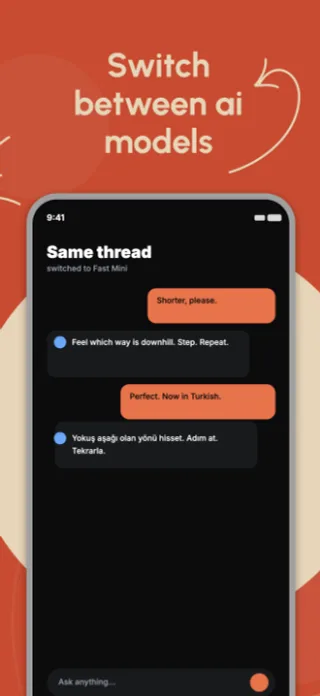
Community App Screenshot Template
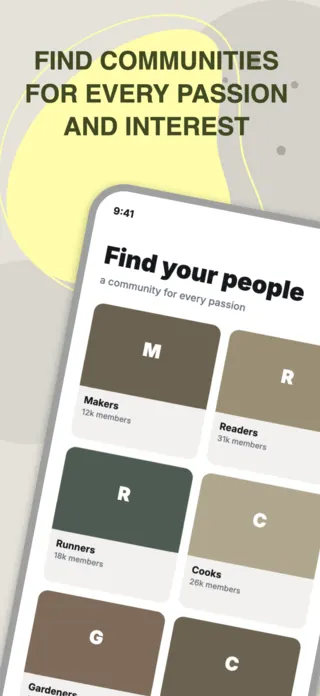
Community discussion app screenshot template showcasing real-time conversations and interest-based communities. Perfect for App Store listings and iOS marketing materials featuring social networking apps.
Preview pages

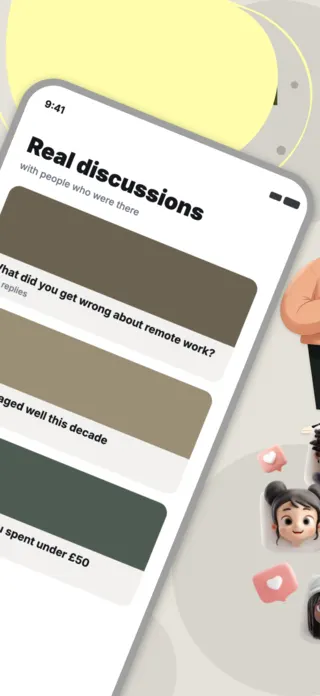
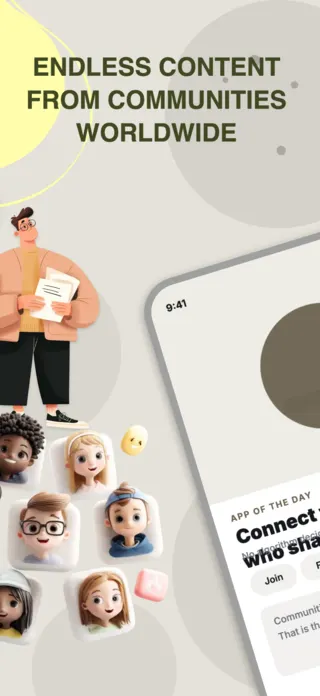
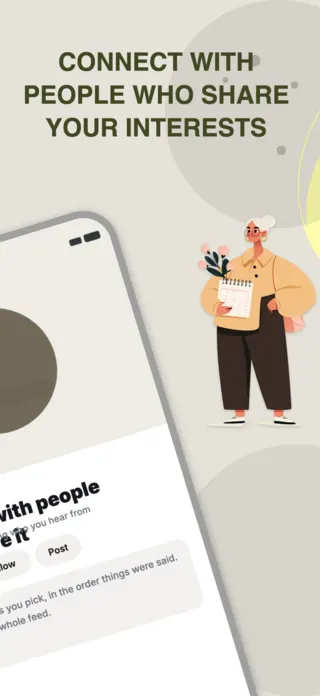
About this template
This community screenshot set is part of the Shotlingo template library, a curated collection of iOS App Store screenshot designs ready to customise for your own app. Each template ships with five layered pages covering hook, key features, and social proof, and supports one-click localisation into 41 languages.
How to use it
- Click “Use this template” to load it into the editor.
- Swap headlines, colours, and the screenshot images for your own app.
- Auto-translate every page into the languages your App Store listing targets.
- Export 1290×2796 PNGs ready for App Store Connect, or upload directly from Shotlingo.
What the social & community templates contain
The social templates cover community discussion and content apps, social communities, community chat, dating, AI chat and AI research. Their frames show user testimonials, asking questions and sharing insights, multi-model AI conversations and answers from experienced users.
This one is the community set: Community discussion app screenshot template showcasing real-time conversations and interest-based communities. Perfect for App Store listings and iOS marketing materials featuring social networking apps.
Designing for social & community apps
Show the interaction, not the profile. A conversation in progress or a thread with replies communicates that the app has people in it; a single profile card communicates nothing about whether anyone is there. For dating specifically, the match moment outperforms the browse grid.
Related templates