
Live Sports App Screenshot
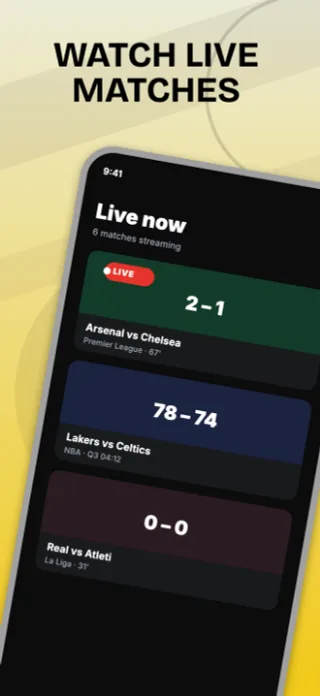
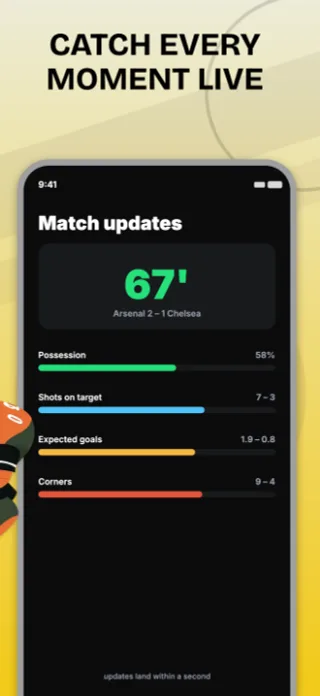
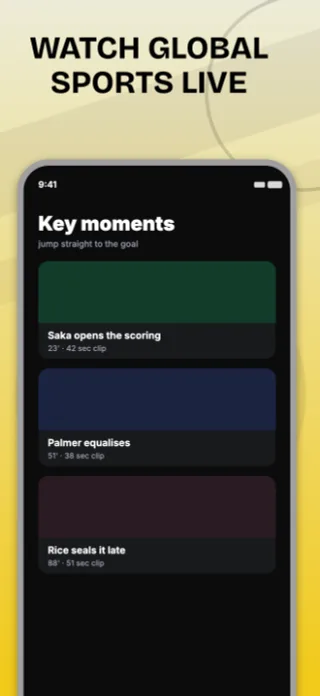
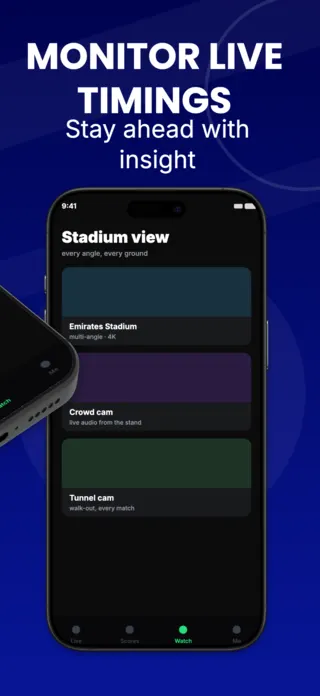
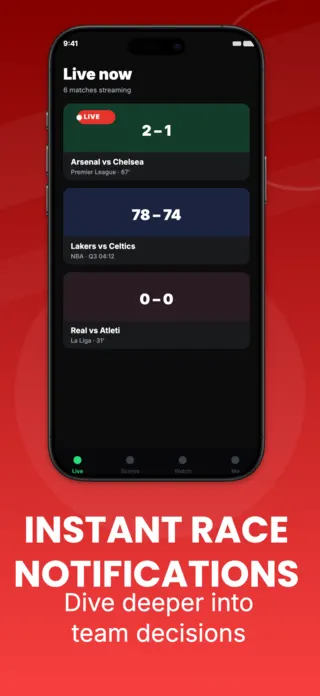
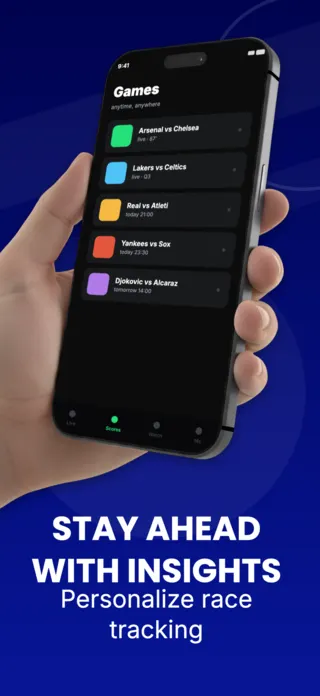
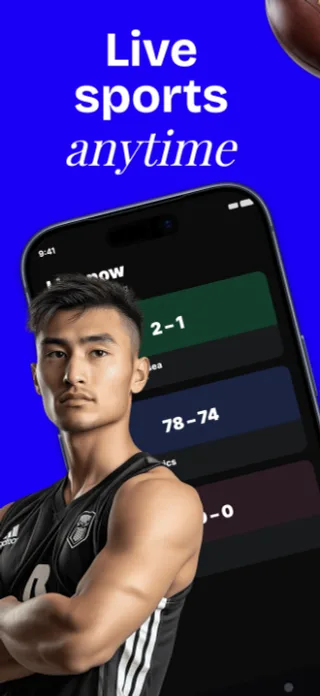
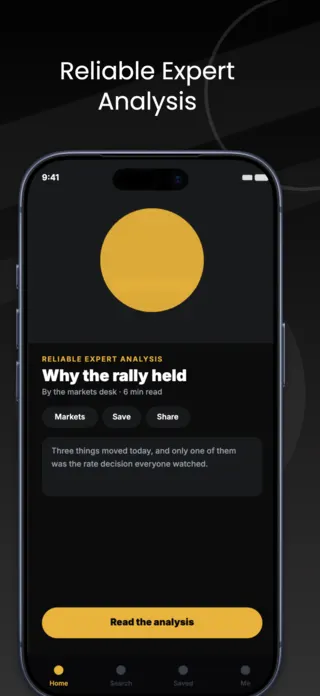
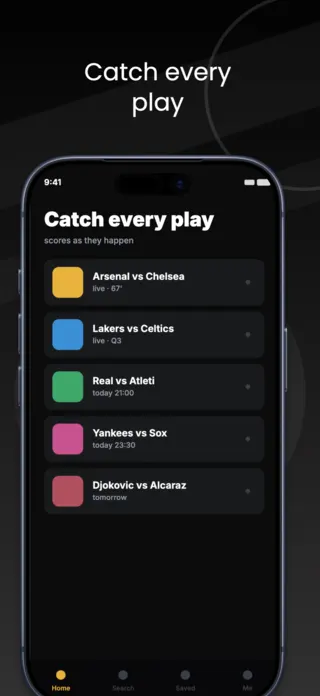
Live sports screenshot template covering live matches, fixtures, in-play stats, key moments and stadium streams.
Preview pages
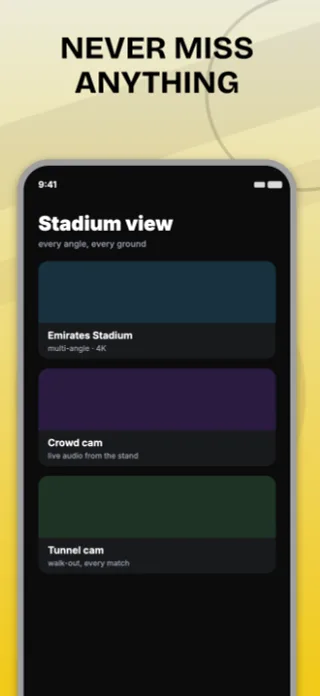
About this template
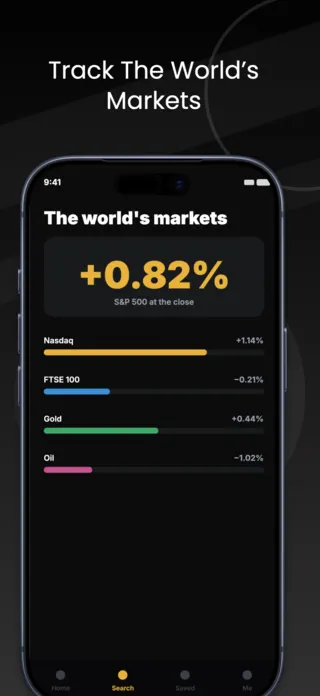
This live sports screenshot set is part of the Shotlingo template library, a curated collection of iOS App Store screenshot designs ready to customise for your own app. Each template ships with five layered pages covering hook, key features, and social proof, and supports one-click localisation into 40+ languages.
How to use it
- Click “Use this template” to load it into the editor.
- Swap headlines, colours, and the screenshot images for your own app.
- Auto-translate every page into the languages your App Store listing targets.
- Export 1290×2796 PNGs ready for App Store Connect, or upload directly from Shotlingo.
Designing for streaming & media apps
Lead with the live or exclusive moment rather than the browse rail. Every streaming app has a browse rail and it communicates only that you have a catalogue you cannot show. A live score overlay, a watch-party frame, a download-for-offline state are all yours to depict.
Related templates
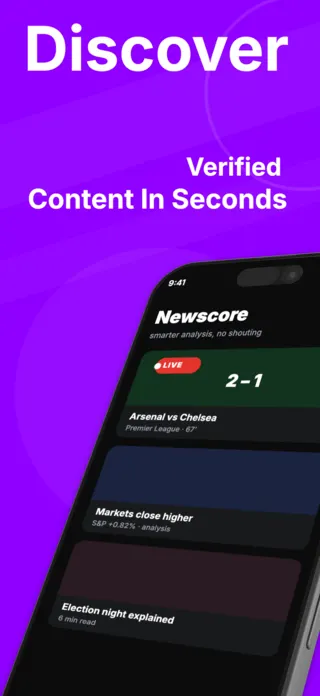
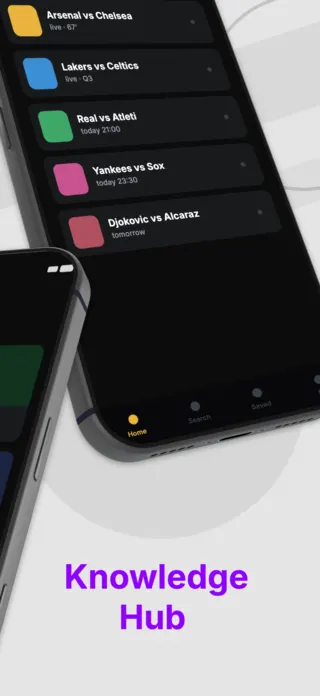

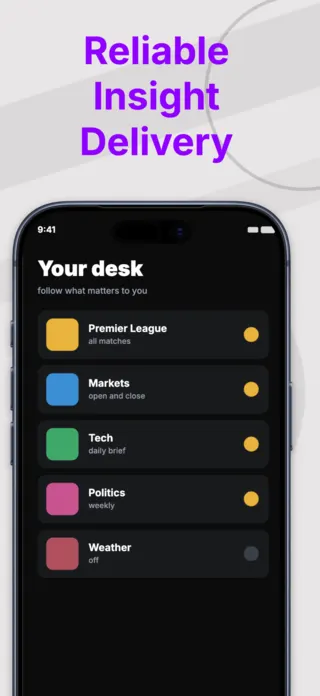
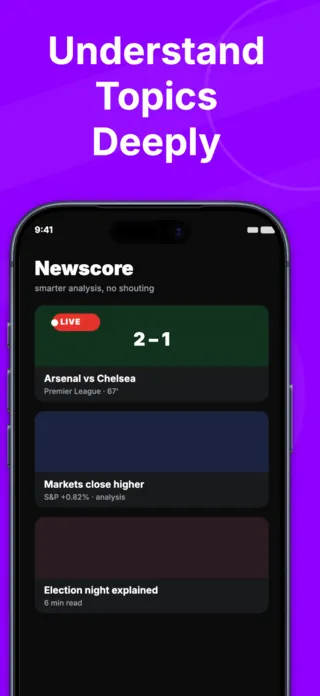
News App Screenshot
5 pages · ready to localise
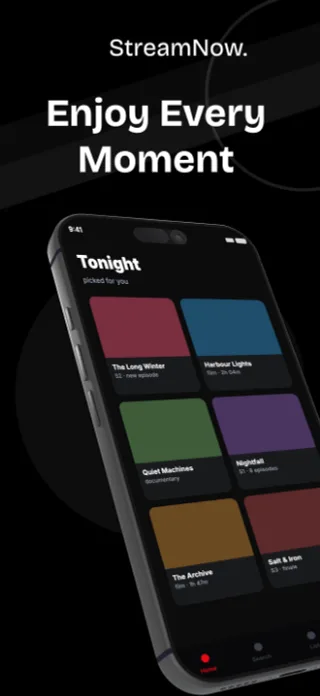
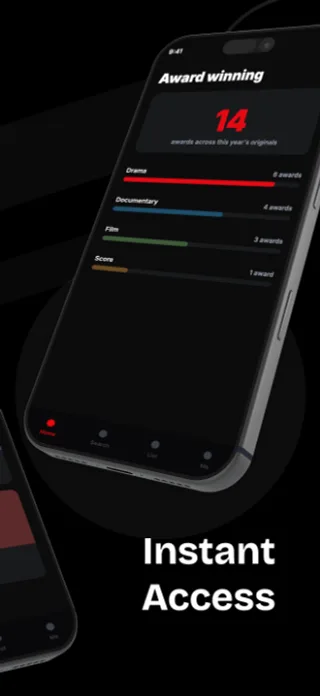
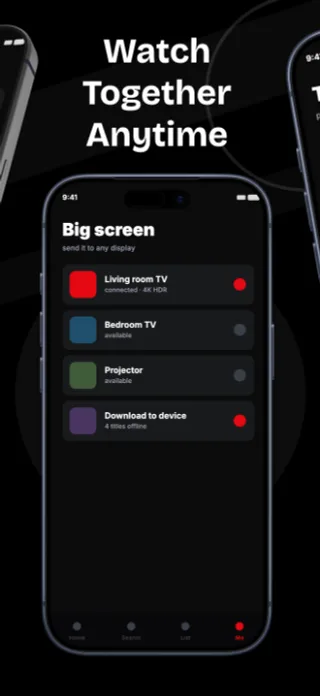
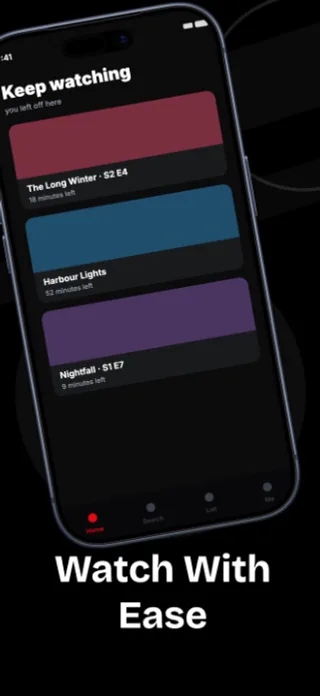
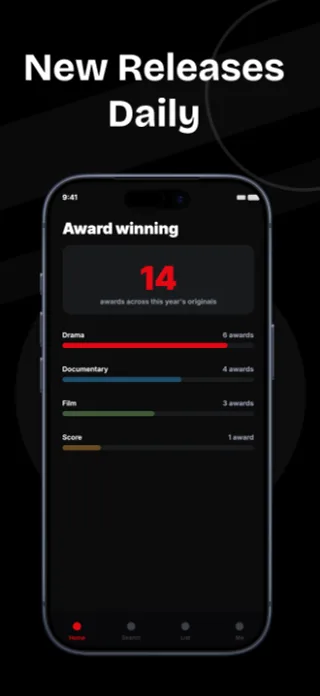
Streaming App Screenshot
5 pages · ready to localise
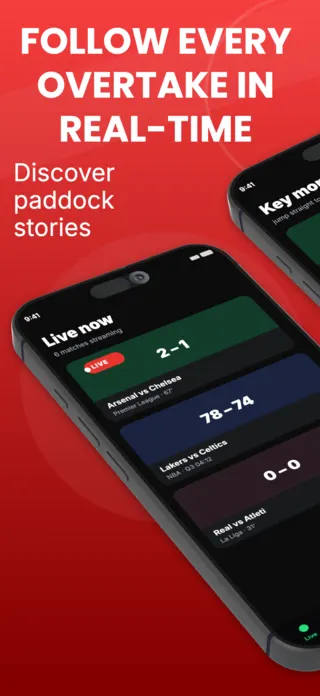
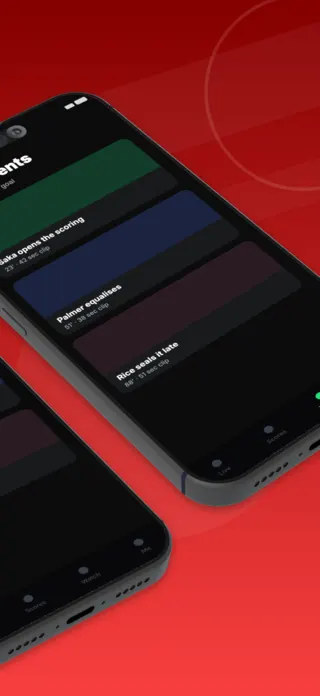
Motorsport App Screenshot
5 pages · ready to localise
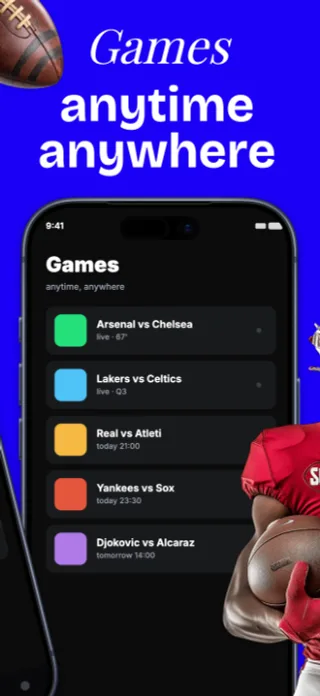
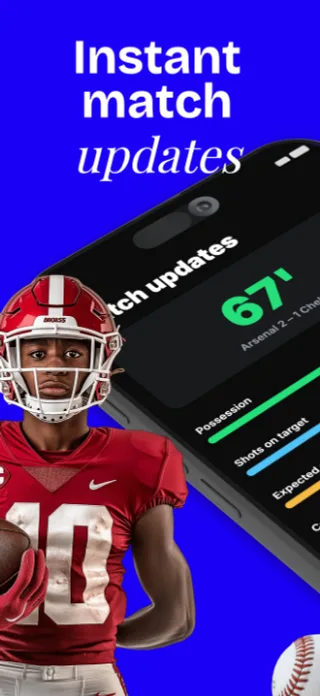
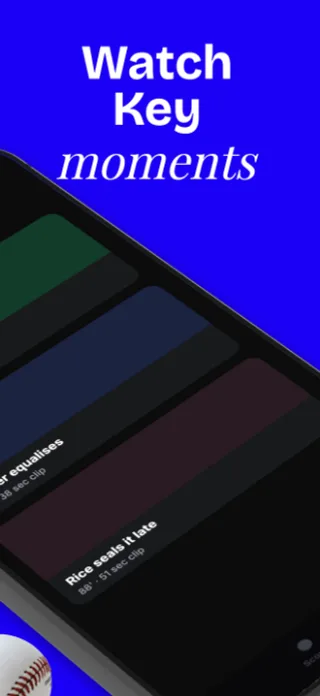

Sports Streaming App Screenshot
5 pages · ready to localise

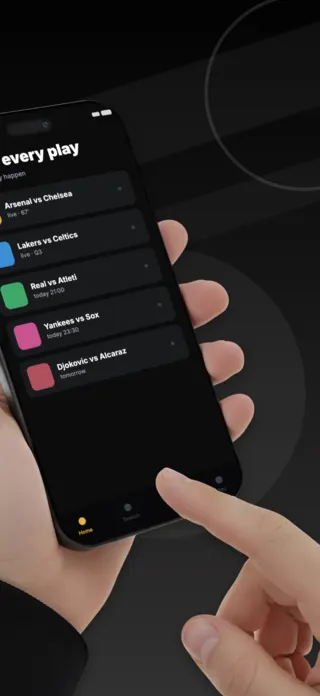
News & Sports App Screenshot
5 pages · ready to localise
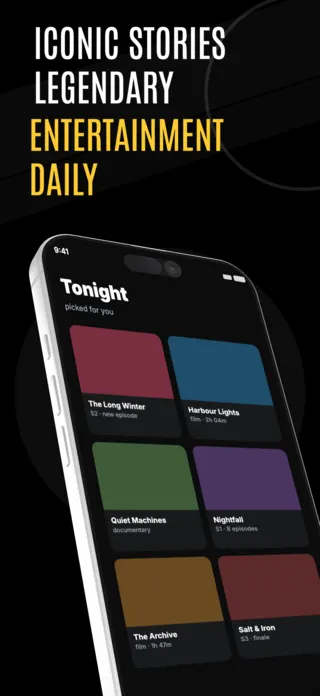
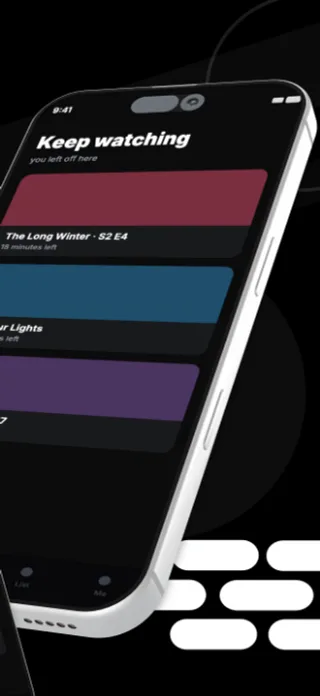
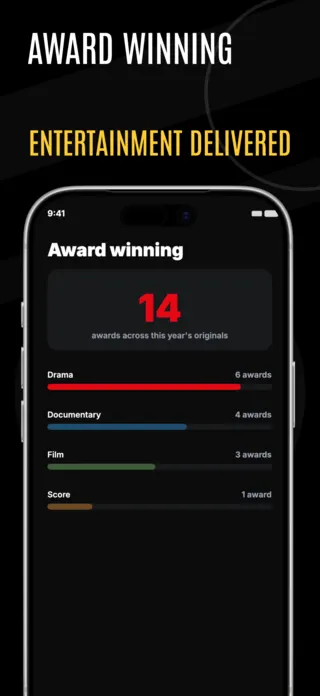
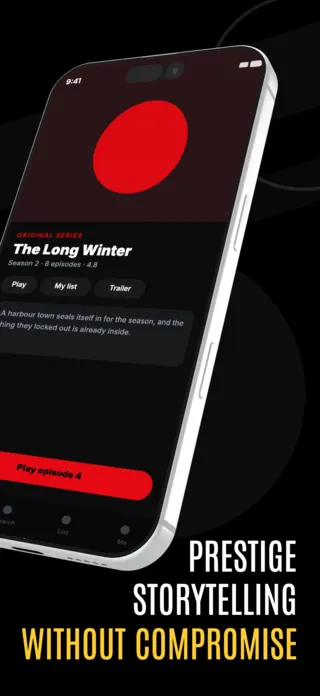
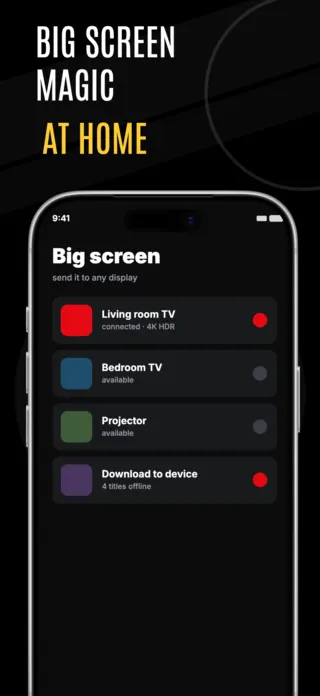
Entertainment Streaming App Screenshot
5 pages · ready to localise