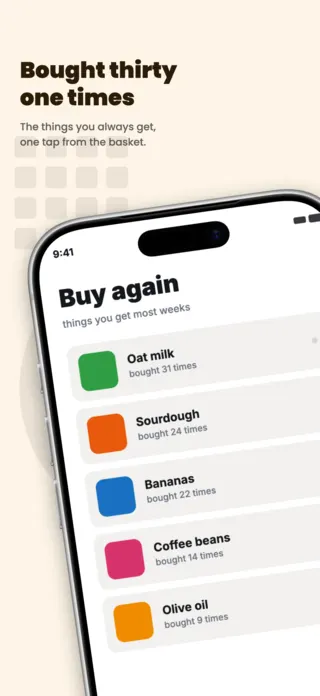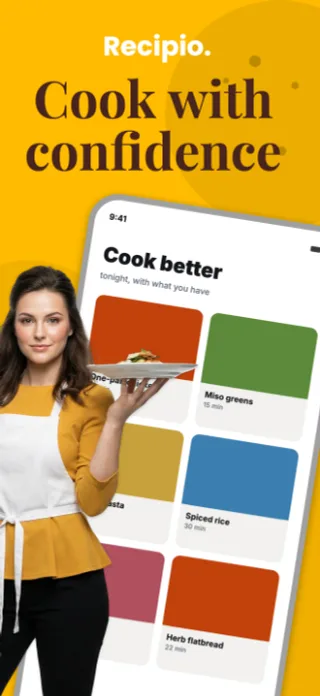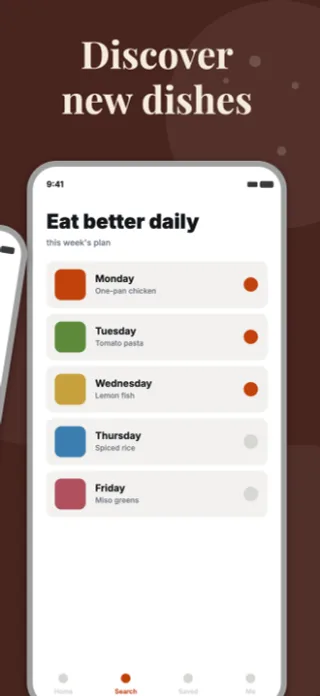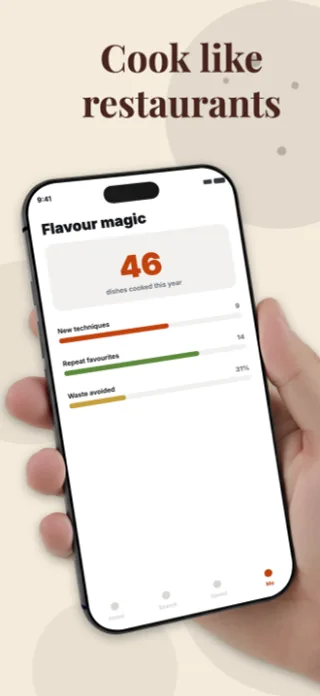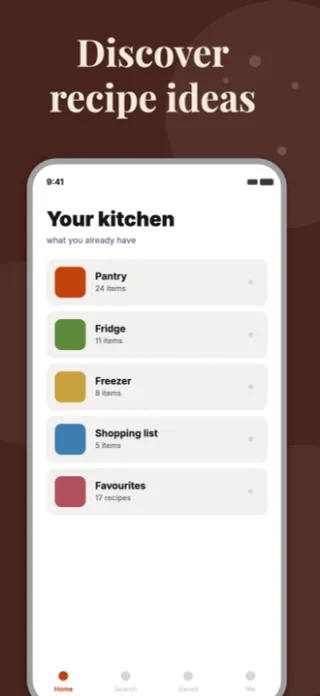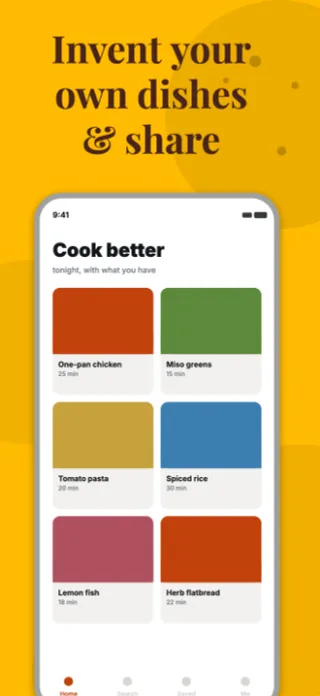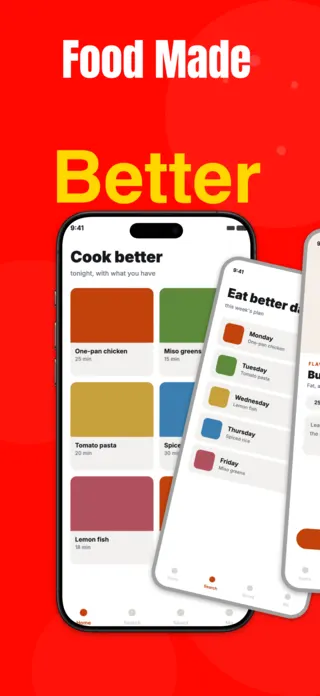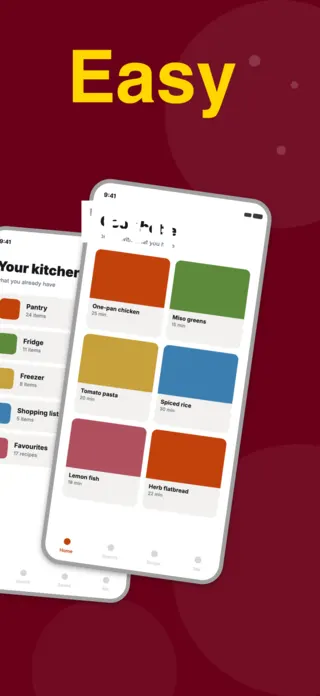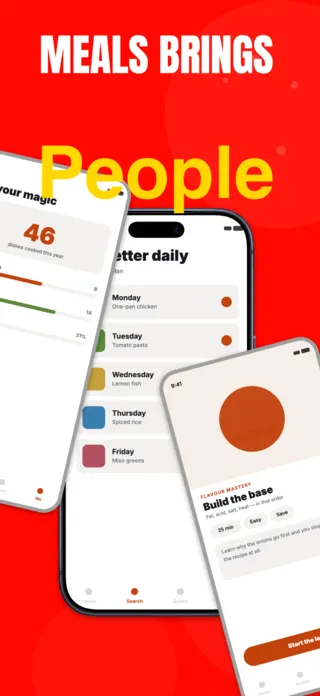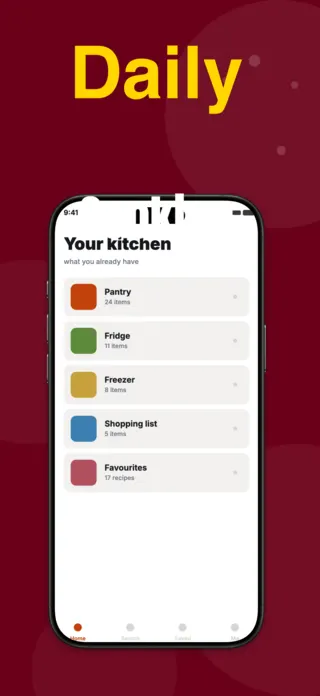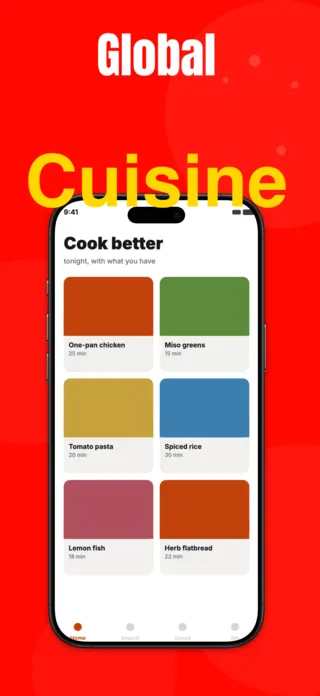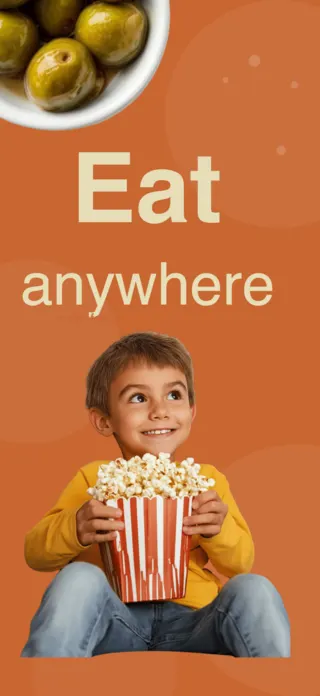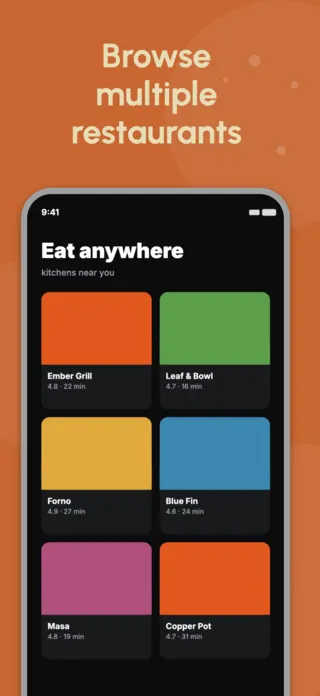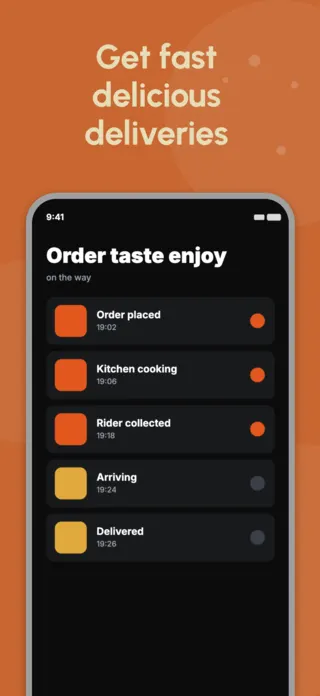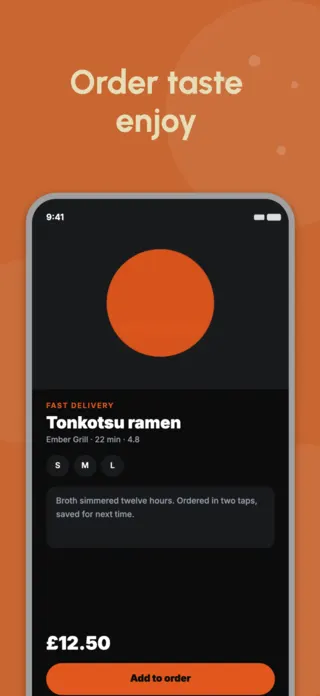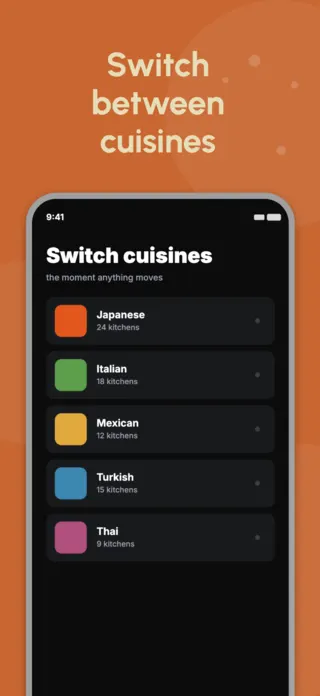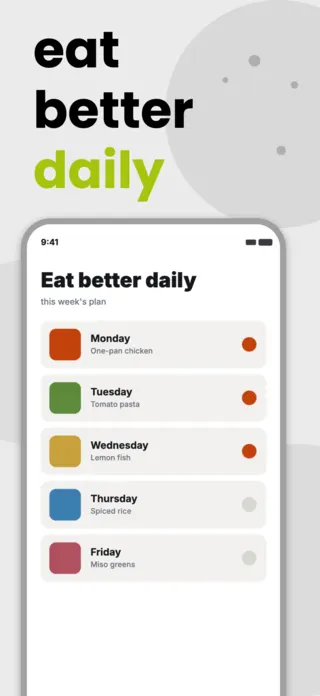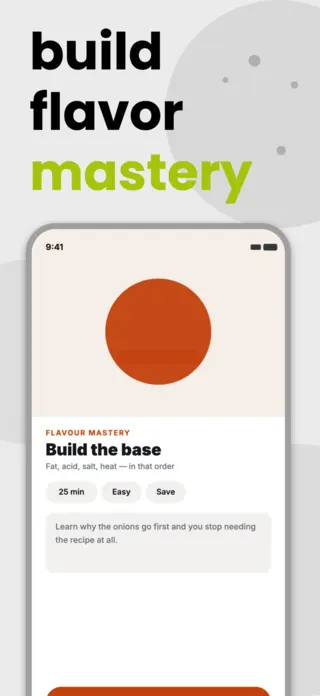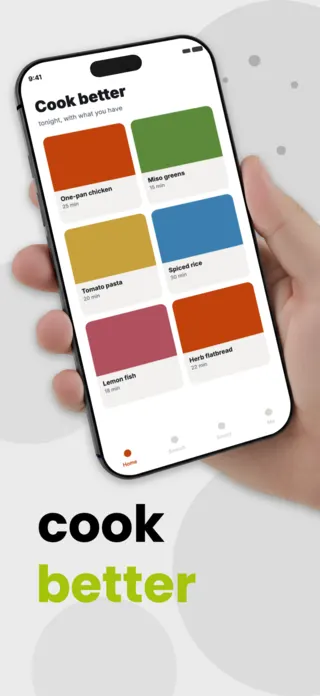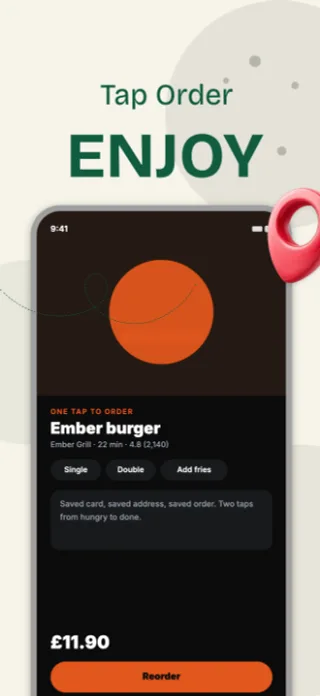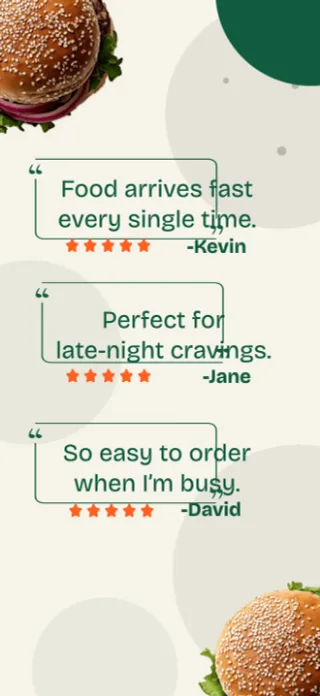
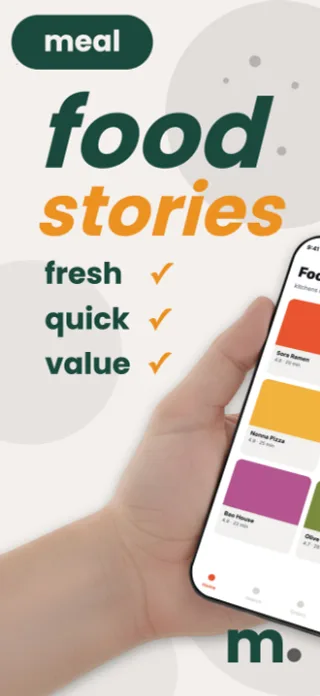
Food Delivery App Screenshot Template
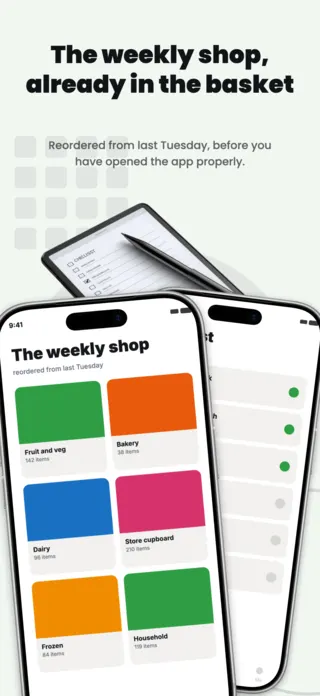
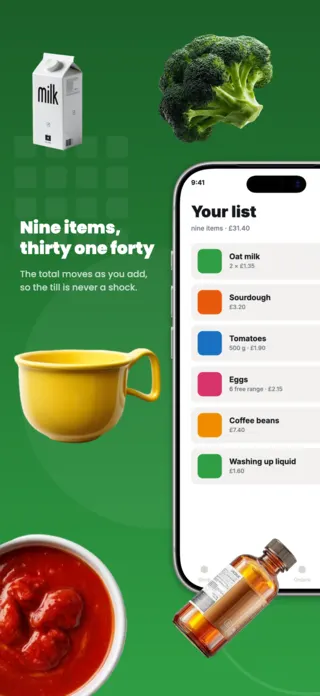
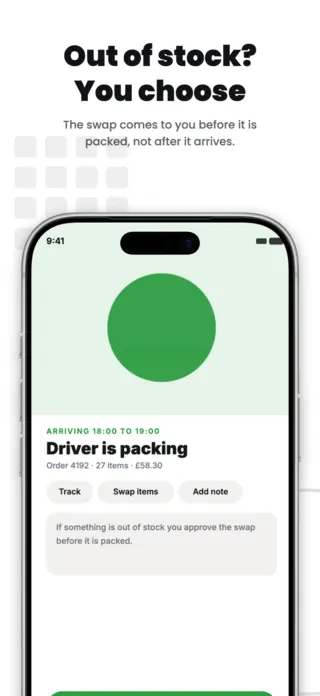
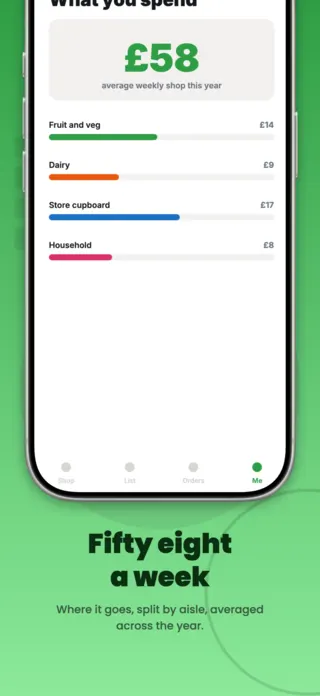
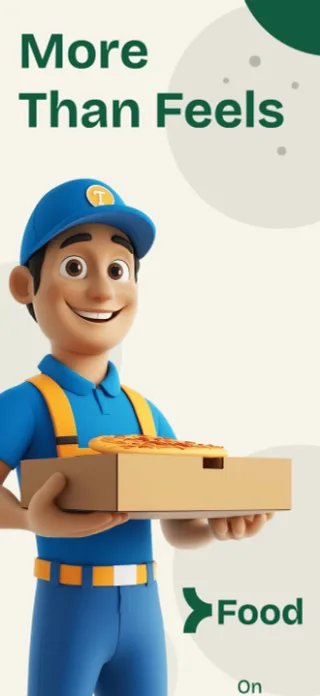
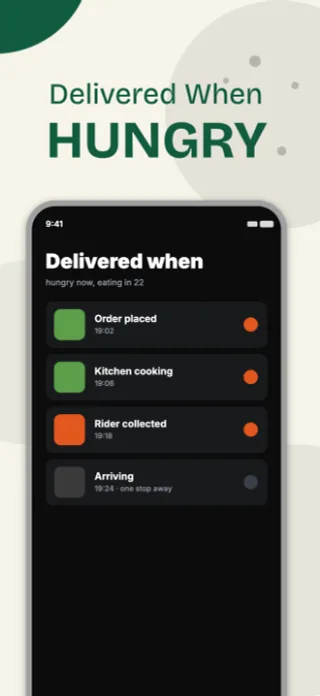
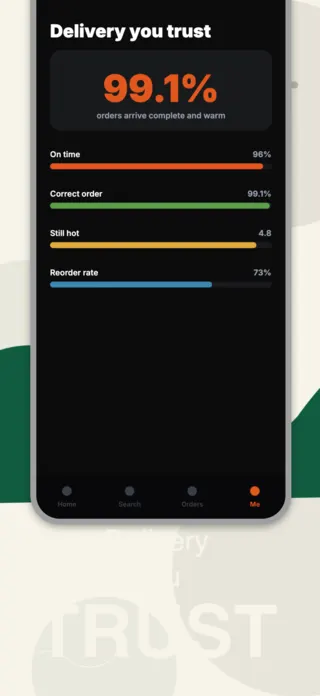
Food delivery app screenshot template showcasing fast delivery, ratings, and fresh meals. Perfect for iOS App Store listings and food ordering app marketing materials.
Preview pages
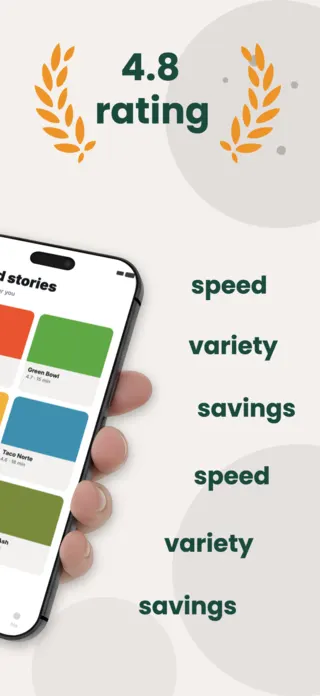
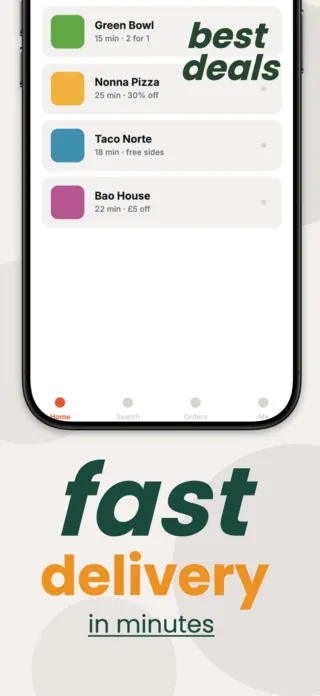
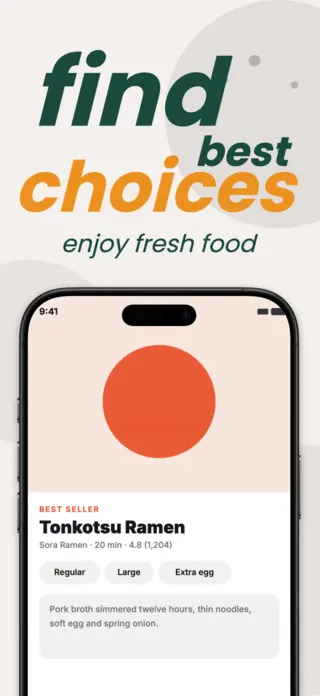
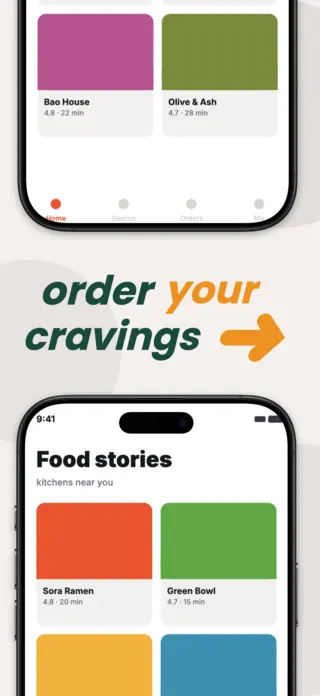
About this template
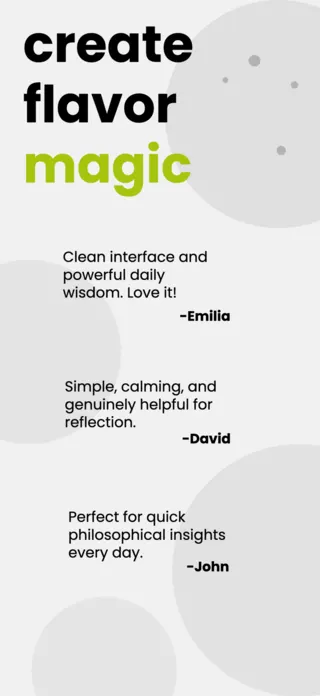
This food delivery screenshot set is part of the Shotlingo template library, a curated collection of iOS App Store screenshot designs ready to customise for your own app. Each template ships with five layered pages covering hook, key features, and social proof, and supports one-click localisation into 41 languages.
How to use it
- Click “Use this template” to load it into the editor.
- Swap headlines, colours, and the screenshot images for your own app.
- Auto-translate every page into the languages your App Store listing targets.
- Export 1290×2796 PNGs ready for App Store Connect, or upload directly from Shotlingo.
What the food & delivery templates contain
The food templates cover food delivery, grocery delivery, cooking and recipe apps. The delivery frames show on-demand ordering, ratings and customer testimonials; the cooking frames show flavour-building features and daily meal inspiration.
This one is the food delivery set: Food delivery app screenshot template showcasing fast delivery, ratings, and fresh meals. Perfect for iOS App Store listings and food ordering app marketing materials.
Designing for food & delivery apps
A single dish, shot large, with a short caption, not a restaurant grid. The grid is the screen users will spend most of their time in, which is exactly why it is unpersuasive: it looks like work. Frame one should look like dinner.
Related templates