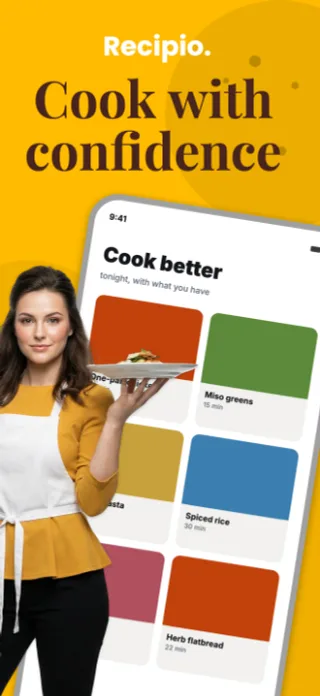
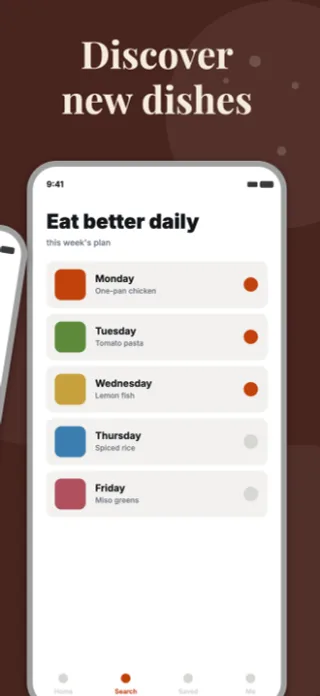
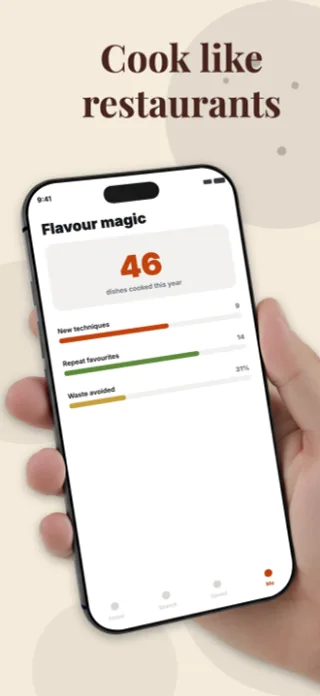
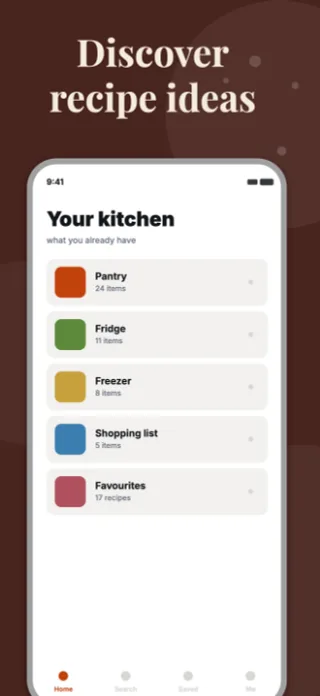
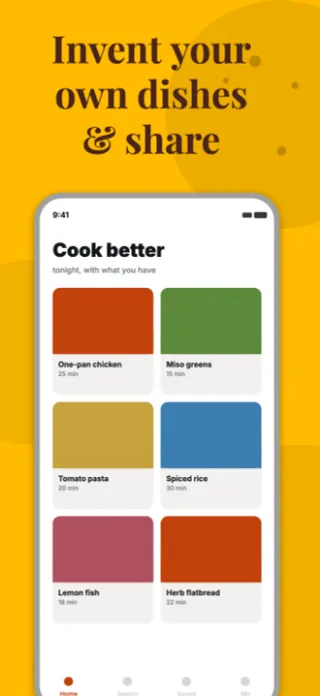
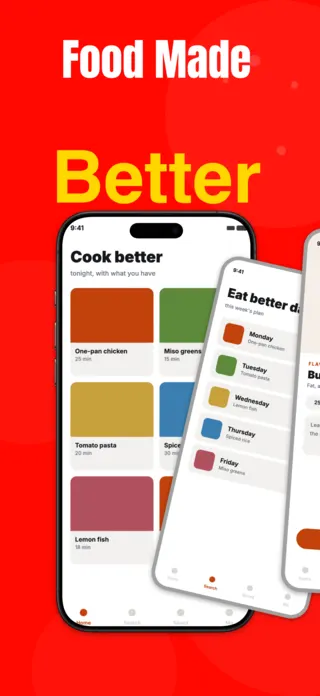
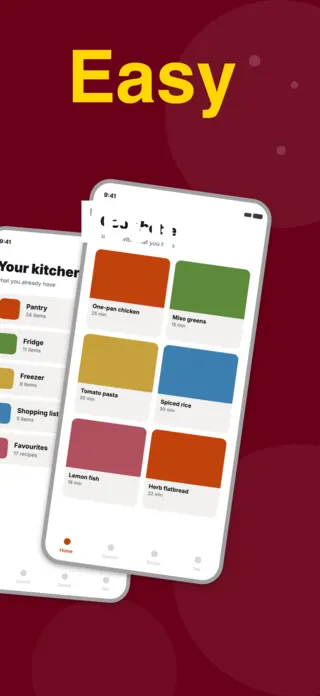
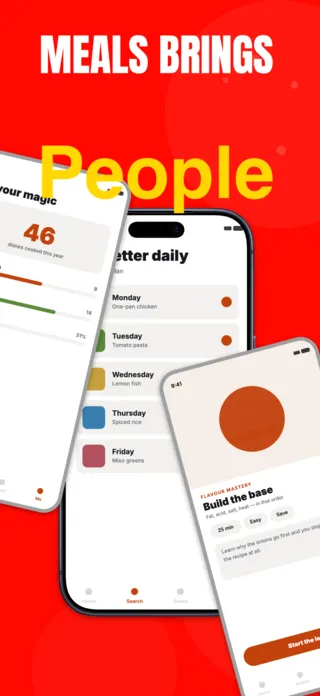
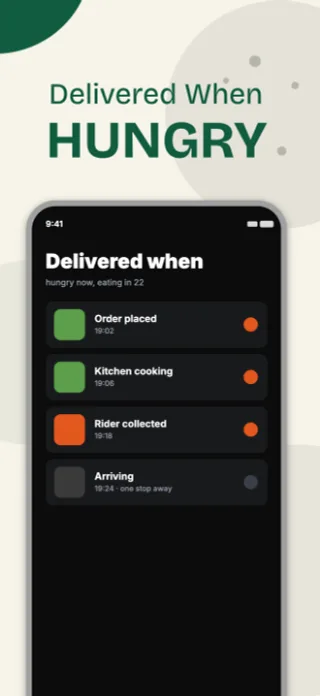
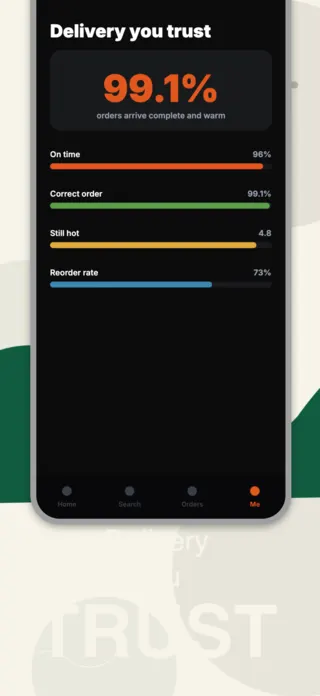
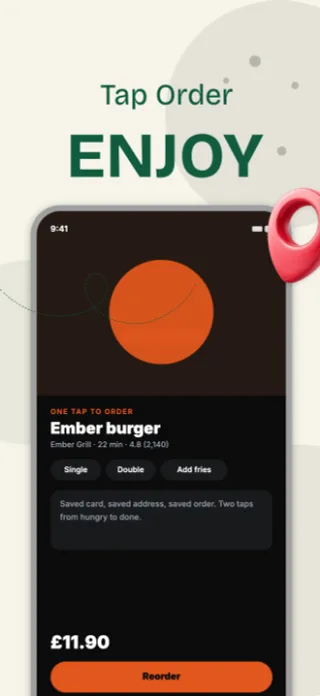
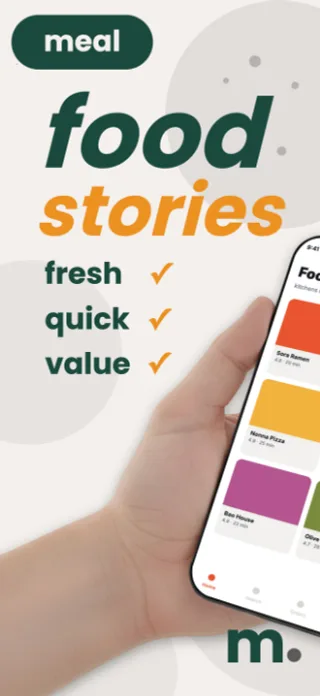
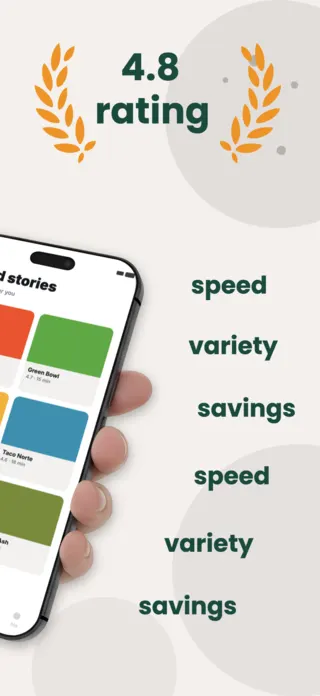
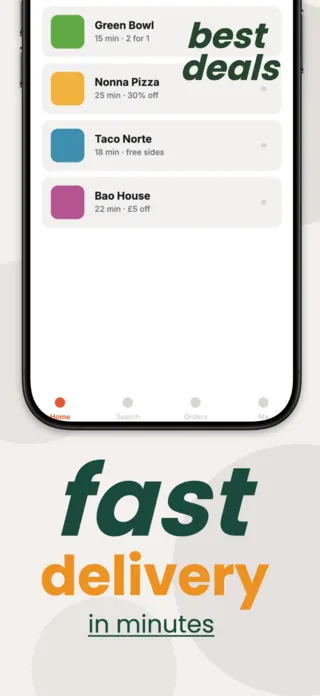
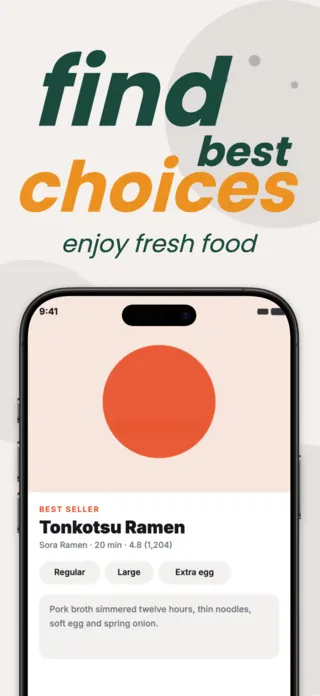
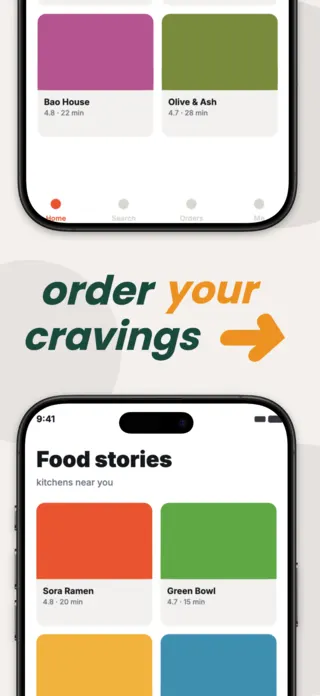
Grocery Delivery App Screenshot Template
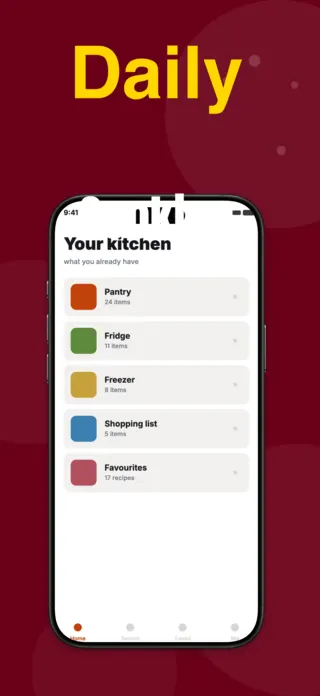
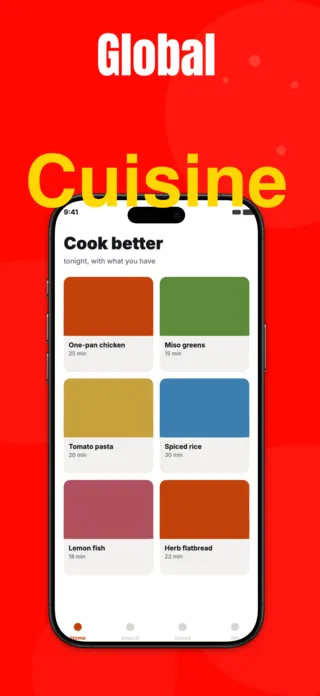
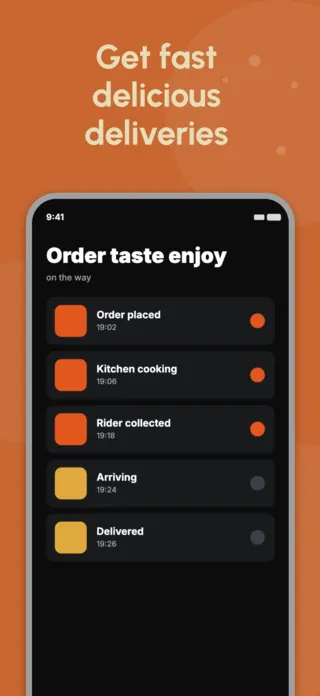
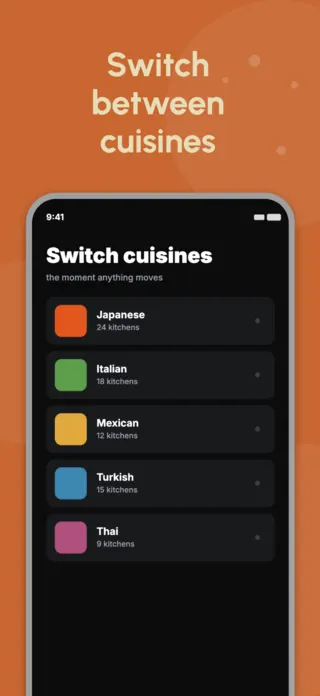
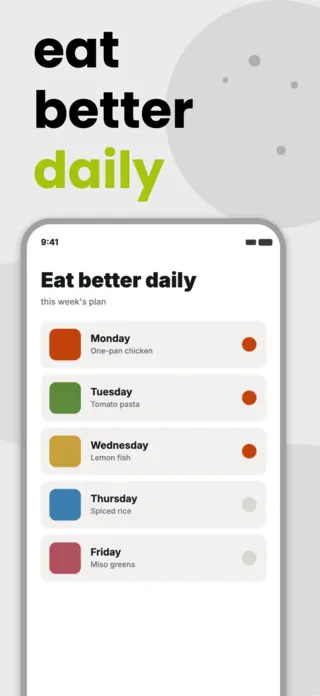
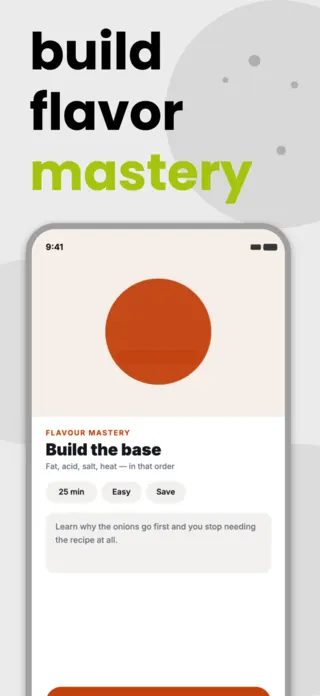
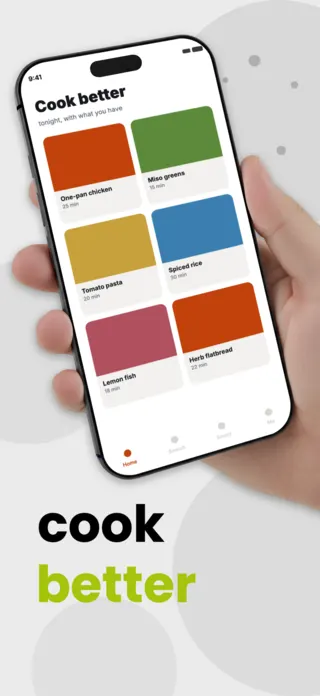
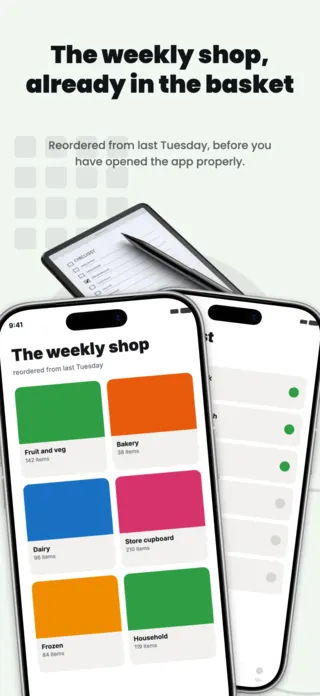
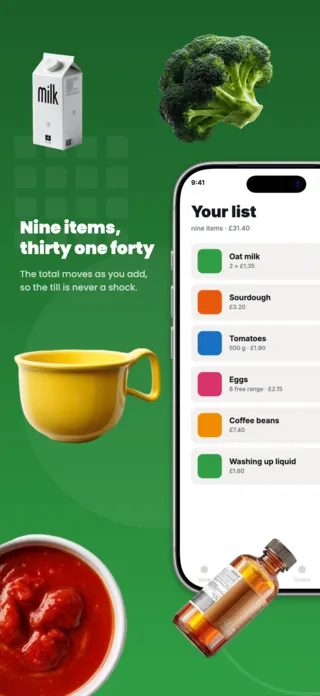
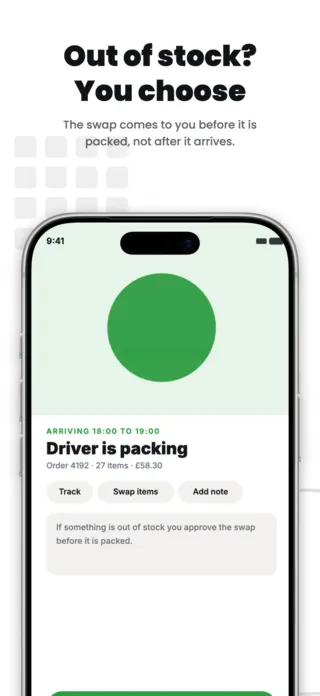
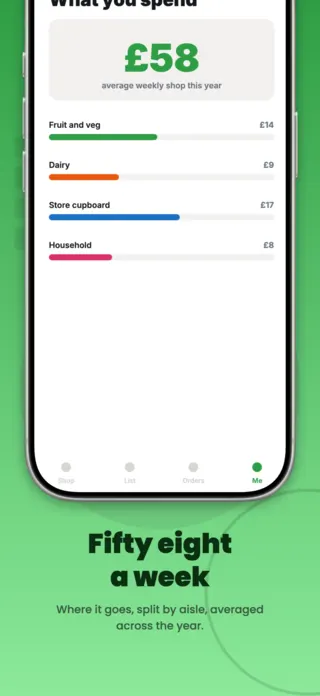
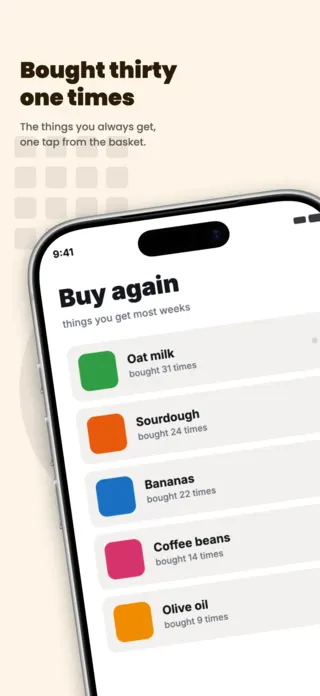
Five App Store screenshots for a grocery shopping app: aisle browsing, a running list with prices, order tracking, weekly spend breakdown and a buy again list. Fresh green on white, distinct from a restaurant delivery listing.
Preview pages
About this template
This grocery delivery screenshot set is part of the Shotlingo template library, a curated collection of iOS App Store screenshot designs ready to customise for your own app. Each template ships with five layered pages covering hook, key features, and social proof, and supports one-click localisation into 40+ languages.
How to use it
- Click “Use this template” to load it into the editor.
- Swap headlines, colours, and the screenshot images for your own app.
- Auto-translate every page into the languages your App Store listing targets.
- Export 1290×2796 PNGs ready for App Store Connect, or upload directly from Shotlingo.
Designing for food & delivery apps
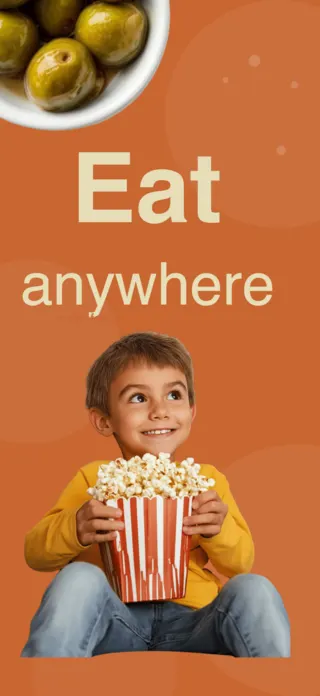
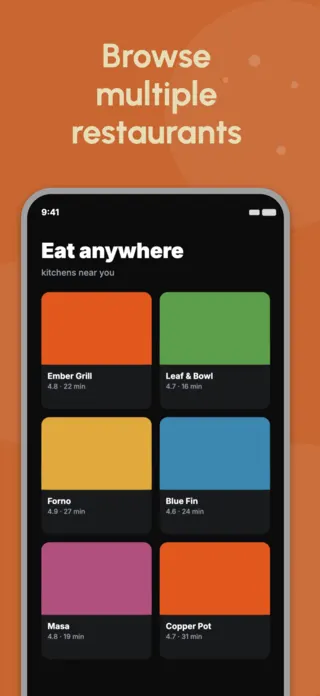
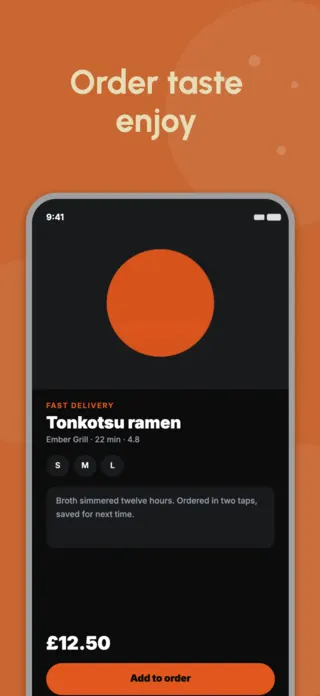
A single dish, shot large, with a short caption, not a restaurant grid. The grid is the screen users will spend most of their time in, which is exactly why it is unpersuasive: it looks like work. Frame one should look like dinner.
Related templates