
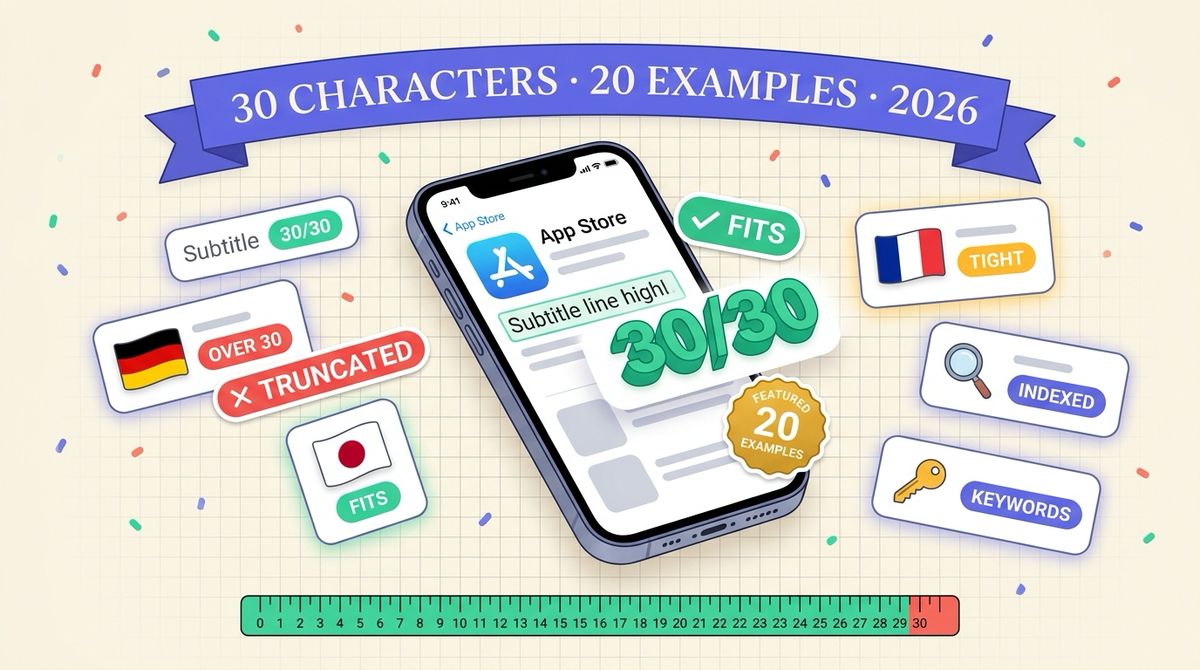
An App Store subtitle is 30 characters of text under your app name, and Apple indexes it for search. The best subtitles use all 30 characters on a phrase a real person would type, add keywords the title does not already carry, and name a benefit instead of a category. Below are 20 examples with exact character counts, the patterns behind them, and what breaks when you localize them.
Every example here is an illustrative subtitle we wrote for a fictional app, and every count was measured with a script, not by eye. We are not quoting rankings or conversion numbers for them. What we can show reliably is the arithmetic of the 30-character limit and where it bites.
What is the App Store subtitle limit?
The limit is 30 characters, spaces and punctuation included. The same limit applies to the app name, so the two fields together give you at most 60 characters of indexed, visible text before the keyword field. The keyword field is a separate 100-character box that users never see.
The subtitle shows in search results, on the product page under the name, and in some editorial placements. It is localized per storefront language, which means you get a fresh 30 characters for every locale you ship. That second fact matters more than most teams realize, and we come back to it in the localization section.
| Field | Limit | Visible to users |
|---|---|---|
| App name | 30 characters | Yes |
| Subtitle | 30 characters | Yes |
| Keyword field | 100 characters | No |
| Promotional text | 170 characters | Yes, not indexed |
Promotional text can change without a new build, but Apple does not index it for search, so it cannot carry keywords. If you want the full field-by-field breakdown, our character limits tool lists every limit for both stores.
Do App Store subtitles affect search ranking?
Yes. Apple indexes the app name, the subtitle and the keyword field for search. Words in the subtitle count toward ranking for those terms, and a word that already appears in your name or keyword field gains nothing from appearing again. That is the whole reason to treat the subtitle as a keyword slot and not as a slogan.
Plan the three fields as one budget. Put the brand and your strongest term in the name, use the subtitle for the second and third most valuable terms, and let the keyword field mop up the rest. We walk through that split in our ASO keyword optimization guide.
20 App Store subtitle examples with character counts
Each subtitle below is grouped by the job it does. Counts include spaces.
Benefit-first subtitles
These lead with what the user gets. They suit apps in crowded categories where the category word alone says nothing.
| Subtitle | Chars | Fictional app |
|---|---|---|
| Track bills, split costs, save | 30 | Budget app |
| Habit streaks that stick | 24 | Habit tracker |
| Learn Spanish in 10 minutes | 27 | Language app |
| Scan receipts, export taxes | 27 | Expense scanner |
| Plan trips with friends | 23 | Travel planner |
Keyword-dense subtitles
These pack two or three search terms into the 30 characters and read as a plain description. They work when the title is a brand name with no keywords in it.
| Subtitle | Chars | Fictional app |
|---|---|---|
| Budget tracker for freelancers | 30 | Finance app |
| Fasting timer and meal log | 26 | Health app |
| Meditation and sleep timer | 26 | Wellness app |
| Offline trail maps and GPS | 26 | Hiking app |
| Mortgage and loan calculator | 28 | Calculator app |
Audience-first subtitles
These name the person the app is for. They convert well when the search query already contains an audience ("for freelancers", "for lifters") and they leave little room for a competitor to look like a better fit.
| Subtitle | Chars | Fictional app |
|---|---|---|
| Invoices for freelancers | 24 | Invoicing app |
| Workout log for lifters | 23 | Fitness app |
| Offline maps for hikers | 23 | Maps app |
| Focus timer for deep work | 25 | Productivity app |
Feature-list subtitles
A comma or "and" list of features. This is the most common pattern and the easiest to write, which is also why it is the most common way to waste the field.
| Subtitle | Chars | Fictional app |
|---|---|---|
| Budget, bills and net worth | 27 | Money app |
| Tasks, notes and reminders | 26 | Planner app |
| Photo editor with AI filters | 28 | Photo app |
Notice what the weak ones have in common. "Daily Spanish lessons" at 21 characters leaves 9 unused. Unused characters are free keyword space you chose not to take. If you can add a second term without making the line unreadable, add it.
How to write a subtitle in five steps
- List the queries you want. Pull them from Apple Search Ads Popularity, App Store Connect search term data, or Search Console if you have a web presence.
- Strike every word already in your app name. Repeating a word spends characters and adds no ranking weight.
- Pick one benefit and one search term. A subtitle with a single clear job reads better than one trying to carry four.
- Count to 30 with a script. Counting by eye is how teams ship 32-character drafts that App Store Connect rejects at submission.
- Check it against your first screenshot. The subtitle and the first screenshot caption are read together in search results, so they should say different things that support each other.
That last step is the one people skip. In search results the user sees the name, subtitle, and the first few screenshots at the same moment. If the subtitle says "Budget tracker for freelancers" and screenshot one says "Budget tracker for freelancers", you have spent two prime slots on one message. Our guide on how screenshot text is indexed covers how the caption layer fits into the same system.
Common subtitle mistakes
These are the patterns we see most often when reviewing listings.
- Repeating the title. If the name is "Ledgerly: Budget Tracker", a subtitle of "Budget tracker app" spends all 30 characters on words Apple already has.
- Using the competitor's brand name. It is a guideline violation and a common rejection reason.
- Stuffing with commas. "Budget, money, bills, finance, save" is readable to a crawler and to nobody else. Users see it in search results and skip it.
- Superlatives with no proof. "The best budget app" is both unconvincing and a claim Apple can ask you to substantiate.
- Never changing it. The subtitle can be edited with a normal version submission. If a term is not moving after a few weeks of data, test another one.
What happens to a 30-character subtitle when you localize it
Translation does not preserve length. A subtitle that fits at exactly 30 characters in English can land at 31 or 32 in German, and App Store Connect will not let you save it. This is the same overflow pattern we measured across all locales in our character limit overflow data.
| Language | Subtitle | Chars |
|---|---|---|
| English | Budget tracker for freelancers | 30 |
| German (literal) | Budget-Tracker für Freiberufler | 31 |
| German (rewritten) | Rechnungen für Freiberufler | 27 |
| French | Suivi de budget freelance | 25 |
| Spanish | Presupuesto para autónomos | 26 |
| Japanese | フリーランスの家計簿アプリ | 13 |
The German literal translation is one character over. The fix is a rewrite, not a trim: the German word users search for is not always the literal one, so a rewrite can also pick a better keyword. The Japanese line uses 13 of 30 characters, which means a Japanese subtitle has room for a second phrase that the English one never could. A character count of 30 is a different amount of meaning in each script.
The practical rule is to write the subtitle per locale from the keyword research for that locale. A translated English subtitle inherits English keywords, and the German or Japanese store may search for something quite different. Since each storefront gives you a separate 30 characters, treating them as translations leaves a lot of indexed text unused.
Keeping subtitles and screenshots consistent across locales
Once you have a subtitle per locale, the screenshots need to match the same message in the same language. A German subtitle over English screenshots tells the user the app is half-finished. This is where most small teams stall, because the screenshots are the expensive part to redo.
Shotlingo localizes screenshot text into 40+ languages from a single source design, so the caption layer follows the same locale list you used for the subtitle. You still write the subtitle yourself, because it is a keyword decision and not a translation job. What the tool handles is the screenshot text expansion that follows, which we cover in our text expansion data for all 41 locales.
Frequently asked questions
How long can an App Store subtitle be?
30 characters, including spaces and punctuation. The limit is the same in every locale, but the same meaning needs a different number of characters in each language.
Is the App Store subtitle indexed for search?
Yes. Apple indexes the name, subtitle and keyword field. Promotional text is not indexed.
Should the subtitle repeat words from the app name?
No. Repeating a word adds no ranking weight and spends characters you could use for another term.
Can I change the subtitle without a new app version?
Subtitle edits go through app review with a version submission. Plan changes alongside a release, and give each change a few weeks of search data before you judge it.
Do I need a different subtitle for each language?
Yes, if you want each storefront to rank. Each locale has its own 30 characters, and keyword research per locale usually produces a better line than a translation of the English one.