Best Free App Store Screenshot Localization Tools in 2026
If your budget is stretched across translation, design, and ad spend, the ecosystem of free app store screenshot localization tools has never been stronger. In 2026 you can capture a screenshot from Xcode, run the copy through a free translator, check it for text expansion, validate the locale code, preview the right to left version, and drop the whole thing into a free template, all without paying a cent. The catch is that no single free tool does the whole job.
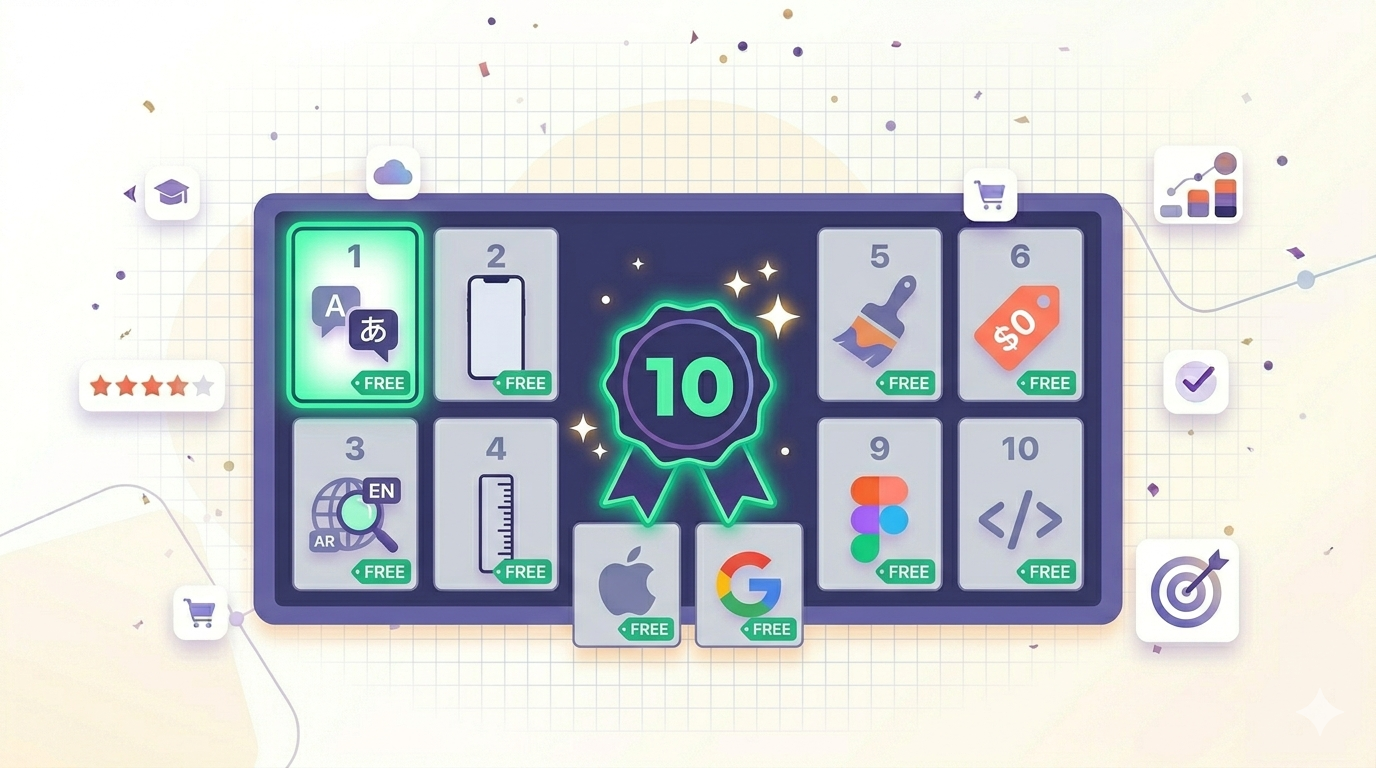
This roundup walks through ten tools we use or recommend in our own workflow. Some are ours, most are not. We ranked them by where they fit in a real pipeline, and called out what is free and what is gated. For the broader ASO toolbelt, our best ASO tools of 2026 roundup covers the paid landscape.
Why Use Free App Store Screenshot Localization Tools?
The obvious answer is cost. The less obvious answer is iteration speed. When localization is free at the margin, you stop treating it as a quarterly project and start shipping it alongside every feature release. A team that localizes once a year almost always loses to a team that localizes every sprint, because the second team learns faster.
Free tools also let small teams compete with funded studios. You do not need a six figure tooling budget to ship a properly localized listing. The free app store screenshot localization tools in this list are the ones we would reach for if we were starting from zero today.
One caveat. Free tools optimize for the common case. The moment your needs get specialized, for example bulk regenerating 40 locales every release, you will outgrow them. Start free, prove the workflow, then upgrade only where the pain is real. We cover that at the end of this post and in our ASO 2026 pillar.
Quick Comparison: Free App Store Screenshot Localization Tools
| Tool | Free features | Limitations | Best for |
|---|---|---|---|
| Shotlingo Free Tools | Text expansion calculator, locale code lookup, RTL preview | No bulk rendering on the free tier | Pre flight checks before you commit to a design |
| AppLaunchPad Free Tier | Template based screenshot builder, multiple device frames | Watermark on free exports, limited locale tooling | One off screenshot mockups with no localization layer |
| Mockupper | Free device mockup generator, common iPhone and iPad frames | No translation or text layer support | Wrapping a finished screenshot in a device frame |
| Apple Localization Glossary | Official Apple terminology in 40 plus languages | Terminology only, not full translation | Getting platform terms like Settings or Wallet exactly right |
| Google Translate | Free machine translation for 130 plus languages | Tone is often flat, idioms break | First pass translation before human review |
| DeepL Free | Higher quality translation for European and East Asian languages | Character cap on free tier, fewer languages than Google | Polishing marketing copy in supported languages |
| Figma Community Templates | Free downloadable App Store screenshot templates | Manual swap for each locale, no automation | Designers who already live in Figma |
| AppScreens Free Tier | Template based screenshot maker with starter export | Locked premium templates and exports on free plan | Trying a competing tool before you commit |
| Xcode Simulator | Capture pixel perfect screenshots in any locale Apple supports | Mac only, no marketing layer | Generating the raw source screenshots you will localize |
| Shotlingo Locale Code Lookup | Search and copy the exact App Store Connect locale code | No translation features, lookup only | Avoiding the classic en-US vs en-GB mistake |
10 Best Free Tools for App Store Screenshot Localization
Here is the full breakdown, ordered roughly by where each tool fits in the workflow rather than by raw quality.
1. Shotlingo Free Tools
Our own free toolset lives at /tools and is built for the pre flight stage of localization. The three tools we ship for free are the Text Expansion Calculator, the App Store Locale Code Lookup, and the RTL Screenshot Preview.
What is free: All three tools, no signup gate. What is limited: Bulk rendering, AI translation, and the full template library are paid. Best for: Validating that your English copy will not overflow once translated, confirming the locale code Apple expects, and seeing how Arabic or Hebrew breaks your composition before you ship to a translator.
2. AppLaunchPad Free Tier
AppLaunchPad is one of the older template based screenshot makers and still has a usable free tier. You pick a template, drop in a device frame and some copy, and export. The free export carries a small watermark.
What is free: Template library, device frames, basic export. What is limited: Watermark removal and bulk locale automation sit behind the paid tier. Best for: Solo developers who want a quick mockup to share with stakeholders.
3. Mockupper
Mockupper focuses narrowly on wrapping a flat screenshot in a realistic device frame. It is not a localization tool by itself, but it solves a real subproblem. Once you have a localized screenshot rendered, you still need to present it in a frame that matches Apple's current device generation.
What is free: Most device mockups and exports. What is limited: No text layer, no translation, no template logic. Best for: The last step of a workflow where you already have the localized image and just need a frame.
4. Apple Localization Glossary
Apple publishes an official localization glossary that contains the canonical translation of every platform term, from Settings to Wallet to Sign in with Apple, in more than 40 languages. If your screenshot copy uses an Apple specific term, you should pull it from this glossary, not a generic translator. Browse it at developer.apple.com/localization.
What is free: The entire glossary, including downloadable AppleGlot files. What is limited: Terminology only, so you cannot translate full sentences. Best for: Making sure your German screenshot uses the canonical Apple term.
5. Google Translate
The default baseline for free machine translation. Google Translate covers 130 plus languages, runs in the browser, and is free. The tone is often flat and it struggles with idiomatic marketing copy, but for a first pass it is fine.
What is free: Everything, plus the API up to a generous quota. What is limited: Quality varies by language pair. Japanese, Korean, and Arabic output usually needs heavier human editing. Best for: Getting a rough translation in front of a native reviewer fast.
6. DeepL Free
DeepL has earned a reputation for nuanced translation, particularly between European languages and into Japanese. The free tier is generous enough that most solo developers will never pay.
What is free: Web translation with a monthly character cap, browser extensions, basic desktop app. What is limited: Fewer languages than Google, no glossary on the free tier. Best for: Polishing short marketing copy where tone matters. Try it side by side with Google at deepl.com and pick the more natural output.
7. Figma Community Templates
The Figma Community is full of free App Store screenshot templates, many of them surprisingly well built. You download the template, duplicate the page per locale, and swap copy by hand.
What is free: Most community templates and the Figma free tier. What is limited: No automation. Every locale is a manual duplicate, which gets painful past three or four languages. Best for: Designers who want full control over composition.
8. AppScreens Free Tier
AppScreens is a competing template based screenshot tool with a real free tier. You can build a screenshot, preview it, and export a starter version without paying.
What is free: Basic templates, starter exports, locale switcher in preview. What is limited: Premium templates and bulk export sit on the paid plan. Best for: Comparing the template based approach before you settle on one tool.
9. Xcode Simulator (Apple Sandbox)
Xcode ships with the iOS Simulator, which lets you change device language and region and capture pixel perfect screenshots of your real app in any Apple supported locale. The screenshots come out at the exact resolution Apple expects for App Store Connect, which saves a step downstream.
What is free: Everything. Xcode is a free download from the Mac App Store. What is limited: Mac only, and the Simulator captures the app, not the surrounding marketing layer. Best for: Generating the raw source screenshots that every other tool in this list will frame, caption, and localize.
10. Shotlingo Locale Code Lookup
We list our App Store Locale Code Lookup twice for a reason. App Store Connect expects very specific locale codes, for example en-GB for British English and pt-BR for Brazilian Portuguese, and getting the code wrong means your upload silently fails or attaches to the wrong locale.
What is free: The full lookup, no signup. What is limited: Reference tool, not a translator. Best for: Anyone who has ever wondered why their Spanish screenshots were not showing up in Mexico because they used es-ES instead of es-MX.
How to Combine Free Tools for a Full Localization Workflow
A toolbox is only useful if you know the order to reach for things. Here is the workflow we recommend to teams who want to go fully free, end to end.
- Capture the source screenshots. Use Xcode Simulator to grab raw frames in your primary locale, usually
en-US. - Validate locale codes. Run every target market through the Locale Code Lookup so you are not guessing.
- Check text expansion. Drop your headline into the Text Expansion Calculator to confirm German and Russian will not overflow.
- Translate the copy. First pass through Google Translate or DeepL Free, then validate Apple specific terms against the Apple Localization Glossary.
- Preview right to left layouts. Use the RTL Screenshot Preview before you commit to an Arabic or Hebrew design.
- Compose the screenshot. Use a Figma Community template, AppLaunchPad free, or AppScreens free to lay out the marketing layer.
- Frame the final image. Run it through Mockupper for the device frame if your template did not handle it.
- Upload. Submit through App Store Connect with the locale codes you validated in step 2.
This gets you a fully localized App Store listing without spending a cent. It is slower than a paid pipeline past three or four locales, but it ships. For the strategic side, our localization hub walks through it locale by locale.
When to Upgrade to Paid Tools
Free is not free forever. Three signals tell you it is time to spend money.
You are localizing into more than five markets. The manual duplicate step in Figma or AppLaunchPad starts costing more in designer time than a paid tool would cost outright.
You ship screenshot updates every release. If your screenshots are a living asset, automation pays for itself in the second month. Bulk rendering and template inheritance are the features you will miss first.
You are running paid CPP experiments. Custom Product Pages multiply screenshots by locales. The math gets ugly fast, and free tools are not built for that volume.
If any of these describe you, create a Shotlingo account and try the paid tier alongside the free tools you already use.
FAQ
Are free app store screenshot localization tools good enough for production?
For one to three locales, yes. The combination of Xcode Simulator, DeepL Free, the Apple Localization Glossary, and a Figma template will get you to a shippable result. Past three locales, the manual labor cost starts to outweigh the price of a paid tool.
Which free translation tool is best for App Store copy?
For European languages and Japanese, DeepL Free usually reads more naturally than Google Translate. For everything else, Google Translate has wider language coverage. Run both and pick the output that needs less editing. Always have a native speaker review the final copy.
Can I localize App Store screenshots without a Mac?
Mostly yes. You can do translation, layout, and framing on any operating system using browser based tools. The one step you cannot do without a Mac is the Xcode Simulator capture. Some teams rent cloud Macs for that single step and run the rest of the pipeline on Windows or Linux.
Start With the Free Stack
You do not need a paid tool to ship a properly localized App Store listing in 2026. You need a clear workflow and a handful of focused free app store screenshot localization tools used in the right order. Start with our free tools hub, validate your locale codes, check text expansion, preview right to left layouts, and then layer in translation and design.
If you want to try the full Shotlingo workflow, create a free account in under a minute. The worst version of localization is the one you never ship.