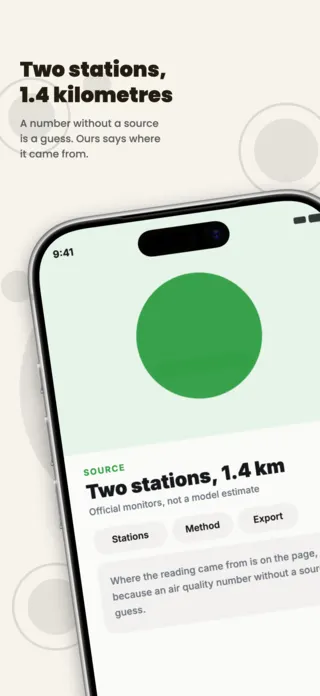
Mobile Game Esports App Screenshot Template
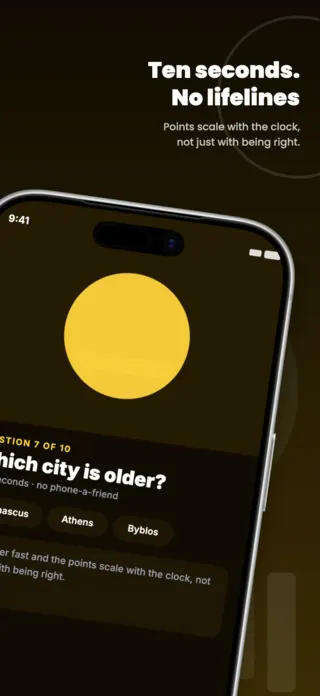
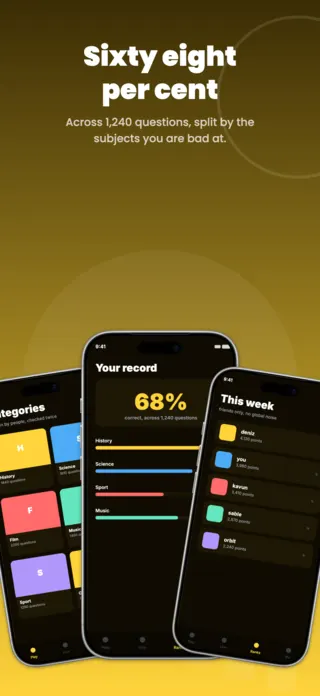
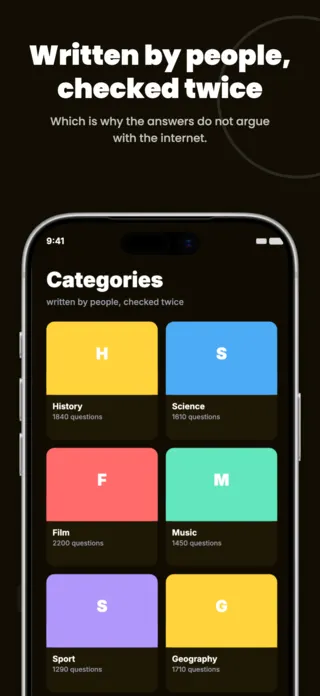
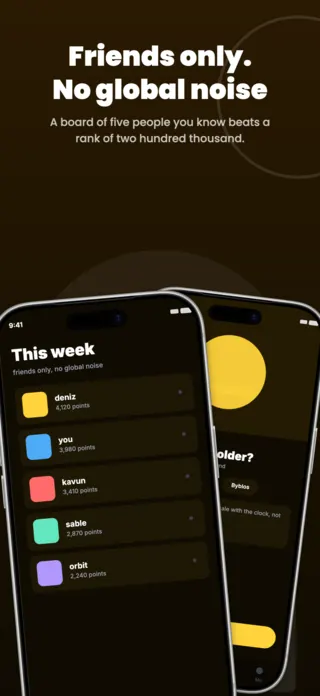
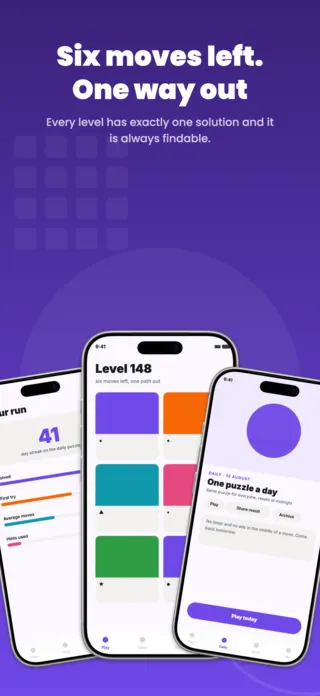
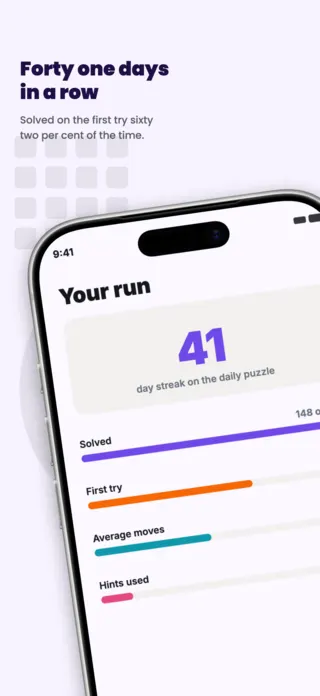
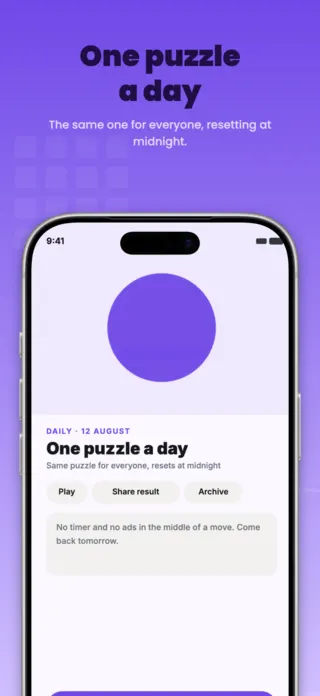
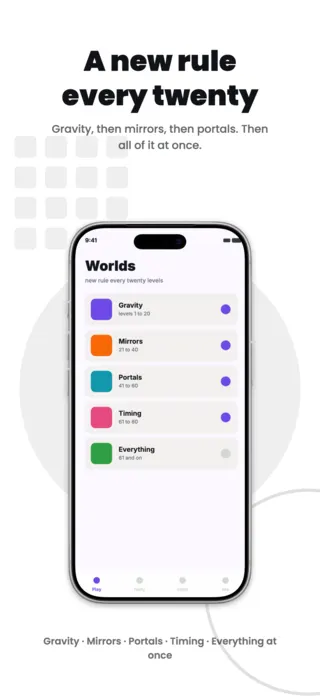
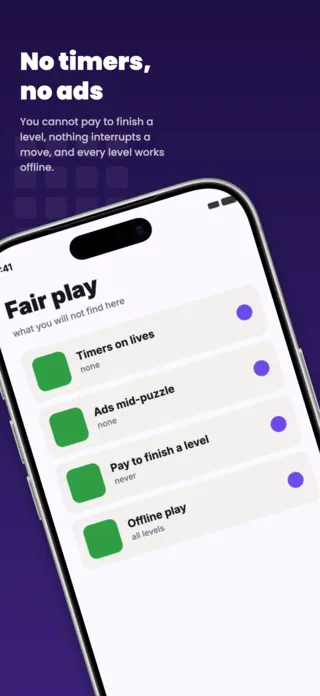
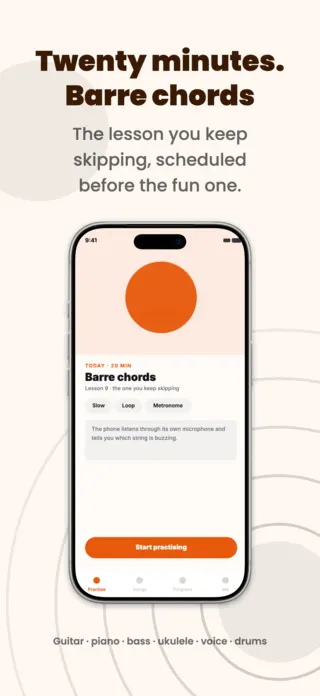
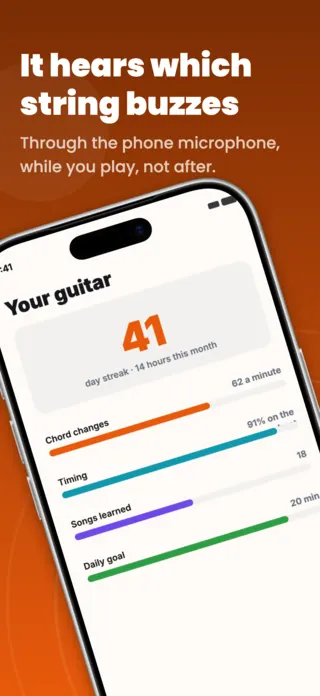
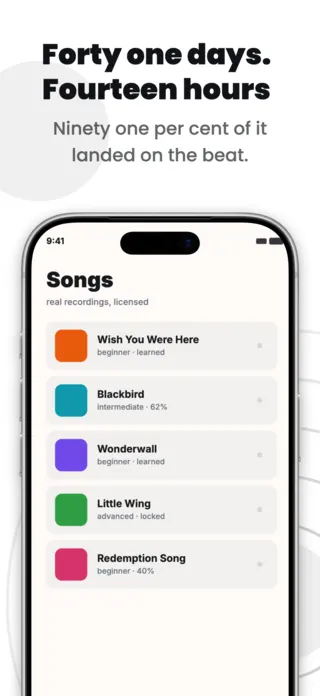
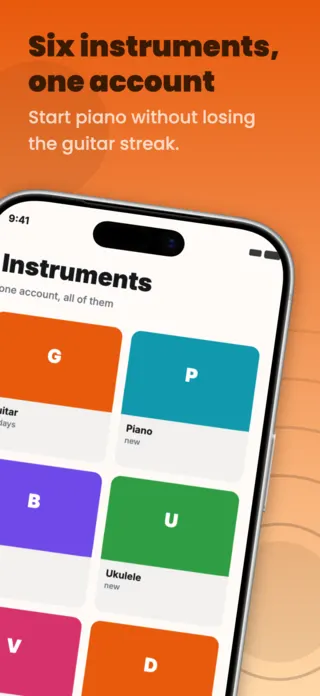
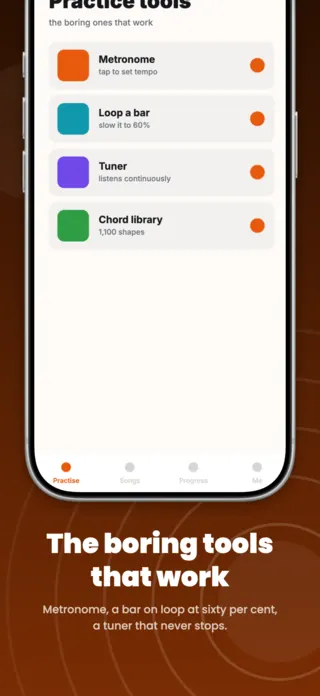
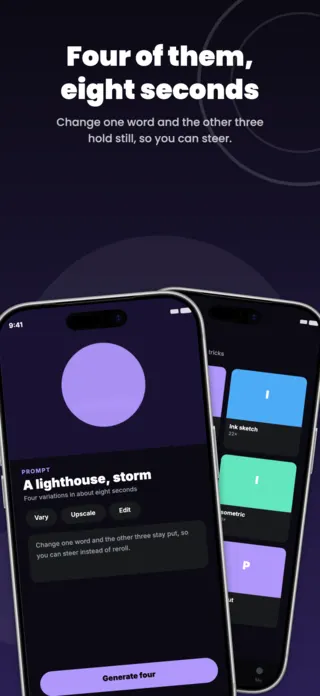
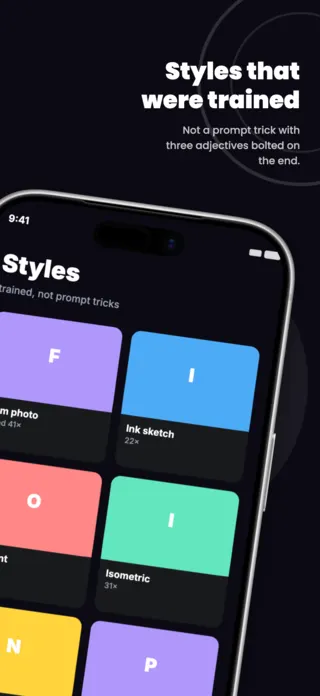
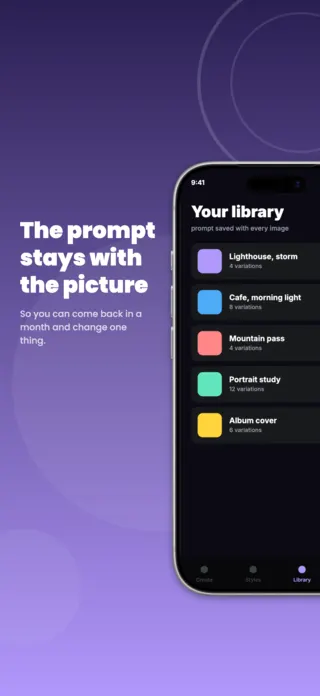
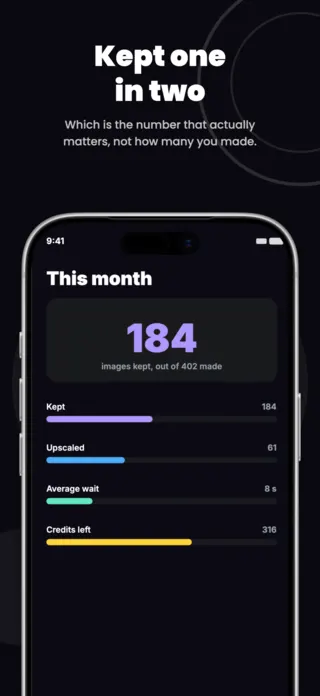
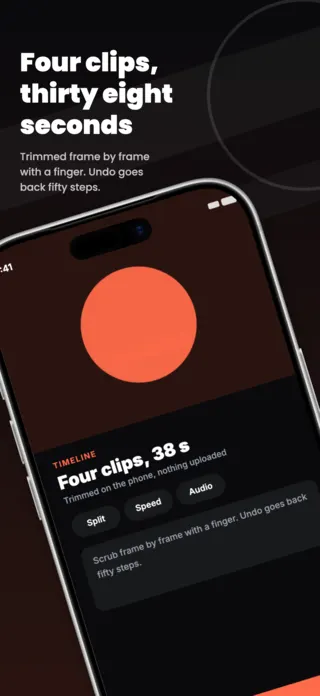
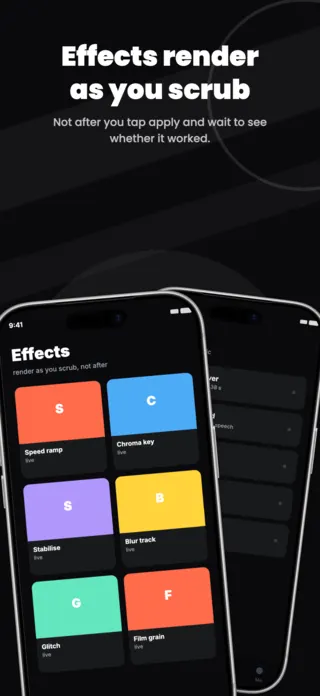
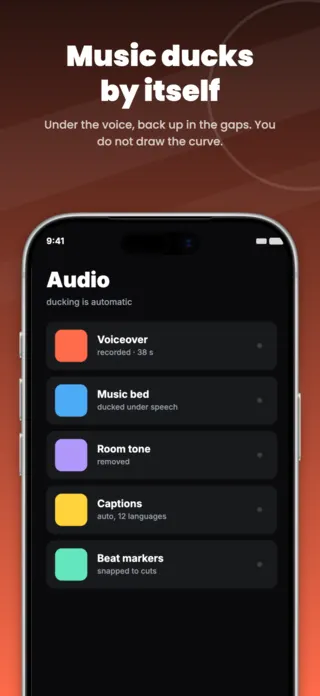
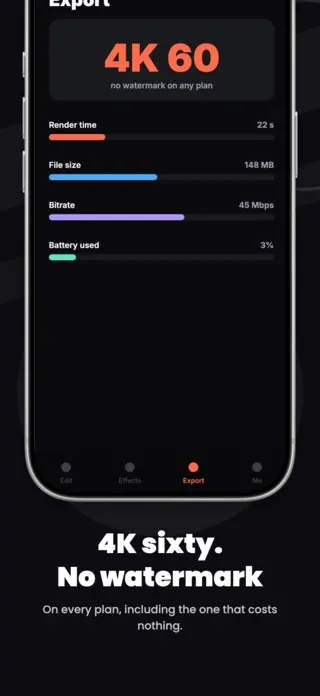
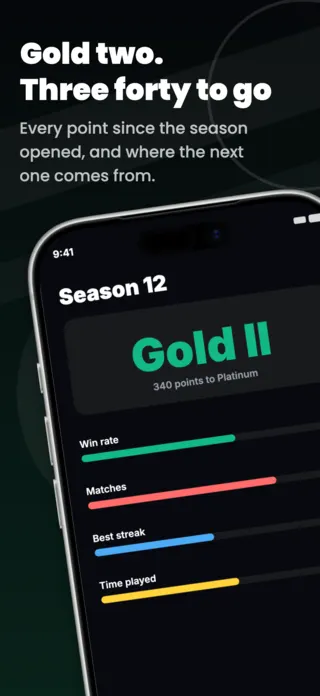
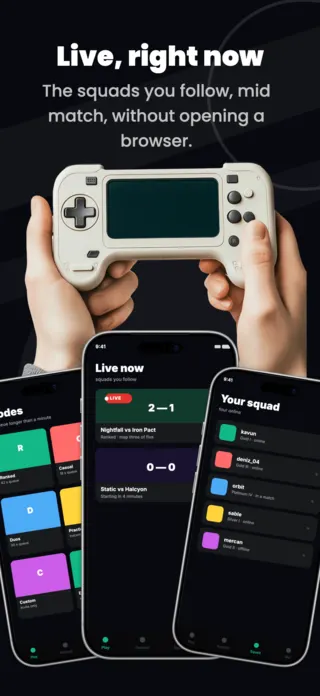
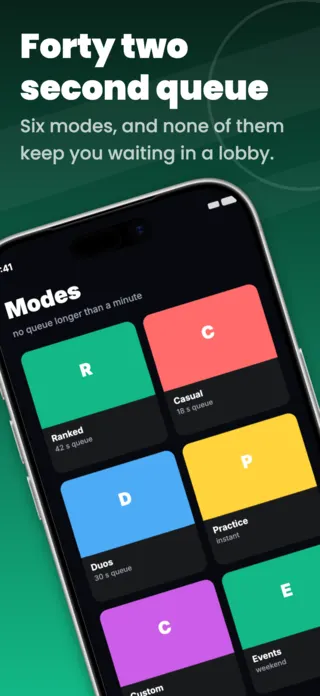
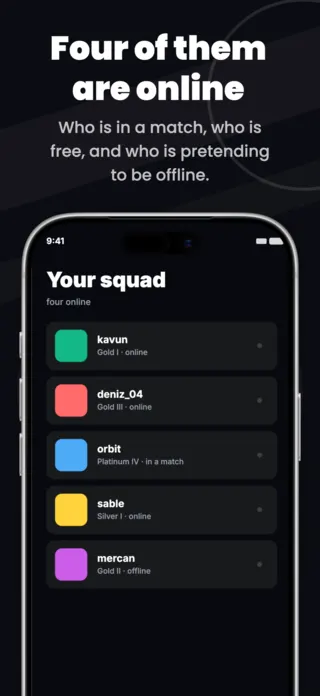
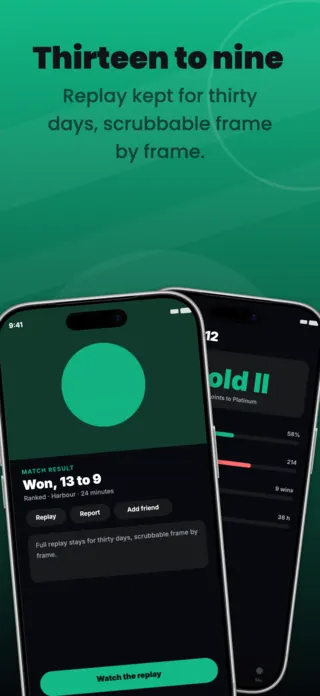
Five App Store screenshots for a competitive mobile game: rank progress, live match cards, game modes with queue times, a squad roster and a match result with replay. Black and neon green, built for a gaming store listing.
Preview pages
About this template
This mobile game esports screenshot set is part of the Shotlingo template library, a curated collection of iOS App Store screenshot designs ready to customise for your own app. Each template ships with five layered pages covering hook, key features, and social proof, and supports one-click localisation into 40+ languages.
How to use it
- Click “Use this template” to load it into the editor.
- Swap headlines, colours, and the screenshot images for your own app.
- Auto-translate every page into the languages your App Store listing targets.
- Export 1290×2796 PNGs ready for App Store Connect, or upload directly from Shotlingo.
Designing for games apps
Gameplay, mid-state, with the stakes visible: moves left, the clock running, one square from a solve. A logo splash in frame one spends the only impression you get on a name nobody knows yet.
Related templates